A change in a moonlit clearing
A kneeling figure in a forest clearing begins to change as fur surges up the arms and the spine wrenches under a full moon. Cold blue backlight through the trees, a slow arc around the hunching silhouette.
Edit prompt
Direct the werewolf change in your browser with Morphic's werewolf transformation AI video generator. Generate a hand elongating into a clawed paw as fur floods the arm, or a face pushing into a snout under moonlight. Build the score to the howl with Music, then stitch the stages on the Canvas.
A kneeling figure in a forest clearing begins to change as fur surges up the arms and the spine wrenches under a full moon. Cold blue backlight through the trees, a slow arc around the hunching silhouette.
Edit promptA tight tabletop shot of a human hand as the fingers elongate, claws curl out, and fur floods over the knuckles. A single hard side light, shallow depth of field, a slow push-in on the reshaping paw.
Edit prompt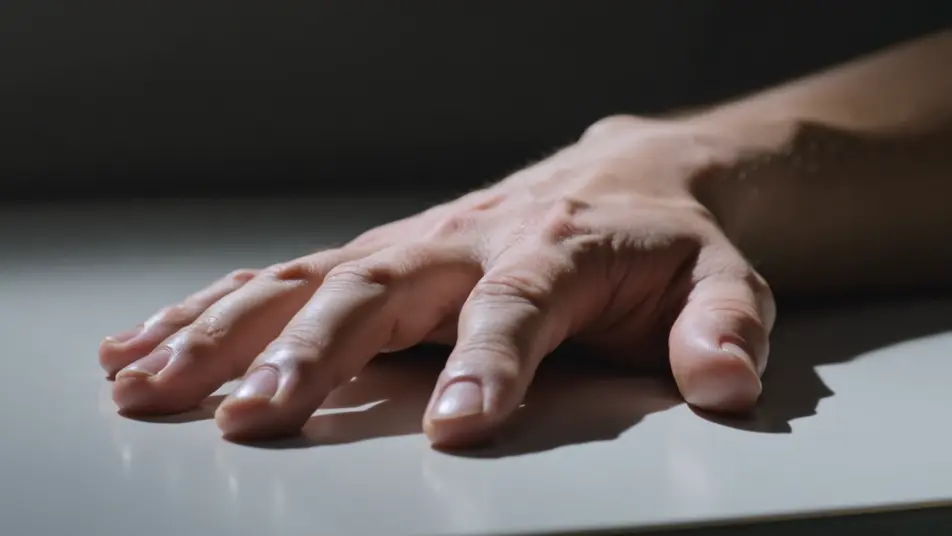
A dim room where a face stretches forward into a lupine snout, teeth lengthening as the eyes ignite amber. Low cold key from one side, a locked frame that holds on the muzzle forming.
Edit prompt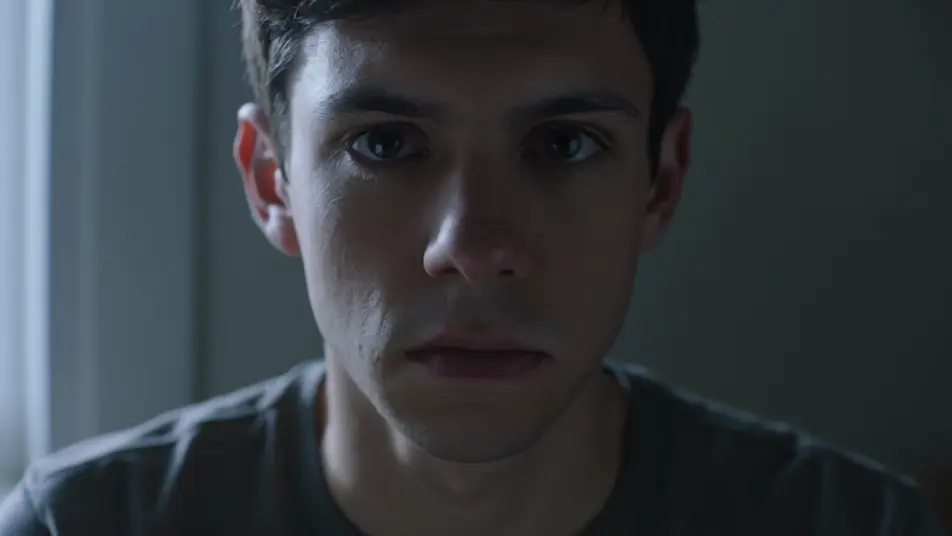
A hilltop where the completed werewolf straightens to full height and turns toward a huge low moon, fur rippling in the wind. Silver rim light, a low wide shot craning up as it lifts its head to howl.
Edit prompt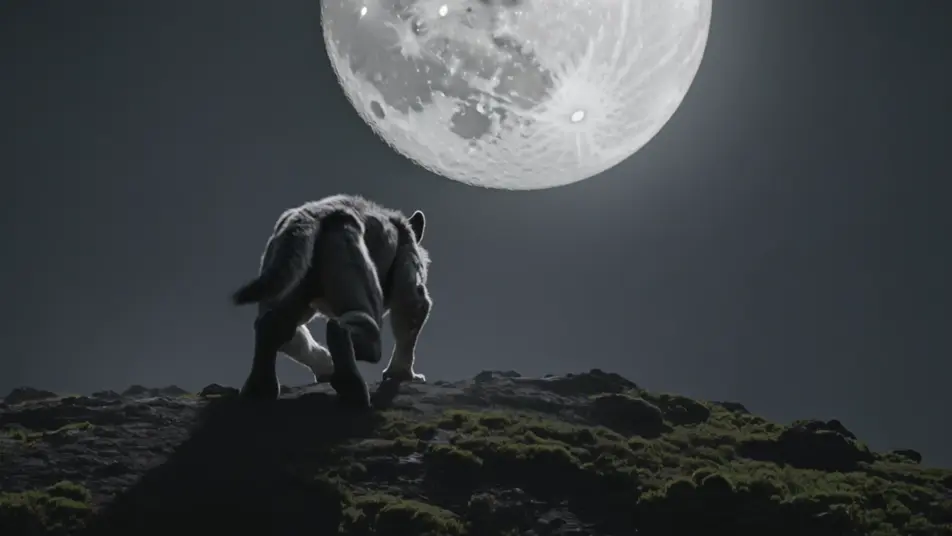
Write the werewolf transformation effect scene you want, in plain words.
Morphic generates a cinematic, frame-ready clip on your canvas in seconds.
Tweak the prompt, regenerate variations, then download or share the shot.
Cinematic time-freeze short film for any scene
Photo of any real-estate becomes a cinematic renovation timelapse video with construction SFX and music.

Dramatize any text conversation into a cinematic multi-shot video.
Restyle any video in a completely new visual style. Every frame transforms, all motion stays intact.

Generate a professional film title card from scratch, with optional cinematic animation.
One image to a 9-scene cinematic video.
AI Demonic Possession videos
Generate AI demonic possession videos with Morphic. Black-eye turns, vein surges, and body contortions from paste-ready horror prompts that just run.
AI Invisibility Effect videos
Generate AI invisibility videos with Morphic. Fade a subject transparent, cloak a figure, and stage empty-space reveals with paste-ready prompts that just run.
AI VFX videos
Generate AI VFX videos with Morphic. Explosions, energy effects, sci-fi destruction, particles, and creature shots from a prompt. No green screen, no compositing.
AI Morph videos
Generate AI morph videos with Morphic. Smooth morph transitions, shape-shifting reveals, face-aging morphs, and beat-synced morph-cut prompts that just run.
Get started for free today, with the option to upgrade or cancel anytime.
Basic
2400 monthly credits
1 user only
All models
Workflows
Standard
3625 monthly credits
1 user only
All models
Workflows
Pro
6350 shared monthly credits
1 user
All models
Workflows
Max
24650 shared monthly credits
1 user
All models
Workflows
Enterprise
For higher limits
Custom
pricing and billing terms

Free
For playing around
$0
forever free