The Lady of the Lake offers Excalibur
On a still lake wreathed in dawn mist, a pale arm rises from the water holding Excalibur upright, the blade catching the first light. Slow reverent push-in across the flat silver water.
Edit prompt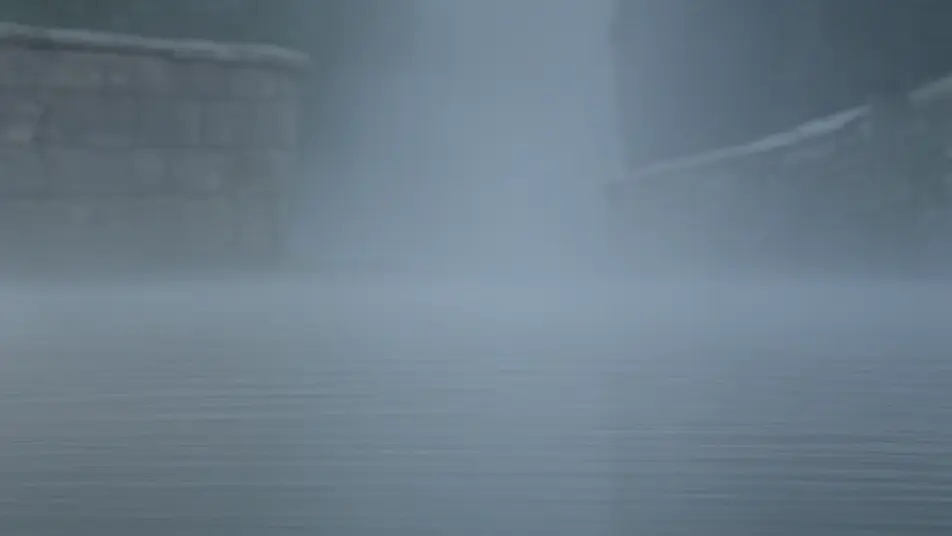
Direct the legend of Excalibur in your browser with Morphic's Excalibur AI video generator. Generate the Lady of the Lake's arm rising with the sword, Arthur drawing the blade, or Bedivere returning it. Speak the prophecy with Speech, score the battle with Music, then stitch it with the Canvas.
On a still lake wreathed in dawn mist, a pale arm rises from the water holding Excalibur upright, the blade catching the first light. Slow reverent push-in across the flat silver water.
Edit promptIn a churchyard at grey morning, the young Arthur closes both hands on the hilt and draws the sword free of the anvil-stone as the watching crowd falls silent. Low heroic angle, sparks of light along the rising blade.
Edit prompt
On a windswept battlefield at midday, Arthur raises the blazing Excalibur high and spurs forward at the head of the charge, mailed riders thundering behind him. Fast tracking shot alongside the king, the sword flashing sunlight.
Edit prompt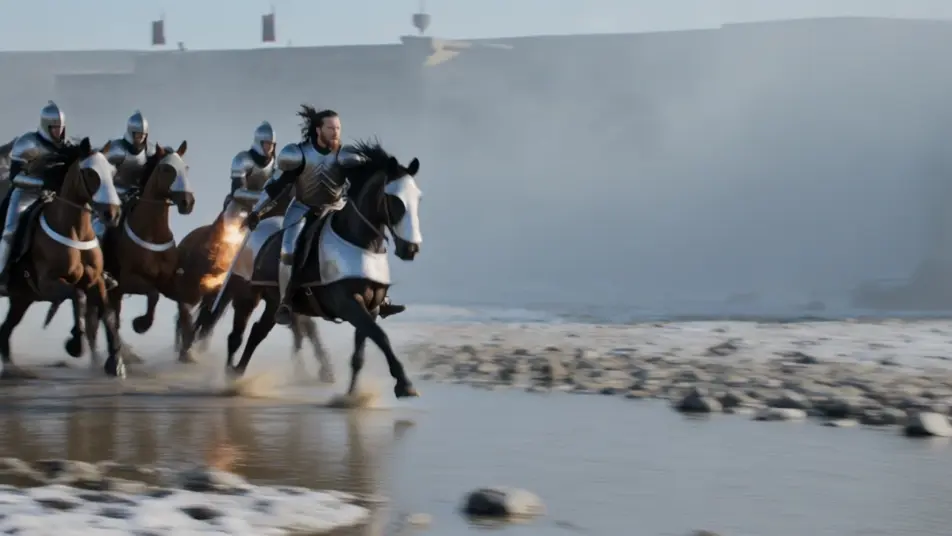
At dusk beside the darkening water, Bedivere hurls Excalibur out over the lake as the pale arm rises to catch it and draw it under, the dying Arthur watching from the shore. Wide still shot, last red light on the ripples.
Edit prompt
Write the Excalibur scene you want, in plain words.
Morphic generates a cinematic, frame-ready clip on your canvas in seconds.
Tweak the prompt, regenerate variations, then download or share the shot.

Share a scene description with character references. Get a full storyboard with shot angles and mood.

Feed in a single image. Get 9 cinematic beats laid out as a 3x3 storyboard grid.
One image to a 9-scene cinematic video.

Take any character image and generate 6 distinct facial expressions on a single reference sheet.
Cinematic time-freeze short film for any scene
Drop in a photo of yourself. Get a 12-second cinematic movie with animation and a matched soundtrack.
King Arthur AI Videos
Create King Arthur scenes: the sword in the stone, Camelot at dawn, and the last battle at Camlann. Generate Arthurian AI videos with Morphic.
Knights of the Round Table AI Videos
Create Knights of the Round Table scenes, the Grail quest, and Arthurian episodes with Morphic. Generate, narrate, and score videos from one prompt.
Arthurian Merlin AI Videos
Create Arthurian Merlin scenes: Stonehenge raised by enchantment, the sword in the stone, and the gift of Excalibur. Generate Merlin videos with Morphic.
Celtic mythology AI Videos
Create Celtic mythology scenes, Tuatha De Danann portraits, and Cu Chulainn battle shorts with Morphic. Generate, narrate, and score videos from a prompt.
Get started for free today, with the option to upgrade or cancel anytime.
Basic
2400 monthly credits
1 user only
All models
Workflows
Standard
3625 monthly credits
1 user only
All models
Workflows
Pro
6350 shared monthly credits
1 user
All models
Workflows
Max
24650 shared monthly credits
1 user
All models
Workflows
Enterprise
For higher limits
Custom
pricing and billing terms

Free
For playing around
$0
forever free