Explore Tools
What the Tools library holds, and how to find the right tool from the prompt bar.
The Tools library on Morphic gives you access to a growing collection of creative actions, from AI image generation and video creation to restyling footage, controlling motion, creating lip syncs, and more. Search by name, browse by category, and run any tool directly from the Tools tab.
Here's how to get started with Tools:
- Open Canvas or Copilot and click the Tools tab above the prompt bar
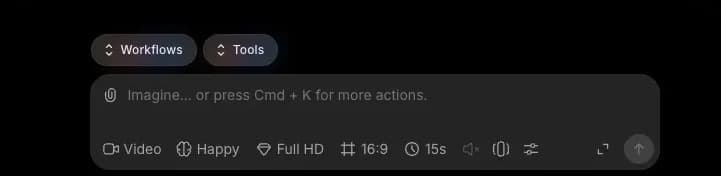
- Search for a tool by name or browse the library
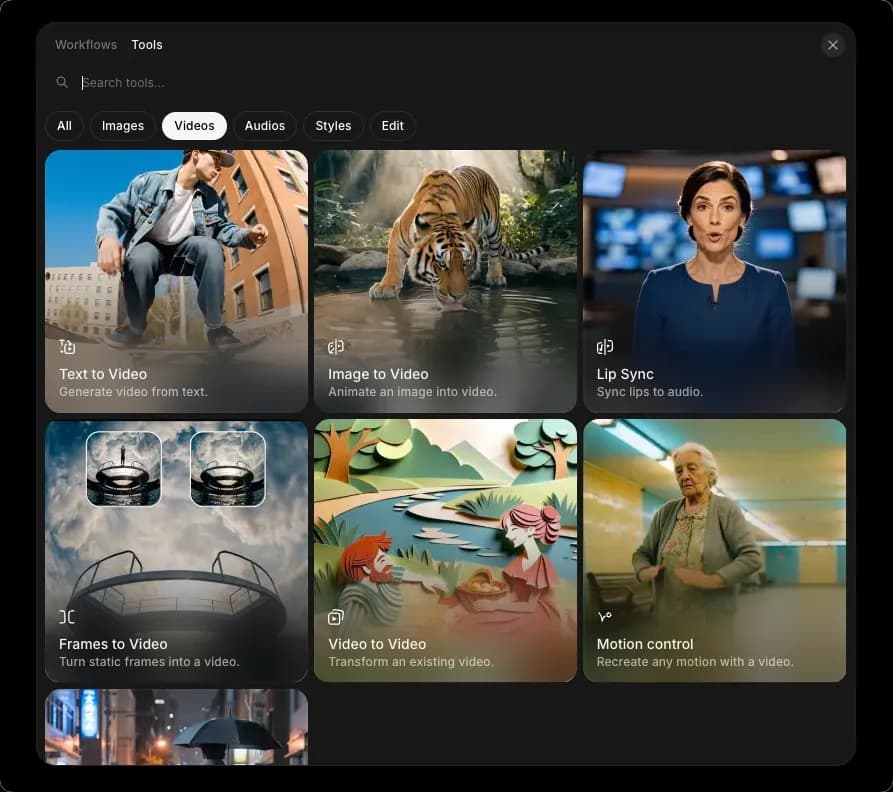
- Use the filter tabs to narrow results by category
- Select a tool. The prompt bar will adjust to that tool and guide you on what inputs are needed
- Enter your prompt, attach any requested references, and hit the blue arrow
Alternatively, tools are also available at morphic.com/tools, where you can browse the full library and run any tool directly.
That's how you can use tools in Morphic to create images, videos, lip syncs, and more directly from the prompt bar.
If you have any trouble or have any questions, feel free to reach out. We're happy to help. Write to us at support@morphic.com.