What you need
- The original video, in the language it was shot in. The fix is dubbed from the original, so keep it to hand.
- The dubbed version, and the timecode of the line that is wrong.
- What the line should say: the name or word to keep as it is, or the corrected translation.
- A Morphic paid plan. The lip-synced dub is on every paid plan; on the free plan Morphic dubs the audio track only.
How do I fix one wrong line in an AI dub without redoing the video?
Re-dub the scene the line sits in and leave the other scenes as they are. Morphic Dub cannot patch a single line inside a finished dub: each run takes one clip and returns that whole clip dubbed. The fix is as small as the clip you give it.
Find the line and decide what is wrong
Note the timecode of the line in the dubbed version. A native speaker in your workspace can pin a comment to the exact frame on the Compose timeline. Then sort the problem: a name or term that was translated when it should have stayed, or a translation that says the wrong thing.
Cut that scene from the original
Put the original video on a timeline in Compose and cut at the scene breaks on either side of the line. 'Detect scenes' splits a clip at its shot changes, or cut by hand with the Blade tool. Export that section as its own clip. Cut on a pause or a shot change so the join is easy to hide later.
Re-dub the scene with the fix
Attach the scene in a Copilot chat and dub it into the same language as before. For a name or term, list it in the request, for example "Dub Video 2 into Spanish and keep the name Hope". For a wrong translation, hand Morphic Dub your own script: a timed SRT transcript of the scene and an SRT translation with the line corrected. Set the chat to 'Ask before generating' and the re-dub is not charged until you approve it.
Drop the new scene into the cut
A dub takes longer than the clip, and Morphic tells you the expected wait before it starts. When the scene lands, place it on the Compose timeline over the old version, play across both joins, and export the full video again.
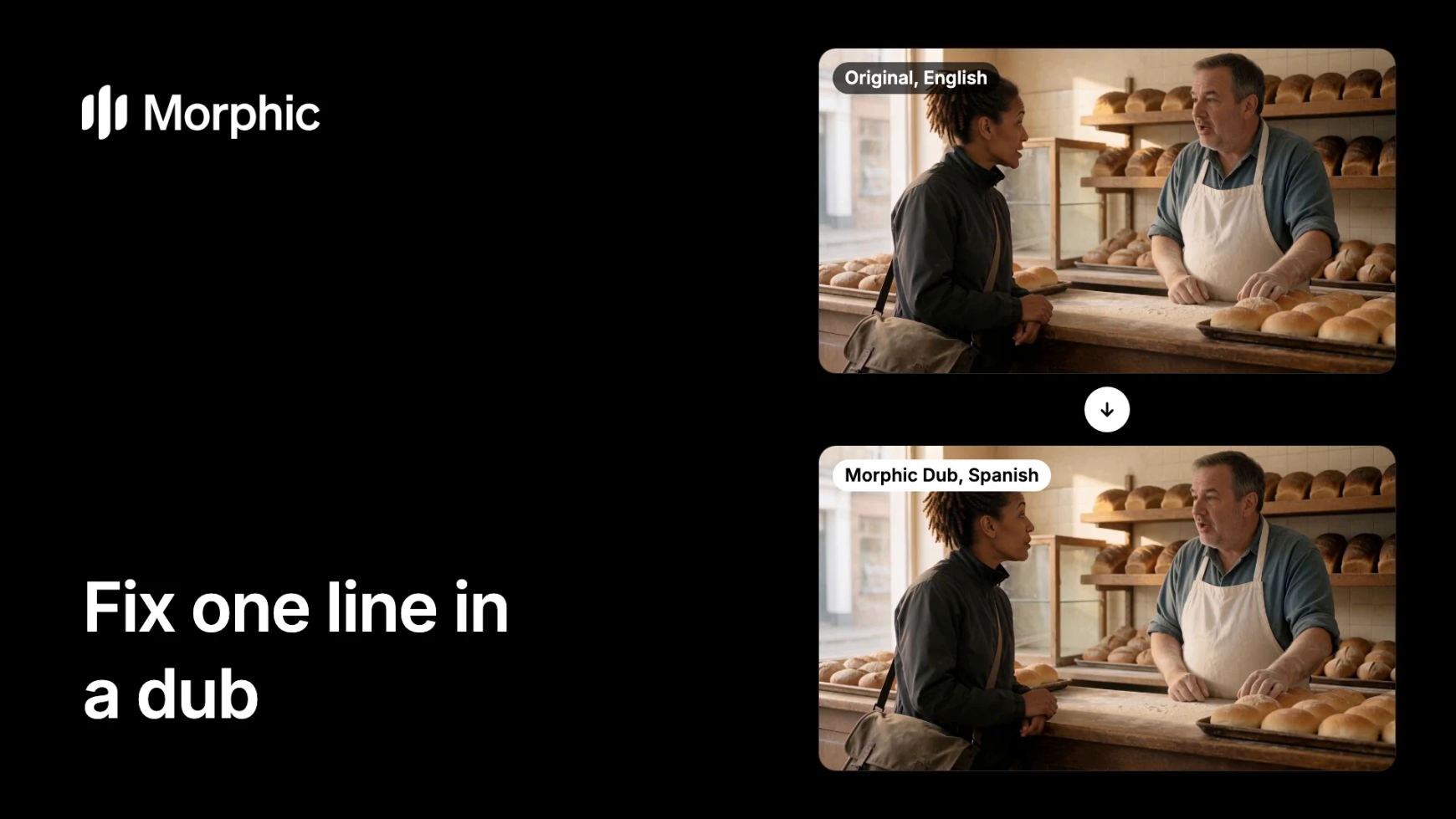
A scene re-dubbed with one name kept
Start with the English original, then switch to the Spanish re-dub. The name Hope was listed as a word to keep, so it stays a name in Spanish.
Bakery counter, English to Spanish
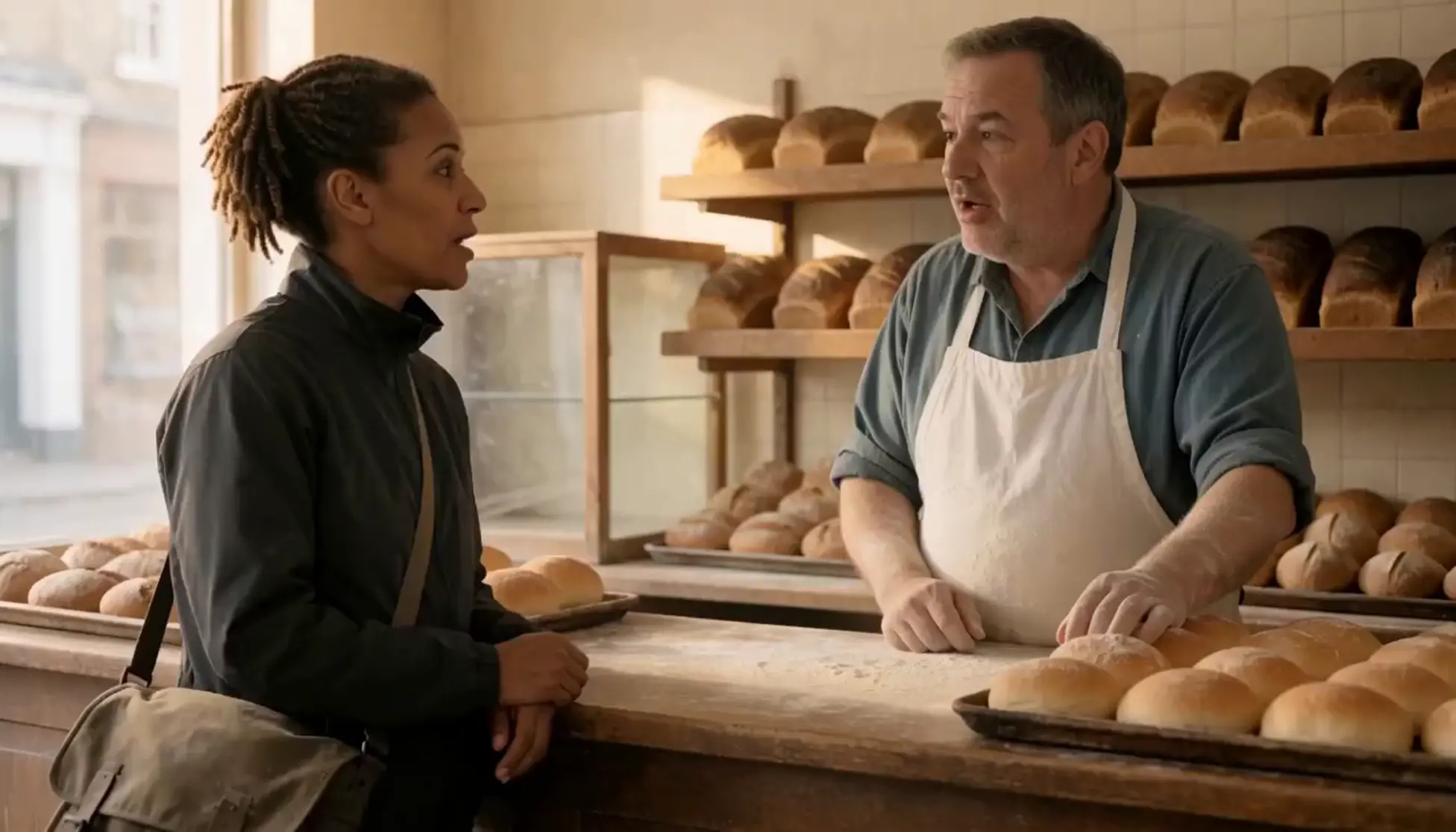
The scene after its re-dub: both people in their own voices, the name Hope kept as it is, and the oven fan and the door bell still in the mix. Shown without sound.
Tips and common mistakes
- Split before you dub. Dub a long video scene by scene from the start. When a line comes back wrong, the scene is already its own clip and the fix is one short run.
- Re-dub from the original. Give Morphic Dub the scene in its source language. Dubbing the dubbed version translates a translation.
- Collect every note first. Gather all the comments on a scene before you re-dub it, so one run covers them.
- Listen to the whole scene again. Every line in the clip is dubbed again, so check the lines that were already right as well as the one you fixed.
- Check the joins. Each run re-voices the speakers from the original afresh. Play from the scene before into the scene after and confirm the voices and the mix sit together.
- Keep the cast the same. If you cast catalog voices in the first dub, cast the same voices for the fix.
- Fix text in the frame separately. A re-dub changes speech. A wrong title, sign or burned-in caption needs a new shot or a new subtitle.
- Expect the plain language. A re-dub cannot add a regional accent, because Morphic Dub has none.
Other ways to fix a dubbed line
- Only the subtitle is wrong. Correct the subtitle file and leave the dub alone. The AI subtitle translator page covers subtitle files.
- The video is short. For an ad or a reel, re-dub the whole clip with the fix in the request. See multilingual ad dubbing.
- A different voice for one person. Re-dub the scene and ask Copilot to cast a voice from Morphic's voice catalog for that speaker.
- Starting a new dub. How to dub a video covers the first pass, and the AI video dubbing page has examples.
FAQs
Cut the scene the line sits in from the original video, re-dub that scene with Morphic Dub, naming the word to keep or supplying the corrected translation, and place the new scene over the old one in Compose. The other scenes stay as they are.
No. Morphic Dub dubs a whole clip in each run and has no control for patching one line inside a finished dub. The smallest fix is the clip you cut, so trim the scene tightly around the line.
Each speaker is re-voiced in their own voice again, from the original performance. That voice is made for each run, so play across the joins and confirm the voices and the mix sit together. If you cast catalog voices, cast the same ones.
List it in the request, for example "keep the name Hope". Morphic Dub keeps the names and places you list as they are.
Yes. Hand Morphic Dub a timed SRT transcript of the scene and an SRT translation with the line corrected, and it dubs from your script.
A dub is charged on the length of the clip you give it, so a short scene is a smaller charge than the full video. An estimate is taken when the run starts and settled to what it used, and a failed run is refunded. Plans are on the pricing page.