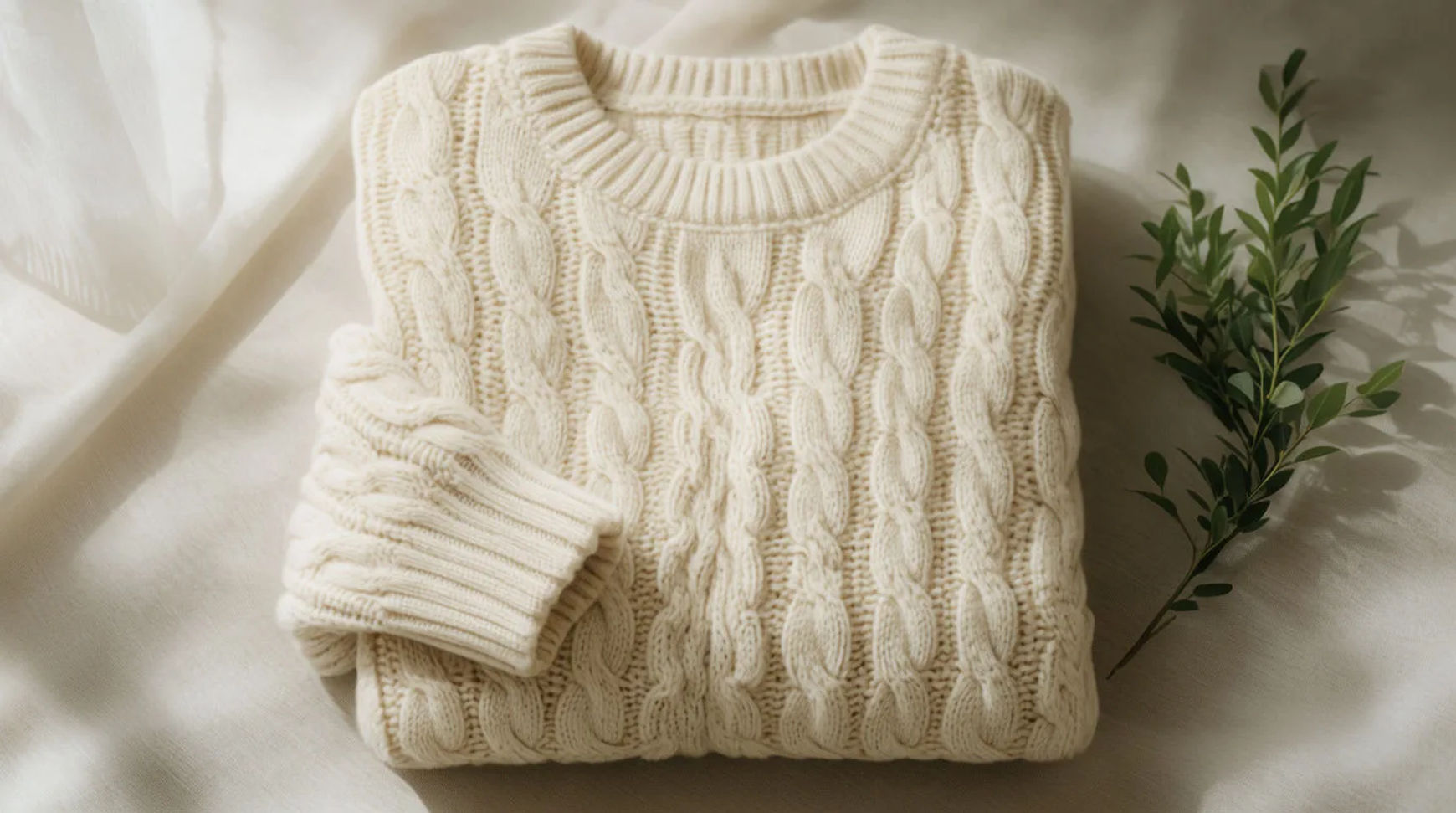
A clothing brand ad is usually one of a few recurring formats: a lookbook still, an on-model scene, a flat lay, a detail shot, and a motion edit. A small label makes each of these from its own garment photos, generating the scene around the real piece so the fabric, cut and colour stay exact.
| Format | What it shows | Where it runs | How to make it |
|---|---|---|---|
| Lookbook still | The garment styled on a clean set | Feed, lookbook | Generate a styled set around the real garment |
| On-model scene | The piece worn in a setting | Feed, ads | Build a model and scene around the saved garment |
| Flat lay | The garment laid flat with accessories | Feed, email | Compose a flat-lay scene around the real piece |
| Detail shot | The fabric, stitch or trim up close | Feed, product page | Generate a macro scene around the real garment |
| Motion edit | The piece in a short styled clip | Reels, stories | Animate a still with image-to-video |
Formats that work in clothing ads
Lookbook still
What it shows: The garment styled on a clean, considered set that matches the brand's look. Why it converts: It frames the piece as part of a collection rather than a single listing. The example generates the set around the fictional label's real garment photo and keeps the fabric exact.
On-model scene
What it shows: The piece shown worn, in a setting the buyer recognises. Why it converts: Seeing a garment in context helps a buyer picture the drape and fit. This is a reference-driven scene, not a fitting: the example saves the real garment photo as the reference and generates a model and setting around it, so the piece reads as the one you sell.
Flat lay
What it shows: The garment laid flat with a few styled accessories. Why it converts: A flat lay suits the feed and an email header and keeps attention on the piece. The example arranges a generated scene around the real garment.
Detail shot
What it shows: The fabric weave, a stitch, a button or a printed trim up close. Why it converts: A macro shot reads as quality and shows the materials honestly. The example generates the scene and light while the real garment stays sharp.
Motion edit
What it shows: The piece in a short styled clip, a slow turn or a fabric-catching-light moment. Why it converts: Motion earns attention in reels and stories where a still scrolls past. The example animates a styled still rather than filming a shoot.
Make each format with AI
Every format starts the same way: lift the real garment off its background, save it as a reference, then generate the scene around it.
- Upload the garment photo and lift the piece off its background on the Canvas
- Save it as a reference so the fabric, cut and colour stay exact
- Describe the format's scene (lookbook, on-model, flat lay, detail, motion) and generate variations
Tool: AI fashion model generator. Keep the lift-and-generate steps as a saved Workflow so each new drop reuses the same recipe.
Clothing-specific rules
Apparel sells on the garment reading true, so the creative has a few limits the scene generation does not remove:
- Keep the garment exact. The fabric, cut, colour and any print or trim stay as shipped; only the model and scene are generated.
- On-model is a generated scene, not a try-on. Build the model and setting from the real garment photo as a reference; do not present it as a virtual fitting of a shopper's body.
- No invented endorsements or reviews. Do not add a quote, a rating or a testimonial you cannot source.
- Keep the fit honest. Style the piece as it actually sits; do not generate a drape or silhouette the garment does not have.
Static vs video versions
Each static format has a motion version. A lookbook still becomes a slow push-in; an on-model scene becomes a gentle turn; a detail shot becomes a fabric-in-light clip. Animate the still with image-to-video, keep the motion subtle, and export a 9:16 for reels and a 1:1 for the feed. For the full video method, see how to make a clothing product video from photos.
For where clothing ads fit in a week of store content, see how to use AI for your Shopify store.