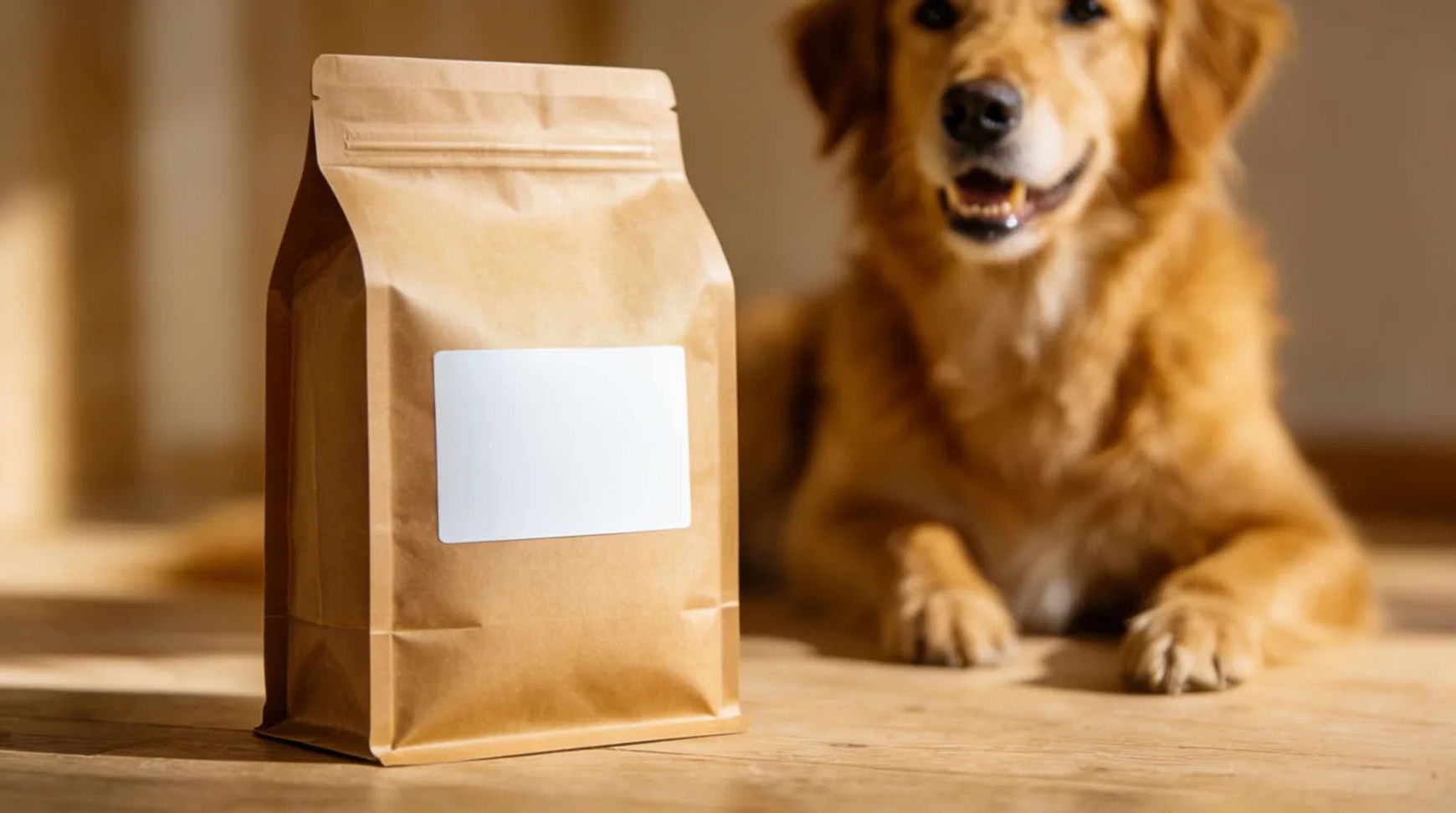
A pet product ad is usually one of a few recurring formats: a pet-in-scene, a product-in-frame, a lifestyle shot, a flat lay, and a gift shot. A small brand makes each of these from one clean product shot, generating the pet and setting around the real product so the packaging stays exact.
| Format | What it shows | Where it runs | How to make it |
|---|---|---|---|
| Pet in scene | A pet with the product in a real setting | Feed, ads | Generate a pet and scene around the saved product |
| Product in frame | The product on a clean styled surface | Feed, product page | Place the real product in a generated scene |
| Lifestyle shot | The product in a home or outdoor routine | Feed, stories | Build a lifestyle setting around the product |
| Flat lay | The product among everyday pet objects | Feed, email | Compose a flat-lay scene around the real product |
| Gift shot | The product boxed or ribboned as a present | Feed, stories | Generate a gift setting around the real product |
Formats that work in pet product ads
Pet in scene
What it shows: A dog, cat or other pet with the product in a believable setting, a living room, a yard, a walk. Why it converts: The pet carries the warmth and the product earns trust by sitting in a real moment. The example generates the pet and scene around the fictional brand's real product and keeps the packaging exact.
Product in frame
What it shows: The product on its own, on a clean styled surface. Why it converts: A clean product shot anchors the product page and the carousel. The example places the real product in a generated scene with controlled light.
Lifestyle shot
What it shows: The product in a home or outdoor routine, by a bed, a bowl or a leash. Why it converts: It shows where the product lives without needing the pet in every frame. The example generates the setting around the real product.
Flat lay
What it shows: The product among everyday pet objects on a styled surface. Why it converts: A flat lay suits the feed and an email header and groups the product with its world. The example arranges a generated scene around the saved product.
Gift shot
What it shows: The product boxed, ribboned or set with a card as a present. Why it converts: It positions the product for gifting occasions and new-pet moments. The example composes the real product in a generated gift setting.
Make each format with AI
Every format starts the same way: lift the real product off its background, save it as a reference, then generate the pet and scene around it.
- Upload the product photo and lift the product off its background on the Canvas
- Save it as a reference so the packaging and labelling stay exact
- Describe the format's scene (pet in scene, product in frame, lifestyle, flat lay, gift) and generate variations
Tool: AI ad generator. Keep the lift-and-generate steps as a saved Workflow so each new product reuses the same recipe.
Pet-specific rules
A pet product ad works when the product reads true and the pet moment stays believable, so the creative has a few limits the scene generation does not remove:
- Keep the product exact. The packaging, labelling and any instructions stay as shipped; only the pet, setting and props are generated.
- Keep the pet believable and safe. Generate an interaction a real animal would do, and do not stage the product being used in a way the label warns against.
- No invented endorsements or reviews. Do not add a quote, a rating or a testimonial you cannot source.
- Match the claim to the product. If the caption mentions ingredients or use, keep it to what the pack supports.
Static vs video versions
Each static format has a motion version. A pet-in-scene becomes a short moment of the pet noticing the product; a product-in-frame becomes a slow rotation; a lifestyle shot becomes a gentle push-in. Animate the still with image-to-video, keep the motion subtle, and export a 9:16 for reels and a 1:1 for the feed. For the full video method, see how to make a pet product video from photos.
For where pet product ads fit in a week of store content, see how to use AI for your Shopify store.