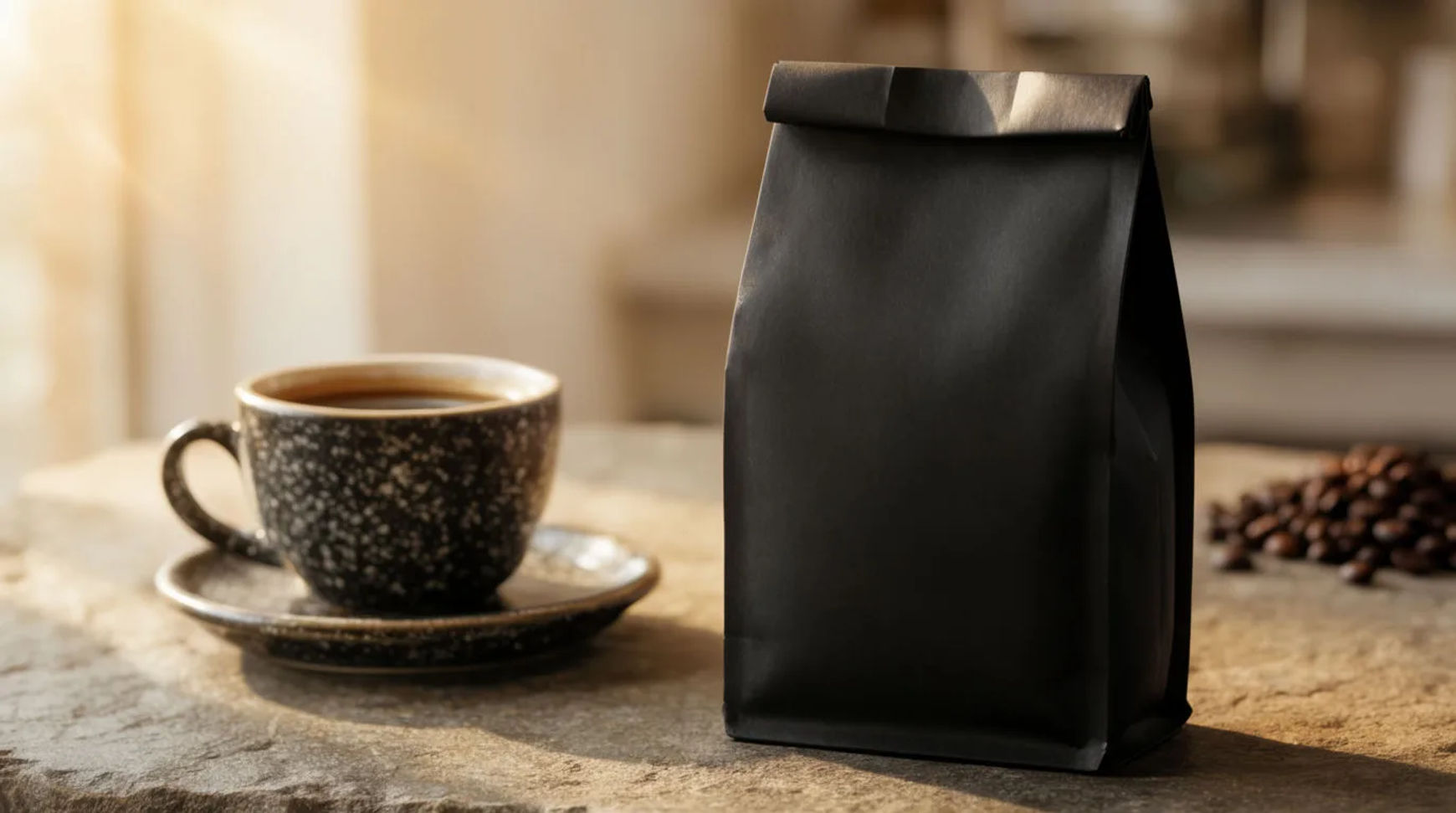
A coffee brand ad is usually one of a few recurring formats: a morning scene, a pour shot, a bag-on-counter shot, a flat lay, and a macro. A small roaster makes each of these from one clean bag photo, generating the scene around the real bag so the packaging and label stay exact.
| Format | What it shows | Where it runs | How to make it |
|---|---|---|---|
| Morning scene | The bag in a warm morning setting | Feed, ads | Place the saved bag in a styled morning scene |
| Pour shot | A cup, pour or crema moment with the bag | Feed, reels | Generate a pour scene beside the real bag |
| Bag on counter | The bag styled on a kitchen or cafe counter | Feed, product page | Build a counter scene around the real bag |
| Flat lay | The bag among everyday objects | Feed, email | Compose a flat-lay scene around the saved bag |
| Macro | The grind, beans or label up close | Feed, product page | Generate a macro scene around the real label |
Formats that work in coffee ads
Morning scene
What it shows: The bag in a warm morning setting, a sunlit kitchen, a window table, a slow start to the day. Why it converts: It ties the coffee to the ritual buyers already have. The example places the fictional roaster's real bag in a generated scene and keeps the label exact.
Pour shot
What it shows: A cup, a pour or a crema moment with the bag in frame. Why it converts: Liquid and steam signal freshness and taste in a way a flat bag cannot. The example generates a believable pour scene beside the real, unaltered bag.
Bag on counter
What it shows: The bag styled on a kitchen or cafe counter with a few props. Why it converts: A clean counter shot reads as the product in its natural home and suits the product page. The example generates the counter around the real bag.
Flat lay
What it shows: The bag among everyday objects on a styled surface. Why it converts: A flat lay suits the feed and an email header and groups the coffee with its moment. The example arranges a generated scene around the saved bag.
Macro
What it shows: The grind, the beans or the label up close. Why it converts: A macro shot reads as quality and keeps the label legible. The example generates the scene and light while the real packaging stays sharp.
Make each format with AI
Every format starts the same way: lift the real bag off its background, save it as a reference, then generate the scene around it.
- Upload the bag photo and lift the bag off its background on the Canvas
- Save it as a reference so the packaging and label stay exact
- Describe the format's scene (morning, pour, counter, flat lay, macro) and generate variations
Tool: AI ad generator. Keep the lift-and-generate steps as a saved Workflow so each new roast reuses the same recipe.
Coffee-specific rules
A coffee ad works when the bag reads true and the pour looks real, so the creative has a few limits the scene generation does not remove:
- Keep the bag exact. The packaging, label and any origin or roast wording stay as printed; only the scene is generated.
- Keep the pour believable. Cup, steam, crema and liquid should look natural rather than exaggerated, or the shot reads as fake.
- No invented endorsements or reviews. Do not add a quote, a rating or a testimonial you cannot source.
- Match the copy to the pack. If the caption names an origin, roast or tasting note, keep it to what the bag actually says.
Static vs video versions
Each static format has a motion version. A morning scene becomes a slow push-in; a pour shot becomes a short pour or steam clip; a counter shot becomes a gentle reveal. Animate the still with image-to-video, keep the motion subtle, and export a 9:16 for reels and a 1:1 for the feed. For the full video method, see how to make a product launch video from photos.
For where coffee ads fit in a week of store content, see how to use AI for your Shopify store.