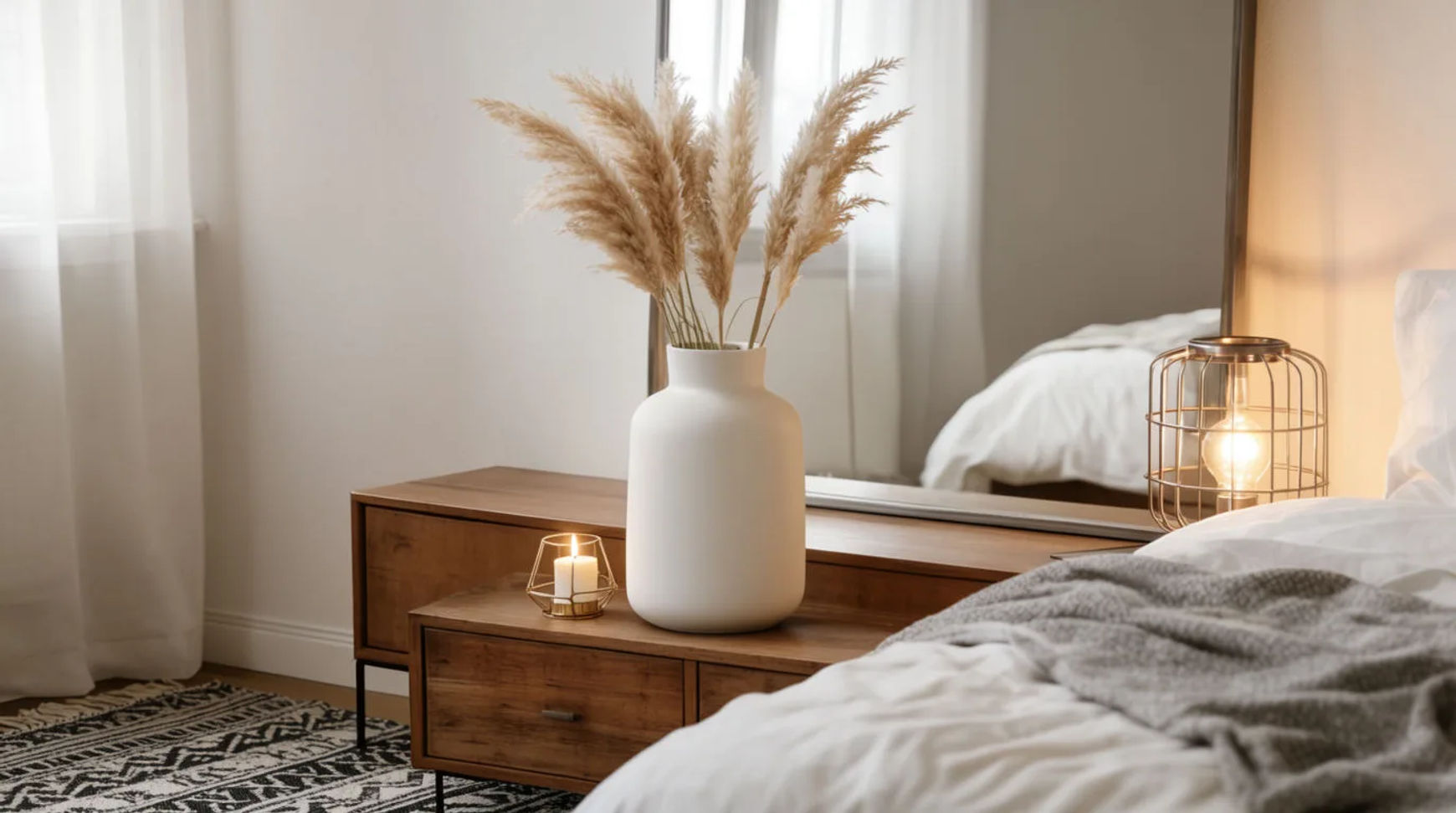
A home decor ad is usually one of a few recurring formats: an in-room scene, a styled vignette, a scale shot, a flat lay, and a seasonal shot. A small brand makes each of these from one clean product shot, generating the interior around the real piece so the shape, finish and colour stay exact.
| Format | What it shows | Where it runs | How to make it |
|---|---|---|---|
| In-room scene | The piece placed in a full room | Feed, ads | Generate a room around the saved piece |
| Styled vignette | The piece styled with a few objects | Feed, product page | Build a vignette around the real piece |
| Scale shot | The piece shown with context for size | Feed, listing | Place the real piece in a scene with scale cues |
| Flat lay | The piece among everyday objects | Feed, email | Compose a flat-lay scene around the saved piece |
| Seasonal shot | The piece styled for a time of year | Feed, stories | Generate a seasonal room around the real piece |
Formats that work in home decor ads
In-room scene
What it shows: The piece placed in a full room, a shelf, a sofa corner, a hallway. Why it converts: Seeing the piece in a room helps a buyer picture it in their own space. The example generates the interior around the fictional brand's real product shot and keeps the finish exact.
Styled vignette
What it shows: The piece styled with a few considered objects, a book, a plant, a lamp. Why it converts: A vignette sets a mood and reads as a decorated corner rather than a listing. The example builds the vignette around the real piece.
Scale shot
What it shows: The piece with context that signals its size, a chair beside a table, a vase on a mantel. Why it converts: Scale is the question buyers ask most, and a context shot answers it. The example places the real piece in a generated scene with clear scale cues.
Flat lay
What it shows: The piece among everyday objects on a styled surface. Why it converts: A flat lay suits the feed and an email header and groups the piece with its world. The example arranges a generated scene around the saved piece.
Seasonal shot
What it shows: The piece styled for a time of year, warm autumn tones, bright spring light. Why it converts: Seasonal framing makes the piece feel timely and supports gifting windows. The example generates only the seasonal room around the real piece.
Make each format with AI
Every format starts the same way: lift the real piece off its background, save it as a reference, then generate the room around it.
- Upload the product shot and lift the piece off its background on the Canvas
- Save it as a reference so the shape, finish and colour stay exact
- Describe the format's scene (in-room, vignette, scale, flat lay, seasonal) and generate variations
Tool: AI ad generator. Keep the lift-and-generate steps as a saved Workflow so each new piece reuses the same recipe.
Home decor-specific rules
A home decor ad works when the piece reads true and the room feels believable, so the creative has a few limits the scene generation does not remove:
- Keep the piece exact. The shape, finish, colour and material stay as made; only the room, light and props are generated.
- Keep scale honest. Place the piece at a believable size for the room so the context shot does not mislead on dimensions.
- No invented endorsements or reviews. Do not add a quote, a rating or a testimonial you cannot source.
- Match the copy to the product. If the caption names a material or size, keep it to what the piece actually is.
Static vs video versions
Each static format has a motion version. An in-room scene becomes a slow push-in; a styled vignette becomes a gentle pan; a seasonal shot becomes a soft light shift. Animate the still with image-to-video, keep the motion subtle, and export a 9:16 for reels and a 1:1 for the feed. For the full video method, see how to make a product launch video from photos.
For where home decor ads fit in a week of store content, see how to use AI for your Shopify store.