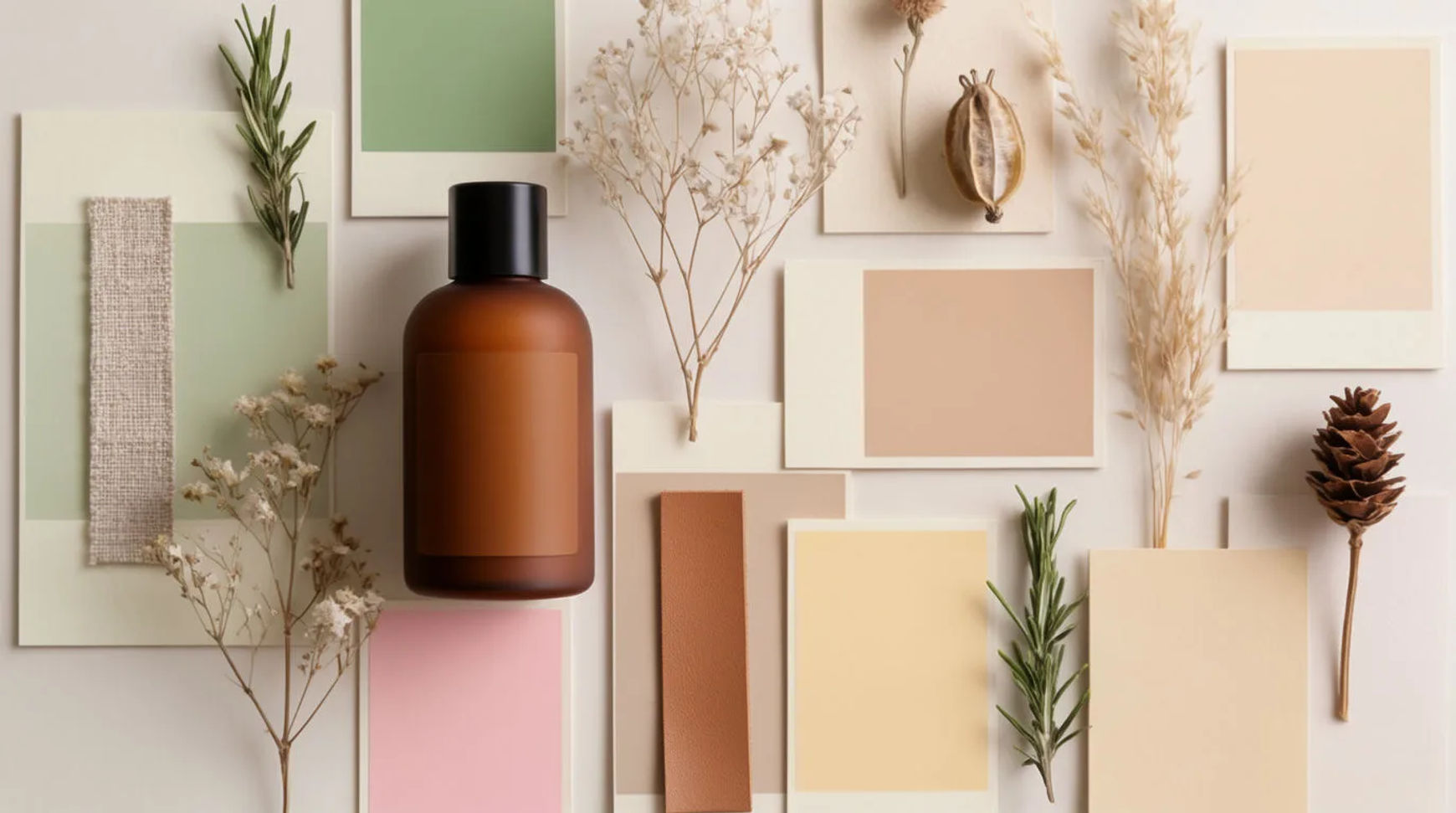
To make a collection mood board with AI, name the collection, describe its mood in a few words, and let Morphic build a board of palette and scenes from them. Save the board as a reference, and every asset in the drop can follow it by name instead of each one being described from scratch.
What you need
- A name for the collection
- A few words for the mood
- A Morphic account
Steps
Start from the mood words
Name the collection and describe its mood in plain words: the feeling, the season, the light, the texture. Avoid naming a brand or a particular artist and describe the aesthetic instead. Check the words capture a feeling you could recognise, since the board is built from them.
Build the palette and scenes
Let Morphic turn the mood words into a board, a palette and a set of scene frames that show the collection's world. Pull the frames that feel right and set aside the ones that do not. Check the board holds together as one idea rather than a spread of unrelated looks.
Save it as a reference
Save the board as a reference with a clear name. From here it is not only something to look at; it is a reference the generator reads before each asset. Nothing is learned from examples, so you can revise it any time. Check the saved reference carries the palette and mood you chose.
Use it across the drop kit
Call the reference by name when you generate the drop kit, so the covers, product shots and reels all follow the one board. Change only what each asset needs. Check the assets against the board at full size; they should read as one collection because they share a saved source.
| A board you look at | A saved reference | |
|---|---|---|
| What it is | Images on a page | A board the generator reads |
| Using it | Describe it again per asset | Called by name |
| Across the drop | Each asset interprets it | Every asset follows it |
| Changing it | Redo the brief | Update the reference |
Put it together
A mood board earns its keep when it stops being a page you glance at and becomes a reference the whole drop follows. Name the collection, describe the mood, build the palette and scenes, and save the board as a reference. Call it by name and every asset inherits the look. Carry it through how to keep AI product images consistent across a campaign and how to run a collection drop with AI, and find the angle in product launch ideas.