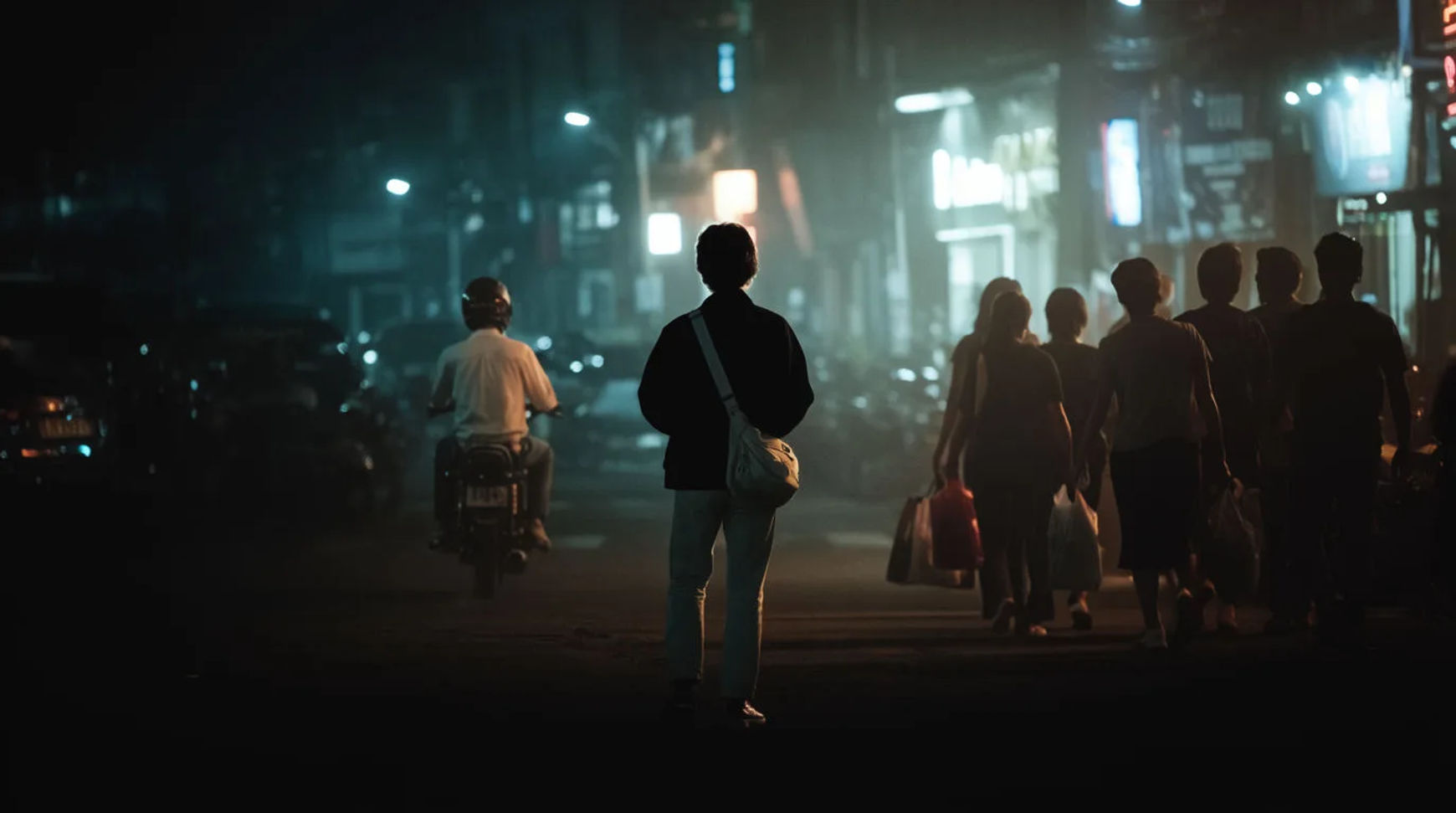
Why a film feels warm and nostalgic, or cold and tense, often comes down to one decision: its color palette. Color grading is the deliberate shaping of color across a whole film so that every scene carries the same emotional temperature. You do not need to name a single movie to use these looks, the palettes themselves are craft vocabulary, and describing them by feel is both clearer to an image model and safer to publish than referencing a specific title.
Here are the cinematic palettes worth knowing, what each one signals, and how to brief it.
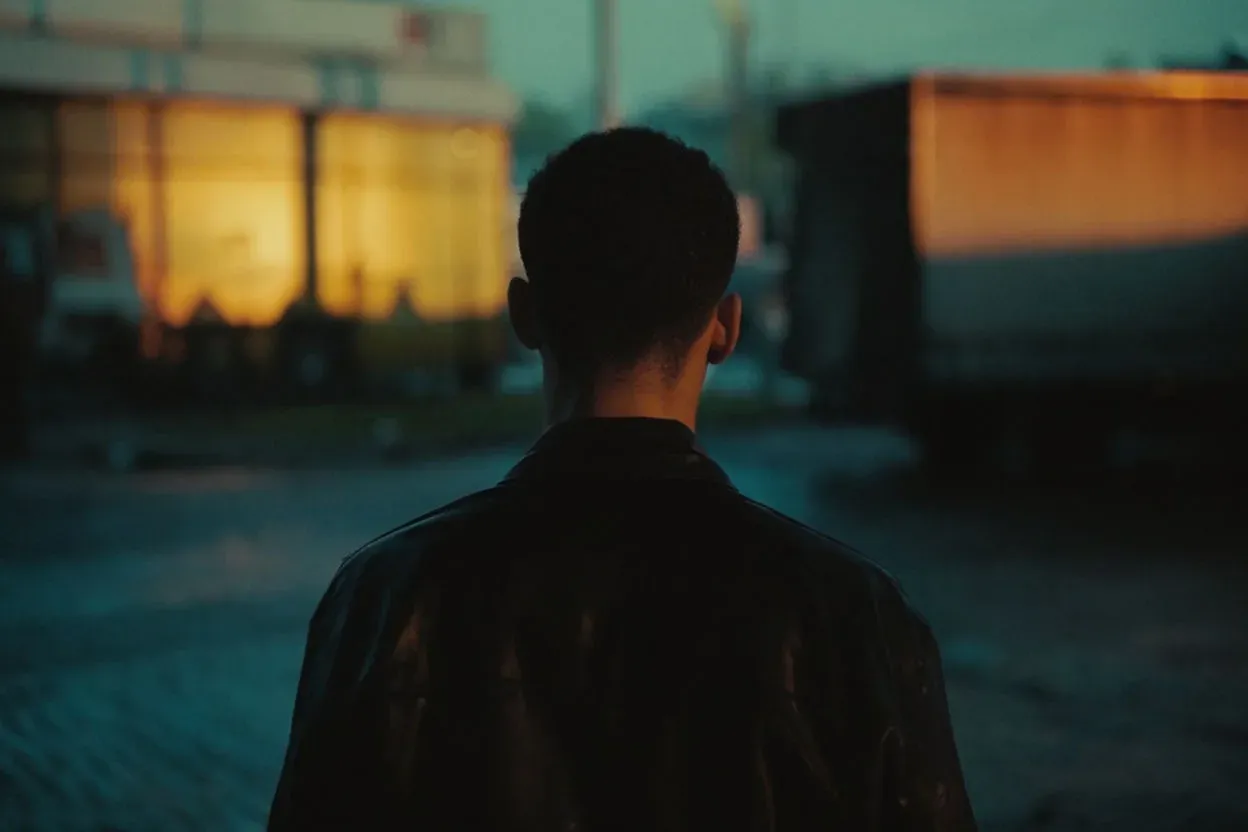
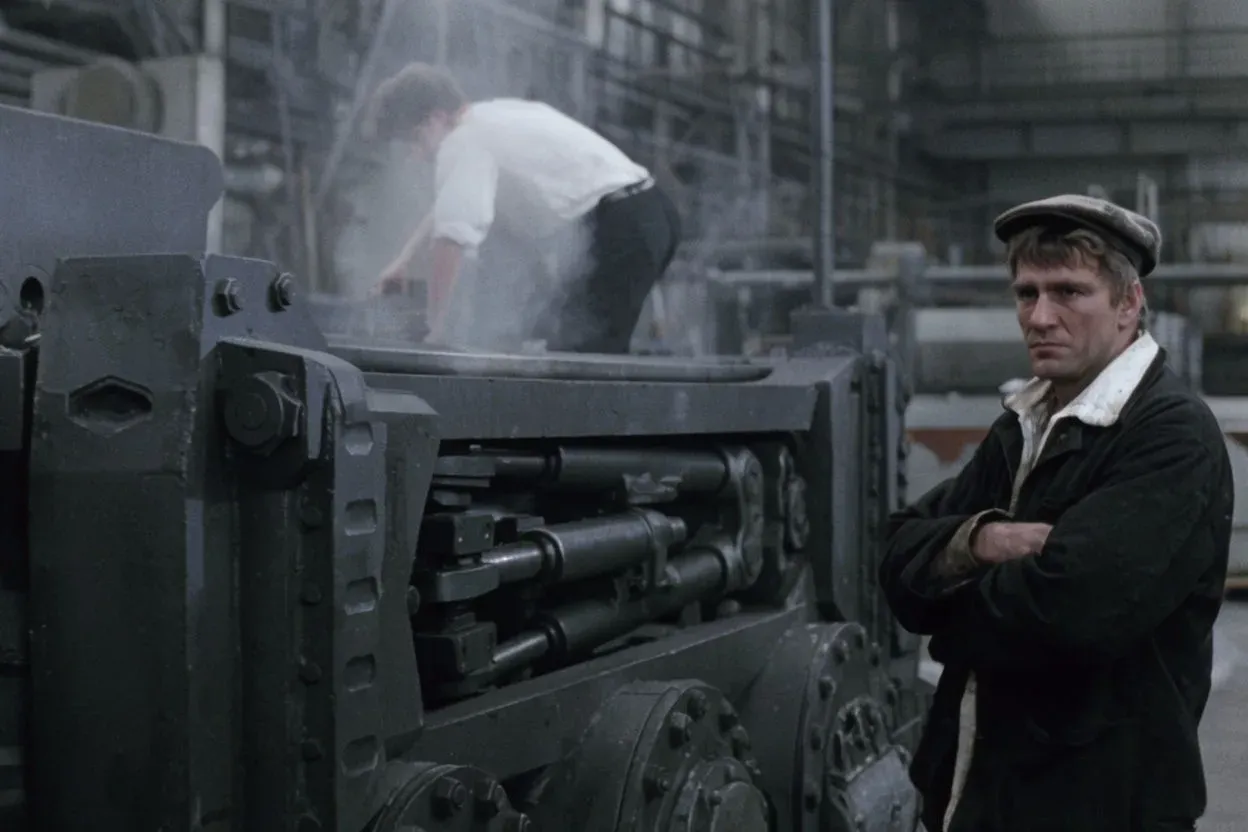
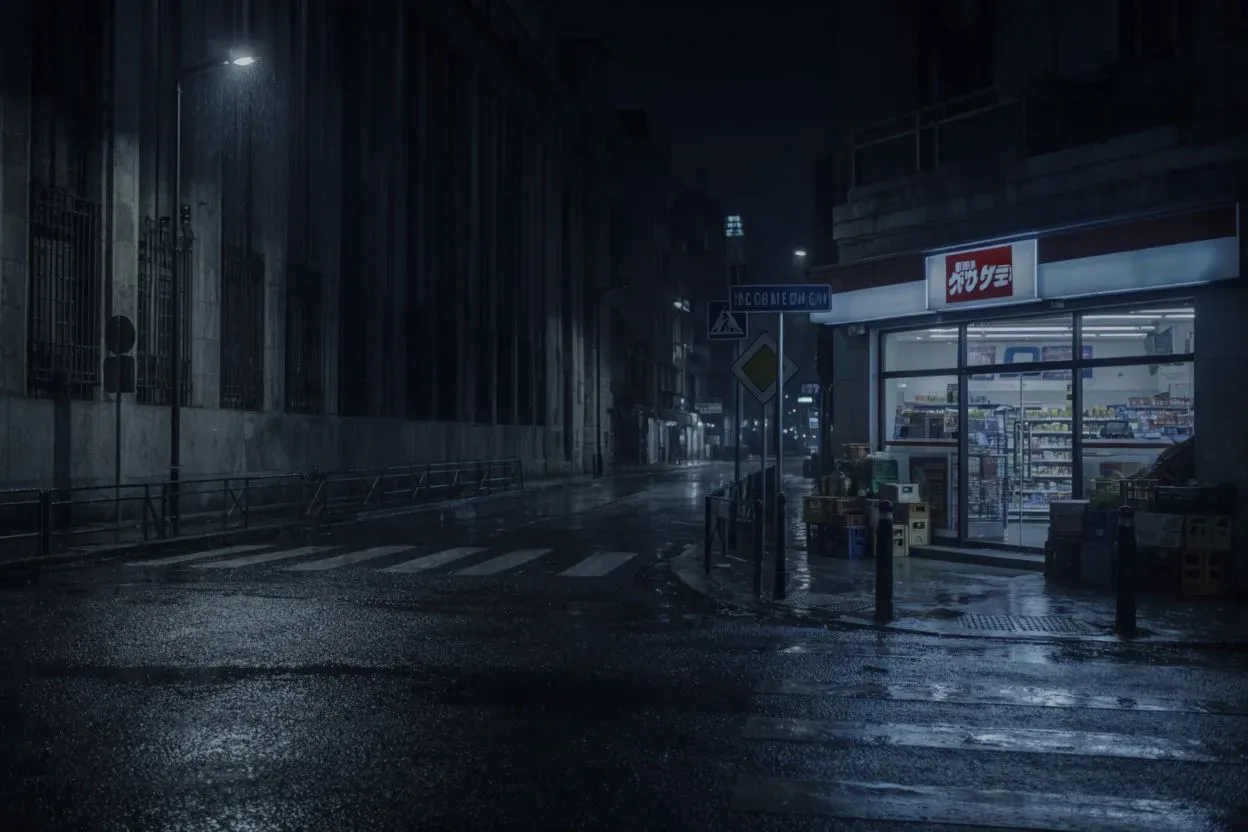
The palettes that define cinematic looks
Each of these is a relationship between colors plus a contrast and a finish, not a single hue. That is why they read as a "look" rather than just a color.
| Look | The palette | What it signals |
|---|---|---|
| Teal and orange | Warm skin tones against cool teal shadows | Polished, modern, high-budget |
| Bleach-bypass | Low saturation, crushed blacks, metallic highlights | Grit, tension, realism |
| Desaturated cool | Muted blues and greys, little warmth | Cold, bleak, isolating |
| Warm nostalgia | Golden highlights, amber mid-tones, soft contrast | Memory, warmth, the past |
| High-key pastel | Bright, low-contrast, soft candy tones | Whimsy, comfort, storybook |
| Monochrome accent | Near-greyscale with one saturated color | Focus, symbolism, unease |
Why color carries this much meaning
Color works on an audience before dialogue does. Warm palettes read as safe, intimate, or nostalgic; cool palettes read as distant, clinical, or tense. Contrast controls energy, high contrast feels dramatic and alert, low contrast feels calm or dreamlike. Saturation controls how heightened or how real a world feels. A colorist sets these deliberately and holds them across a film so the audience stays inside one emotional world.
The practical takeaway for your own work: pick a temperature and a contrast level first, because those two choices carry most of the feeling. The exact hues come after.
How to brief a cinematic palette
The reliable way to get a cinematic look from an image or video model is to describe the grade in plain craft terms and leave titles out of it. A useful brief names four things:
- The palette: two or three colors and their relationship ("warm amber highlights, cool teal shadows").
- The contrast: "high contrast, crushed blacks" or "soft, low-contrast".
- The light: direction and warmth ("hard warm key from the side", "flat cool daylight").
- The finish: "subtle film grain, gentle highlight roll-off, slightly muted color".
A full example: "Night street scene, warm sodium-amber highlights against cool teal shadows, high contrast with deep blacks, hard key light, subtle grain, cinematic." That describes the look precisely without pointing at any film, which is exactly what keeps a published prompt safe to copy.
Put it into practice
Settle the temperature and contrast first, then the two or three colors that carry the palette, then the finish. Generate a few directions and compare them side by side before you commit. When you want to push a clip further, Morphic's grade gives you brightness, contrast, shadows, highlights, warmth, and per-color control after generation, the same levers a colorist reaches for.
Start with the exact wording in how to specify colors in AI image generation, hold one cinematic look across a whole sequence with consistent AI image styles, or jump in with the AI color palette generator. For stylized rather than live-action looks, see anime color palettes.