Why recast an ad for each market
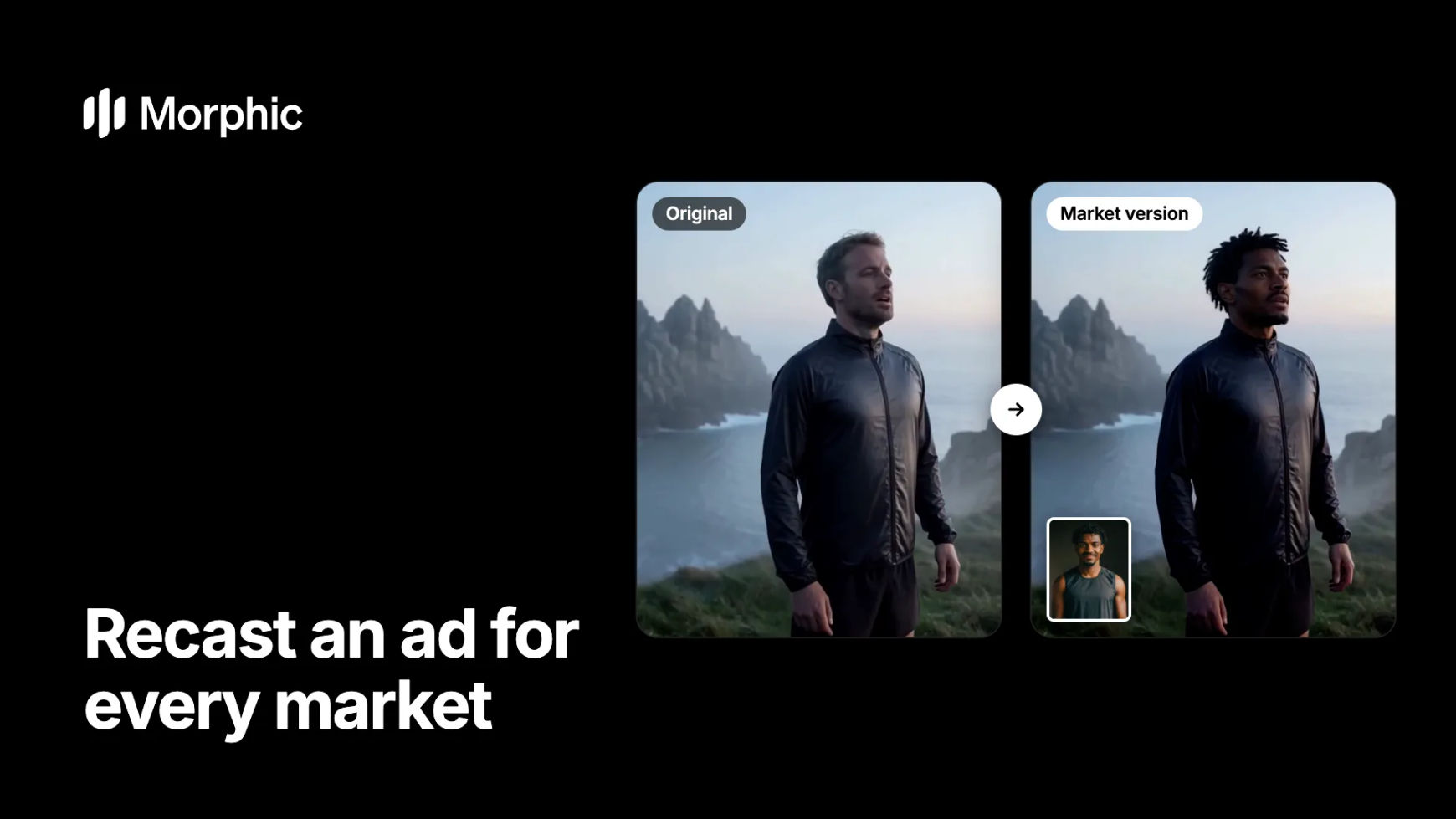
A global campaign used to mean a shoot per market, or one ad that fits no market well. With Morphic Recast you make the spot once and put a lead suited to each audience into every shot, while the product, location, edit and timing stay identical. Then dub and subtitle each version.
Ad market version examples
One sportswear spot at dawn, three market versions from three photos. The cliff, the mist and the camera move never change.
Japan
Brazil
Gulf
Each version keeps the breath, the look to the horizon and the run. Only the runner changes, to the person in each corner photo.
How to recast an ad for different markets in Morphic
Lock the master edit
Finish the ad first: the shots, the timing and the product moments. Recast works shot by shot on clips up to 30 seconds, so a locked edit means every market version lines up with the master.
Pick a lead for each market
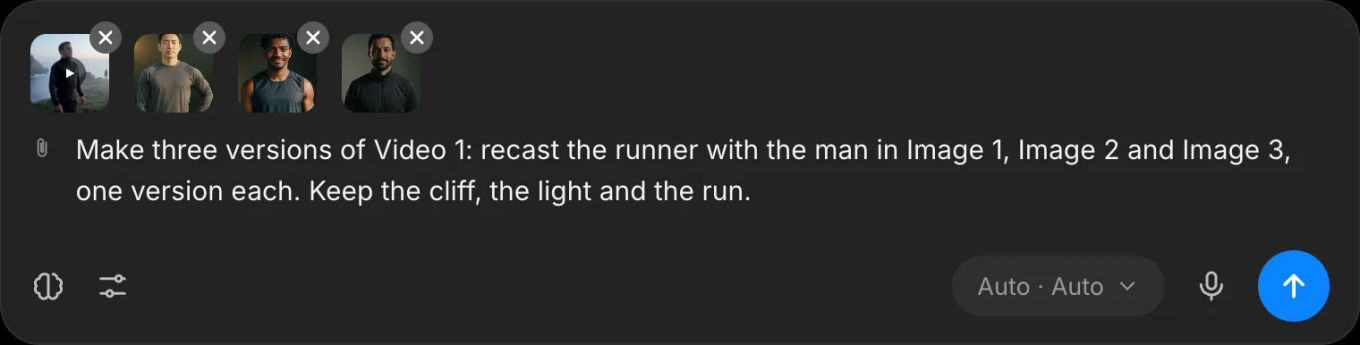
Choose one clear, front-facing photo per market, with the wardrobe the ad needs. Ask Copilot to run every market at once and the versions arrive side by side, for example "Recast the runner in Video 1 with the man in Image 1, Image 2 and Image 3, one version each".
Dub, subtitle and export each version
Run each version through AI dubbing for the market's language with the lips synced, add subtitles, and assemble the final cuts on the Compose timeline.
Localizing campaigns for many markets? Let's build your custom workflow.
For brands and agencies running global campaigns. Tell us about your spots, markets and approval steps, and we'll design a custom recast and dubbing workflow with you that turns one master into every market version.
What to keep the same in every market version
- The product and the brand moments. Recast changes only the people you name, so the product, packshot and logo frames stay exactly as approved.
- The timing. Every version follows the master frame for frame, so voiceover slots and end cards line up without a re-edit.
- The look. Location, light and grade are identical, which keeps the campaign recognisable across markets.
What to localize, and how
| What | How in Morphic | Notes |
|---|---|---|
| The people on screen | Morphic Recast, one photo per lead | Name only the people who should change |
| The language | AI dubbing with the lips synced | Recast first, then dub the version that ships |
| On-screen text | Subtitles per market | Check claims and legal lines per country |
| Extra variants for testing | Ad creative variations | Test hooks and cuts inside each market |
Working on a micro drama instead of an ad? The same approach is in how to recast a micro drama for a new market.
FAQs
Lock the master edit, then recast the lead for each market with Morphic Recast, one photo per market. Dub and subtitle each version in the market's language. The location, product, timing and edit stay identical, so every version stays on brand.
No. Only the people you name change. Products, packshots, logos and the background stay exactly as they were in the master.
Yes. Ask Copilot for one recast per market photo in a single request and the versions arrive side by side, ready to compare and approve.
Recast keeps the soundtrack as shot. Dubbing then translates the dialogue and voices it in the speaker's own voice in the new language, with the lips redrawn to the new words.
Only with their permission, such as talent you have contracted for that market. Otherwise use characters you generate in Morphic.
Each recast takes one shot of up to 30 seconds. Recast a longer spot shot by shot and reassemble it on the Compose timeline.