Punctuate the last word with a return key
A burst of typing ending on the return key marks the moment a message is sent, in a hacker scene, a tutorial or a screen recording.
Edit prompt
A fast burst of crisp key clicks, one switch pressed and released and a spacebar thock with a short stabilizer rattle. Describe how the keyboard is played and Morphic generates it.


A quick run of distinct crisp clicks in an uneven rhythm, each key bottoming out.


Soft, muted thocks one key at a time with gaps between, for a calm writer.

Five sharp high clicks spaced evenly, then a heavier clack from the return key.

Fingers drumming across keys in a fast roll, a patter of light plastic taps.
Pick a starting point, edit anything you like, then generate it in Morphic.
A burst of typing ending on the return key marks the moment a message is sent, in a hacker scene, a tutorial or a screen recording.
Edit promptSlow soft typing under a screen capture holds the quiet without music, in a coding video, a study stream or a product demo.
Edit prompt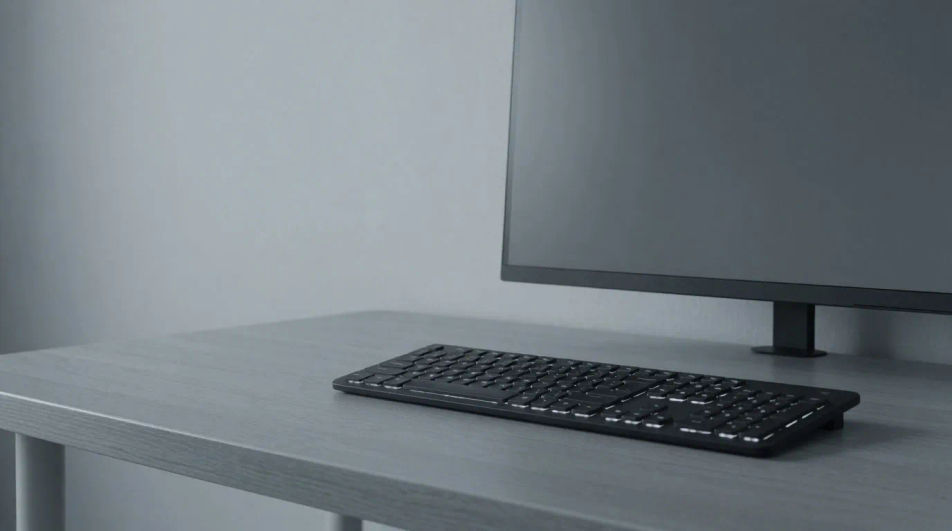
Fast typing with a spacebar thock establishes a focused work mood, in a developer vlog, a writing channel or a game character intro.
Edit prompt
A finger roll and a few clicks from the next desk suggest a colleague at work, in an office comedy, a thriller or an audio drama.
Edit prompt
Radar sound effects
Generate radar sound effects with AI on Morphic. Describe the sound, pick a variation, and download MP3 or WAV for your video, game or podcast.
Radio sound effects
Generate radio sound effects with Morphic. Tuning sweeps, dial clicks, squelch and tone beeps, built to the set and the era your scene needs.
Radio static sound effects
Radio static sound effects, untuned hiss, AM crackle, dropouts and tuning sweeps for period scenes, ghost stories and anything with a failing signal.
Relay sound effects
Generate relay sound effects with AI on Morphic. Describe the sound, pick a variation, and download MP3 or WAV for your video, game or podcast.
Get started for free today, with the option to upgrade or cancel anytime.
Basic
2400 monthly credits
1 user only
All models
Workflows
Standard
3625 monthly credits
1 user only
All models
Workflows
Pro
6350 shared monthly credits
1 user
All models
Workflows
Max
24650 shared monthly credits
1 user
All models
Workflows
Enterprise
For higher limits
Custom
pricing and billing terms

Free
For playing around
$0
forever free