Mark the moment a plan locks in
One soft confirm blip as the button is pressed closes a planning screen, in an app demo, a product explainer or a game strategy menu.
Edit prompt
A soft confirm blip when a plan is set, a pop as a step is added and a rising chime when it is approved. Describe the planning cue in your app or video and Morphic generates it clean.

A soft two-tone electronic blip, the quiet signal that a plan has been saved in a planner or a project tool.

A small bubbly pop as a new step drops into a list, for adding tasks to a timeline or board.

A crisp light tick as a task is ticked off, for to-do lists, checklists and milestones.
Three rising notes that resolve upward, the cue for a plan that has been signed off.

A quick soft swoosh and a settling tap as steps change order, for dragging items around a schedule.
A low soft double thud, a gentle no for a plan that was declined or a step that cannot fit.
Pick a starting point, edit anything you like, then generate it in Morphic.
One soft confirm blip as the button is pressed closes a planning screen, in an app demo, a product explainer or a game strategy menu.
Edit promptSmall pops as steps drop onto a timeline give a silent screen recording rhythm, in a tutorial, a project tool demo or an animated dashboard.
Edit prompt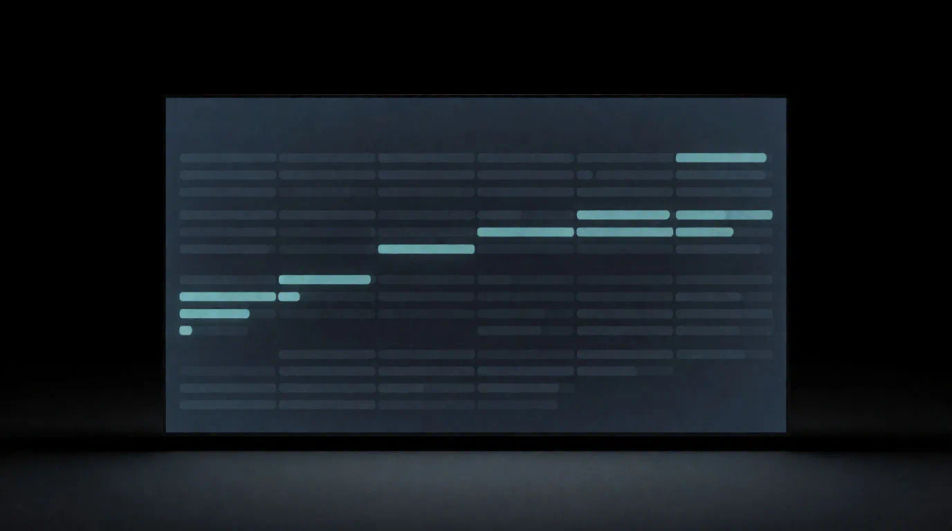
A rising approval chime reads as success the moment it sounds, in a corporate video, a productivity app trailer or a management game.
Edit prompt
A low soft double thud under a calm shot tells the viewer a plan has fallen through, in a drama, a sim game or an animated explainer.
Edit prompt
Texting sound effects
Generate texting sound effects with AI on Morphic. Describe the sound, pick a variation, and download MP3 or WAV for your video, game or podcast.
Tone sound effects
Generate tone sound effects with AI on Morphic. Describe the sound, pick a variation, and download MP3 or WAV for your video, game or podcast.
Touch sound effects
Generate touch sound effects with AI on Morphic. Describe the sound, pick a variation, and download MP3 or WAV for your video, game or podcast.
Typewriter sound effect
Generate typewriter sound effects with Morphic. Single key strikes, running typing, the carriage bell and the ratchet of paper feeding.
Get started for free today, with the option to upgrade or cancel anytime.
Basic
2400 monthly credits
1 user only
All models
Workflows
Standard
3625 monthly credits
1 user only
All models
Workflows
Pro
6350 shared monthly credits
1 user
All models
Workflows
Max
24650 shared monthly credits
1 user
All models
Workflows
Enterprise
For higher limits
Custom
pricing and billing terms

Free
For playing around
$0
forever free