Make a close-up arrive with a whir
A motor zoom in on the frame the shot pushes in gives the close-up its snap, in a thriller, a photo game or an animated short.
Edit prompt
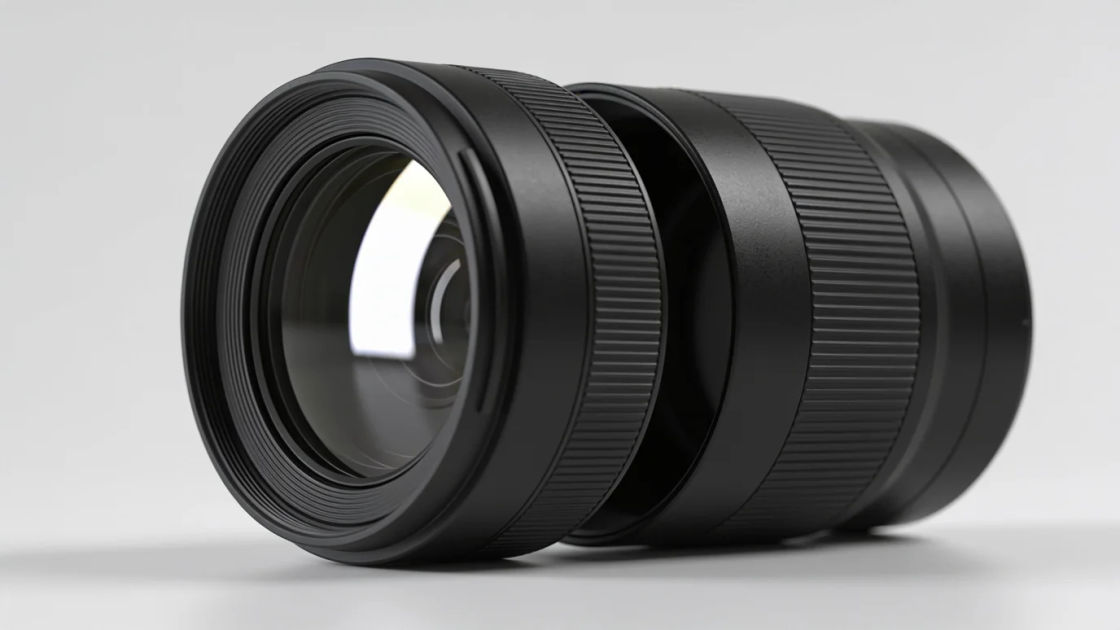
Camera zoom sounds from a lens motor whirring in to a barrel retracting and a zoom ring turned slowly by hand. Describe the camera zoom your scene needs and Morphic generates it clean.

A thin motor whir rising as the lens pushes in, for a close-up, a reveal or a camera spotting something.

A falling whir as the barrel pulls back, for a wide reveal, a camera switching off or stepping back from a scene.

A dry friction slide with a light tick, for a hand turning the ring on a film camera or a careful framing.

A fast buzzing whir and a firm click as the lens pops out, for a camera powering on or a photo about to be taken.

Three short whirs with ticks between, for a lens moving in jumps, a surveillance camera or a robotic eye.

A steady motor whine held down, for a slow push-in, a surveillance shot or a long close-up on a subject.
Pick a starting point, edit anything you like, then generate it in Morphic.
A motor zoom in on the frame the shot pushes in gives the close-up its snap, in a thriller, a photo game or an animated short.
Edit promptA long power zoom carries a slow push-in on a distant window, keeping a stakeout scene, a stealth game or a podcast drama moving.
Edit prompt
A zoom ring turning under the opening shot tells viewers they are watching through a camera, in film, photography games and audio stories.
Edit prompt
A lens motor whirring in steps off screen tells the audience they are being watched without showing the camera, in thrillers, games and radio.
Edit prompt
Off sound effects
Generate off sound effects with AI on Morphic. Describe the sound, pick a variation, and download MP3 or WAV for your video, game or podcast.
Pause sound effects
Generate pause sound effects with AI on Morphic. Describe the sound, pick a variation, and download MP3 or WAV for your video, game or podcast.
Payment sound effects
Generate payment sound effects with AI on Morphic. Describe the sound, pick a variation, and download MP3 or WAV for your video, game or podcast.
Phone buzz sound effects
Generate phone buzz sound effects with AI on Morphic. Describe the sound, pick a variation, and download MP3 or WAV for your video, game or podcast.
Get started for free today, with the option to upgrade or cancel anytime.
Basic
2400 monthly credits
1 user only
All models
Workflows
Standard
3625 monthly credits
1 user only
All models
Workflows
Pro
6350 shared monthly credits
1 user
All models
Workflows
Max
24650 shared monthly credits
1 user
All models
Workflows
Enterprise
For higher limits
Custom
pricing and billing terms

Free
For playing around
$0
forever free