One car going past the window
A single pass-by gives a cut somewhere to land, whether you are spacing out lines in a drama or moving between chapters of a podcast.
Edit prompt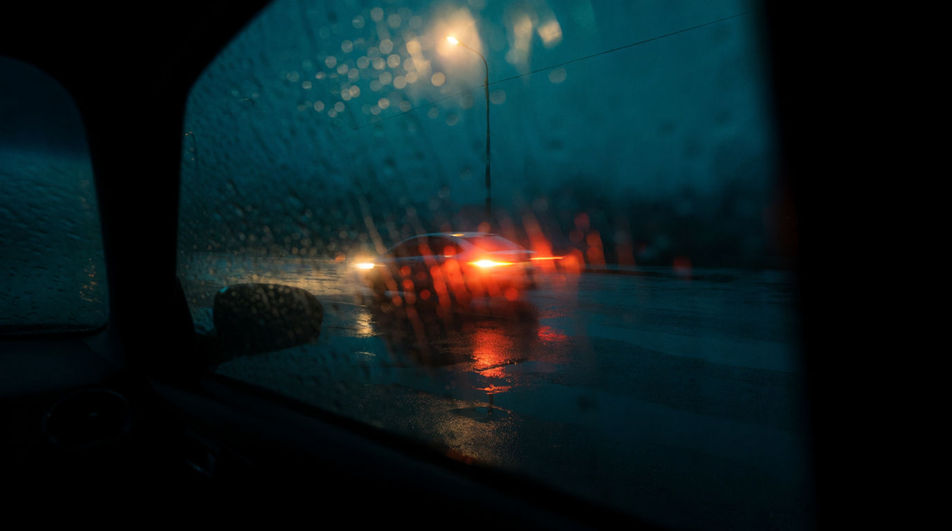
Every traffic sound an edit needs, ready to play: a car whooshing past, a horn honk, hissing air brakes, and a steady stream of vehicles. Describe the one your shot is missing and Morphic generates it in seconds.

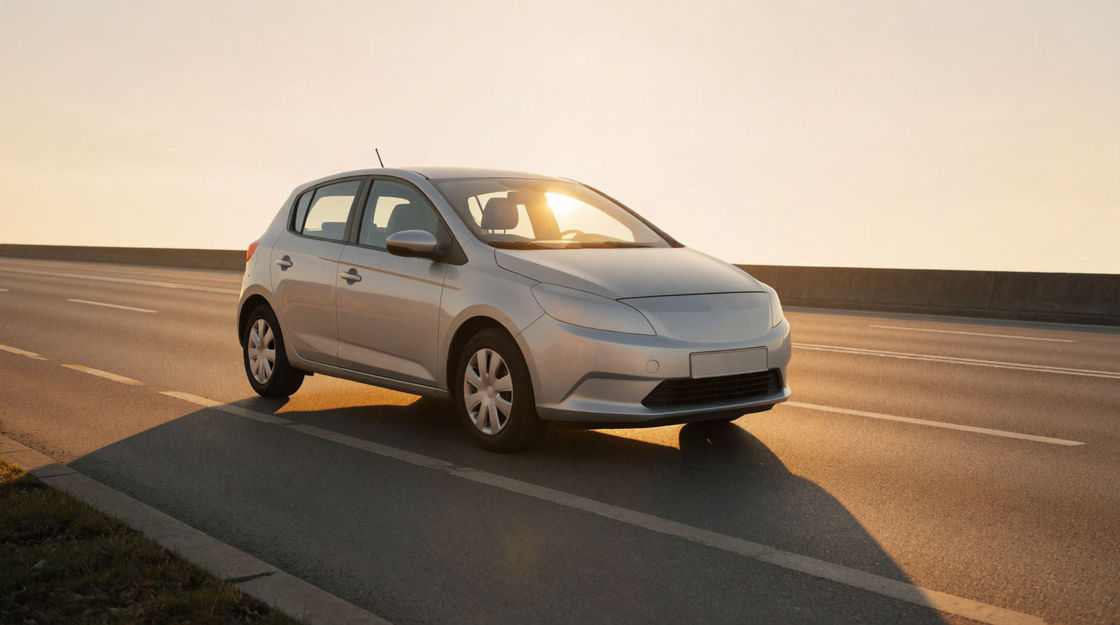
One vehicle approaching, passing and gone, pitch bending as it goes. The building block for any road you assemble by hand.

A short, irritated blast from an ordinary saloon car. Use it to interrupt somebody, or to start an argument in the street.

The pneumatic hiss and shudder of something heavy coming to a stop. Instantly makes a road commercial rather than residential.

A hard, ripping engine that arrives late and leaves fast, cutting through everything else on the street for a second or two.

Continuous multi-lane flow with no single event standing out, the layer you park under dialogue and then forget about.

Rubber locking up on tarmac, tense and brief. Pair it with a horn when you want the audience expecting a crash.
Pick a starting point, edit anything you like, then generate it in Morphic.
A single pass-by gives a cut somewhere to land, whether you are spacing out lines in a drama or moving between chapters of a podcast.
Edit promptTwo people talking outdoors sound booth-recorded until traffic moves behind them, and a steady stream fixes that in film and radio alike.
Edit prompt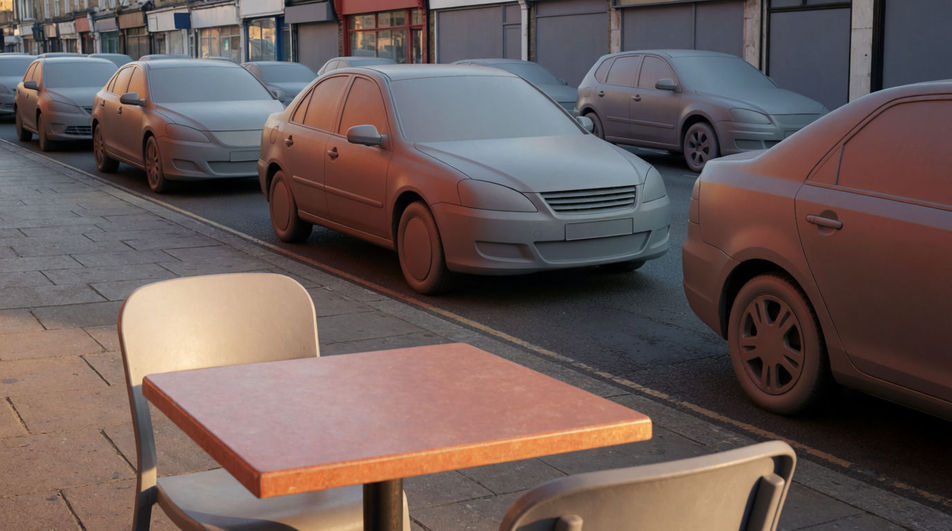
Horns, brakes and engines stacked together tell a listener the city is large and impatient, the backbone of any downtown opening.
Edit prompt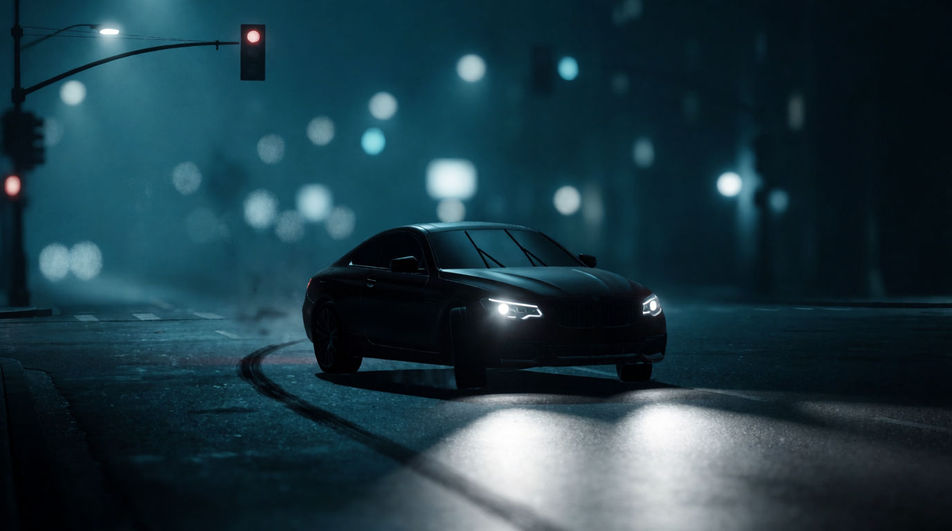
Roads outside a room are heard and never seen, so a low stream through a window connects an interior to a real place beyond the walls.
Edit prompt
Horn sound effect
Generate horn sound effects with Morphic. Car, truck, train, or ship, near or distant, short or held, in clean audio built for your cut.
Jet sound effects
Jet sound effects, takeoff roars, fighter flyovers, turbine spool-ups and sonic booms generated for your exact shot and ready to download in seconds.
Motorcycle sound effects
Motorcycle sound effects: idles, revs, kick-starts and fly-bys. Generate the bike your scene rides and download it ready to place.
Police siren sound effects
Need police siren sound effects that match the action? Morphic generates them to your description, including approach and pass by moves.
Get started for free today, with the option to upgrade or cancel anytime.
Basic
2400 monthly credits
1 user only
All models
Workflows
Standard
3625 monthly credits
1 user only
All models
Workflows
Pro
6350 shared monthly credits
1 user
All models
Workflows
Max
24650 shared monthly credits
1 user
All models
Workflows
Enterprise
For higher limits
Custom
pricing and billing terms

Free
For playing around
$0
forever free