Every image model
3D logos you can render
Make a 3D logo in three steps
- 01
Open Morphic
Sign up and start creating on a free-flowing, infinite visual canvas.
- 02
Describe the render
Name the symbol, the material, and the lighting. Or drop in a flat logo to give it depth.
- 03
Render, then animate
Compare materials, keep the best render, then take it into image-to-video for an intro.
Use cases
Give a flat mark real depth
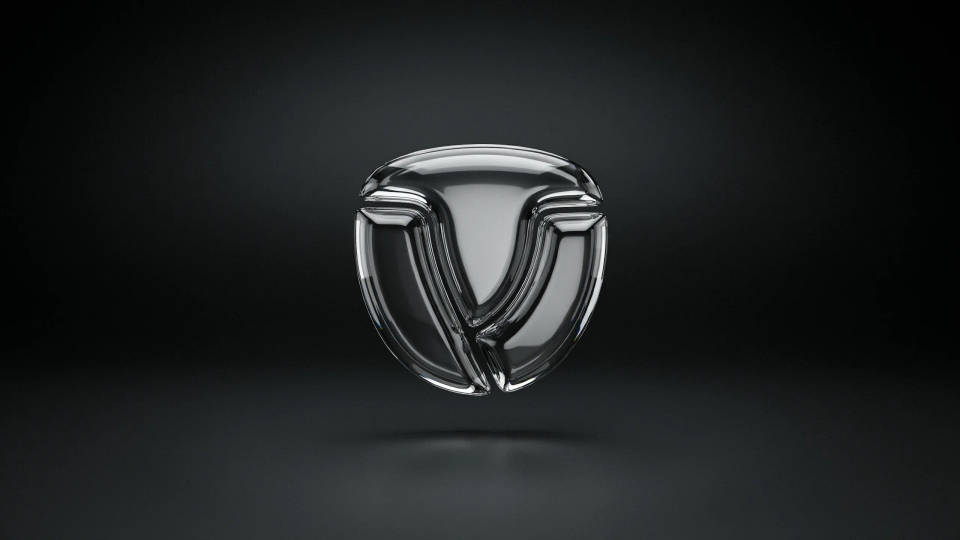
A logo that lives flat everywhere can feel more premium as a dimensional render. Describe the material and lighting and the model rebuilds your symbol with surface, shadow, and highlight while keeping it recognizable. It is a quick way to produce a hero version of a mark you already use, for a title card or a store page.
Compare materials on one shape
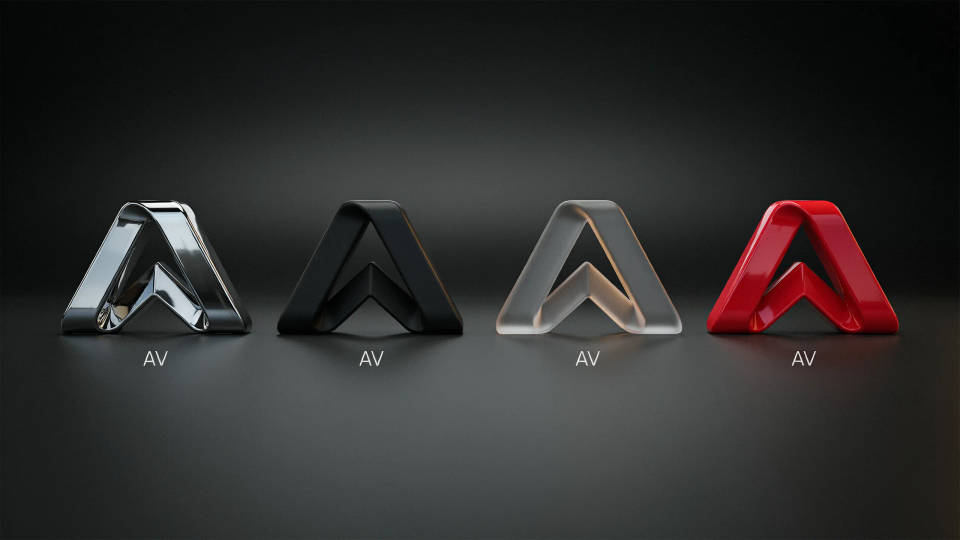
Not sure whether your mark reads better in chrome, matte plastic, or frosted glass? Generate the same symbol in several finishes and lay them side by side on the Canvas. Seeing the options together, under the same light, makes the choice obvious in a way that describing them never does.
Build an animated logo intro
A still 3D render is the starting point for a channel or product intro. Take the render you approve into image-to-video and add a slow rotate, a light sweep, or a reveal. Because the still and the motion share one workspace, the animated logo matches the version you signed off on exactly.
Premium 3D text and wordmarks
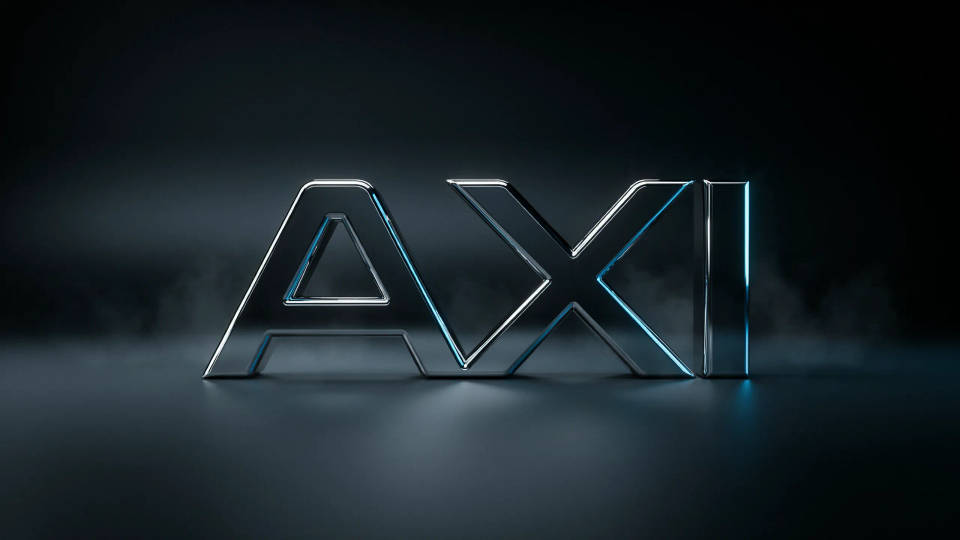
Render a short name or set of initials as dimensional type with a real surface and lighting for a bold title treatment. Keep the wording short and bold, since fine lettering is where generated text is weakest, then check the render before you use it on a cover or an opener.
Prompt examples
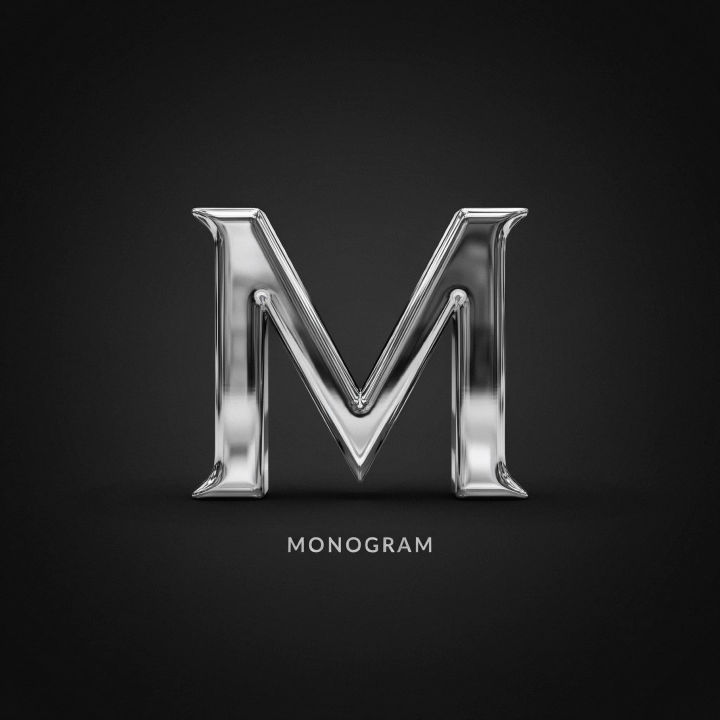
Chrome monogram
A 3D chrome monogram of the letter M, polished reflective surface, soft studio key light, dark gradient background
Edit prompt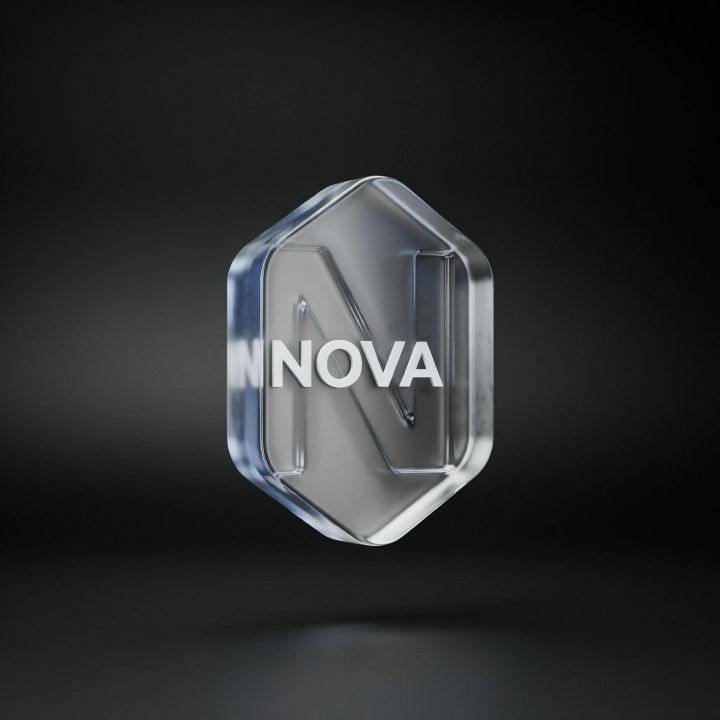
Glass emblem
A 3D logo emblem in frosted glass, subtle inner refraction, cool rim light, clean depth against a black background
Edit prompt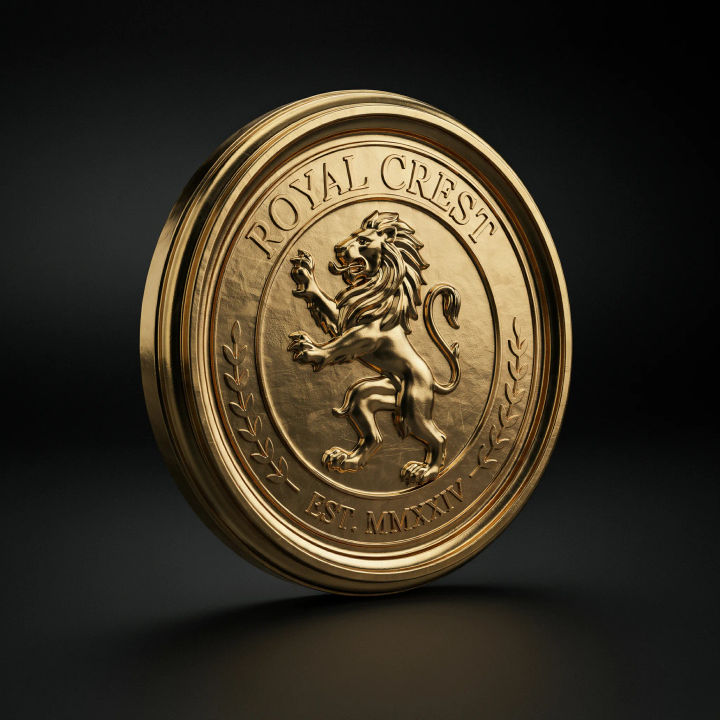
Gold badge
A 3D polished gold badge, a lion crest symbol, warm reflections, dramatic side lighting, luxurious dark scene
Edit prompt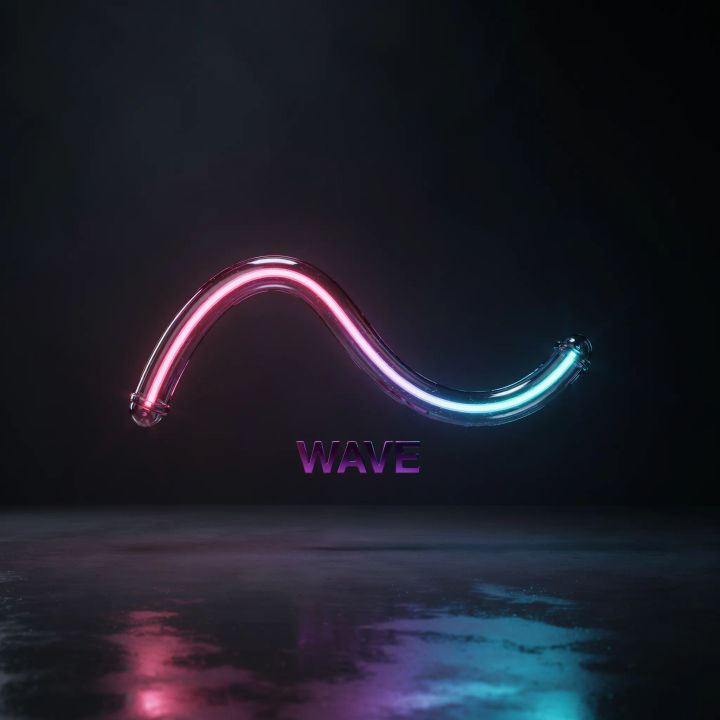
Neon tube mark
A 3D neon tube logo, a glowing wave symbol, magenta and cyan light, reflective wet floor, dark room
Edit prompt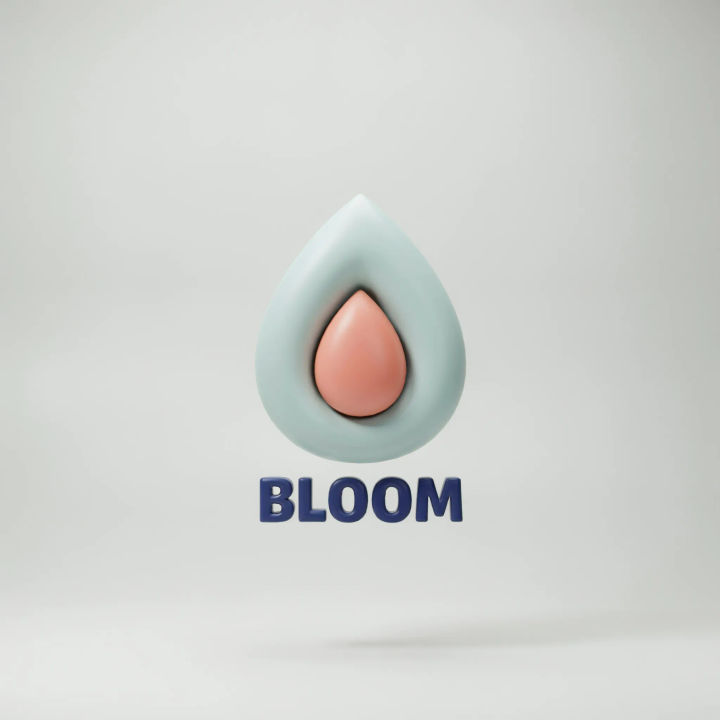
Matte extrusion
A 3D extruded logo icon in matte plastic, soft rounded edges, pastel colors, gentle studio light, light gray backdrop
Edit prompt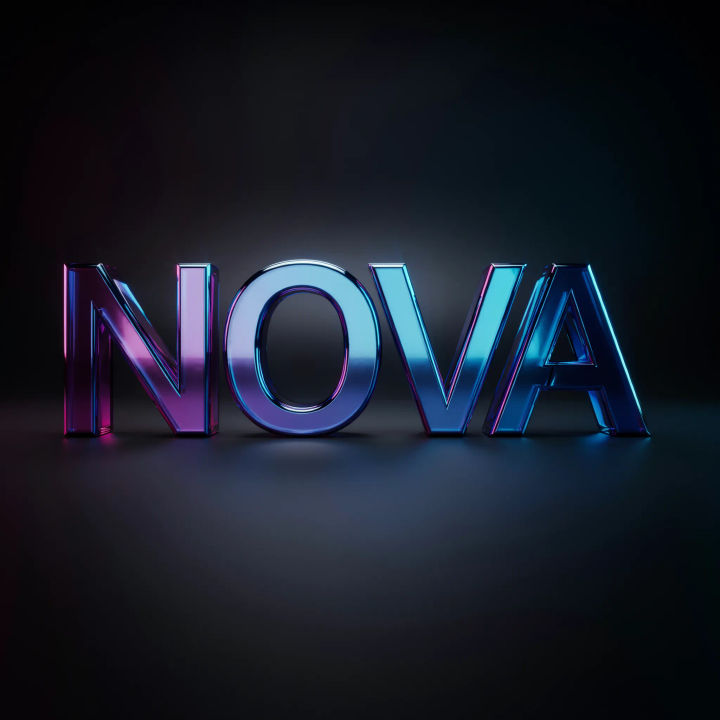
Glossy 3D text
A short bold wordmark in glossy 3D type, deep bevel, colorful gradient surface, crisp reflections, dark background
Edit prompt
Sketch to render
Turn any sketch or drawing into a finished render.

Chibi sprite animation
Turn any photo or description into an animated chibi sprite. Dance, jump, wave, attack, and more.
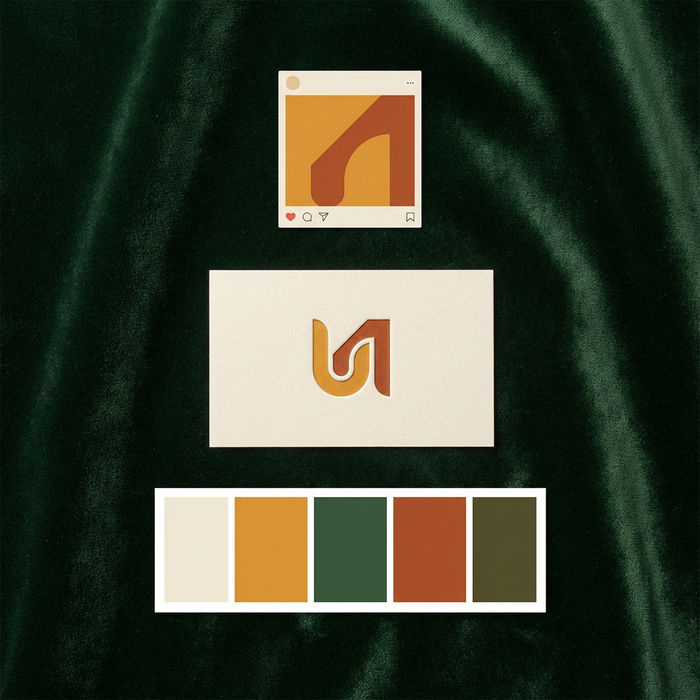
Brand launch kit
Get logo concepts, social media templates, color palettes, and marketing collateral in one go.

Expressions
Take any character image and generate 6 distinct facial expressions on a single reference sheet.

Anime style transfer
Pick any anime illustration as your style guide. Apply its look to any image.

Image reverse engineer
Get a detailed prompt extracted from a reference image, and then a fresh recreation.
All on Morphic
Models
Nano Banana 2, Flux 2 Pro, ChatGPT Images, Grok Imagine, Recraft, Seedream, and more. Swap models when a render needs cleaner material or crisper light.
Logo generator
Design the flat mark first, then bring it here to give it material, depth, and lighting.
Icon generator
Make a clean icon set, then render standout icons in 3D for hero placements and title cards.
Text to image
Generate any dimensional mark or wordmark from a written description and compare materials side by side.
