Morphic's AI face generator renders photoreal human faces from a text prompt or a reference photo. Describe the age, expression, and lighting you want, or start from a face you already have, and the image model builds a portrait that reads as a real person. Lay several versions side by side on the canvas, compare them, and refine until the face is right.
Faces you can create
Generate a face in three steps
- 01
Open Morphic
Sign up and start creating on a free-flowing, infinite visual canvas.
- 02
Describe or upload
Write the face you want, naming age, expression, and lighting, or drop in a reference photo to start from a real face.
- 03
Generate and refine
Render several versions, compare them side by side, and adjust the prompt until the face lands.
Use cases
Faces from a prompt alone
Describe someone in plain language, naming age, expression, and lighting, and the model renders a photoreal portrait that fits the brief. No reference photo needed.
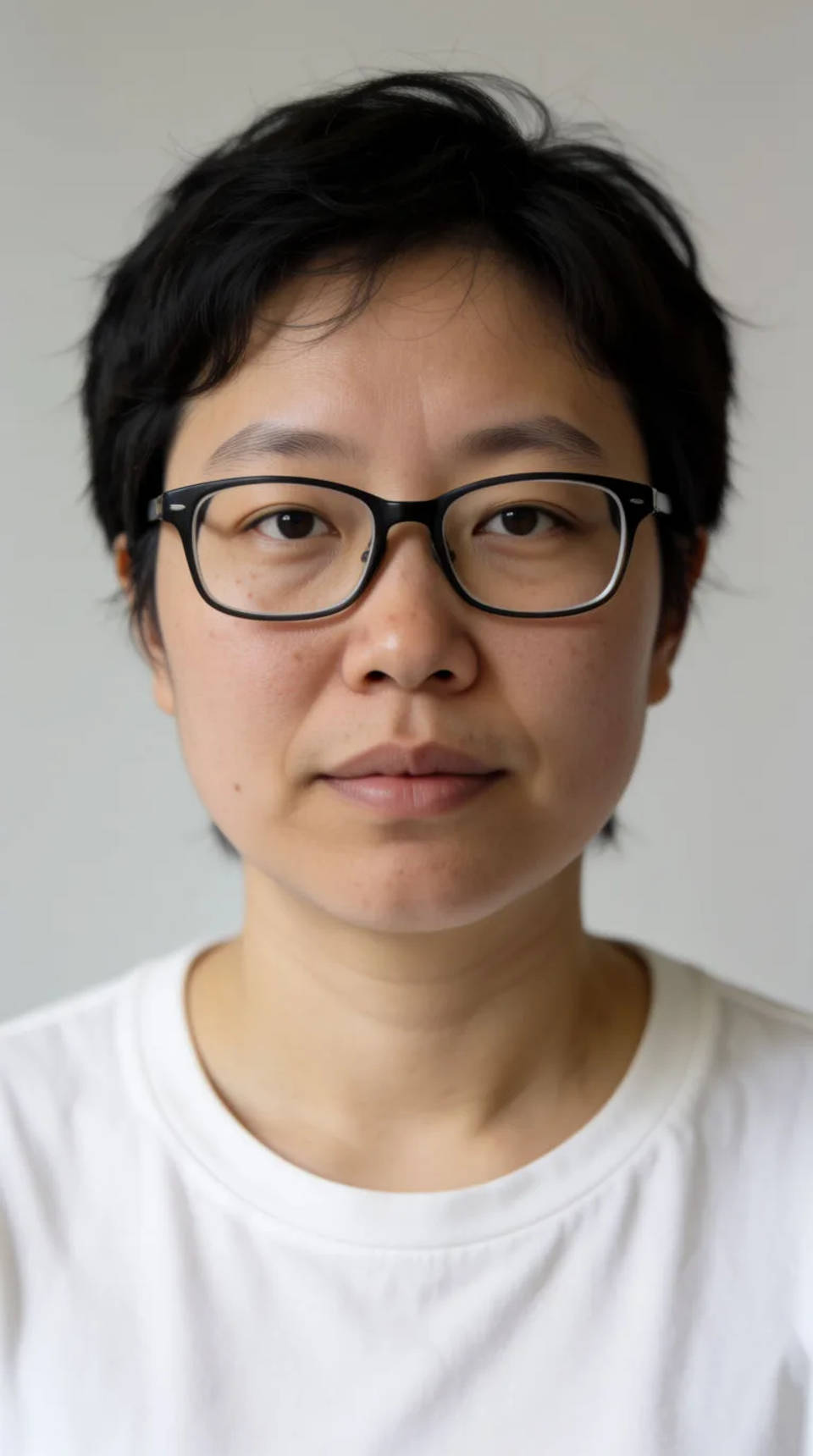
Start from a reference photo
Drop in a real face and the model works from it, so you can carry a particular look into a new setting, expression, or lighting setup instead of starting blank.
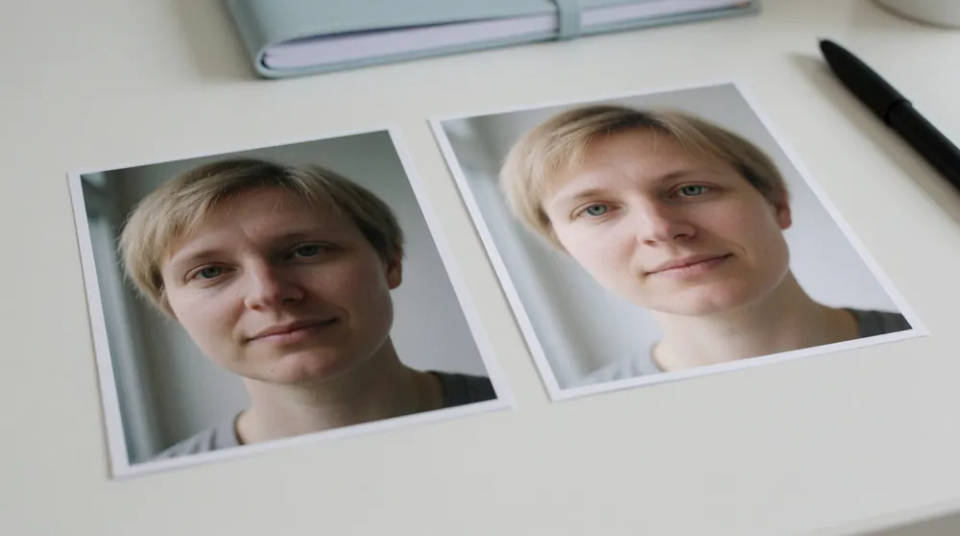
Characters and casting
Generate a face for a character, then hold it steady across a set with a reference sheet. The same person shows up shot to shot instead of a room of near-strangers.
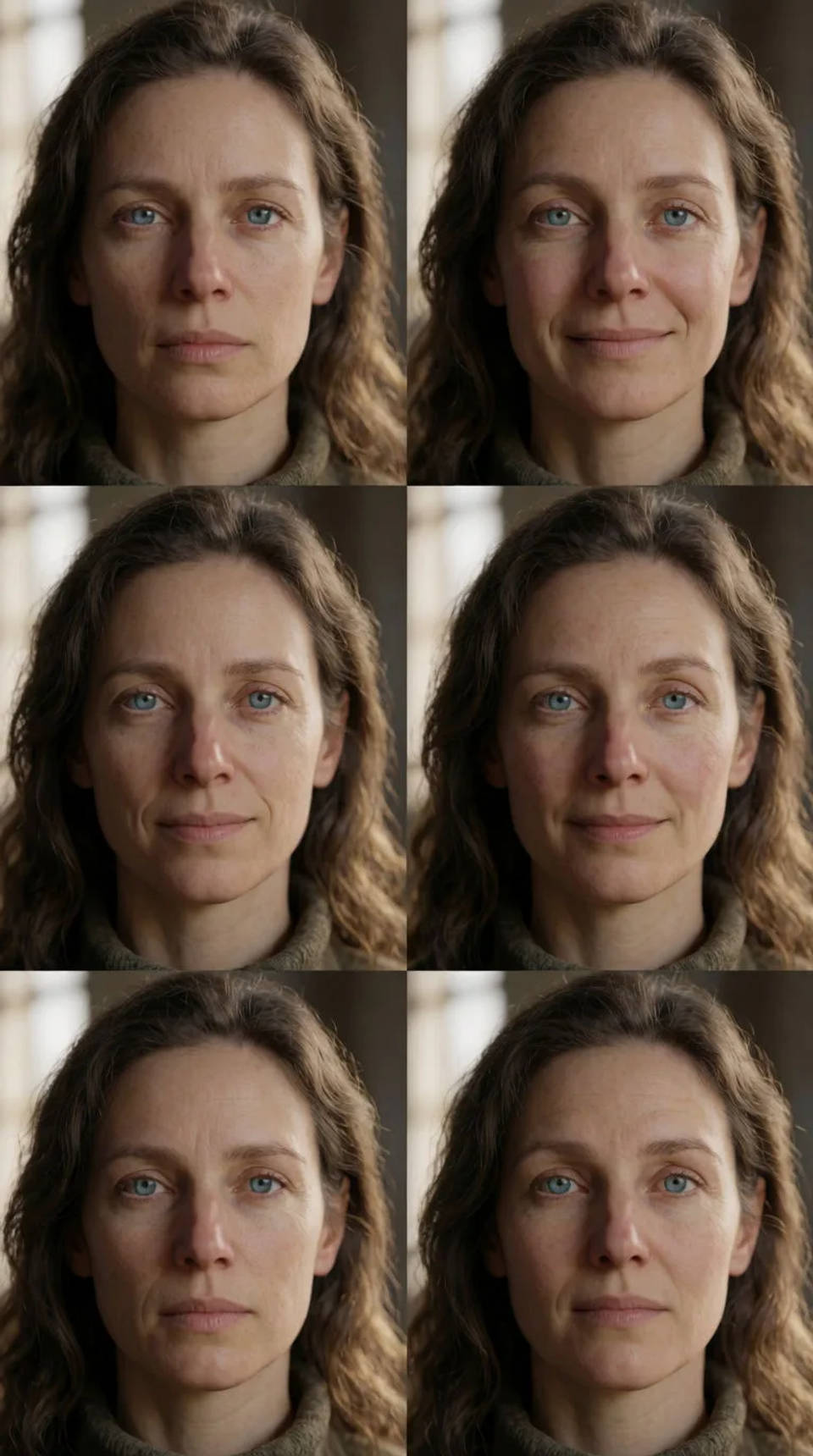
Compare on the canvas
Render several faces at once and see them side by side on a free-flowing visual canvas, so choosing the right one is a glance rather than a scroll through chat.
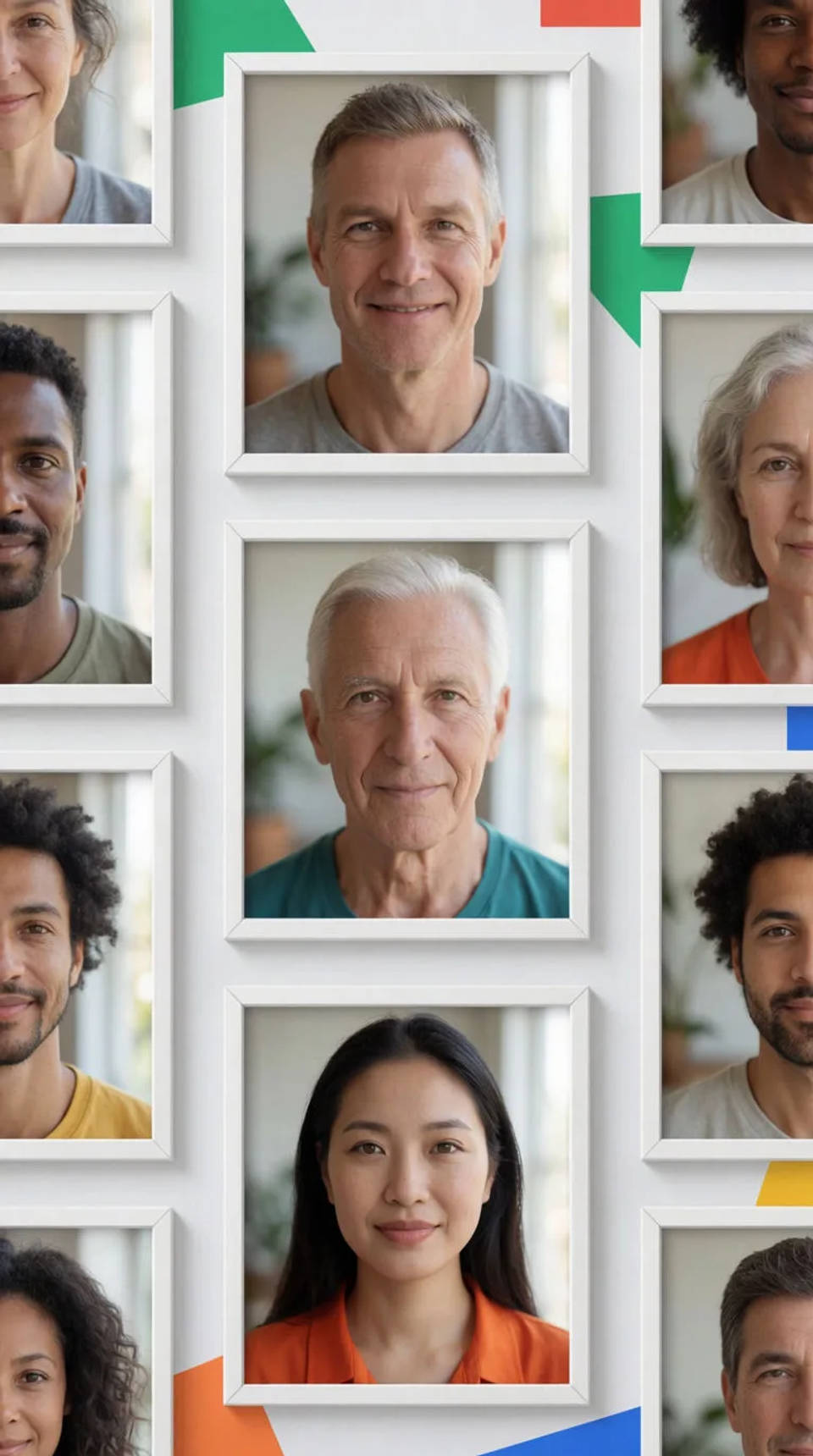
Face prompts to try
Different ages, expressions, and lighting, all from a prompt or a reference photo. Open any prompt to tweak it and generate your own.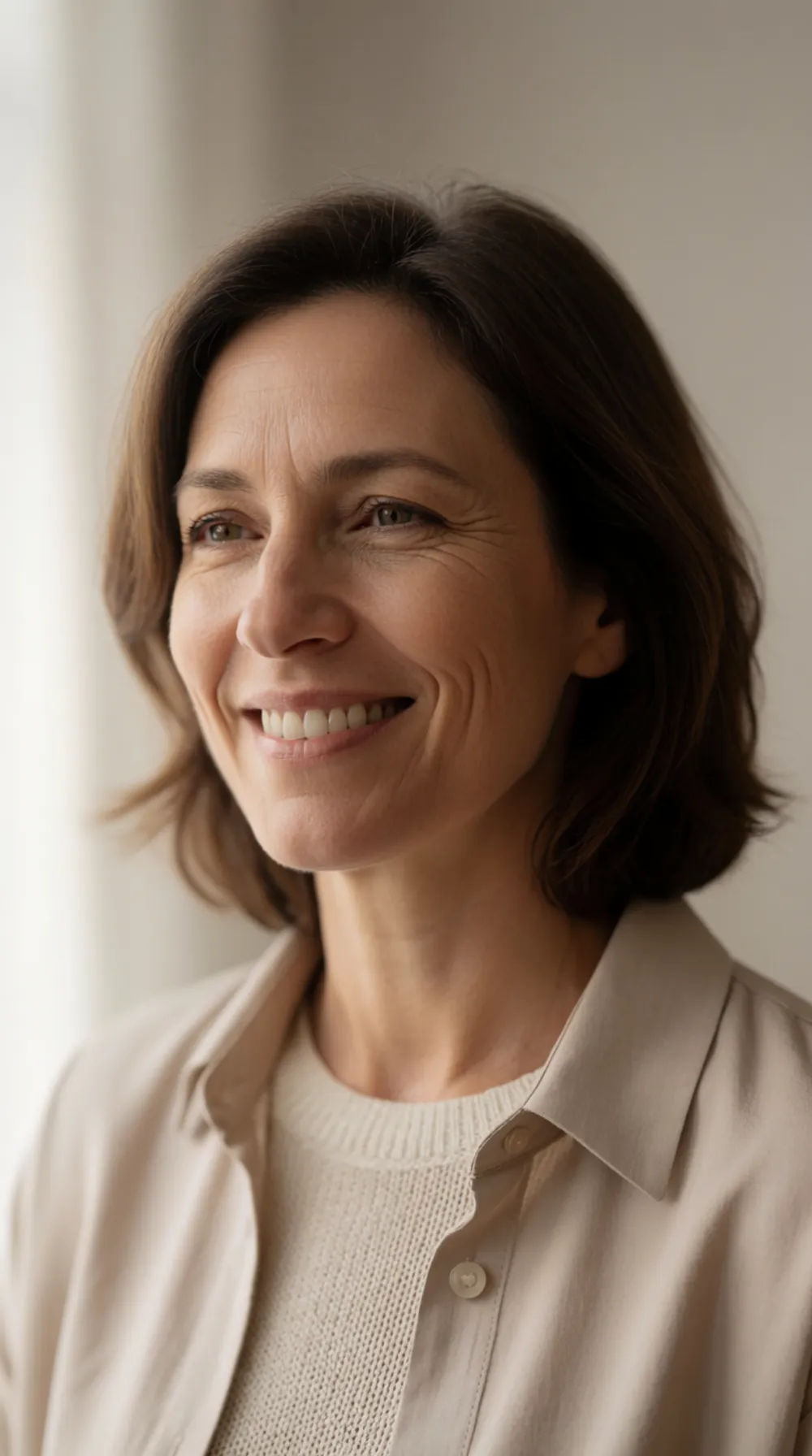
Warm window light
Photoreal portrait of a woman in her forties, warm smile, soft window light
Edit prompt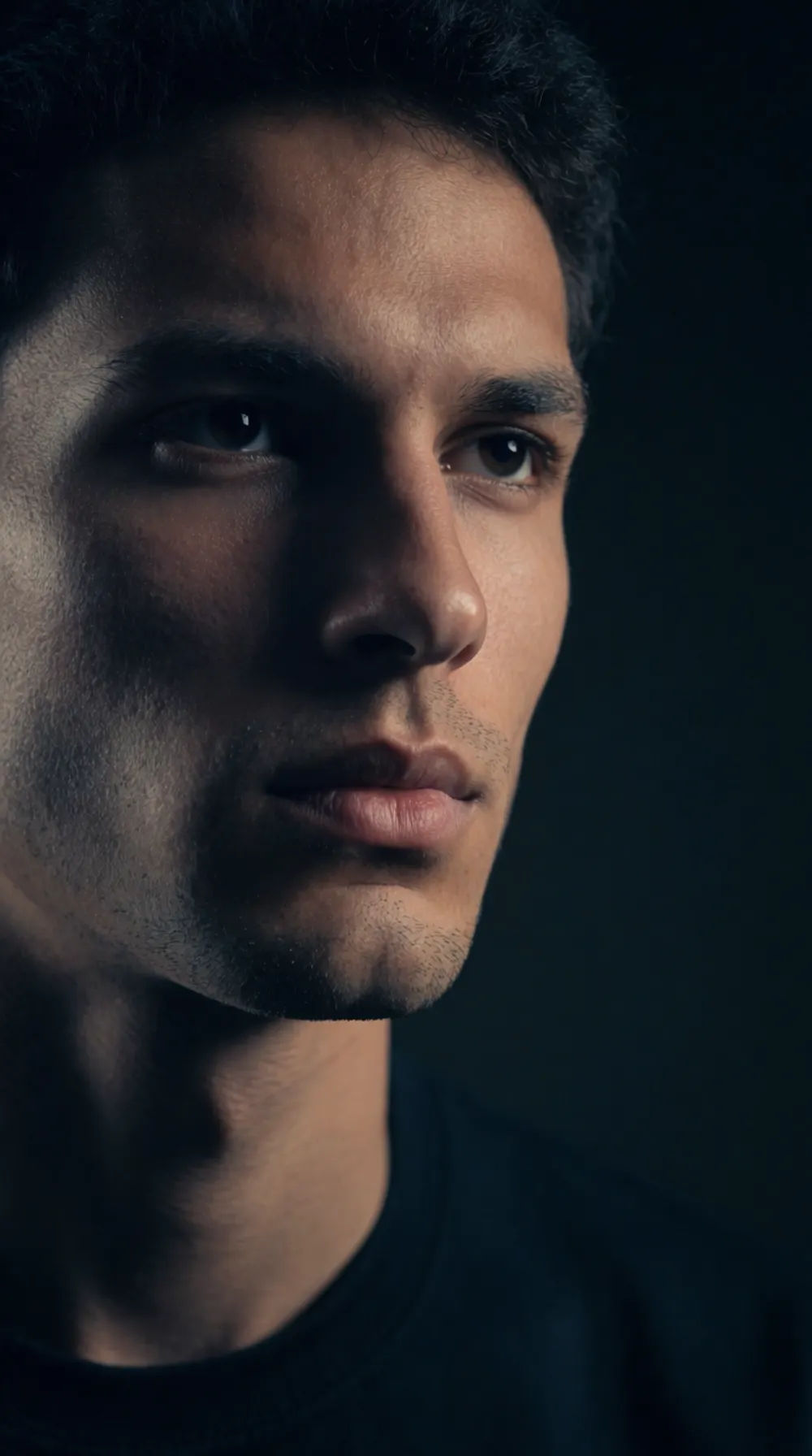
Dramatic side light
Photoreal portrait of a young man, dramatic side light, dark background, serious expression
Edit prompt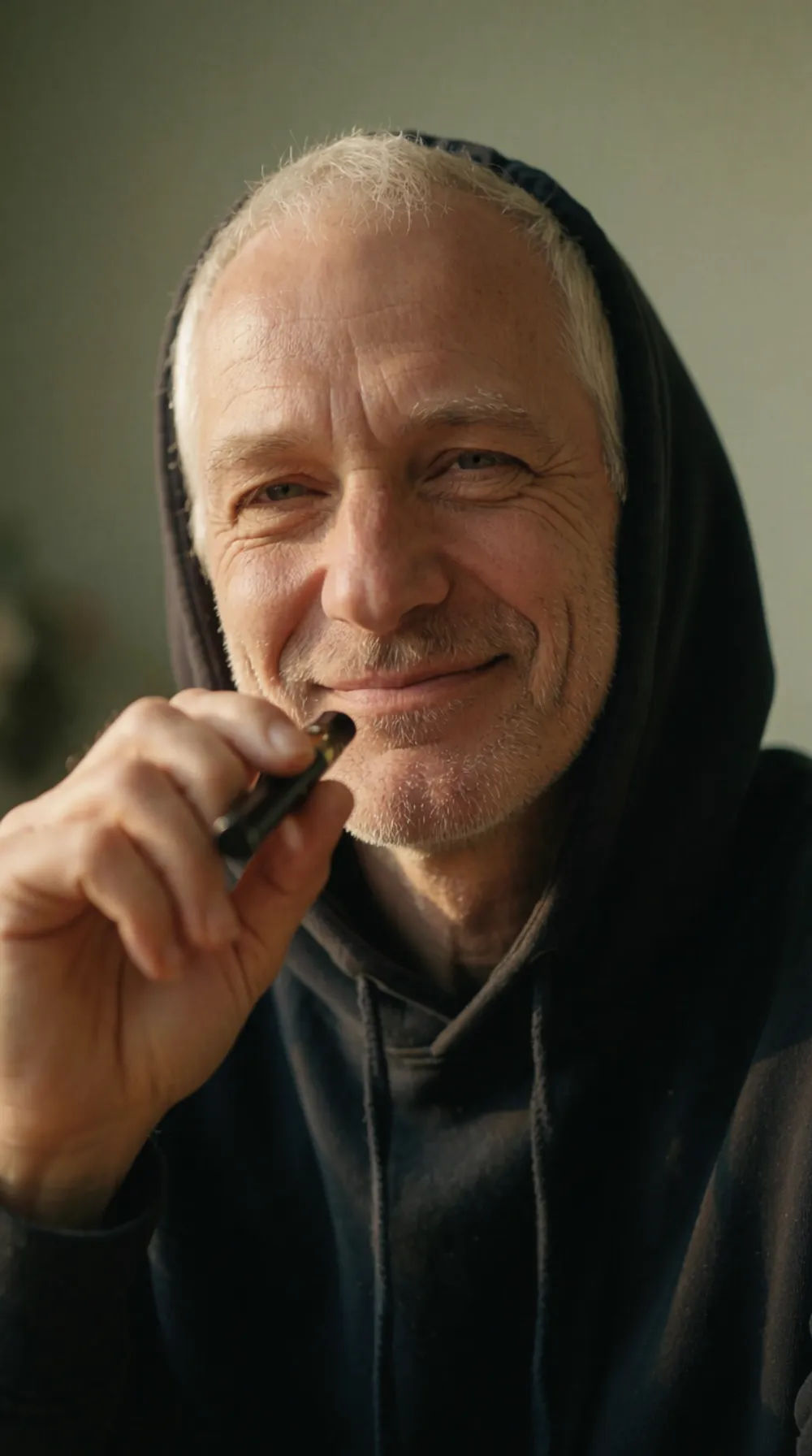
Older gentleman
Photoreal portrait of a man in his sixties, weathered face, soft daylight, gentle smile
Edit prompt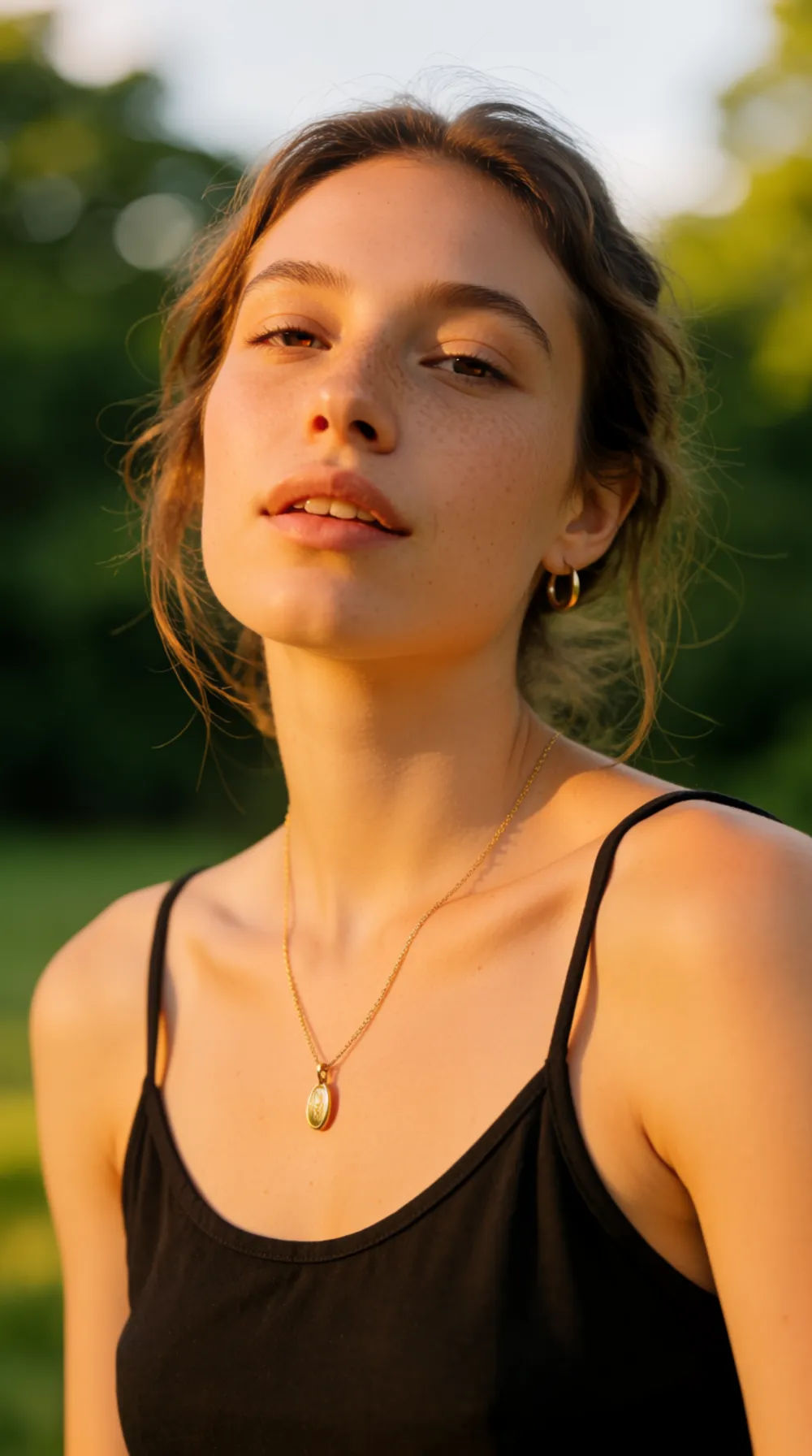
Outdoor golden hour
Photoreal portrait of a young woman outdoors, golden hour light, freckles, relaxed expression
Edit prompt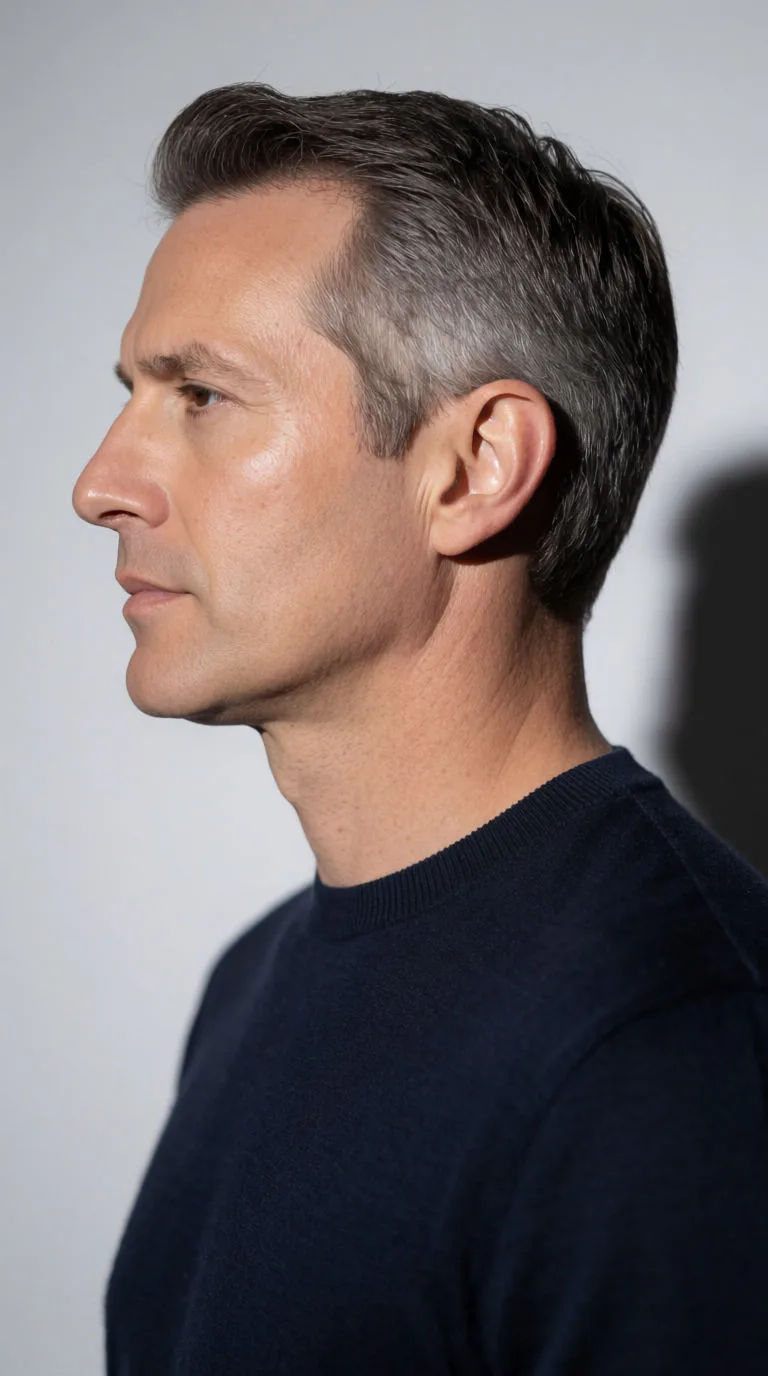
Studio profile
Photoreal studio profile portrait of a man in his forties, clean single-source key light, plain grey backdrop, sharp neutral casting look
Edit prompt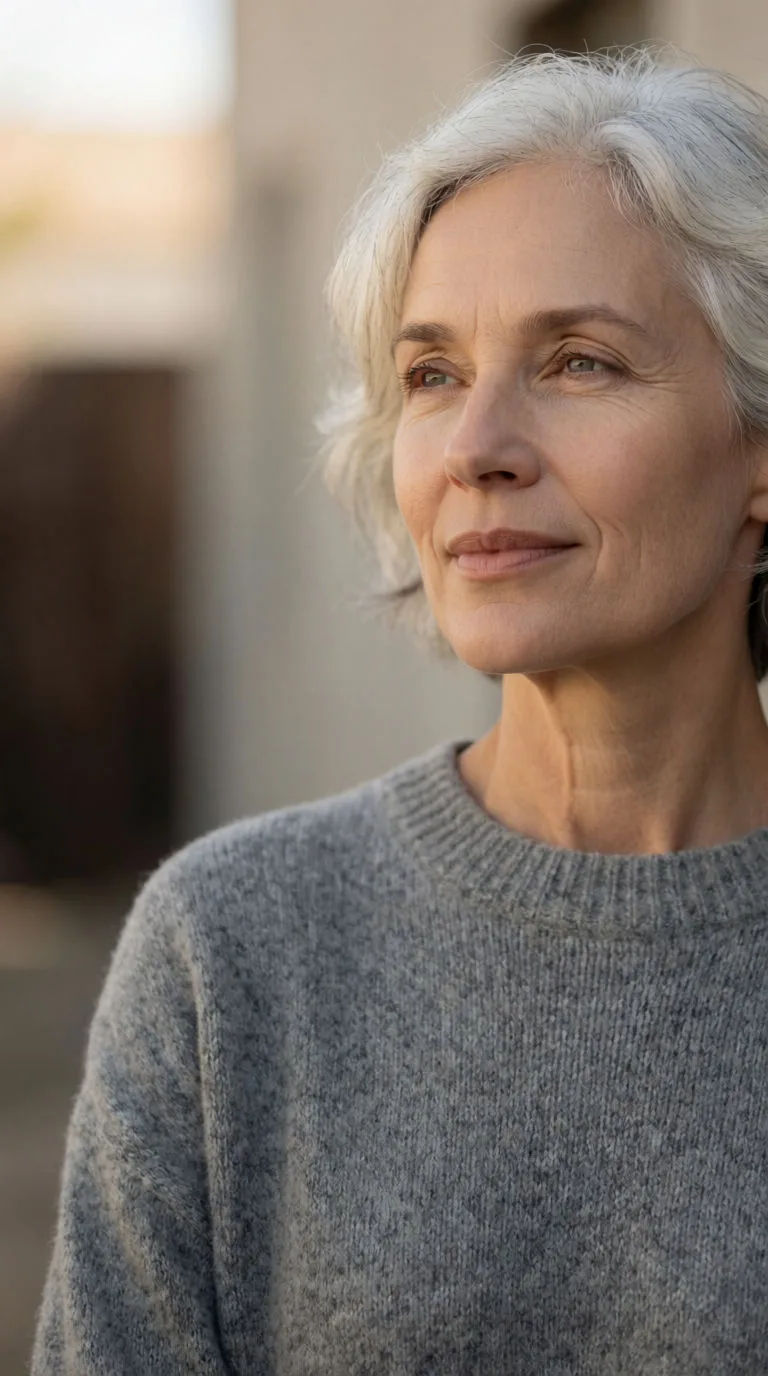
Elder character
Photoreal portrait of an older woman with silver hair and kind eyes, soft diffused daylight, natural gentle wrinkles, warm believable tones
Edit promptSkin enhancer
Fix plastic-looking AI skin. Adds natural texture, pores, and imperfections for realism.

Character age progression
Upload a photo of a person or character and get a single grid image showing them at different life stages, from baby to elderly.

Fabric swatch
Describe your fabric type, pattern, color, and use. Get a photorealistic 2K textile swatch to spec.

Product mockup generator
Upload a product photo and get studio-quality shots on any surface with configurable lighting, angles, and aspect ratios.

Image reverse engineer
Get a detailed prompt extracted from a reference image, and then a fresh recreation.

Female AI influencer
Generate a female AI influencer. Vertical output, ready for socials.
All on Morphic
Your complete face generator toolkitModels
Nano Banana 2, Flux 2 Pro, ChatGPT Images 2.0, Grok Imagine, Recraft V4 Pro, Seedream 5, and more. Pick the one that renders skin and light best, and swap mid-project.
Prompt or photo
Generate a face from a text description alone, or start from a reference photo so the model works from a real face rather than inventing one from scratch.
Consistent likeness
Build a reference sheet for a face and pass it into every generation, so the same person holds across a whole set instead of loosely resembling itself.
Workflows
Lock your face, lighting, and framing into a Workflow. Rerun it for the next shot, share the link, or favorite it.
