Every image model
One workspaceBigger, still sharp
Enlarge in three steps
- 01
Open Morphic
Sign up and start creating on a free-flowing, infinite visual canvas.
- 02
Upload and set the size
Drop in the image you want bigger and choose how much larger to scale it.
- 03
Generate and export
The model rebuilds detail at the new size rather than stretching pixels. Rerun if needed, then export.
Use cases
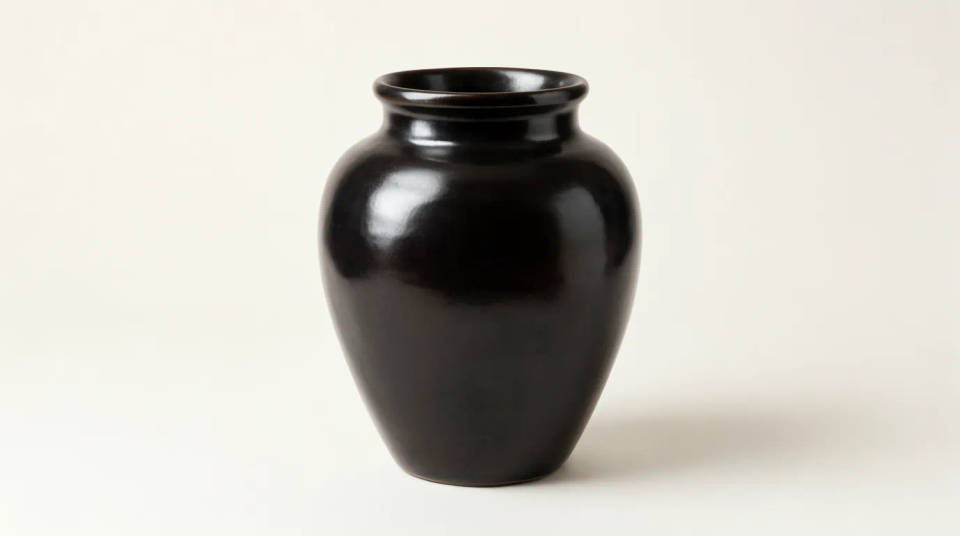
Enlarge a product shot for print or a hero banner
A photo that looked fine on a listing often falls apart when it has to fill a print page or a wide banner. Enlarge it and the model rebuilds the label text, the material, and the edges at the larger size. You get a version big enough for the placement without a reshoot.
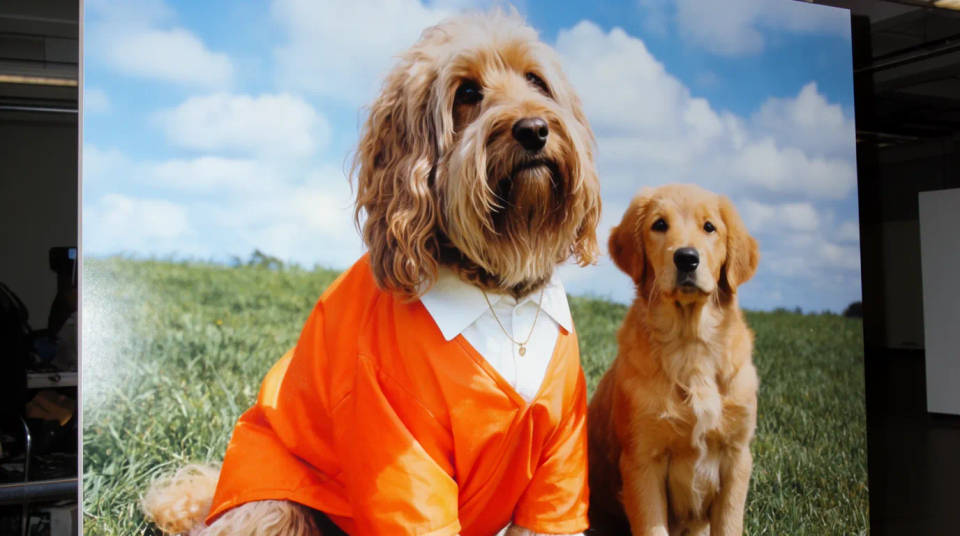
Blow up a small or old photo
Phone screenshots, thumbnails, and old scans are often too small to use anywhere else. Enlarging one gives the model room to reconstruct faces and textures that were only a handful of pixels wide. It is the difference between a photo you can only view small and one you can actually place.
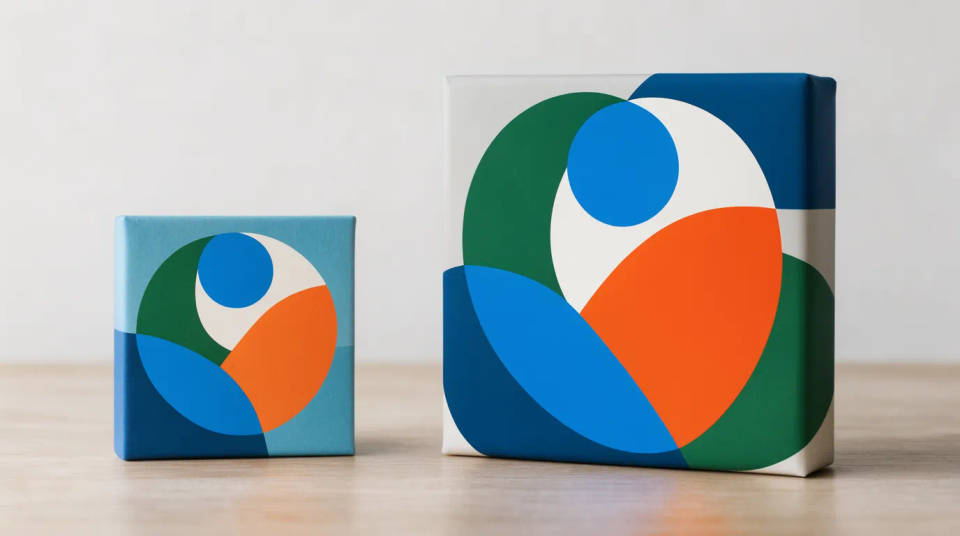
Size up artwork and illustrations
A logo, icon, or illustration exported at a small size can be enlarged so its lines and fills stay clean at the bigger dimensions. The model follows the shapes rather than blurring them, so edges read sharp. Handy when you need a bigger version and no longer have the source file.
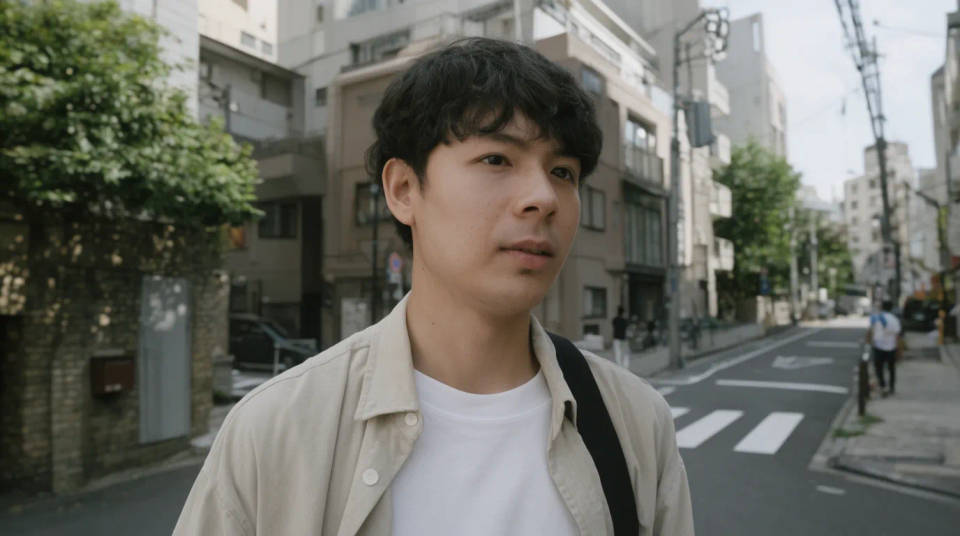
Prepare an image for a larger crop
When you want to crop into part of a photo, enlarging first gives you the pixels to crop away without ending up soft. Scale the whole frame up, then crop to the composition you want and keep the detail. It turns one image into several usable sizes.
Prompt examples
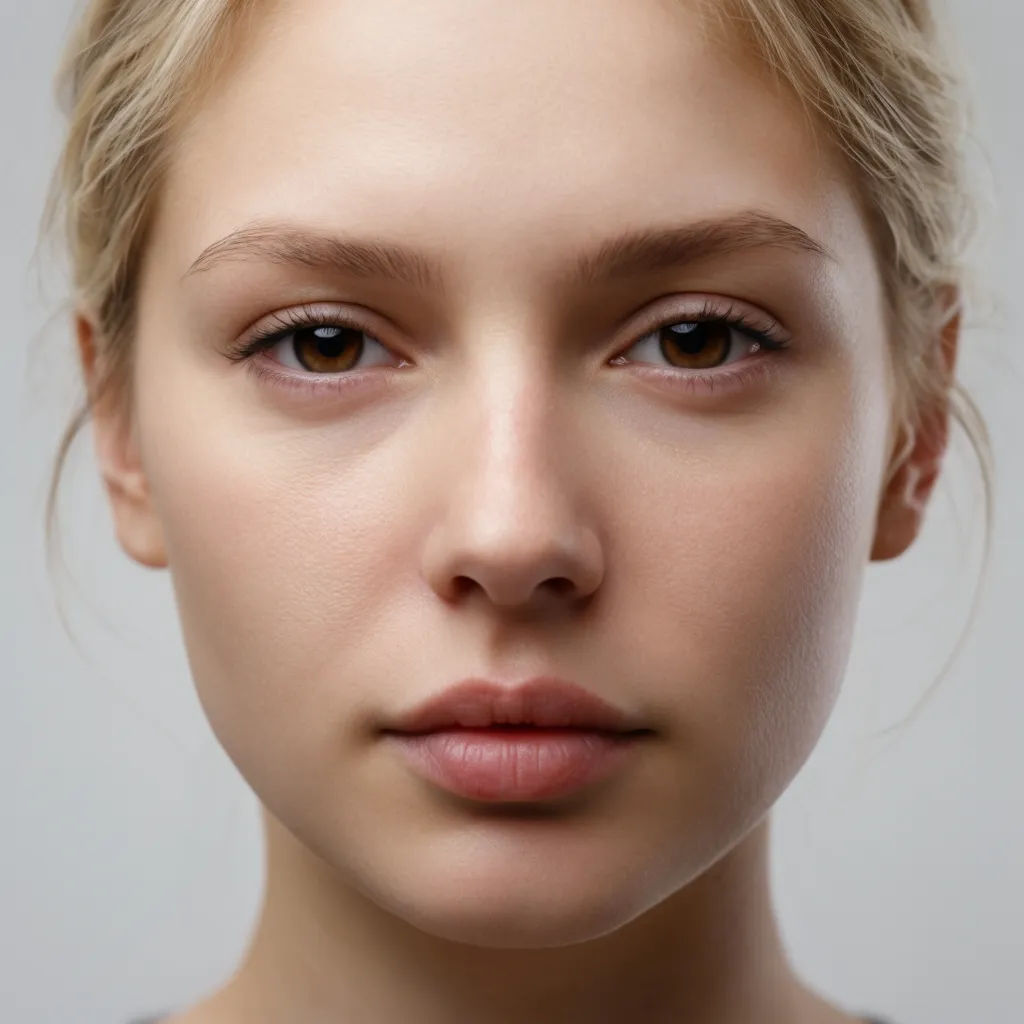
Enlarge a headshot
Enlarge this small headshot to three times its size and keep the eyes, skin, and hair sharp
Edit prompt
Scale a product photo
Make this product photo four times larger and keep the label text readable
Edit prompt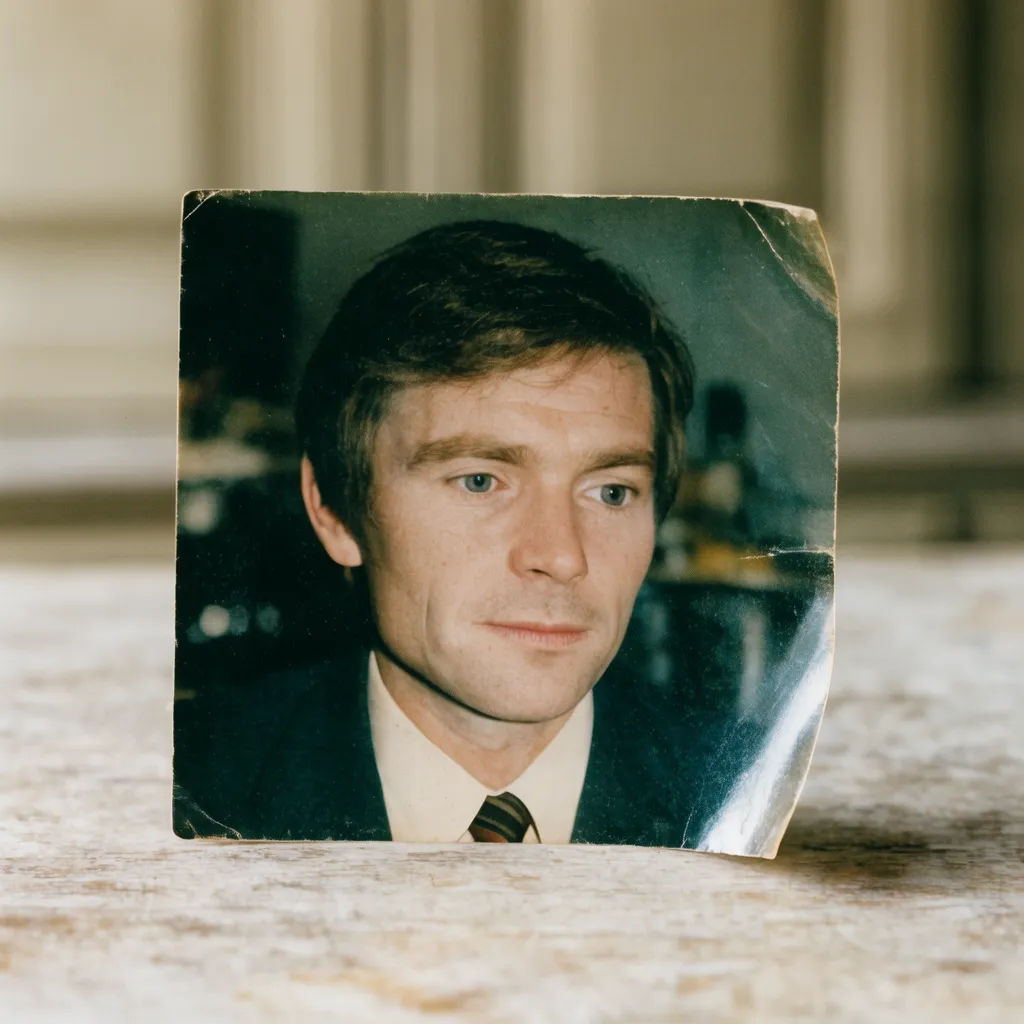
Blow up an old scan
Enlarge this old scanned photo and rebuild the fine detail without adding blur
Edit prompt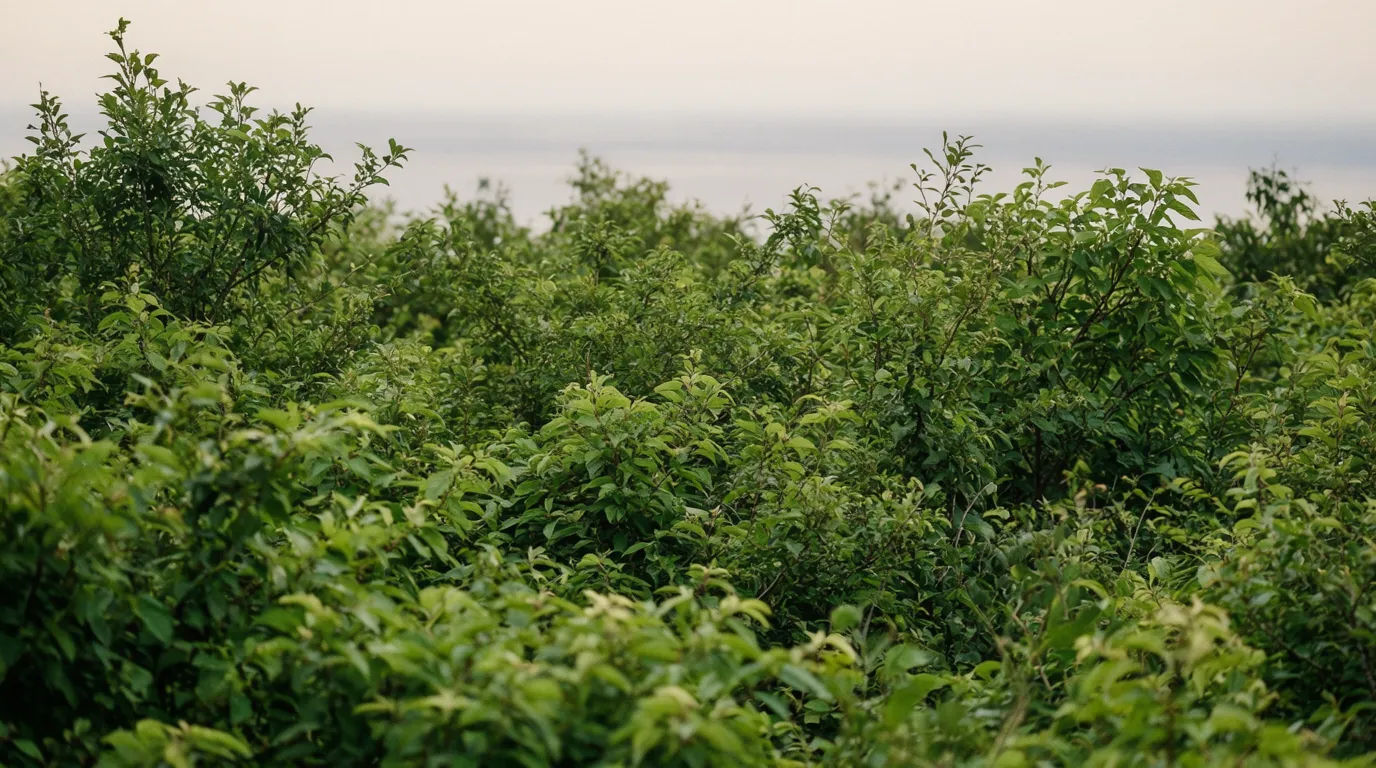
Enlarge a landscape
Scale this landscape photo up for a wide banner and keep the foliage and horizon crisp
Edit prompt
Size up a logo
Enlarge this small logo and keep the lines and edges clean at the larger size
Edit prompt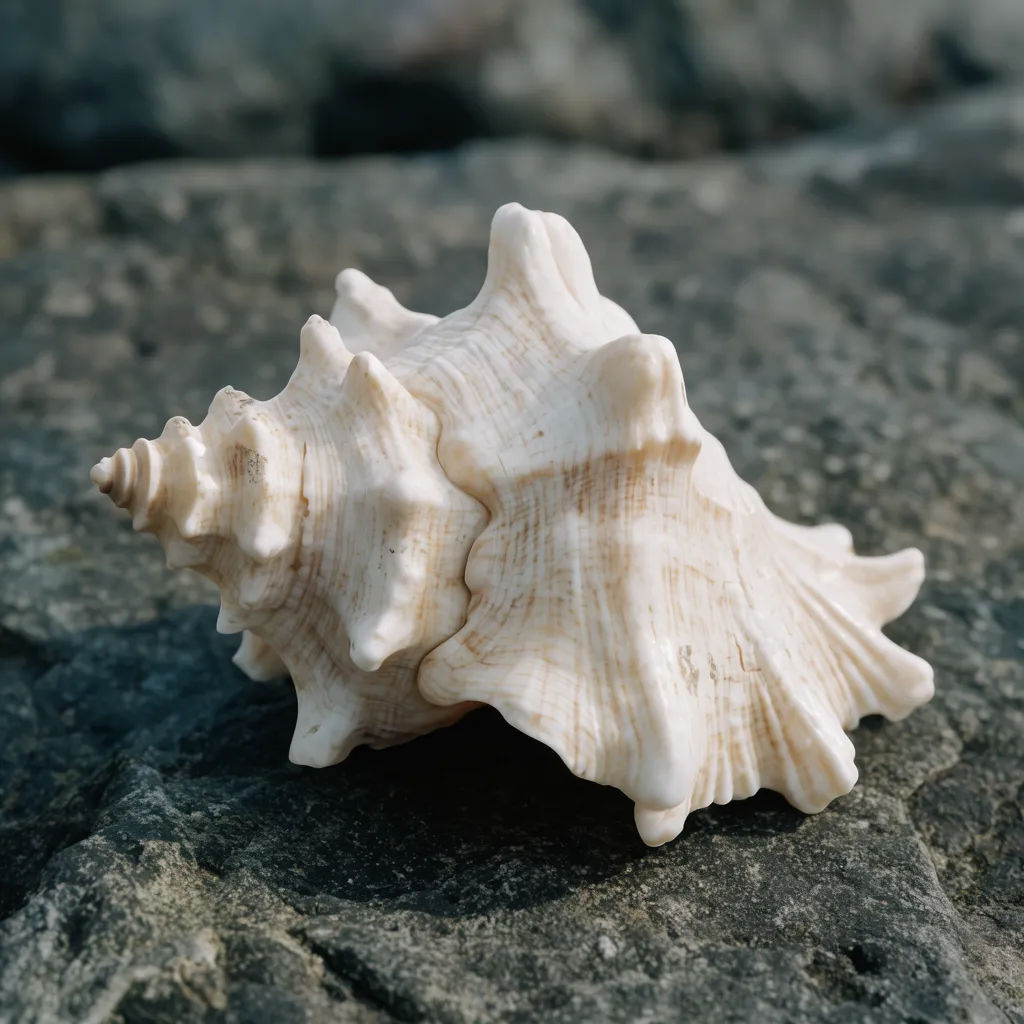
Enlarge to crop in
Make this image twice as large so I can crop into the subject without losing sharpness
Edit prompt
Cinematic storyboard
Share a scene description with character references. Get a full storyboard with shot angles and mood.

3x3 storyboard
Feed in a single image. Get 9 cinematic beats laid out as a 3x3 storyboard grid.

Messages to cinematic scene
Dramatize any text conversation into a cinematic multi-shot video.

Expressions
Take any character image and generate 6 distinct facial expressions on a single reference sheet.

Title sequence
Generate a professional film title card from scratch, with optional cinematic animation.

Chibi sprite animation
Turn any photo or description into an animated chibi sprite. Dance, jump, wave, attack, and more.
All on Morphic
Your image-quality toolkitModels
Nano Banana 2, Flux 2 Pro, ChatGPT Images, Grok Imagine, Recraft, Seedream, and more. Switch models when one enlargement looks cleaner than another.
Photo enhancer
Sharpen, correct, and lift overall quality when the image needs more than a bigger size.
Image resizer
Change dimensions and aspect ratio for a specific placement once the detail is where you want it.
Image to image
Rebuild or restyle a photo through the same generative engine that powers the enlarger.
