Every video model
One workspaceA branded opener in seconds
Make a channel intro in three steps
- 01
Open Morphic
Sign up and start creating on a free-flowing, infinite visual canvas.
- 02
Describe your channel
Write the vibe and your name. Generate a short motion clip and a title shot.
- 03
Add a sound bed
Generate a sting or music bed, place it under the clip, and export.
Use cases
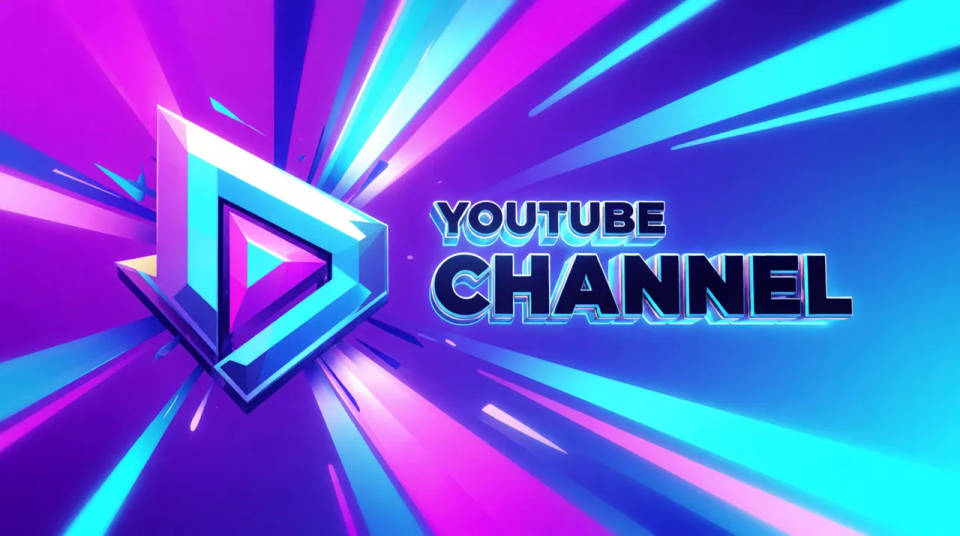
A YouTube opener you reuse
A three-second opener at the head of every upload makes a channel feel like a channel. Generate one motion clip and a title shot with your name, add a sting, and reuse it across the whole feed. Viewers learn to recognise the show from the first frame.
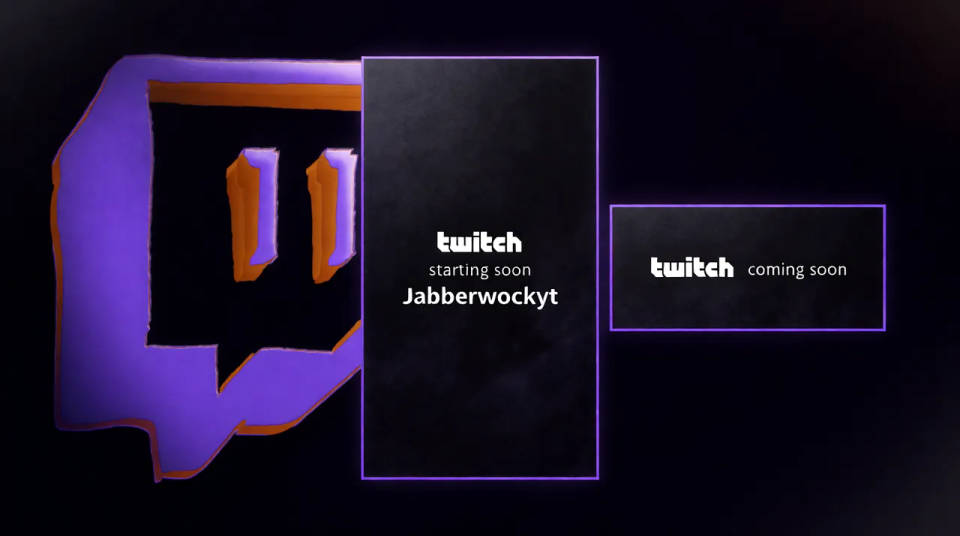
Twitch starting-soon and intro
A stream needs a short loop or intro that reads as yours before the game begins. Describe the mood and generate a clip with a name reveal, then run a music bed under it. It sets the tone in the moments viewers are deciding whether to stick around.
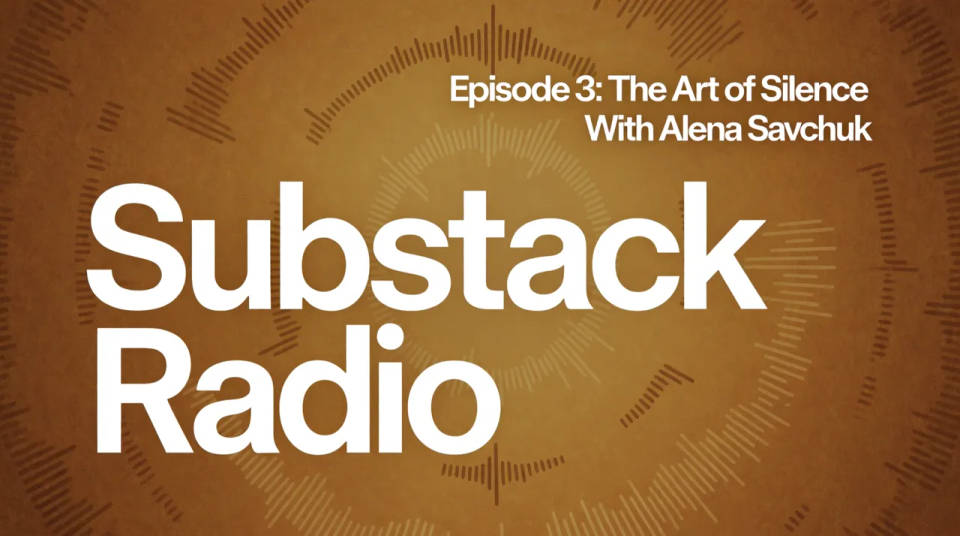
Podcast intro with sound design
A podcast lives on audio, so its intro is mostly a sound-design bed and a spoken or title-shot name. Generate a warm sting and a short clip for the video version, and reuse the same bed on every episode so the show has a recognisable open.
Consistent branding across episodes
Once you have an intro that fits, it becomes part of the brand. Regenerate variations for a season or a special without starting over, keeping the name and mood steady so a viewer always knows whose show they are watching.
Dance your character
Upload a character image and make it dance in any style.
Time-freeze effect
Cinematic time-freeze short film for any scene
Cinematic scene
One image to a 9-scene cinematic video.
Put yourself in a movie
Drop in a photo of yourself. Get a 12-second cinematic movie with animation and a matched soundtrack.
Motion transfer
Pair a character image with a reference video. Your character picks up that exact motion.
Video style transfer
Restyle any video in a completely new visual style. Every frame transforms, all motion stays intact.
All on Morphic
From channel name to branded openModels
Kling 3.0, Seedance 2.0, Veo 3.1, and Ideogram for a title shot with a legible name.
AI trailer generator
Want something bigger than an opener? Build a cinematic trailer from a full premise.
AI reel generator
Turn the intro into a full short. Generate a vertical reel for the same channel.
Text to video
Generate any clip from a written prompt, the model behind your motion and title shots.
