Every image model
Portrait styles you can create
Make a portrait in three steps
- 01
Open Morphic
Sign up and start creating on an infinite canvas.
- 02
Add a photo or prompt
Upload a photo or describe the subject. Name the portrait style.
- 03
Generate and refine
Render in seconds, then compare styles side by side on the Canvas.
Use cases
Profile pictures and avatars
One photo into a polished profile picture for social, gaming, and work. Keep the same face across a studio shot, a painted version, and a cinematic look.

Character portraits for stories and games
Heroes, villains, and side characters from a text prompt. Build a consistent cast of fantasy and cinematic portraits, then hold each face across scenes.

Personalized portrait gifts
Reimagine a loved one as a Renaissance oil, a watercolor, or a pop-art print from one photo. A fast keepsake that keeps the likeness while changing the medium.

Professional headshots
A clean business shot from a casual photo for LinkedIn or a team page. For a headshot-only flow, the AI headshot generator is built for exactly that.

Prompt examples
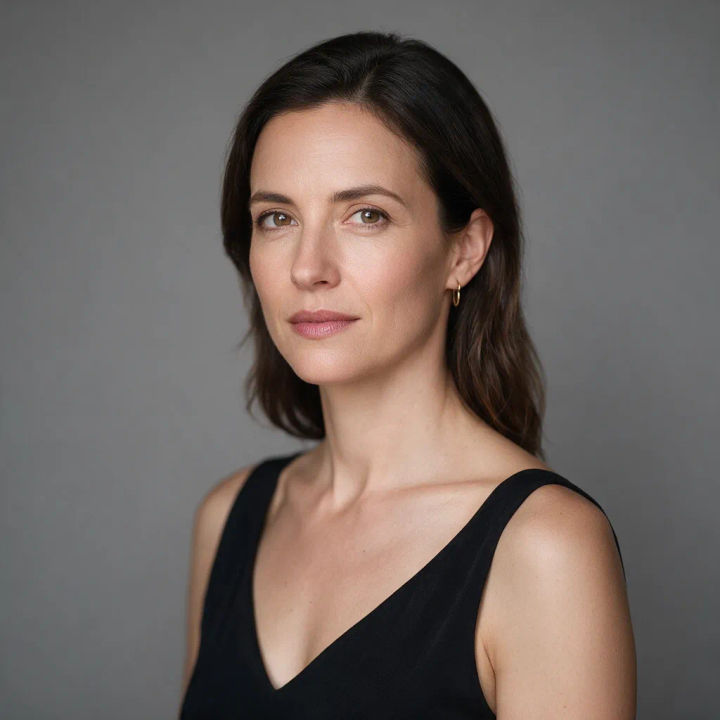
Studio portrait
Studio portrait of a woman, gray seamless backdrop, soft key light and rim light, 85mm lens, shallow depth of field
Edit prompt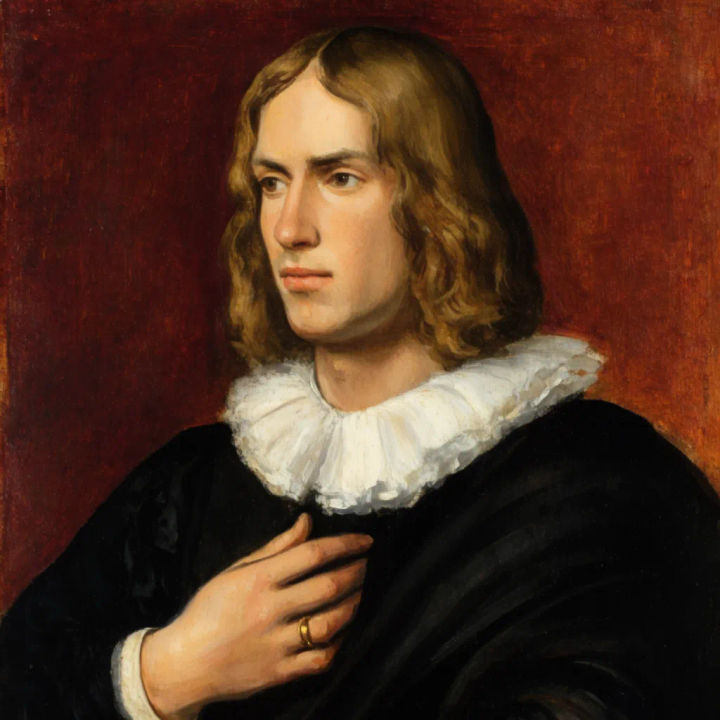
Oil-painted portrait
Renaissance oil portrait of a young man, three-quarter view, dark background, warm chiaroscuro light, visible brushwork
Edit prompt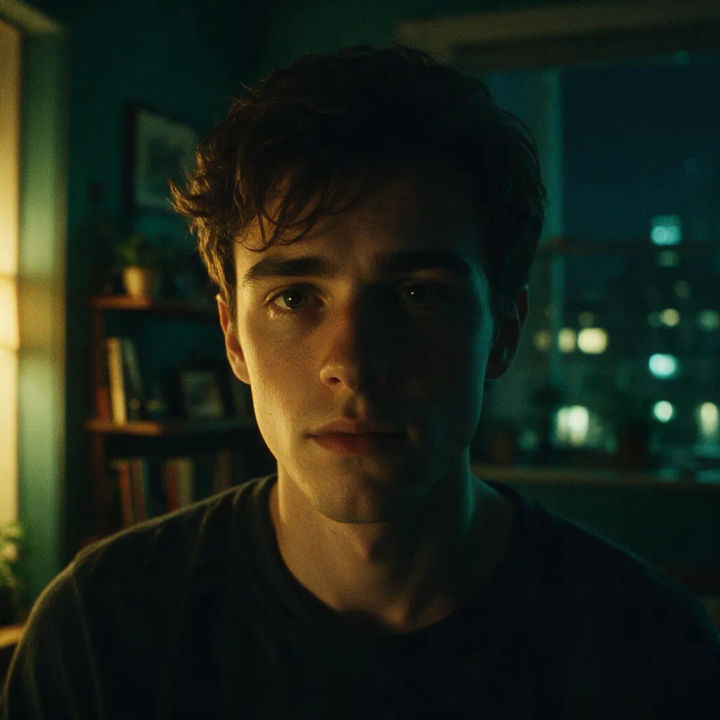
Cinematic portrait
Cinematic close-up portrait, teal and amber color grade, moody practical lighting, film grain, shallow focus
Edit prompt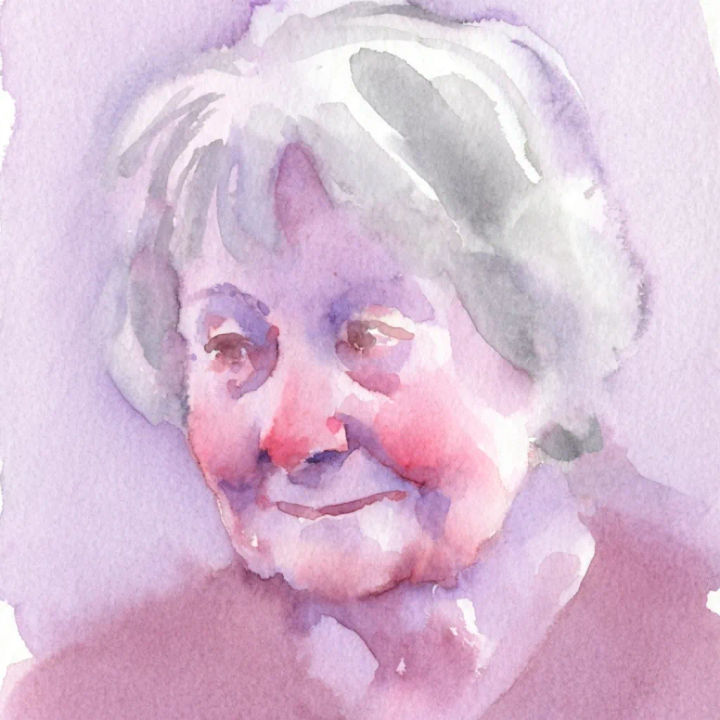
Watercolor portrait
Watercolor portrait of an older woman, loose washes, soft edges, paper grain, gentle pastel palette
Edit prompt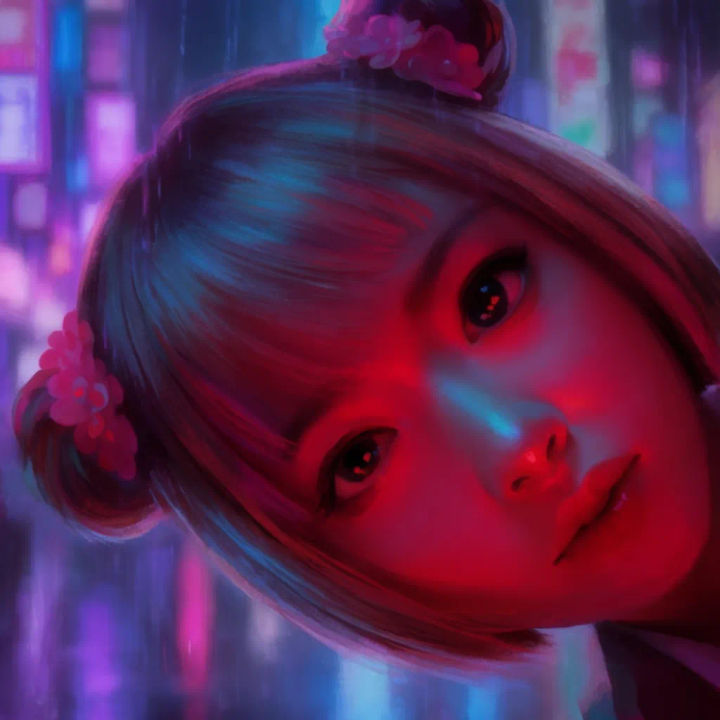
Neon cyberpunk portrait
Cyberpunk portrait, magenta and cyan neon reflections on skin, rainy city backdrop, cinematic bokeh, night mood
Edit prompt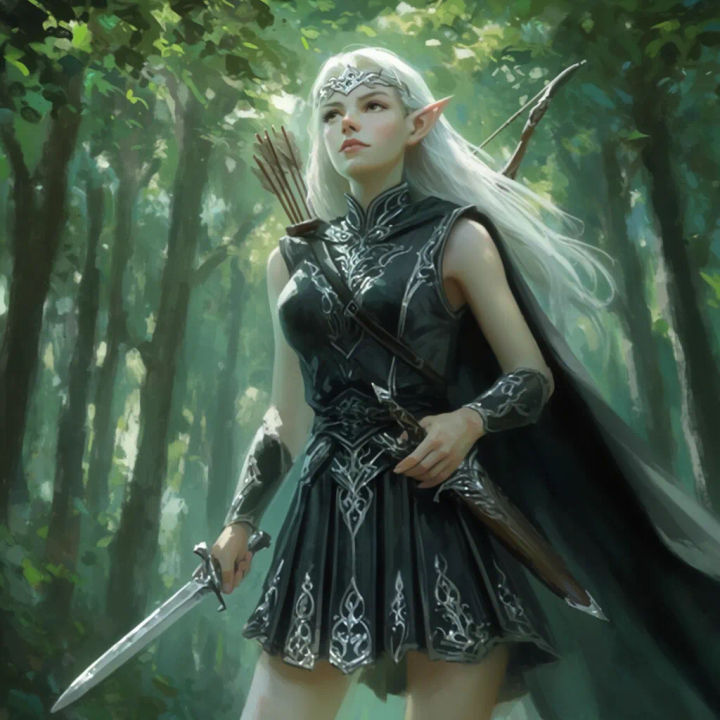
Fantasy portrait
Fantasy portrait of an elven ranger, forest light through leaves, ornate silver circlet, painterly detail, epic mood
Edit prompt
Character age progression
Upload a photo of a person or character and get a single grid image showing them at different life stages, from baby to elderly.
AI headshot studio
One selfie becomes a set of professional headshots. Studio-quality, multiple styles.
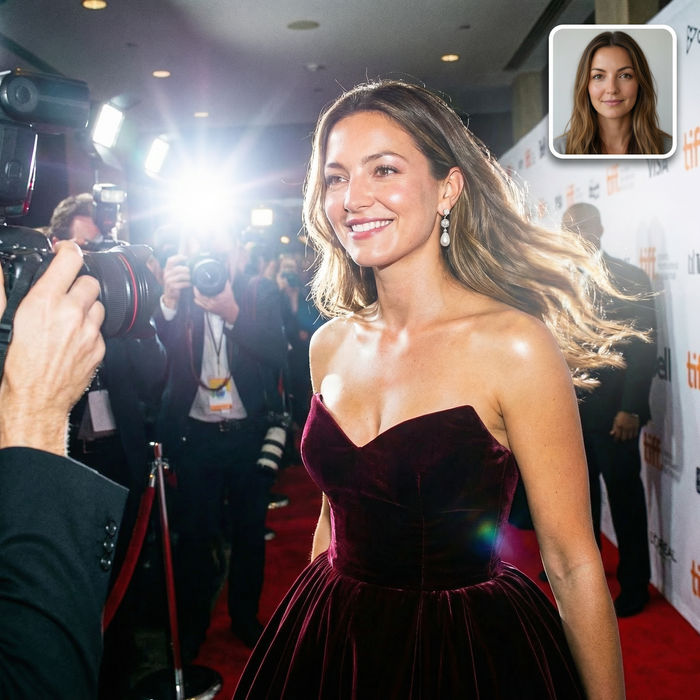
Paparazzi scene
Put anyone on a red carpet with paparazzi flashes, animated into a celebrity entrance video.

Female AI influencer
Generate a female AI influencer. Vertical output, ready for socials.

Anime style transfer
Pick any anime illustration as your style guide. Apply its look to any image.
Skin enhancer
Fix plastic-looking AI skin. Adds natural texture, pores, and imperfections for realism.
All on Morphic
Models
Nano Banana 2, Flux 2 Pro, ChatGPT Images, Grok Imagine, Recraft, Seedream, and more. Pick the one that nails the face and switch mid-project.
Portrait from a photo
Upload a photo and restyle it while keeping the likeness. Turn one reference into a studio, painted, or cinematic portrait without losing the face.
Change style
Re-skin one portrait with image-to-image. Studio to oil, cinematic to pop-art, same subject and pose each time.
Workflows
Save your portrait steps as a one-click Workflow. Rerun it for a new subject or share it with your team.
