Edit a podcast in three steps
- 01
Open Morphic
Sign up and start on a free-flowing, infinite visual canvas.
- 02
Upload your recording
Drop in the raw episode, one voice or a full conversation.
- 03
Describe the edit and export
Say what to clean, cut, or add. Get a finished episode ready to publish.
Use cases
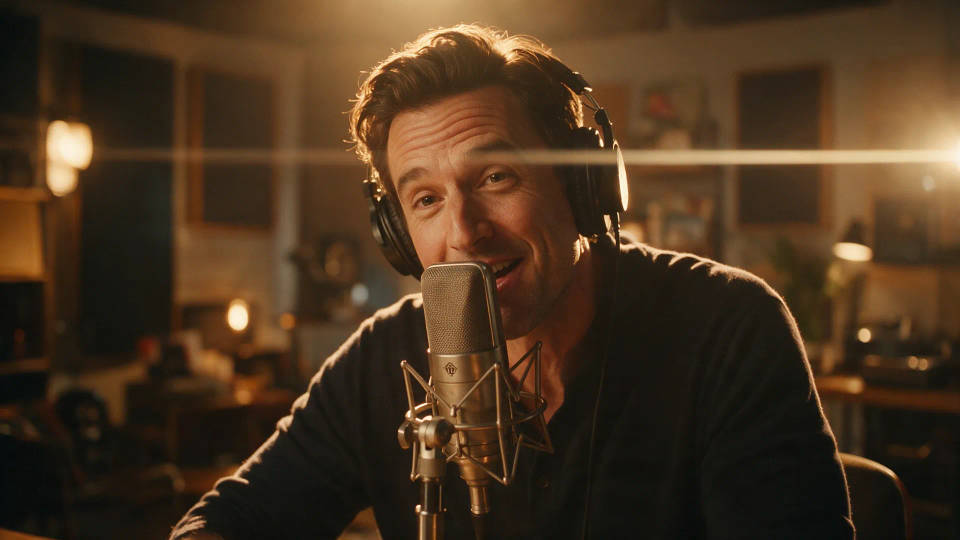
Cut filler and tighten the talk
Trim long pauses, false starts, and repeated filler so the conversation moves. Keep the substance and lose the parts that make listeners drift.
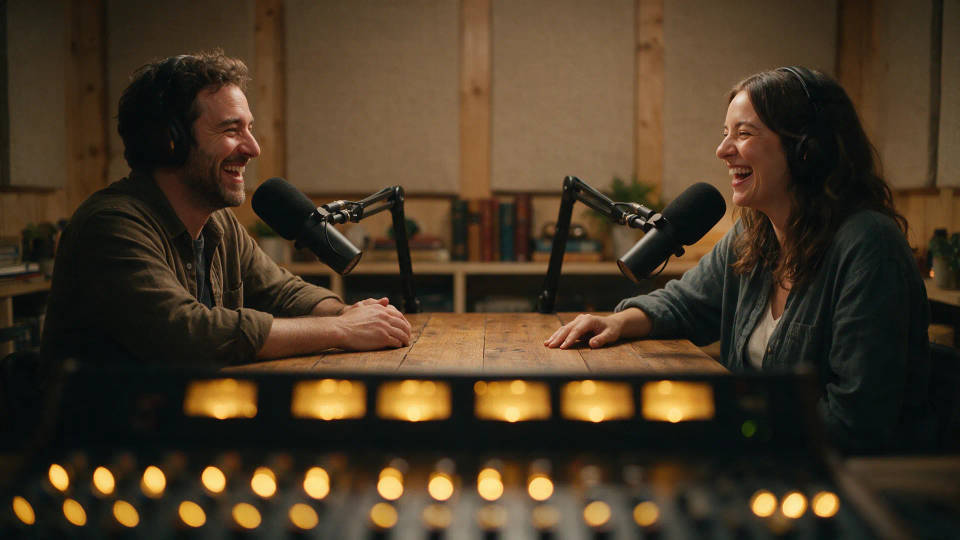
Level and clean the audio
Even out levels between hosts and guests, smooth harsh moments, and tidy a rough recording so the episode sounds consistent throughout.
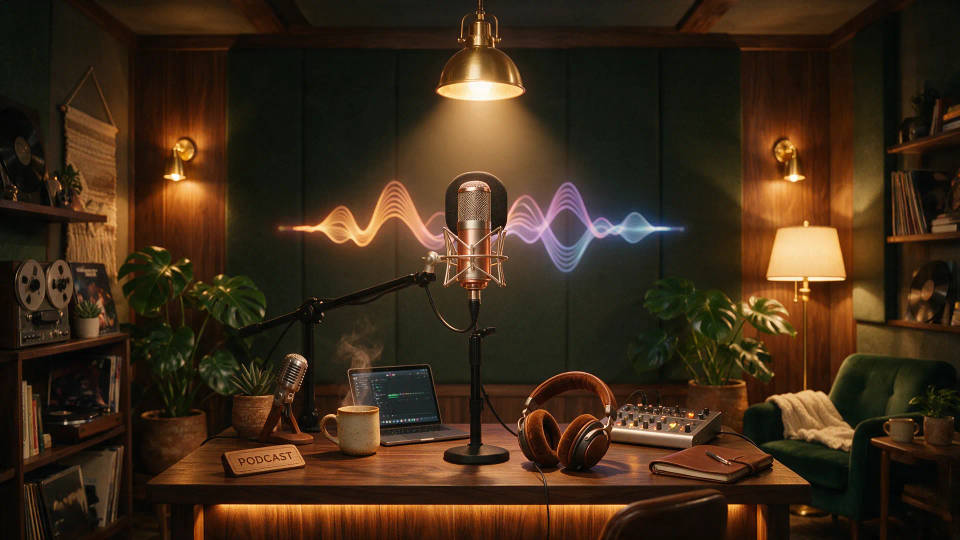
Add an intro, outro, and music
Generate a signature open and close, drop in a music bed, and set levels so voices sit on top. Every episode starts and ends the same way.
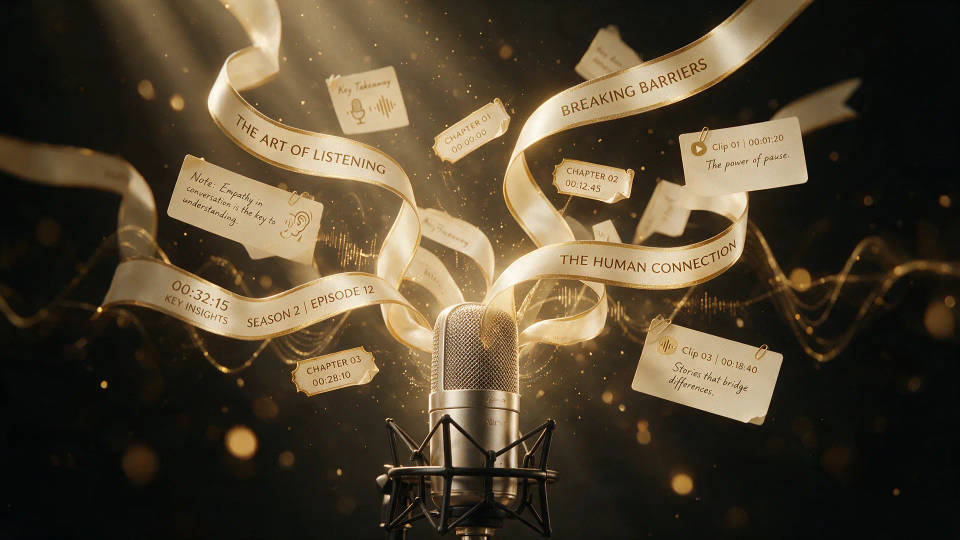
Turn the episode into show notes and clips
Transcribe the recording, then pull show notes, chapters, and short social clips from it. One take becomes the audio plus everything you need to publish.

Cinematic storyboard
Share a scene description with character references. Get a full storyboard with shot angles and mood.
Time-freeze effect
Cinematic time-freeze short film for any scene
Video style transfer
Restyle any video in a completely new visual style. Every frame transforms, all motion stays intact.
Dance your character
Upload a character image and make it dance in any style.

Messages to cinematic scene
Dramatize any text conversation into a cinematic multi-shot video.
Put yourself in a movie
Drop in a photo of yourself. Get a 12-second cinematic movie with animation and a matched soundtrack.
All on Morphic
Clean it up
Level voices, smooth harsh moments, and cut filler and dead air, so a raw take becomes a finished episode.
Add music and voice
Generate an intro, outro, and music bed, or a voiceover from text, with voices set above the music.
Text from your audio
Turn the episode into a transcript, then pull show notes, chapters, and clips from one recording.
Workflows
Save your cleanup, music, and intro as a Workflow and rerun it on every recording, so the series stays consistent.
