Every image model
Pixel art styles you can create
Make pixel art in three steps
- 01
Open Morphic
Sign up and start creating on an infinite canvas.
- 02
Describe the asset
Name the subject, the era, the palette, and the pixel size.
- 03
Generate and refine
Render in seconds, then swap models and match the set on the Canvas.
Use cases
Character sprites and sprite sheets
Block out a hero, an enemy, and an NPC without a pixel editor. Generate a base character, then pull matching poses that share one palette and outline.

Tilesets and level backgrounds
Top-down tilesets and parallax backgrounds sized to your grid. Prototype a whole world in an afternoon, then refine the tiles that get the most screen time.

Item icons and UI assets
Potions, weapons, coins, and inventory icons that read at small sizes. Fill out an item set in minutes on one consistent 8-bit or 16-bit style.
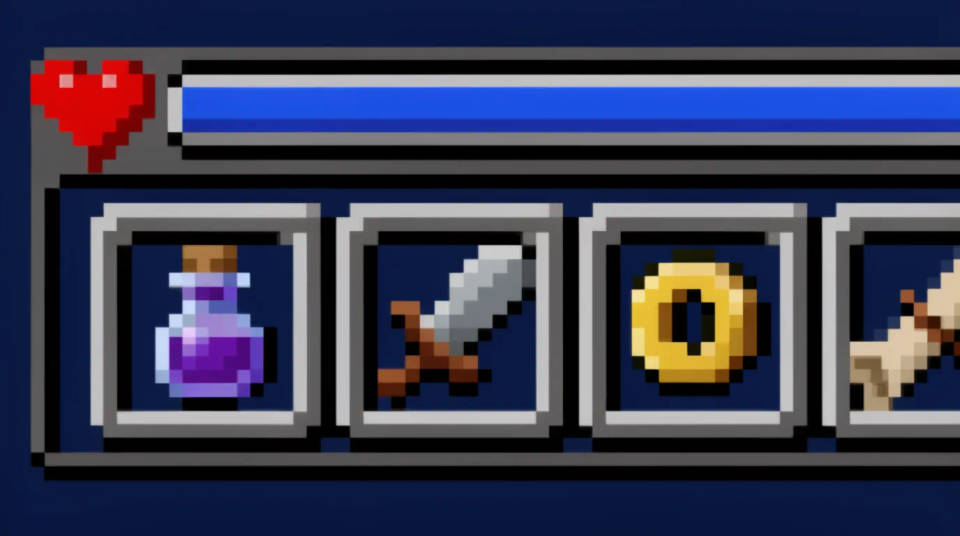
Retro-style content and avatars
Turn a photo into a pixel portrait or a retro avatar for a stream or banner. Get a recognizable look you can reuse everywhere without redrawing it.

Prompt examples
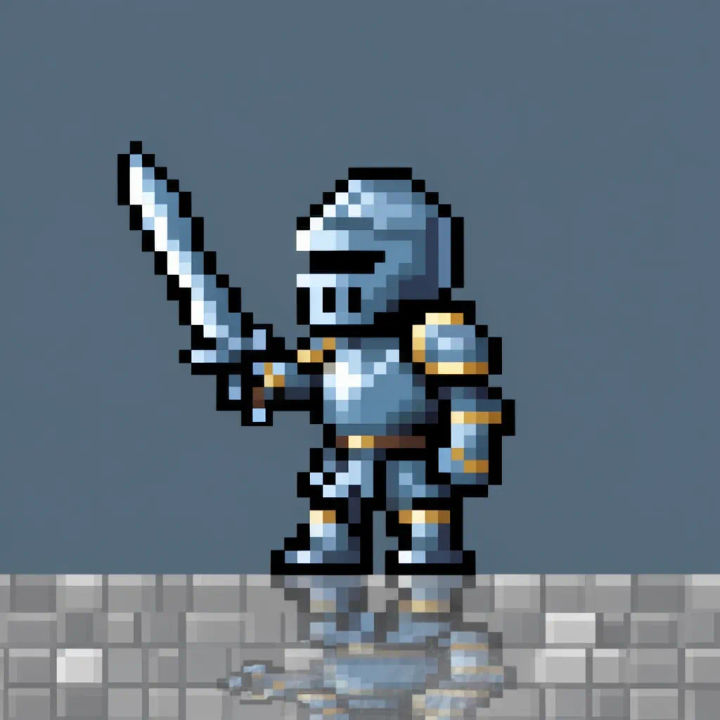
8-bit character
8-bit knight sprite, side view, 32x32, black outline, 3-color palette, transparent background
Edit prompt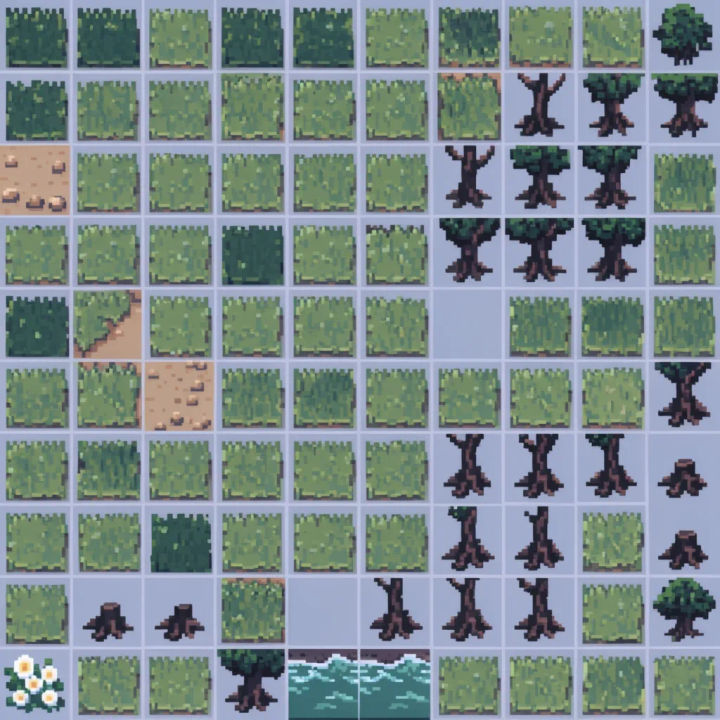
Top-down tileset
Top-down 16x16 forest tileset, grass, dirt path, trees, water edge, SNES palette, seamless tiles
Edit prompt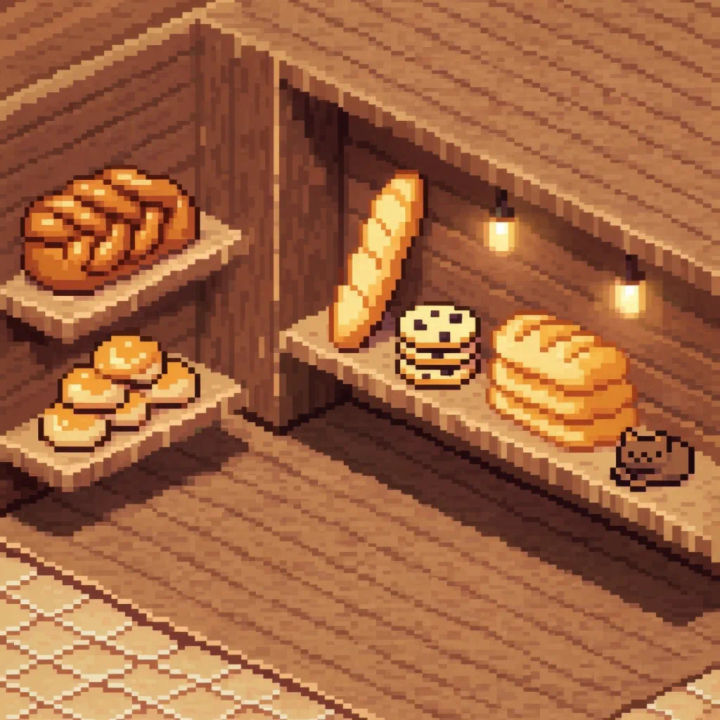
Isometric scene
Isometric pixel art bakery interior, warm lamps, wooden shelves, cozy 16-bit palette, soft shadows
Edit prompt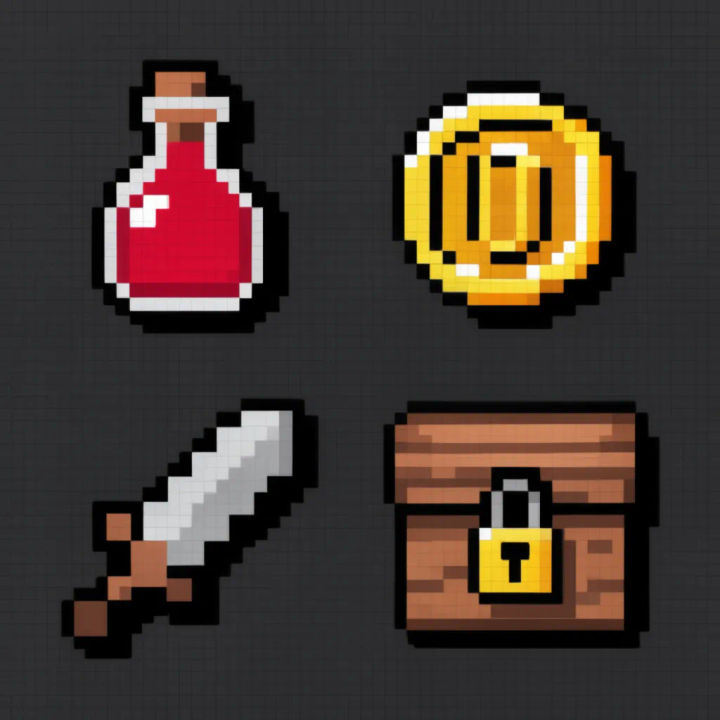
Item icons
Pixel art item icon set, health potion, gold coin, iron sword, treasure chest, 24x24, chunky outline
Edit prompt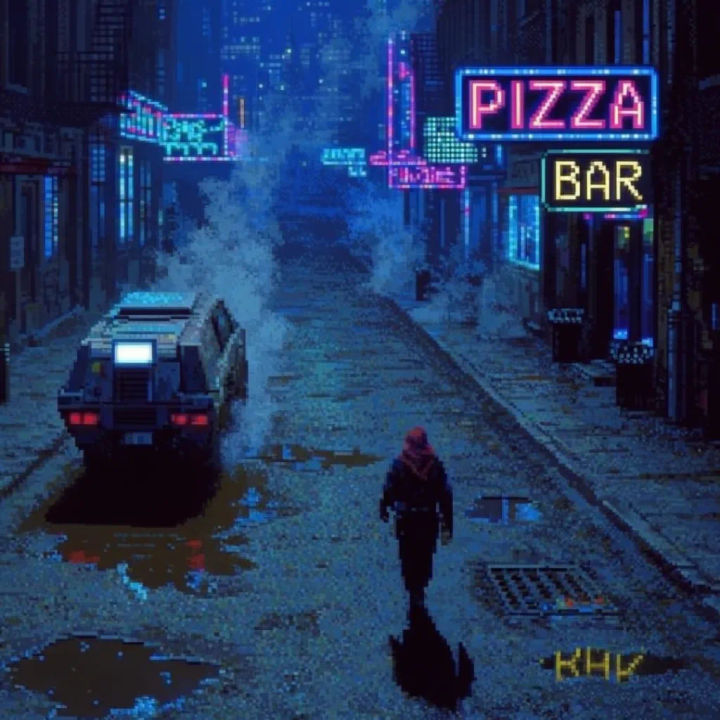
Cyberpunk pixel
Cyberpunk pixel city street at night, neon signs, rain puddles, dithered gradients, deep blue palette
Edit prompt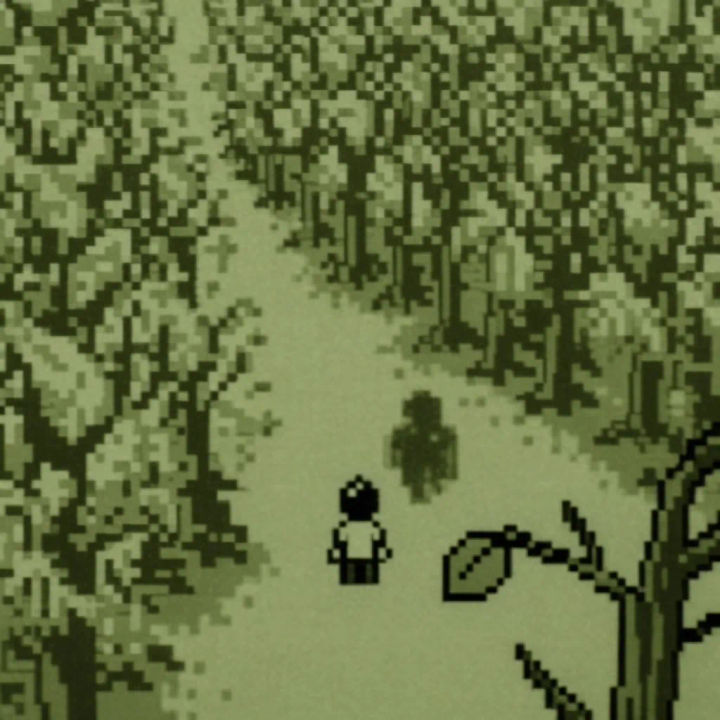
Monochrome Game Boy
Monochrome Game Boy style forest scene, 4-shade green palette, dithered shading, low resolution
Edit prompt
Chibi sprite animation
Turn any photo or description into an animated chibi sprite. Dance, jump, wave, attack, and more.
Icon sheet
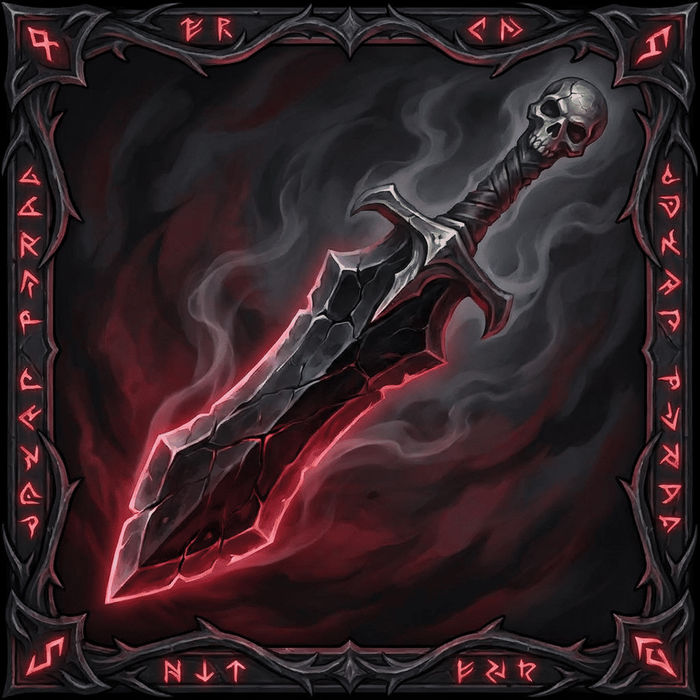
Describe your item categories. Get 12 consistent game-ready icons for inventory UI.

Sketch to render
Turn any sketch or drawing into a finished render.

Expressions
Take any character image and generate 6 distinct facial expressions on a single reference sheet.

Anime style transfer
Pick any anime illustration as your style guide. Apply its look to any image.
Art style transfer
Pick a reference image, apply its visual style to your own photo or artwork.
All on Morphic
Models
Nano Banana 2, Flux 2 Pro, ChatGPT Images, Grok Imagine, Recraft, Seedream, and more. Pick the one that nails the pixels and switch mid-project.
Pixel art from a photo
Drop in a photo and turn it into a pixel portrait or sprite. The model keeps the shapes and reworks them into a clean, limited palette at your resolution.
Change style
Re-skin one sprite with image-to-image. Take an 8-bit character to 16-bit, or a color scene to monochrome Game Boy, no redrawing.
Workflows
Save a finished sprite as a one-click Workflow, then rerun it for the next asset or share it with your team.
