Every image model
Coverage you can generate
Generate coverage in three steps
- 01
Open Morphic
Sign up and start creating on a free-flowing, infinite visual canvas.
- 02
Upload or describe the scene and list the angles
Bring in a scene or generate one, then say which framings you need, from an establishing wide to a tight close-up.
- 03
Generate and export
Morphic holds the subject, set, and light steady while the camera moves, so the framings cut together. Rerun to add an angle, then export.
Use cases
Block a scene before a shoot
Directors and DPs use it to see how a scene will be covered before anyone sets up a camera. Generate the wide, the mediums, and the close-ups from one scene and you have a coverage plan on screen, with the subject and the set held steady so the framings genuinely belong to the same moment.
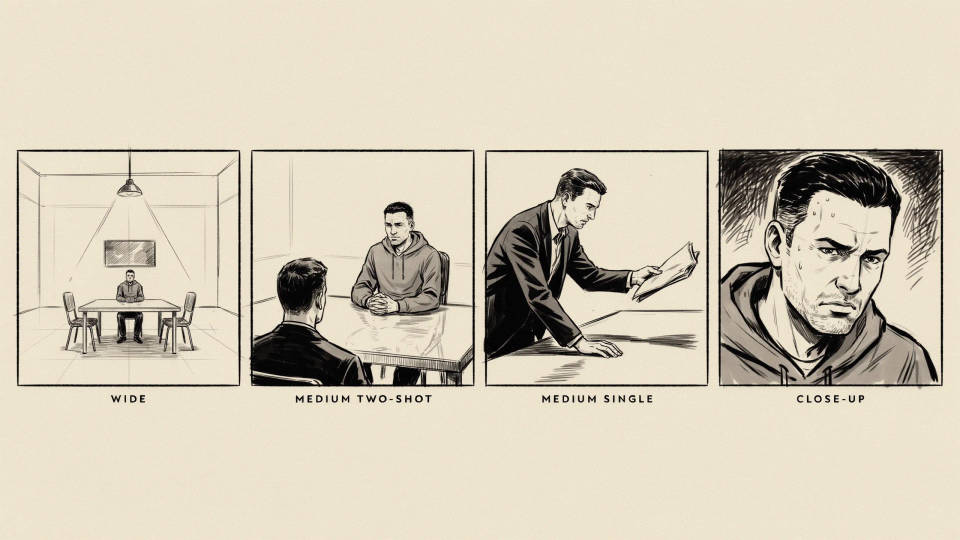
Fill out a storyboard
Turn one keyframe into the full set of angles a beat needs, so a storyboard reads like real coverage rather than a single repeated frame. Because the scene stays consistent across the framings, the boards communicate the cut clearly to a crew or a client.
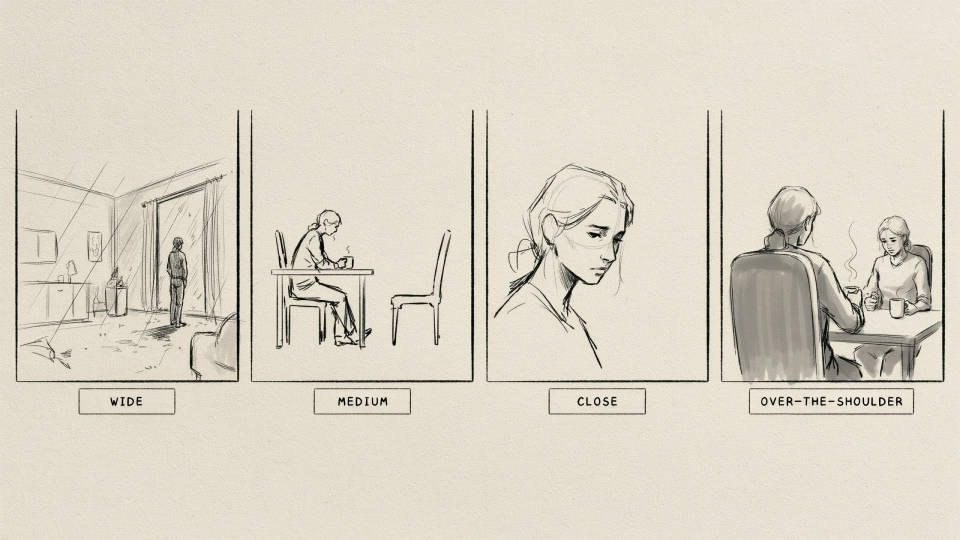
Pitch a scene to a client
Show a client how a scene will play across a wide, a medium, and a close-up before committing budget to a shoot. One consistent scene in several framings sells the idea far better than a lone frame, and reruns cost nothing when the brief changes.
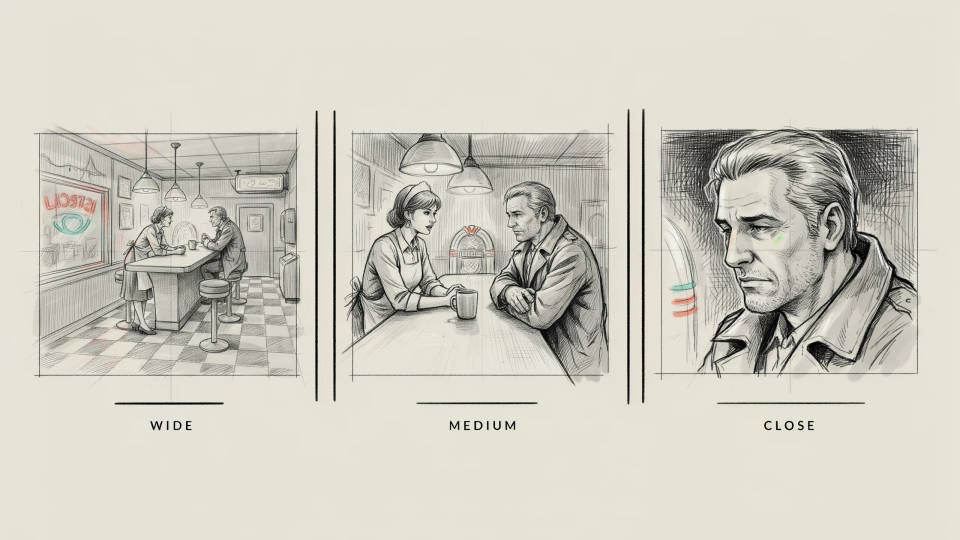
Build reference frames for a team
Hand editors and animators a consistent coverage set from one scene, so everyone works from the same subject, set, and lighting. Instead of screenshotting mismatched references, you generate a clean set of angles that all read as the same shot from different positions.
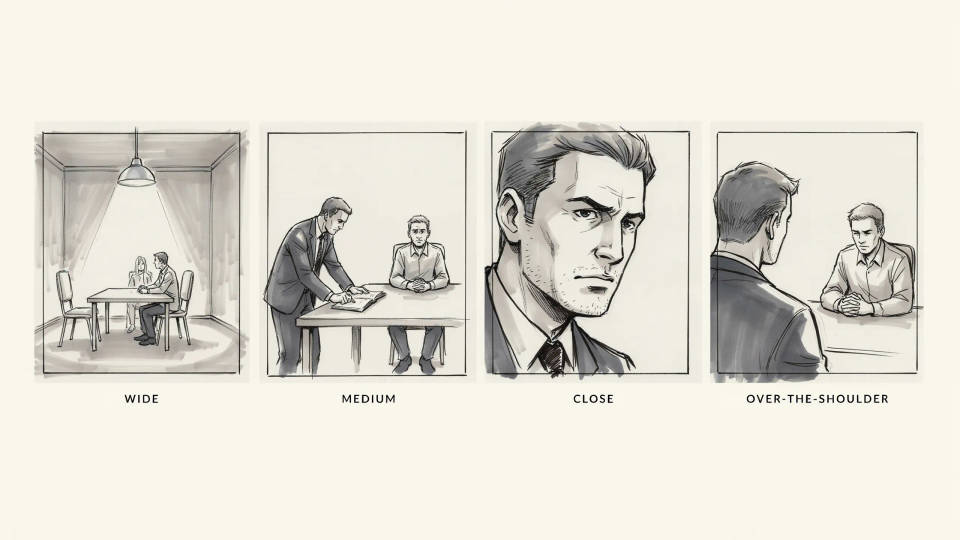
Prompt examples
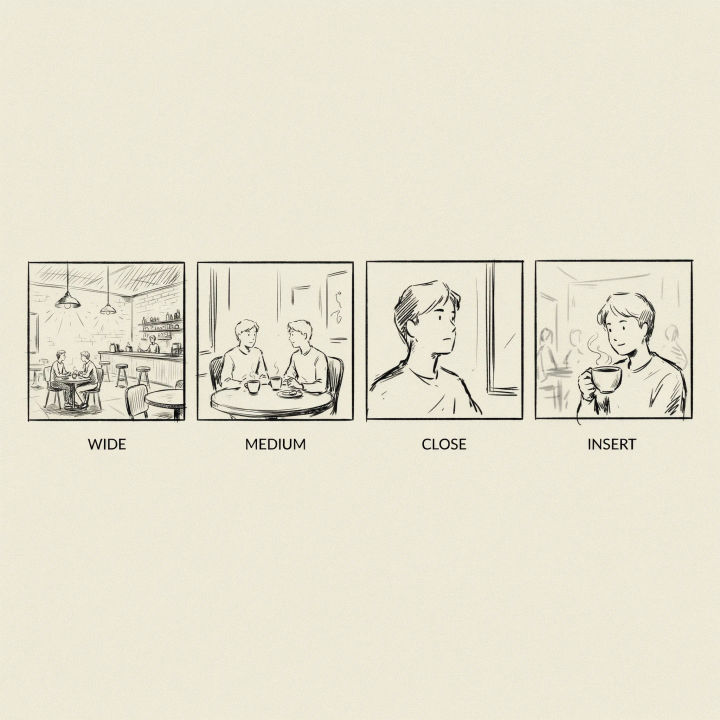
Establishing wide
Give me an establishing wide of this cafe scene showing the whole room and the two characters at the table, same set and light
Edit prompt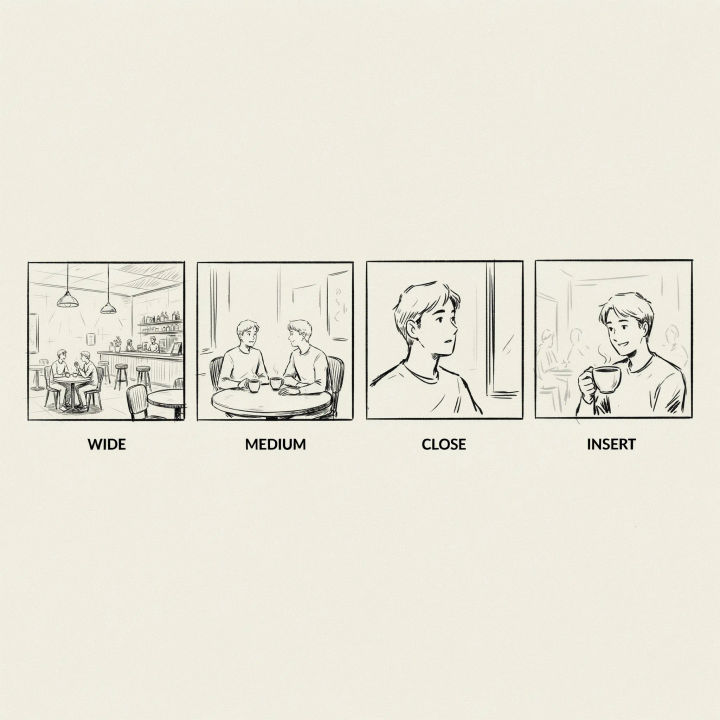
Medium two-shot
Reframe the same scene to a medium two-shot of both characters from the waist up, keeping the set, wardrobe, and lighting identical
Edit prompt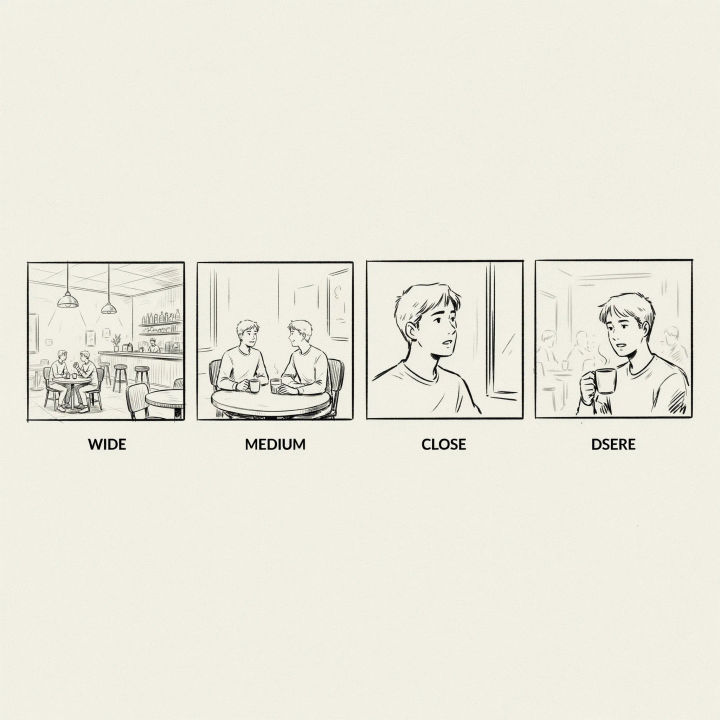
Tight close-up
Reframe the same scene to a tight close-up on the character on the left, same face, same background and light, shallow depth of field
Edit prompt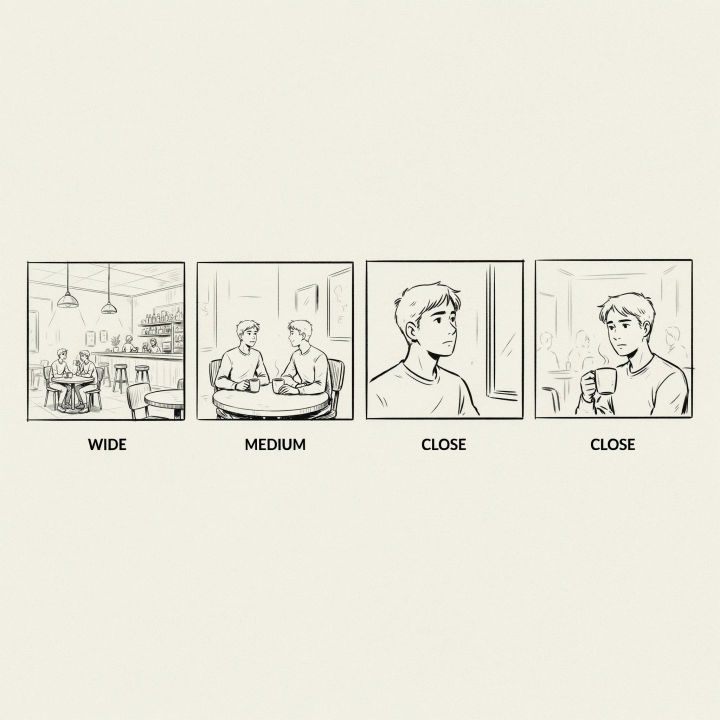
Over the shoulder
Reframe the same scene to an over-the-shoulder shot from behind the right character looking at the left one, same set and light
Edit prompt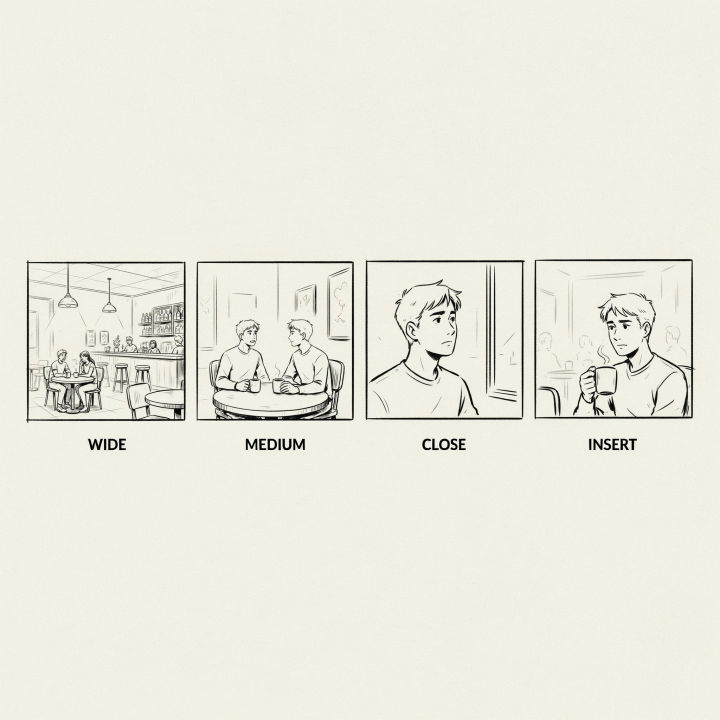
Low hero angle
Reframe the same scene to a low hero angle looking up at the standing character, holding the subject, set, and lighting steady
Edit prompt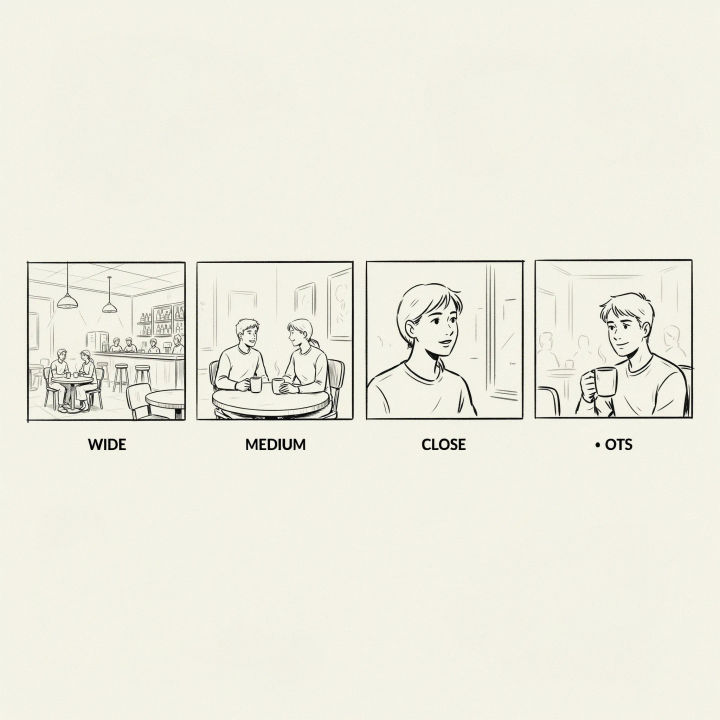
Full coverage grid
Lay out a coverage grid of this scene: establishing wide, medium two-shot, close-up, and over-the-shoulder, all matching set and light
Edit prompt
Cinematic storyboard
Share a scene description with character references. Get a full storyboard with shot angles and mood.
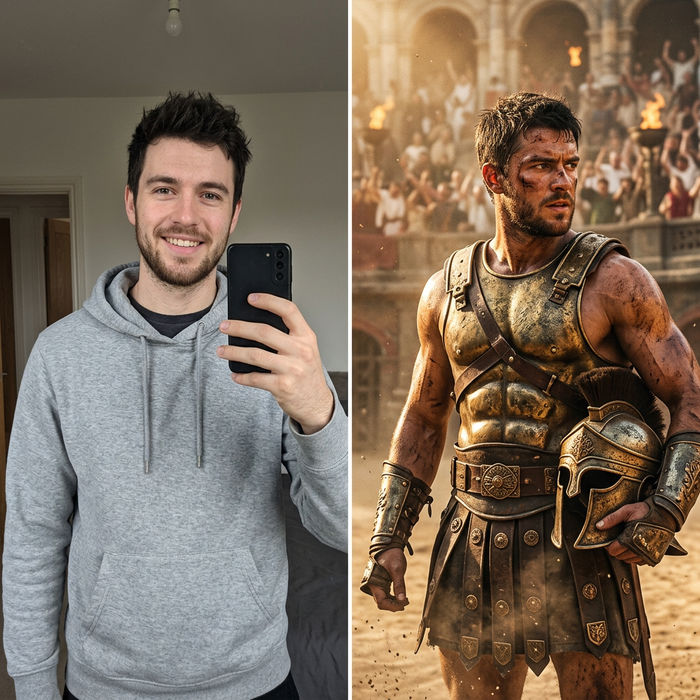
Character look book
Character photo plus costume descriptions. Multiple styled looks across angles and lighting.

Messages to cinematic scene
Dramatize any text conversation into a cinematic multi-shot video.

3x3 storyboard
Feed in a single image. Get 9 cinematic beats laid out as a 3x3 storyboard grid.

Title sequence
Generate a professional film title card from scratch, with optional cinematic animation.

Chibi sprite animation
Turn any photo or description into an animated chibi sprite. Dance, jump, wave, attack, and more.
All on Morphic
Models
Nano Banana 2, Flux 2 Pro, ChatGPT Images, Grok Imagine, Recraft, Seedream, and more. Swap models when a framing needs a cleaner rebuild.
AI storyboard generator
Turn your coverage set into a laid-out storyboard, sequencing the framings into the beats of a scene.
Generative fill
Extend a framing past its edges so a tighter angle still has room around the subject and the set.
Image to image
Upload a scene and reframe it from each new camera position, the method behind consistent coverage.
