Morphic's AI story video generator turns a premise into a story told on screen. You bring the idea and the beats; it generates the scenes as video, adds narration, and lays in sound, so the story plays out as a watchable piece instead of staying on the page. Morphic builds the visuals rather than the prose, so the sharper your premise, the stronger the result.
Stories you can tell
Turn a premise into a story in three steps
- 01
Open Morphic
Sign up and start creating on a free-flowing, infinite visual canvas.
- 02
Bring your premise
Drop in your script or premise and let Copilot storyboard the beats into frames.
- 03
Generate the story
Render the scenes, add narration and sound, and adjust the parts that need it.
Use cases
Personal and brand stories
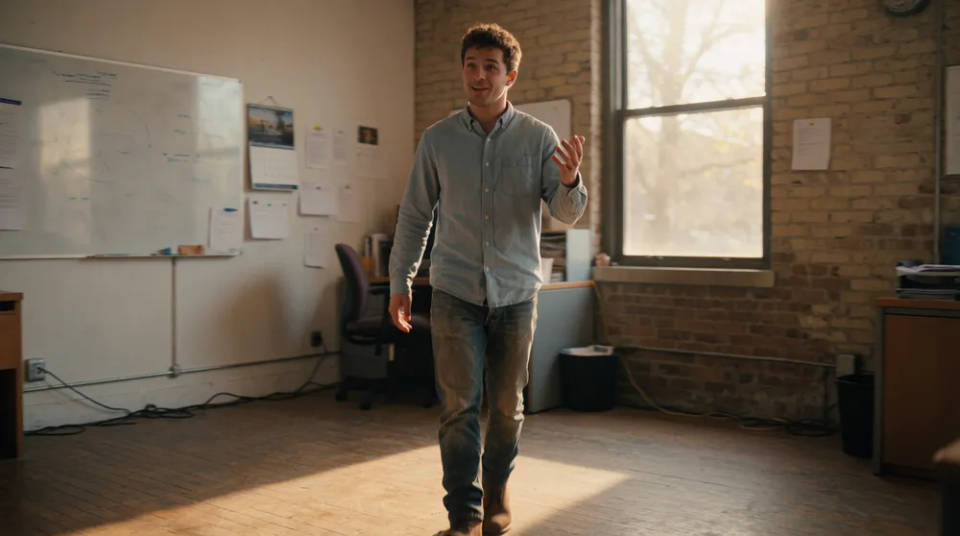
Turn an anecdote or a company origin into a narrated short that plays out scene by scene instead of sitting in a caption. The beats become a sequence you can watch.
Fables and shorts
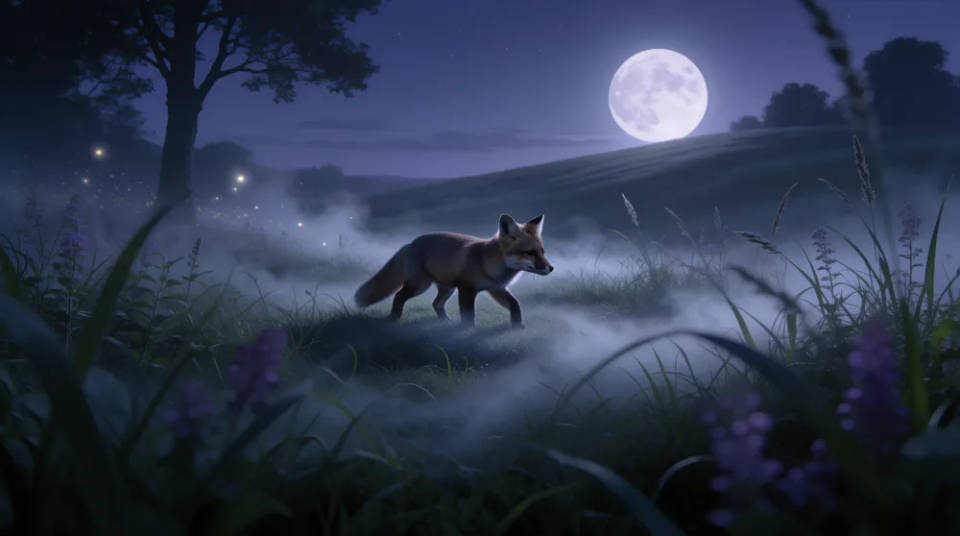
Give a simple plot a clear tone and a few beats, and watch it become a sequence of generated scenes with a voice guiding it from moment to moment.
Social storytelling
Build vertical, scene-driven stories for a feed, where narration and sound carry the moment as much as the visuals do. Short pieces made to hold a scroll.

Consistent characters
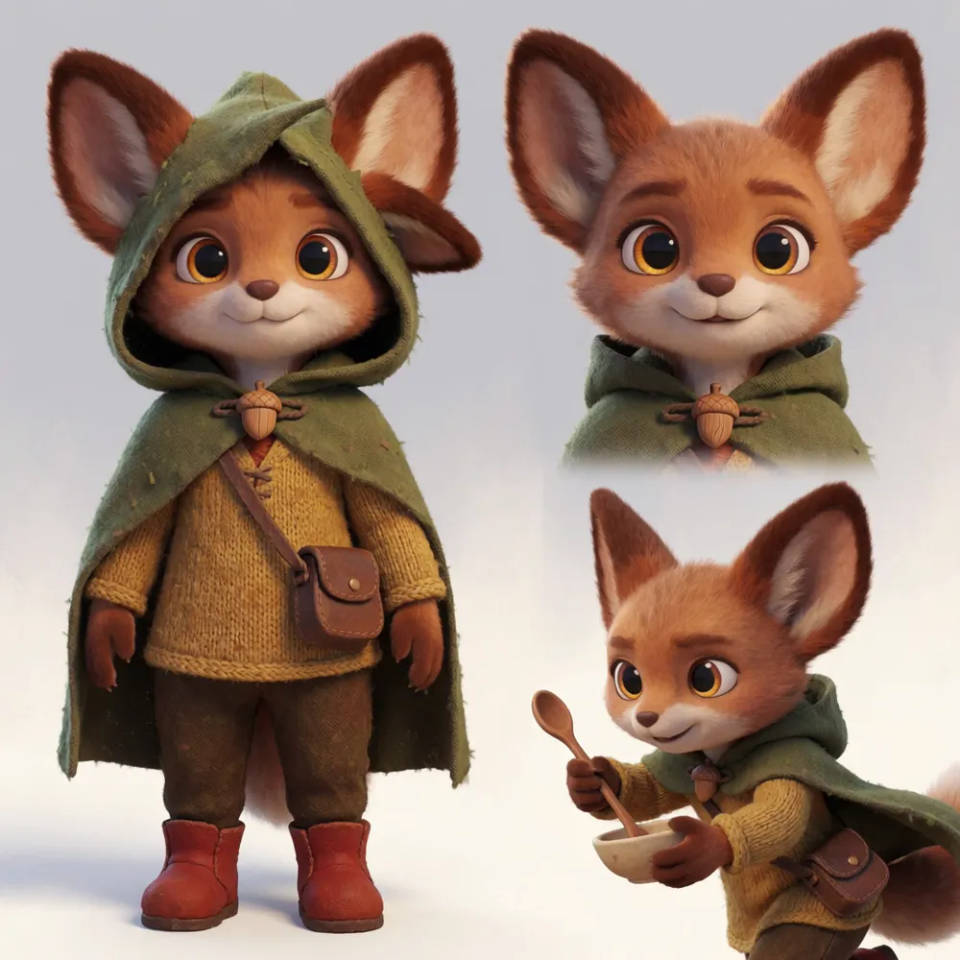
Build a reference sheet for each recurring character and location, and pass it into every scene, so the same character reads as the same character across the whole story.
Story prompts to try
Different premises, tones, and settings, each turned into generated scenes with narration and sound. Open any prompt to tweak it and tell your own.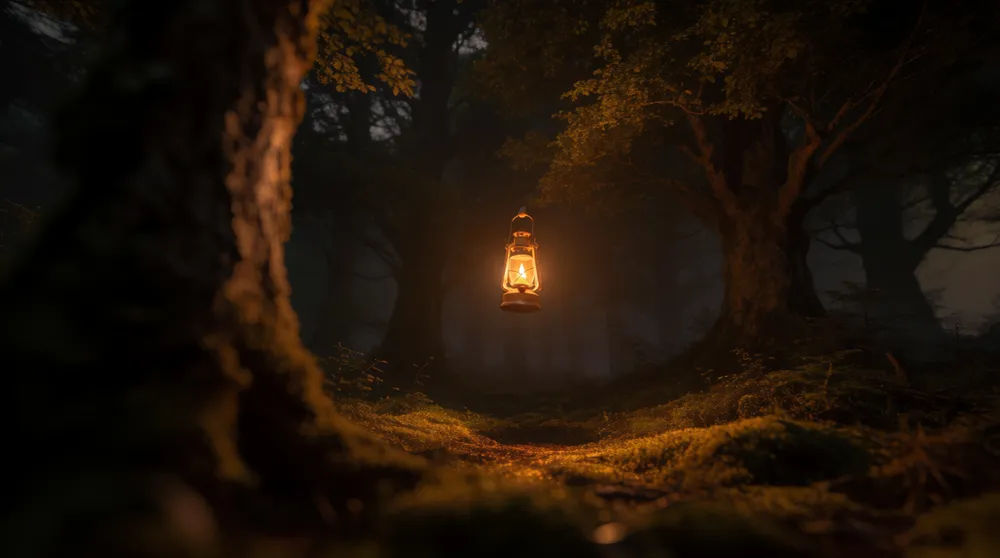
Narrated fable
Tell a short fable about a lantern that would not go out, three scenes, warm storybook light, gentle narrator
Edit prompt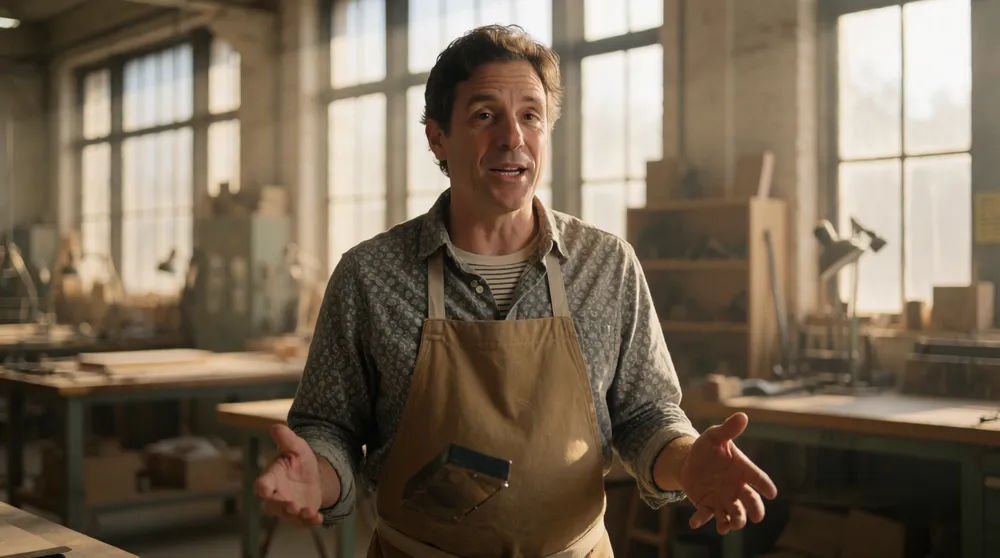
Brand origin story
Turn my founder anecdote into a narrated origin story on screen, workshop scenes, soft morning light, confident read
Edit prompt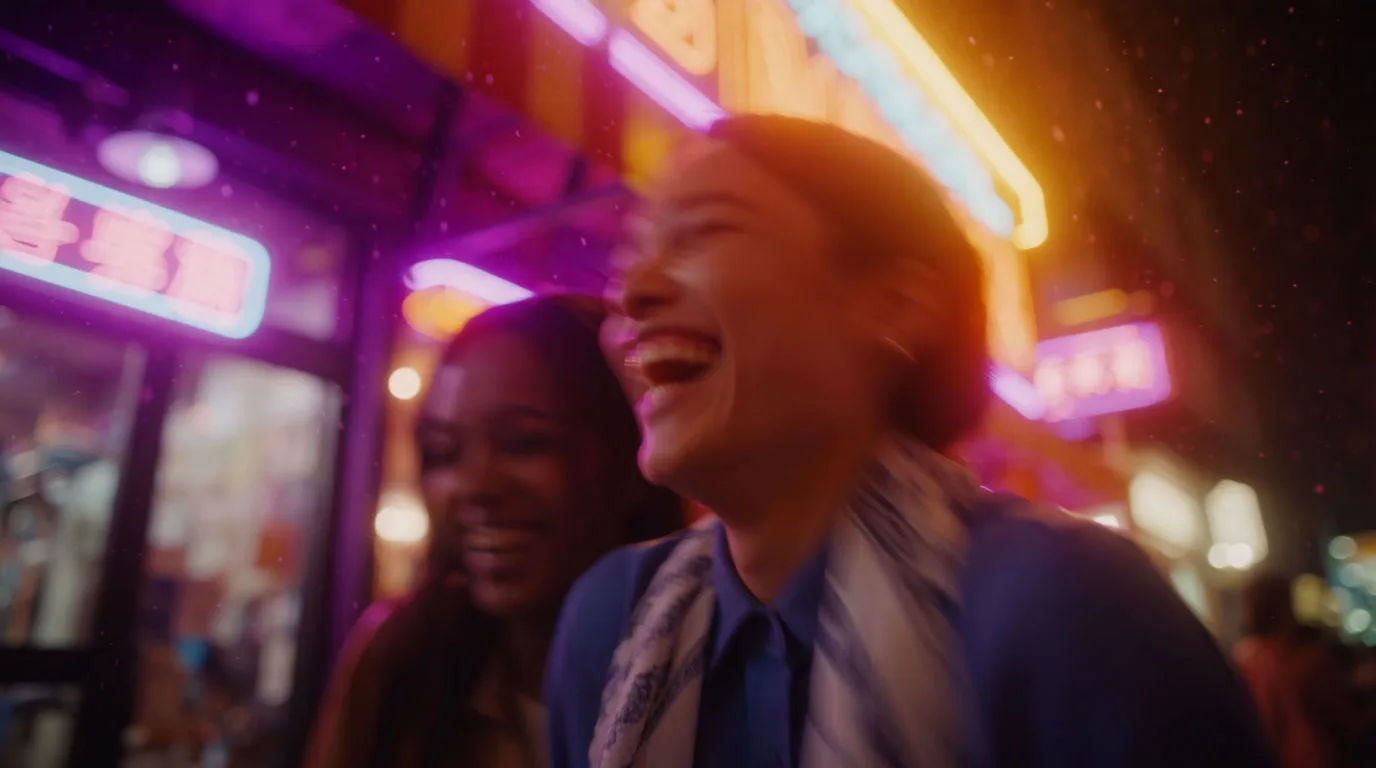
Social vertical short
A scene-driven vertical short about a late-night idea, moody city window light, punchy narration and sound
Edit prompt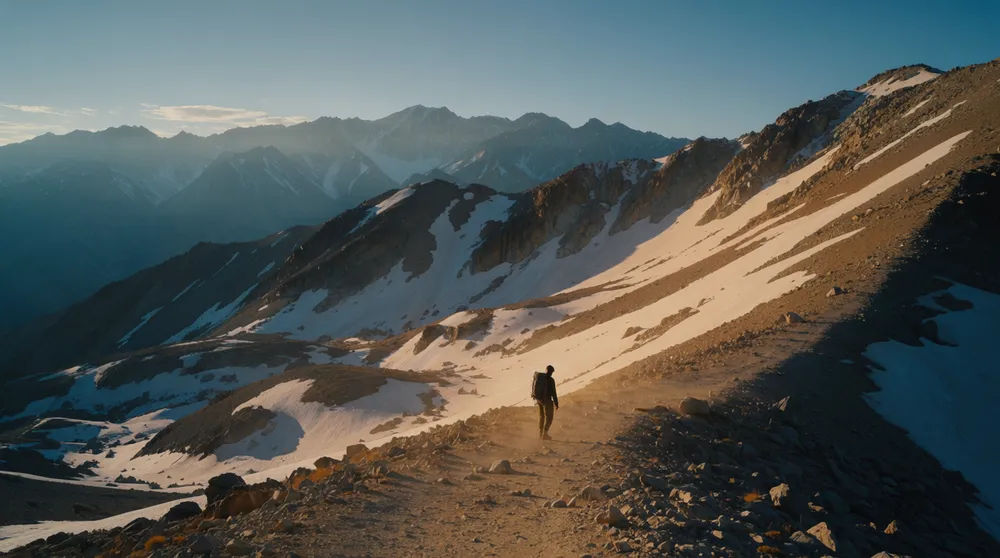
Adventure short
A short adventure across a mountain pass, three beats, golden-hour light, sweeping narration
Edit prompt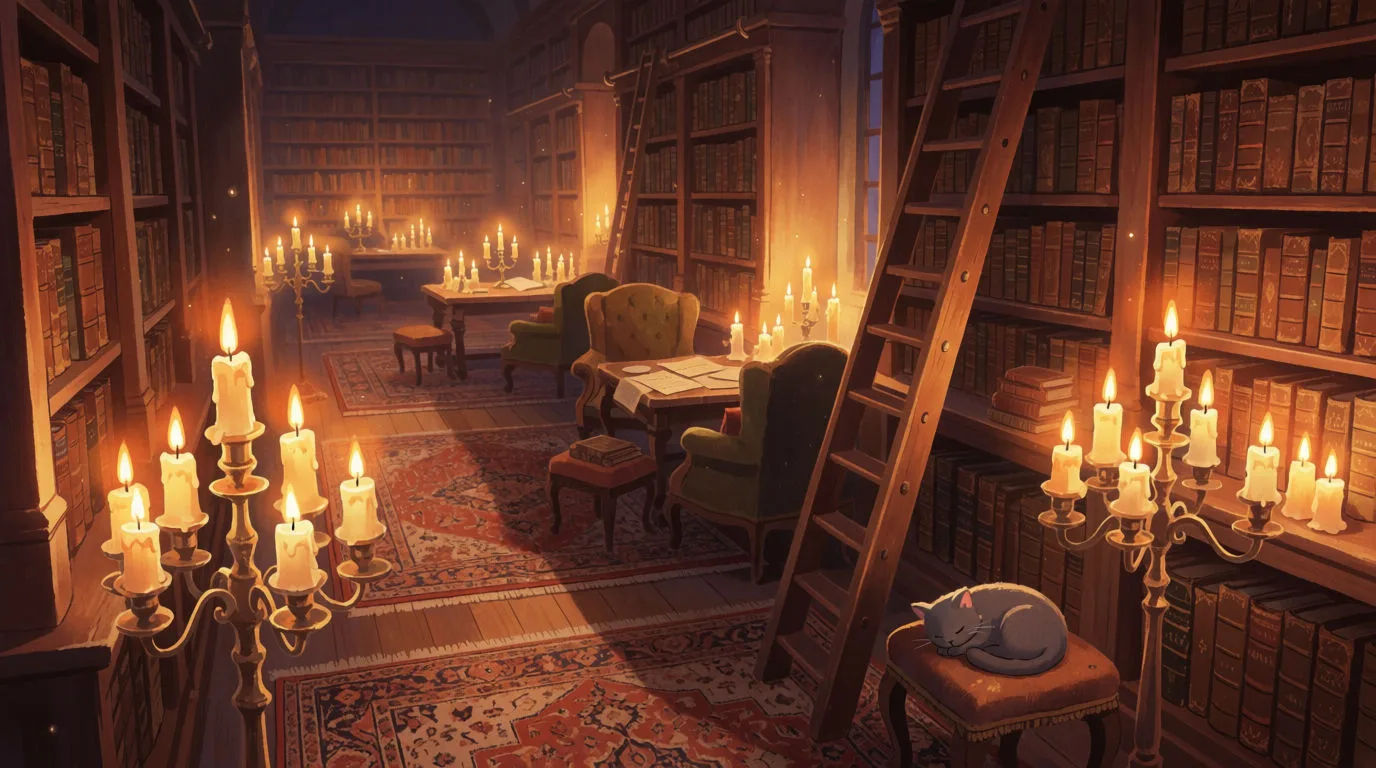
Enchanted library
A warm storybook scene of a vast candlelit library with floating dust motes, tall shelves fading into shadow, soft amber glow, magical inviting atmosphere
Edit prompt
Founder's first stall
A warm origin-story scene of a founder setting up a small market stall at dawn, soft morning light, hopeful expression, hand-made goods, cinematic framing
Edit promptCinematic scene
One image to a 9-scene cinematic video.
Next scene in sequence
Continues your scene sequence with perfect character consistency across frames.
Put yourself in a movie
Drop in a photo of yourself. Get a 12-second cinematic movie with animation and a matched soundtrack.
Time-freeze effect
Cinematic time-freeze short film for any scene
Frames to video
Provide first frame and last frame and generate a video from uploaded keyframes.

Cinematic storyboard
Share a scene description with character references. Get a full storyboard with shot angles and mood.
All on Morphic
Your complete story-video toolkitModels
Choose the video and audio models that suit your story and switch between them without leaving the project or re-uploading anything.
Storyboard and narration
Copilot visualizes your script as frames before anything renders, then generates narration you can direct line by line, with music and effects under each scene.
Consistent characters
Build a reference sheet for each recurring character and location, and pass it into every scene, so one story reads as one piece rather than a set of clips.
Workflows
Turn a story format you like into a Workflow, then run the same recipe for the next episode or the next brand story.
