Every image model
Try-ons you can generate
Try on a garment in three steps
- 01
Open Morphic
Sign up and start creating on a free-flowing, infinite visual canvas.
- 02
Add the garment and the model
Upload the product as a reference and a photo of the model, then mark where the piece should sit.
- 03
Generate and refine the fit
Morphic inpaints the garment onto the body. Rerun until the hem, pattern, and folds sit right, then export.
Use cases
Show one product across a size run
Keep the garment reference fixed and swap the model photo to present the same piece on different bodies. It is the fastest way to build a size or fit range from a single product shot. There is no studio time to book and no model to rebrief between frames. You review each fit and rerun the ones that need it.
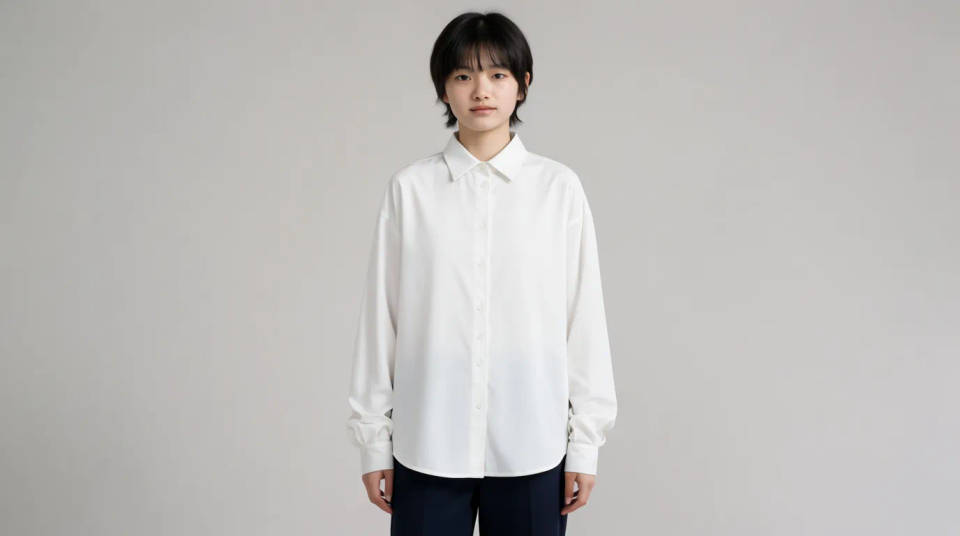
Build a small lookbook from packshots
Turn flat lays and packshots into on-body imagery for a lookbook or a landing page. Supply each garment as a reference and place it on a consistent model so the set reads as one shoot. Change the pose per frame while the piece stays fixed. It fills the gap between a product photo and a full campaign.
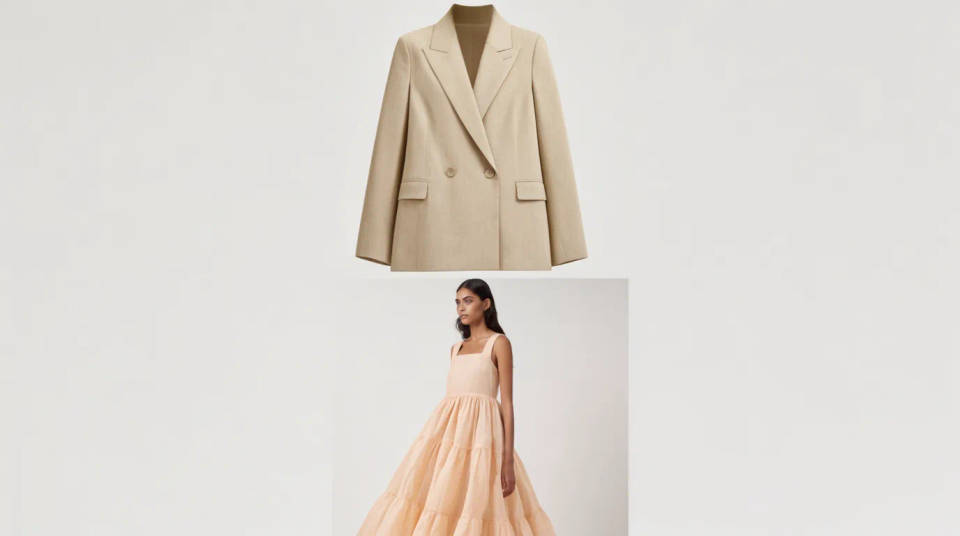
Preview a design before you sample
See a print, a colourway, or a cut on a body before you commit to a physical sample. Feed the design as a reference and read how it drapes and where the pattern breaks. It is a cheap first look that catches problems early. Treat it as a preview, not a spec sheet, and confirm the real fit on a sample.
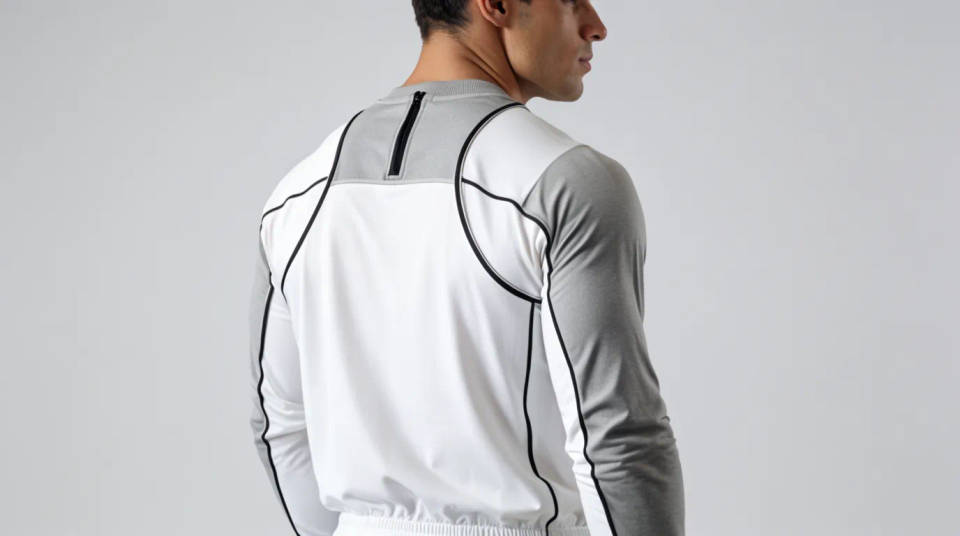
Refresh listing photos without a reshoot
Update a store page when the model or the season changes but the product stays the same. Keep the garment reference and generate it on a new pose or backdrop. Marketplaces reward clean, consistent on-body imagery, and this keeps a range looking current between real shoots.
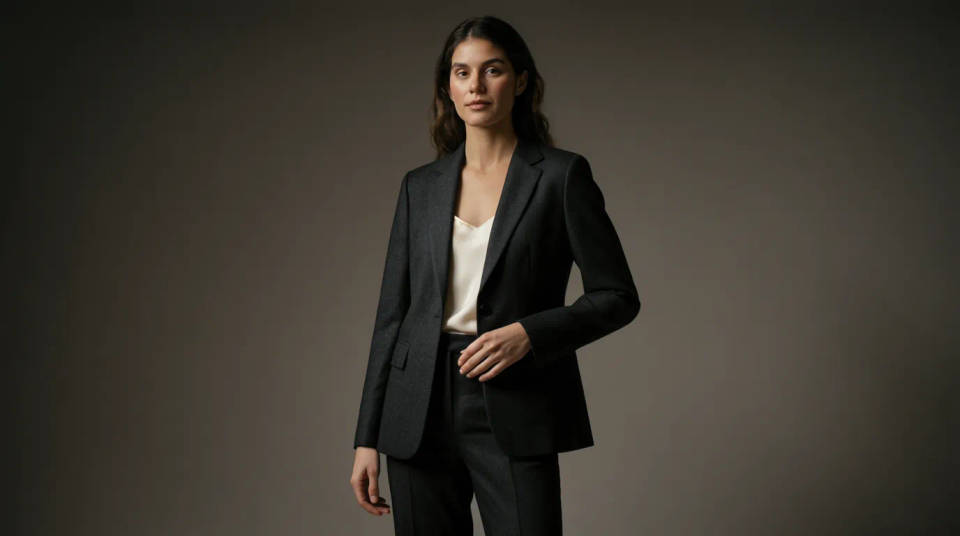
Prompt examples
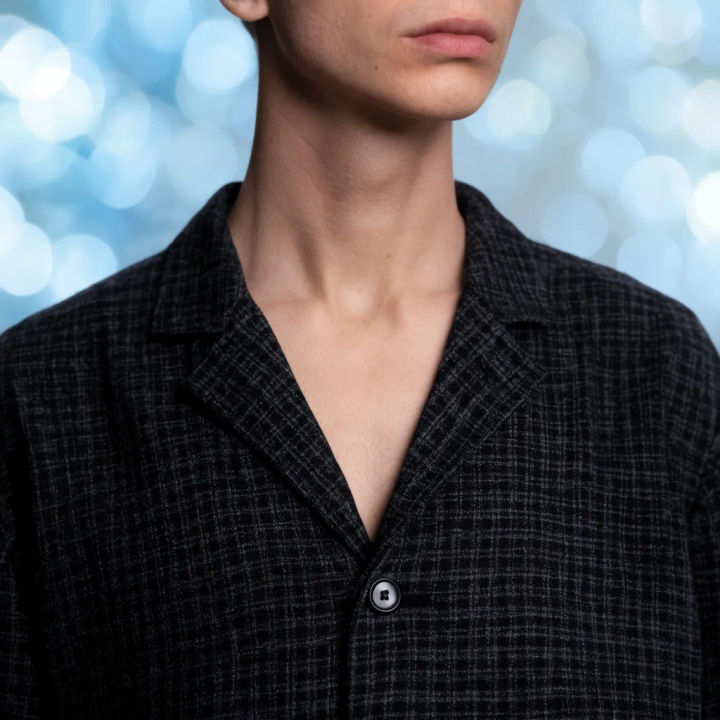
Fit a jacket
Put the jacket from the reference onto the model, keep the buttons and the check pattern, match the studio light
Edit prompt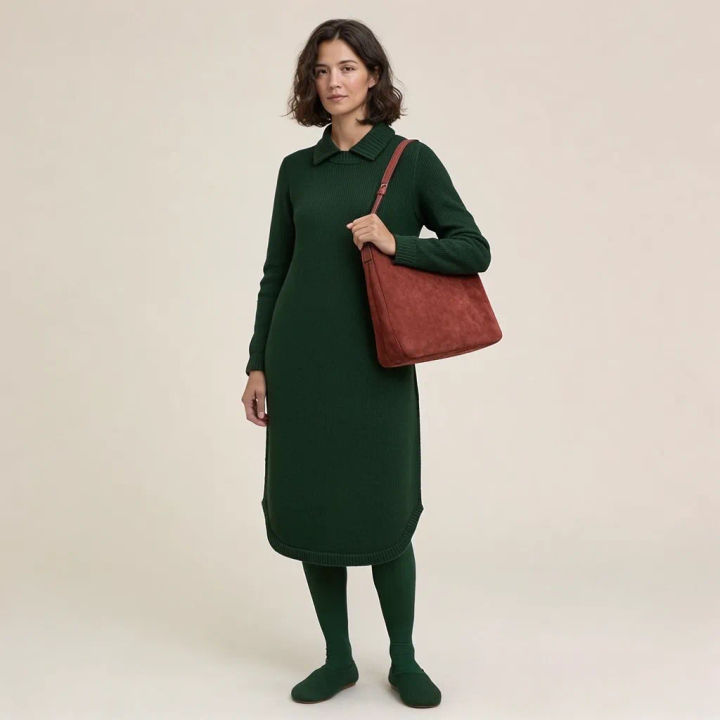
Same dress, new pose
Keep this dress from the reference and place it on the model in a walking pose, hold the colour and hem length
Edit prompt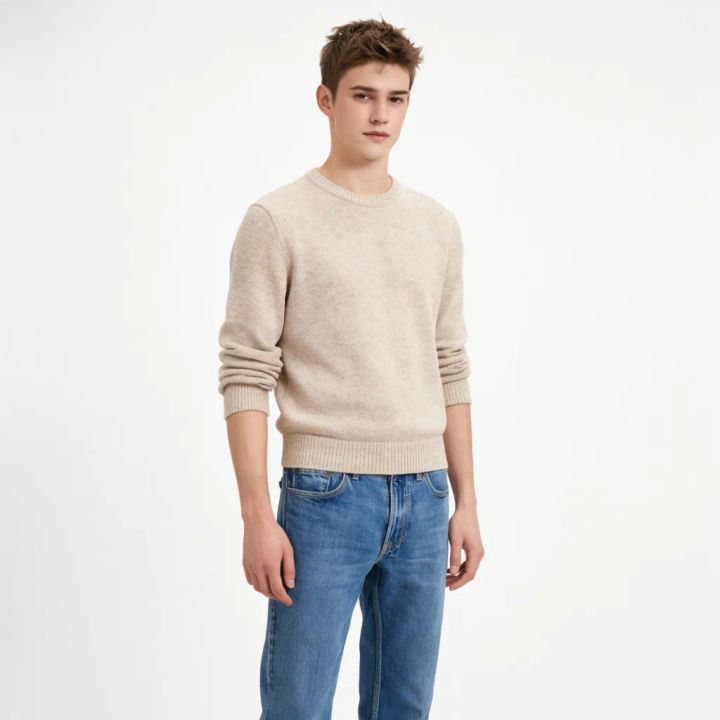
Print on a tee
Apply the front print from the reference onto the plain t-shirt, keep the graphic sharp and centred
Edit prompt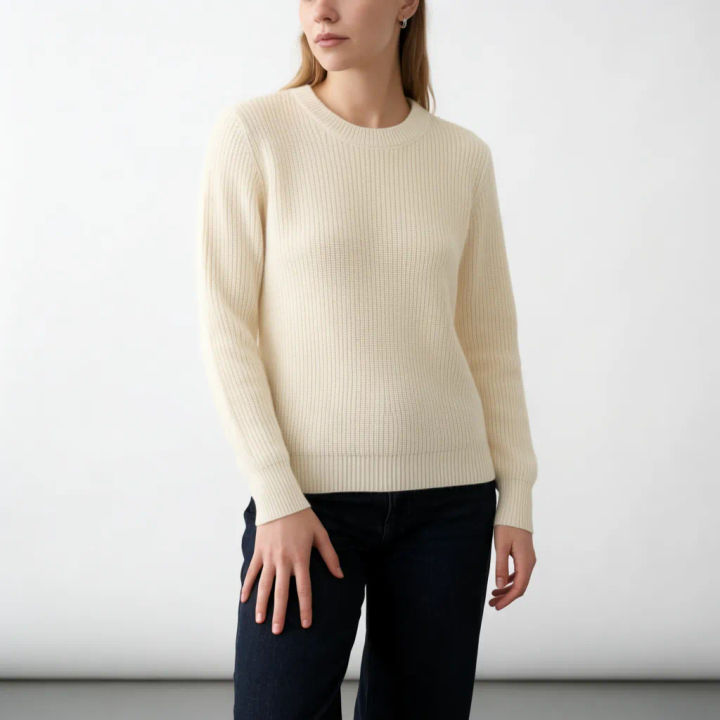
Knitwear on a figure
Dress the model in this ribbed sweater from the reference, keep the texture and the neckline
Edit prompt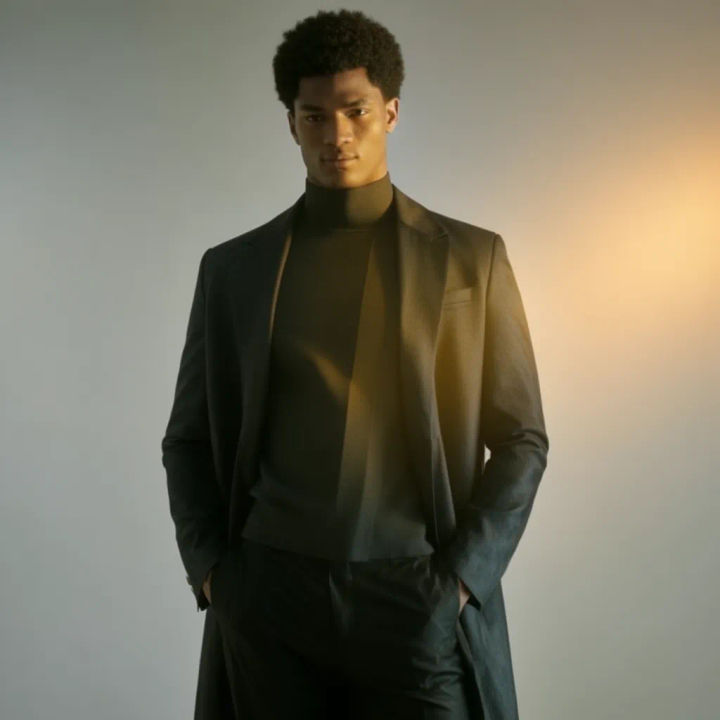
Coat over an outfit
Add the coat from the reference over the outfit, let it drape open, match the fabric sheen
Edit prompt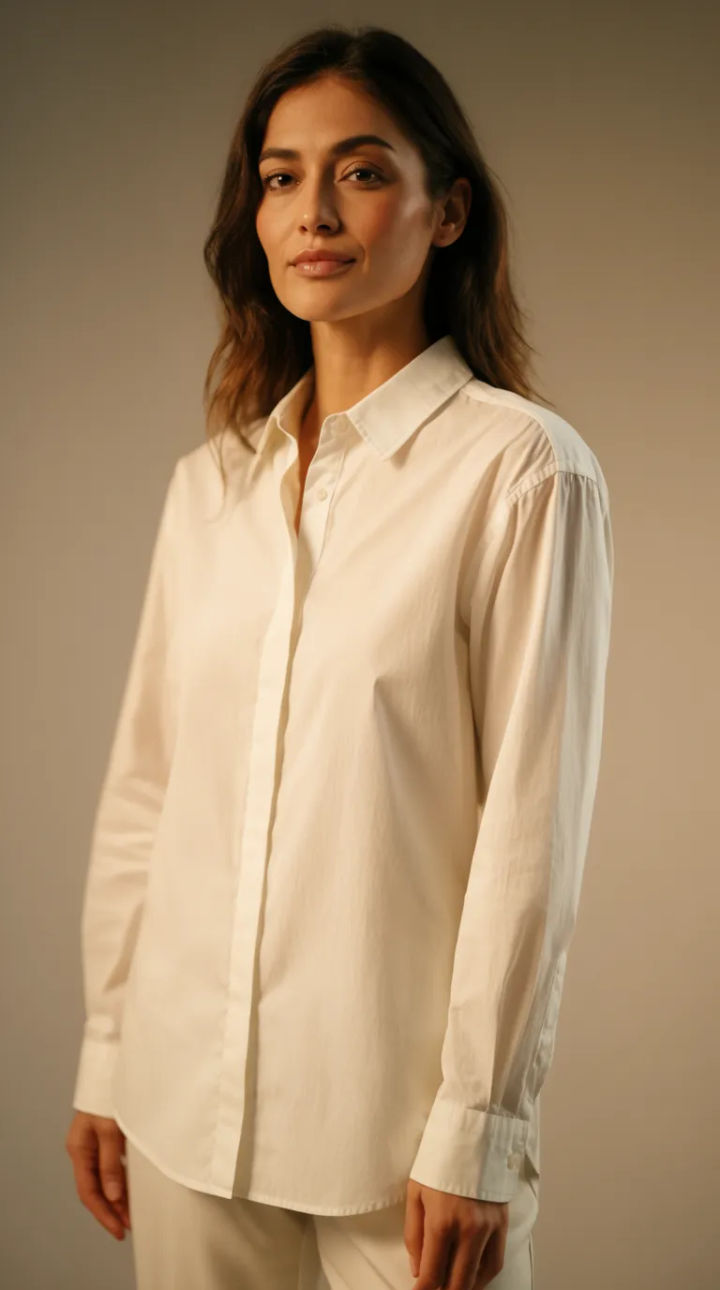
Swap the model, keep the piece
Place this same shirt from the reference on a different model, keep the fit and the colour identical
Edit promptRunway walk
Get a runway walk video clip with virtual try-on built in from a garment photo and a model photo.

Cinematic storyboard
Share a scene description with character references. Get a full storyboard with shot angles and mood.

Messages to cinematic scene
Dramatize any text conversation into a cinematic multi-shot video.

Title sequence
Generate a professional film title card from scratch, with optional cinematic animation.

3x3 storyboard
Feed in a single image. Get 9 cinematic beats laid out as a 3x3 storyboard grid.

Chibi sprite animation
Turn any photo or description into an animated chibi sprite. Dance, jump, wave, attack, and more.
All on Morphic
Models
Nano Banana 2, Flux 2 Pro, ChatGPT Images, Grok Imagine, Recraft, Seedream, and more. Swap models when a pattern or a fold needs a cleaner fit.
AI product photo generator
Build the full product shot, backdrop and lighting included, instead of fitting one garment onto a model.
AI clothing photo generator
Generate on-body clothing imagery from a garment reference, the same workflow scaled across a range.
Image to image
Restyle, edit, and inpaint any photo, the method that places a garment cleanly onto a model.
