Every image model
One workspaceWord clouds you can shape
Make a word cloud in three steps
- 01
Open Morphic
Sign up and start creating on a free-flowing, infinite visual canvas.
- 02
Paste your text
Drop in a block of text or a word list, then say the shape, the palette, and which words matter most.
- 03
Generate and export
Morphic weights and lays the words into your shape, then exports the finished cloud as an image.
Use cases
Turn a speech into a keepsake
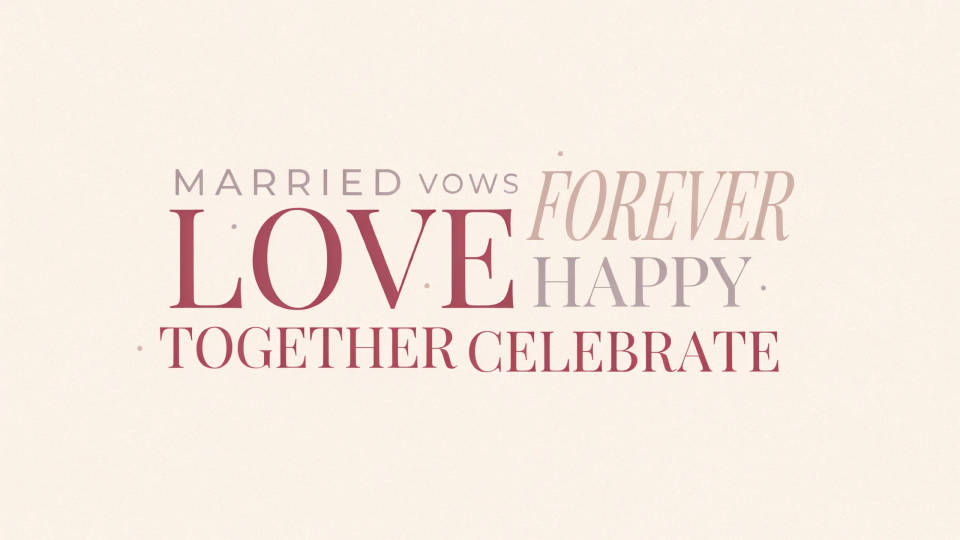
Paste a wedding toast, a retirement tribute, or a graduation speech and shape it into a heart or a circle. The words people said most rise to the top, so the piece captures the moment rather than just listing text. Printed and framed, it becomes a gift that carries the actual words from the day.
Summarize survey answers at a glance
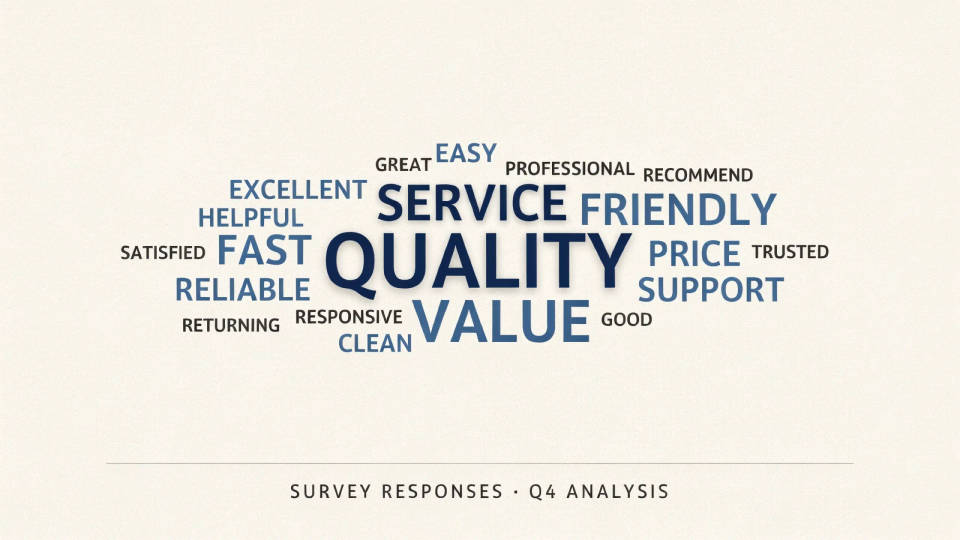
Drop in open-text responses from a survey or a review export and let the recurring themes surface as the largest words. It gives a room a fast read on what people actually said before anyone opens a spreadsheet. Match the palette to your deck and the slide is ready to present.
Brand a cloud to your palette
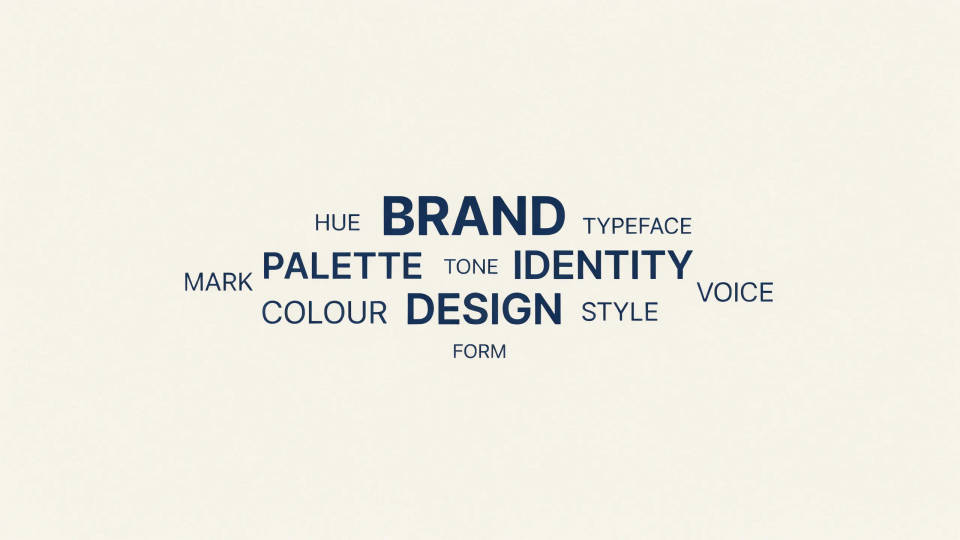
Ask for your exact colours, a clean background, and a typeface feel, and the cloud comes back on-brand instead of rainbow default. It sits naturally in a report, a social post, or a wall print. Because it is a designed image, you control the look the same way you would brief a designer.
Fit the words to a shape
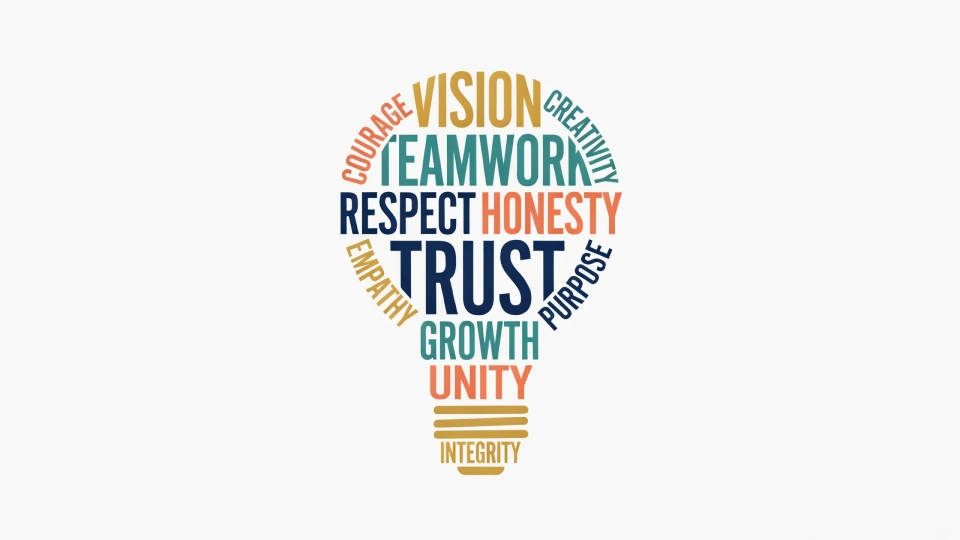
Pour a team's values into a lightbulb, travel words into a map outline, or product terms into a bottle silhouette. A bold, simple shape keeps every word legible while making the cloud instantly recognisable. Rerun with a cleaner outline or fewer words if a shape gets crowded.
Prompt examples
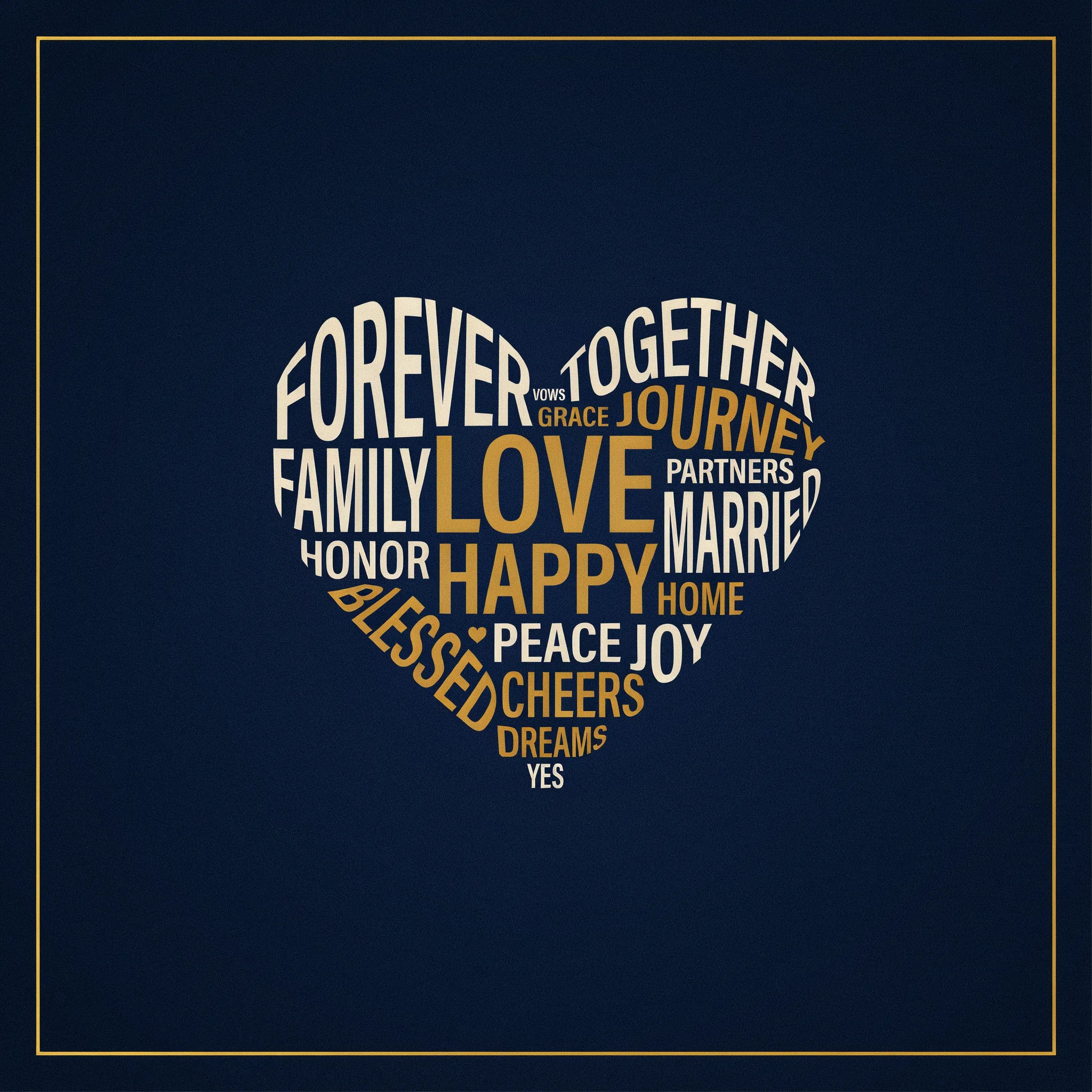
Heart from a speech
A heart-shaped word cloud built from a wedding speech, warm gold and cream words on deep navy, the most-said words largest
Edit prompt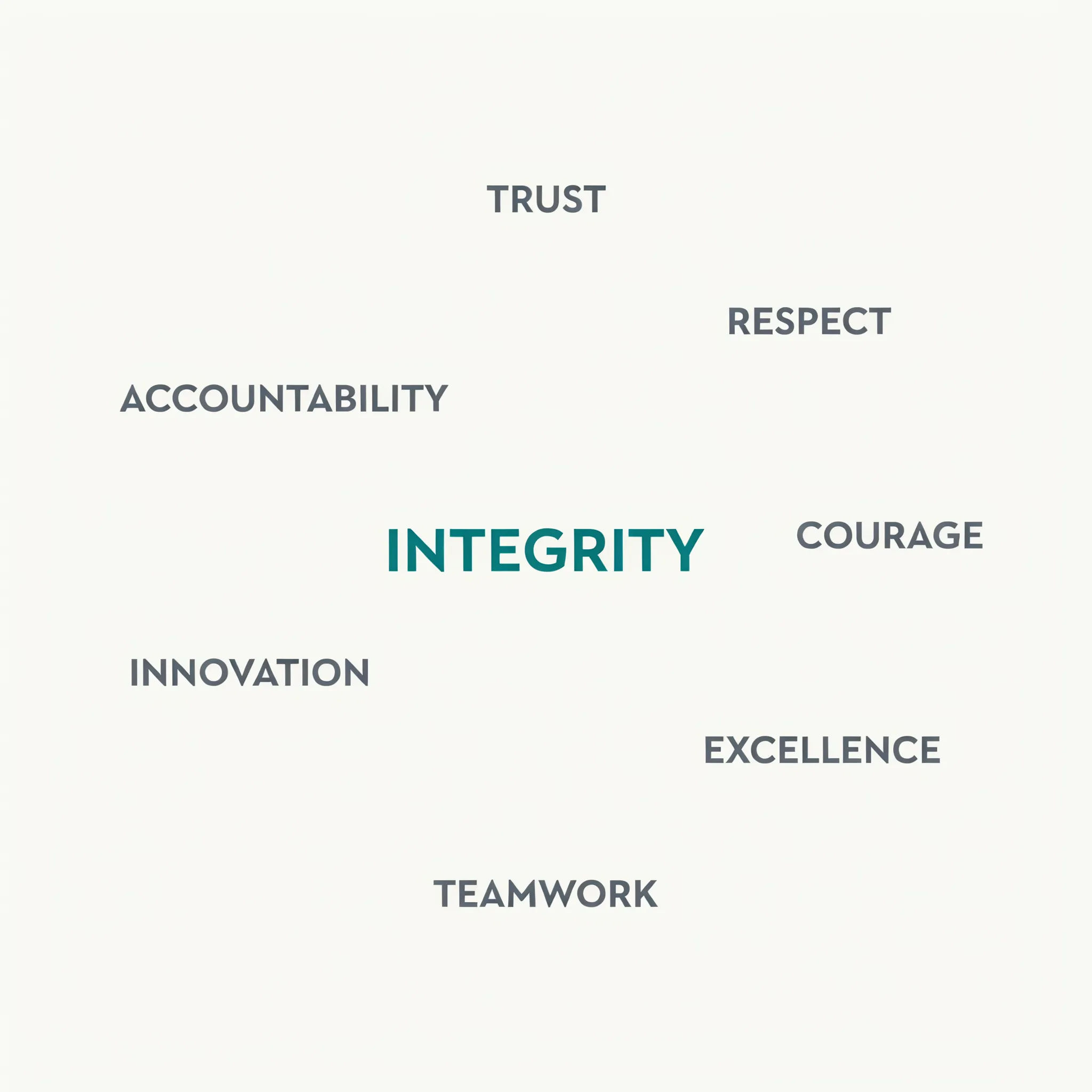
Circle of values
A circular word cloud of company values, teal and slate palette, key words bold in the center, smaller words toward the edge
Edit prompt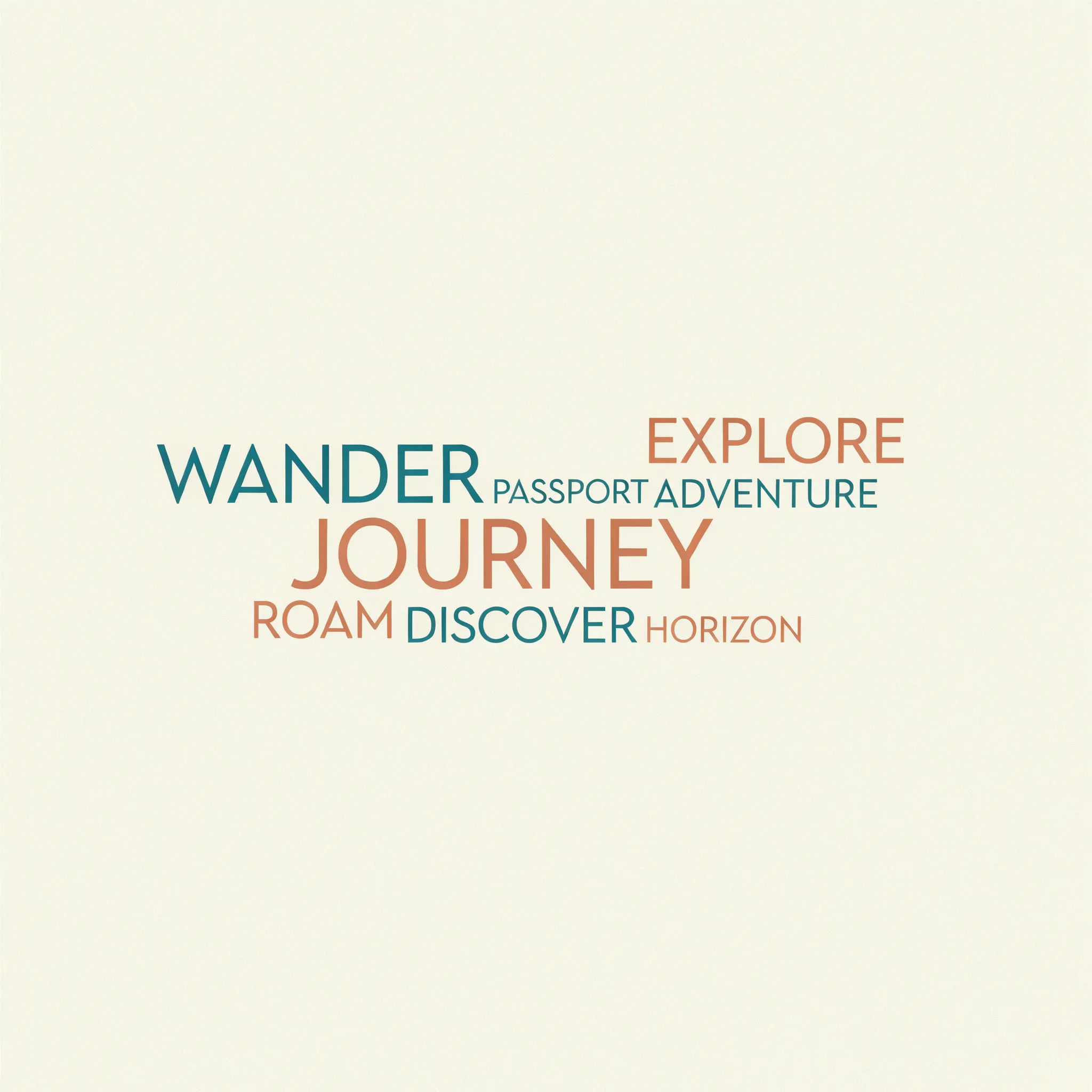
Map-shaped cloud
A word cloud filling the outline of a country map, travel words, sunset orange gradient, clean white background
Edit prompt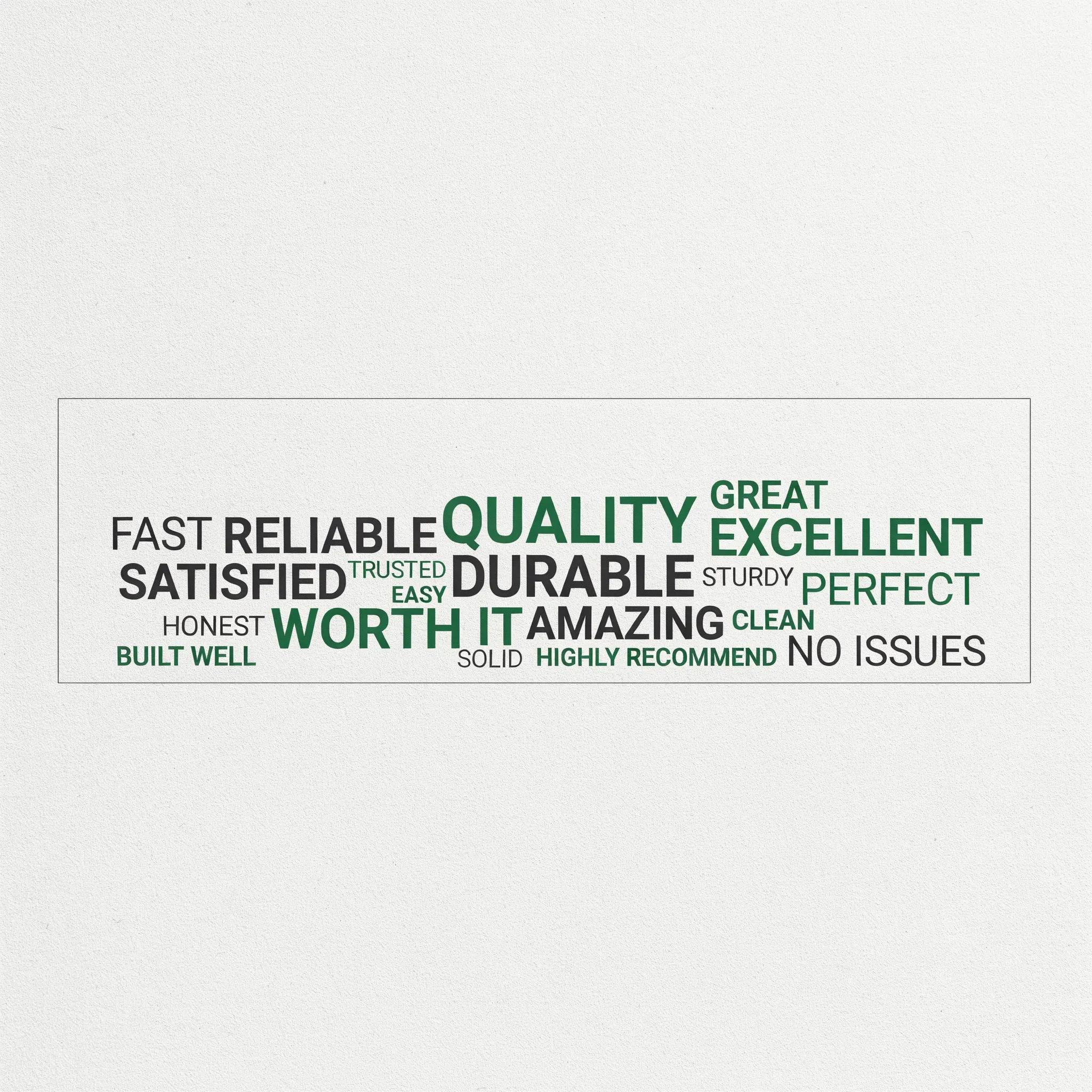
Product reviews
A rectangular word cloud from product reviews, positive terms largest, green and charcoal palette, modern sans-serif look
Edit prompt
Star of sessions
A word cloud in the shape of a star, conference session titles, bright confetti colors on a black background
Edit prompt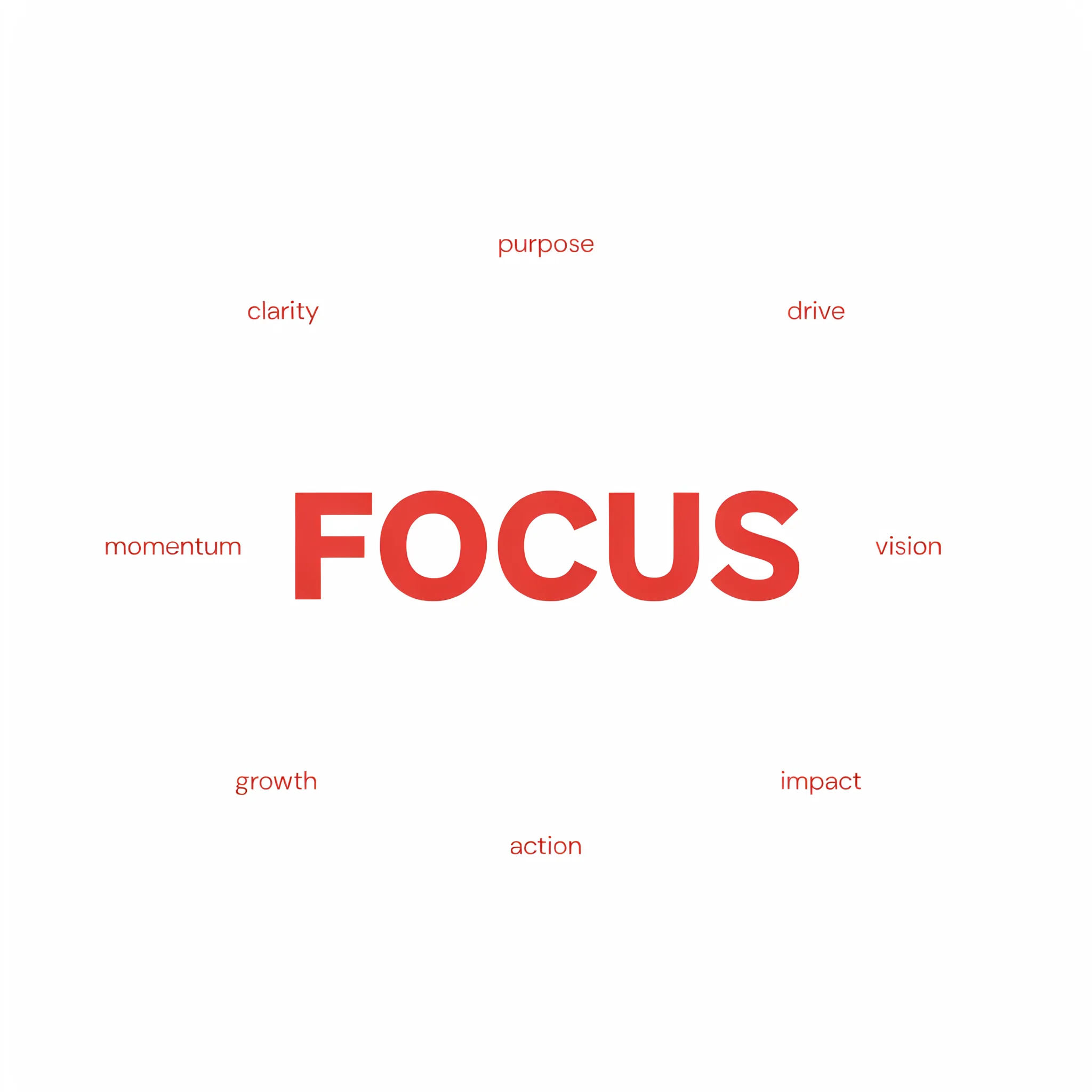
Minimal mono
A minimal square word cloud, single accent color on white, one headline word dominant with thin supporting words
Edit prompt
Messages to cinematic scene
Dramatize any text conversation into a cinematic multi-shot video.

Title sequence
Generate a professional film title card from scratch, with optional cinematic animation.

Cinematic storyboard
Share a scene description with character references. Get a full storyboard with shot angles and mood.

Chibi sprite animation
Turn any photo or description into an animated chibi sprite. Dance, jump, wave, attack, and more.

Expressions
Take any character image and generate 6 distinct facial expressions on a single reference sheet.

3x3 storyboard
Feed in a single image. Get 9 cinematic beats laid out as a 3x3 storyboard grid.
All on Morphic
Your word-cloud design kitModels
Nano Banana 2, Flux 2 Pro, ChatGPT Images, Grok Imagine, Recraft, Seedream, and more. Switch models when a layout needs cleaner, sharper words.
Poster generator
Take a finished cloud into a full poster layout with a headline, borders, and print-ready sizing.
Social media post generator
Reshape the same words into a square or story-sized post for a launch or a milestone.
Text to image
Generate any designed cloud from a written brief and compare shapes and palettes side by side.
