Every image model
One workspaceBook shots you can build
Build a book mockup in three steps
- 01
Open Morphic
Sign up and start creating on a free-flowing, infinite visual canvas.
- 02
Upload your cover
Drop in the cover file and describe the format, the surface, and the light you want.
- 03
Generate and export
The artwork wraps onto the book with a real spine and shadow. Try more angles, then export.
Use cases
Author launch and pre-order pages
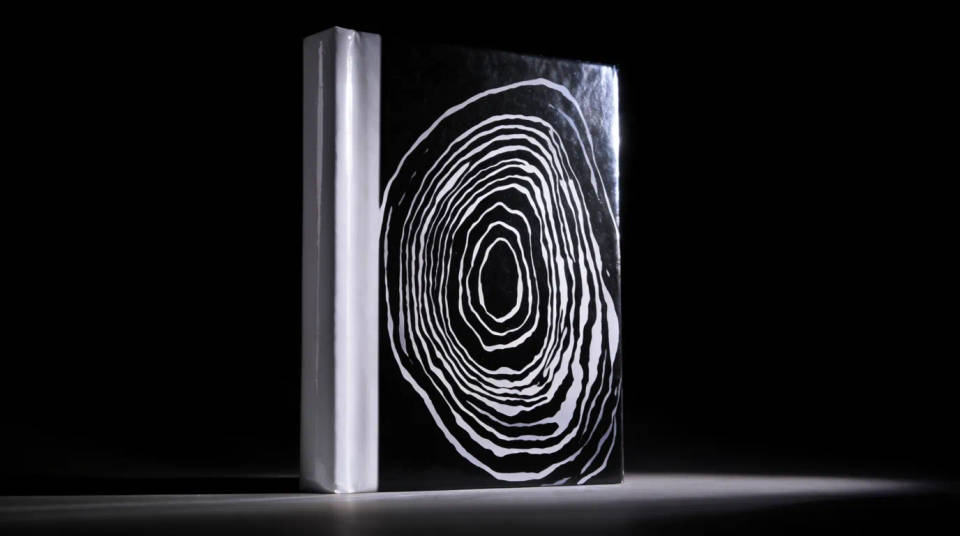
Give a debut a cover shot that looks published rather than designed. Stand the hardcover on a desk in warm light for the announcement, then generate a hand-held paperback for the pre-order button. Readers see a finished book long before the print run arrives.
Marketplace and retail listings
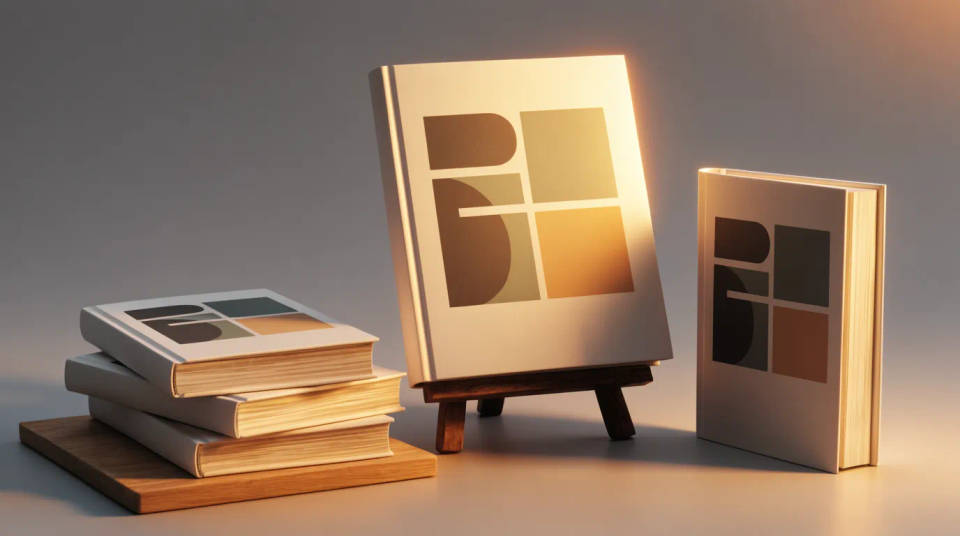
Sell the book on its thumbnail. Generate a clean front-on hardcover for the main image, a spine shot for the shelf feel, and a stack of copies to signal a series. Consistent lighting across the set keeps the listing tidy and trustworthy without a product photographer.
Publisher catalogs and rights decks
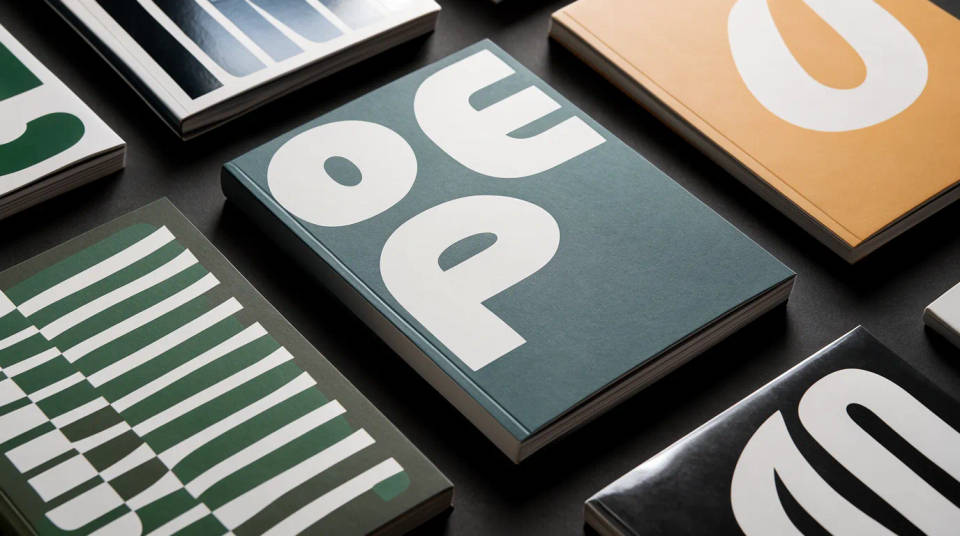
Present a whole season of titles in one visual language. Drop each cover into the same three-quarter hero and lighting so a catalog reads as a cohesive list. For rights meetings, an open-book spread previews the interior alongside the jacket.
Series and box-set reveals
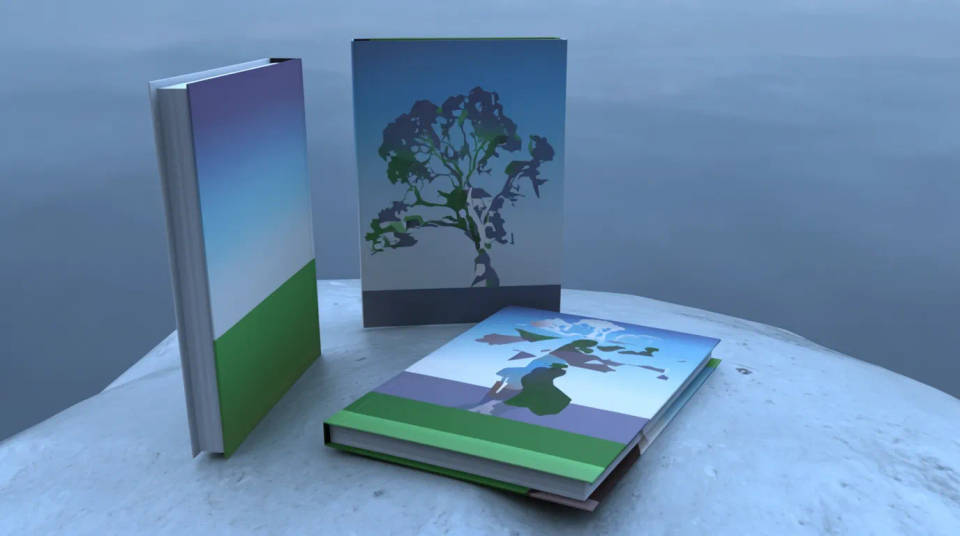
Show a trilogy as a set before the box exists. Line up three spines, stack matching hardcovers, or fan the covers across a table so a fan campaign has hero art. The wrap keeps each title distinct while the shared surface ties the set together.
Prompt examples
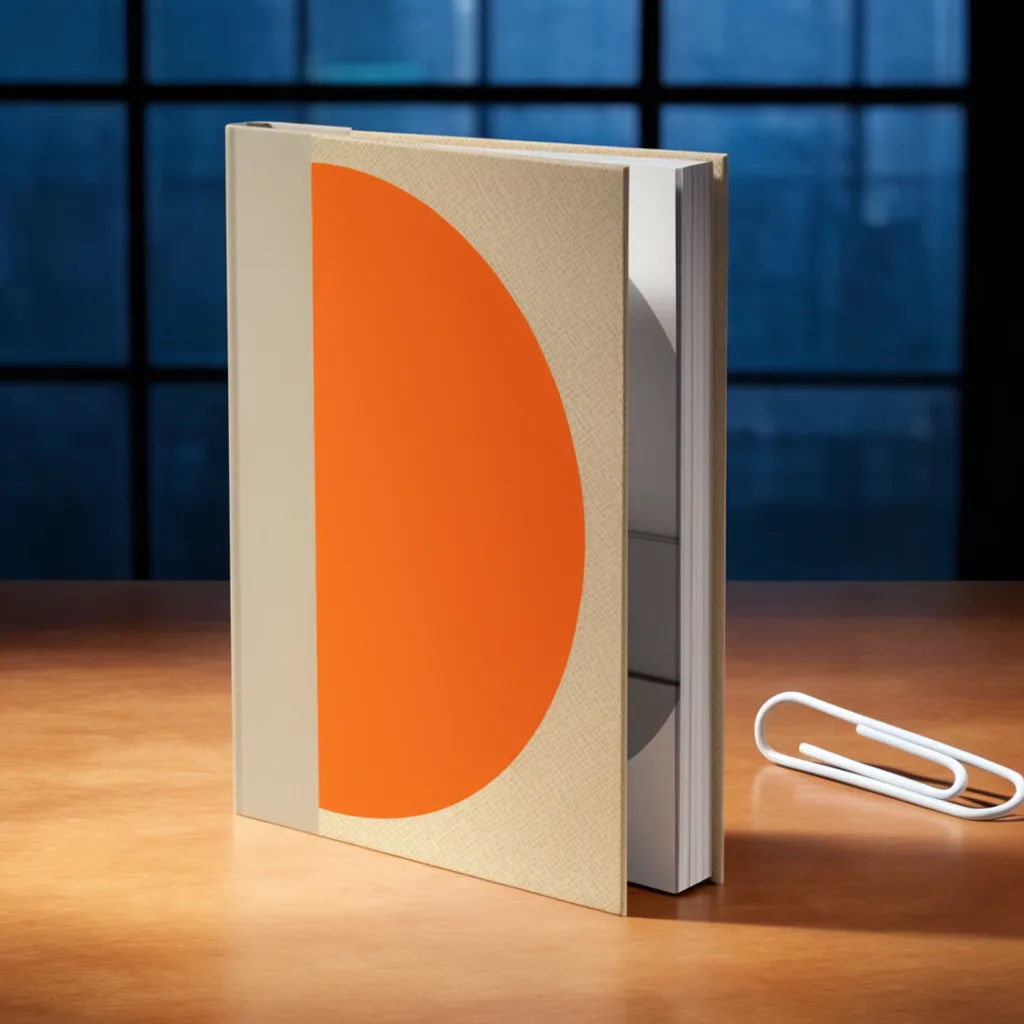
Hardcover on a desk
Wrap my cover onto a hardcover standing on a wooden desk, warm window light from the left, soft shadow
Edit prompt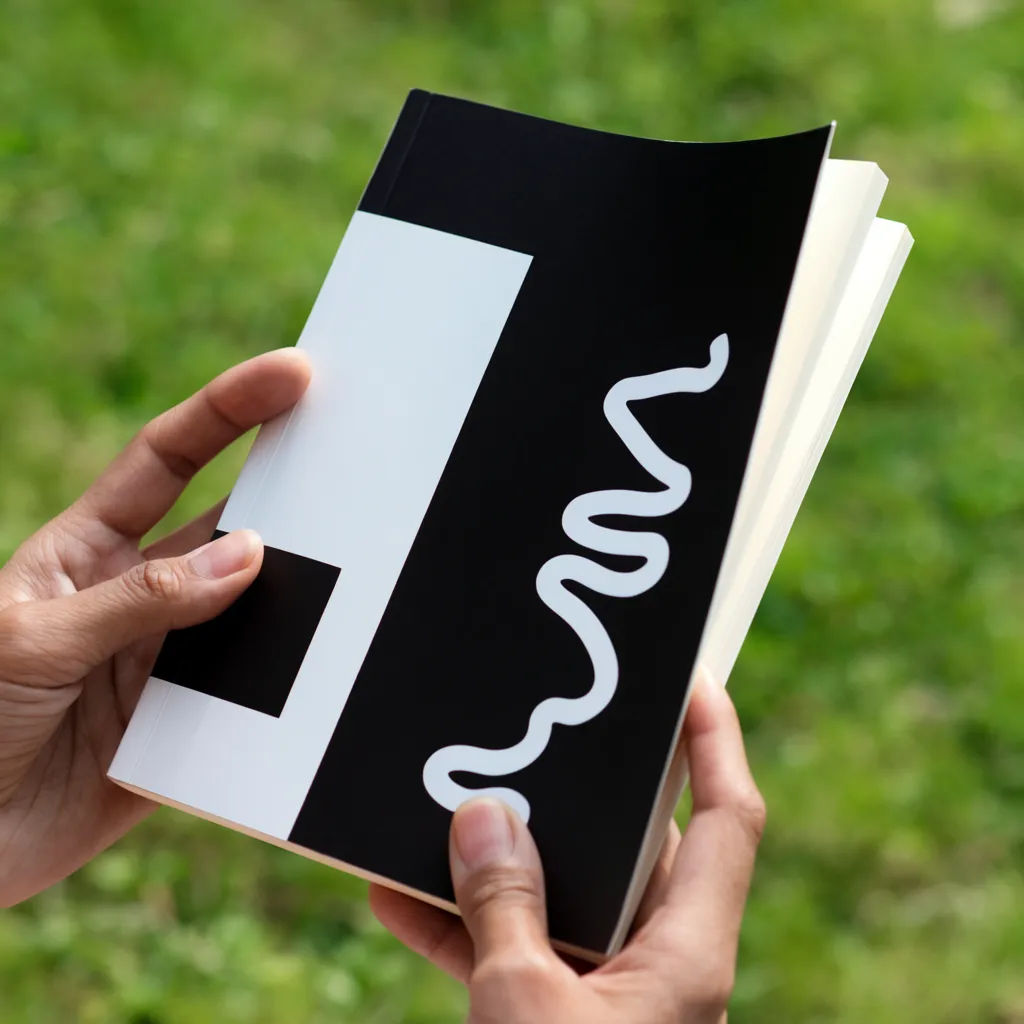
Paperback in hand
Put my cover on a softcover held in two hands, slight bend in the pages, blurred outdoor background
Edit prompt
Stack of copies
Stack five copies of my hardcover on a table, top cover facing up, even studio light, clean backdrop
Edit prompt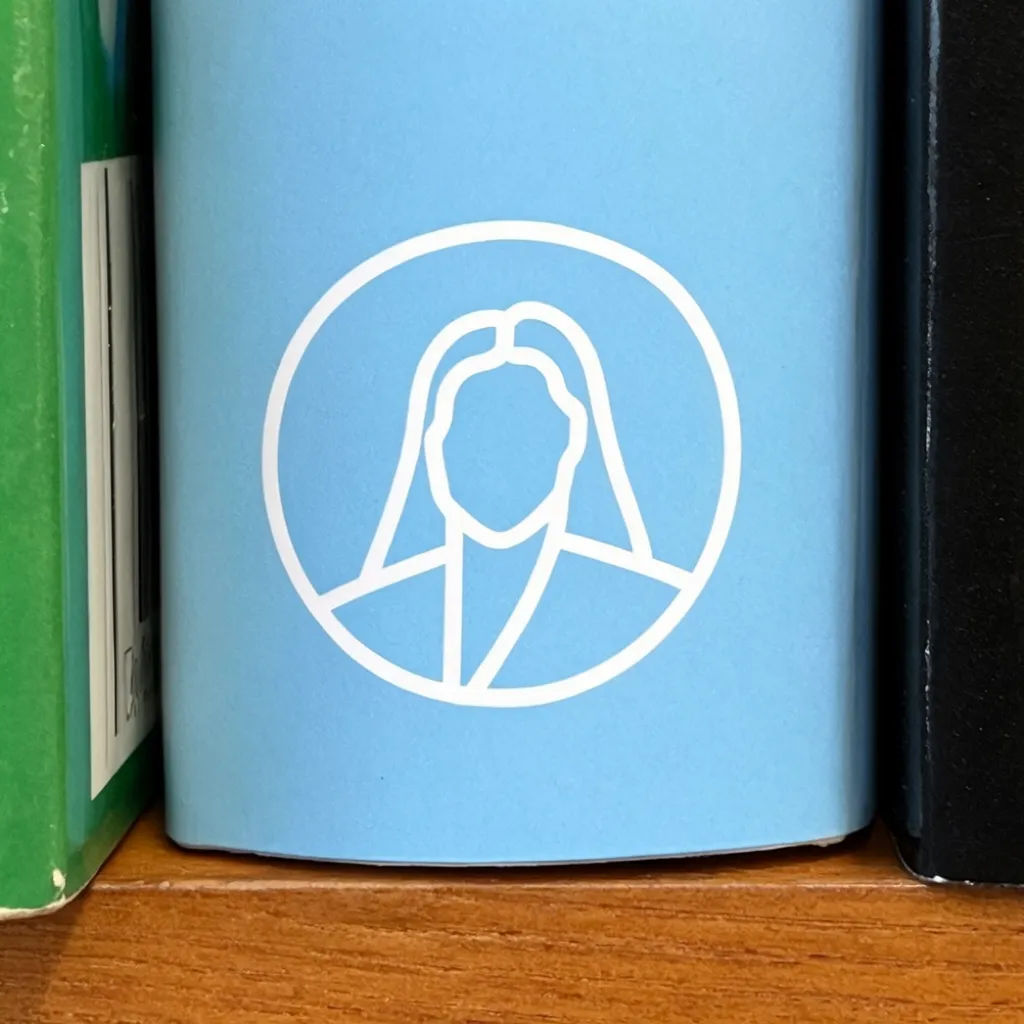
Spine on a shelf
Show my cover as a spine slotted between other books on a wooden shelf, title readable, soft lamp light
Edit prompt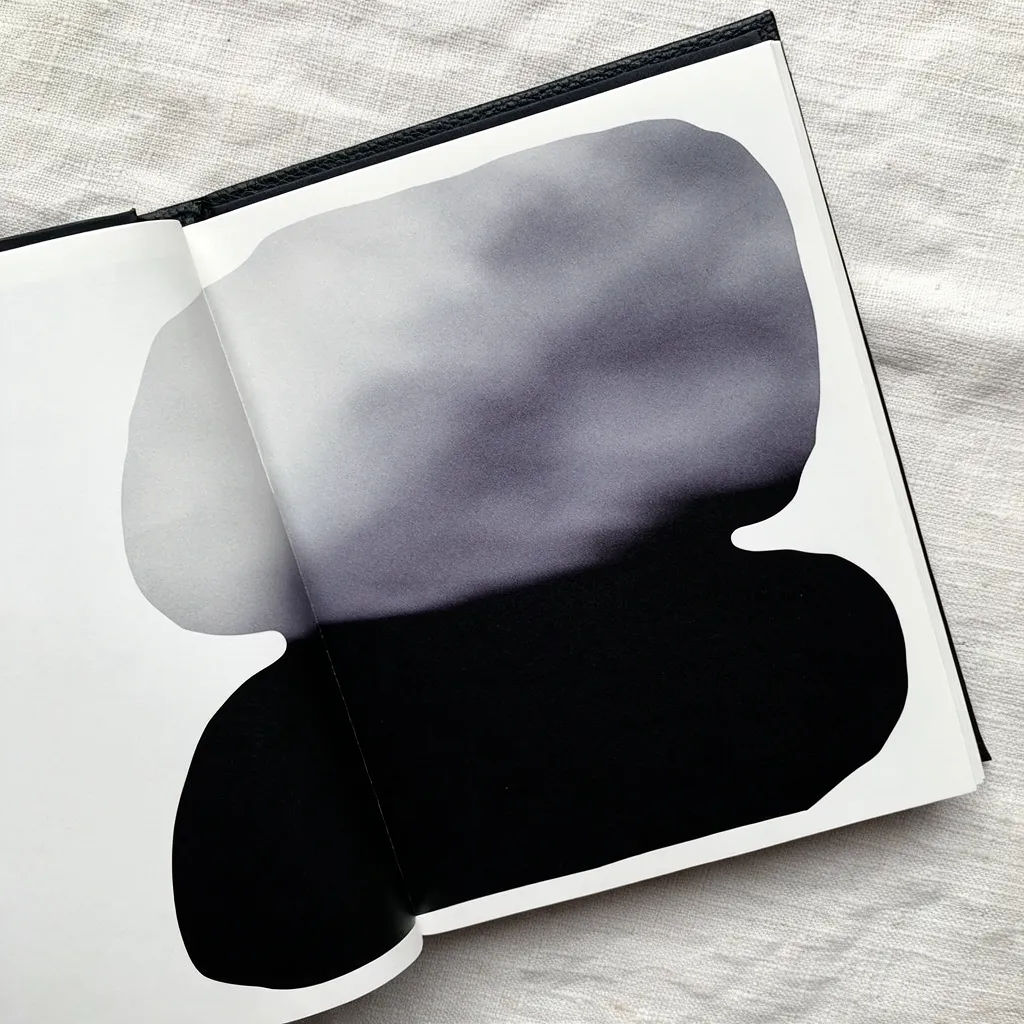
Open interior spread
Open the book flat to show two interior pages, my cover visible at the top edge, top-down on linen
Edit prompt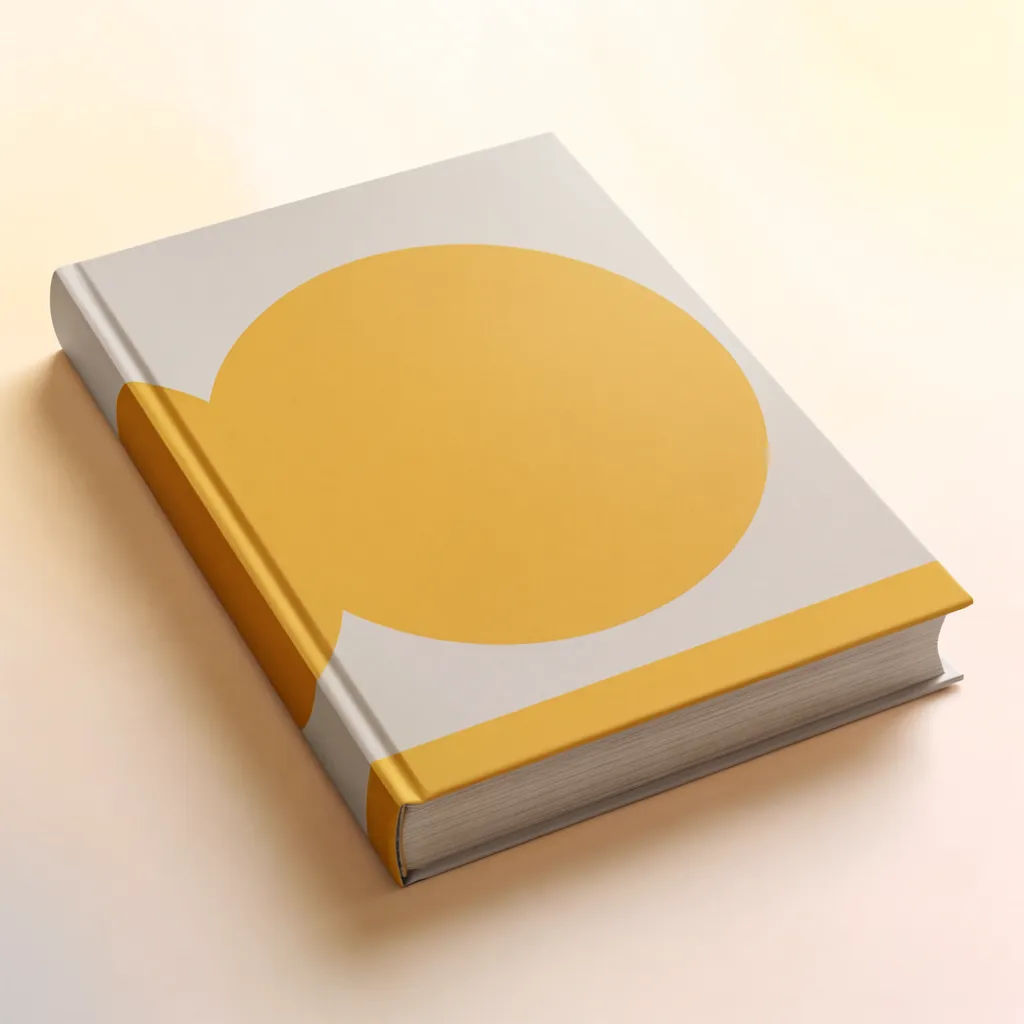
Three-quarter hero
Render my cover as a hardcover at a three-quarter angle on a pale surface, gentle gradient background
Edit prompt
Cinematic storyboard
Share a scene description with character references. Get a full storyboard with shot angles and mood.

Messages to cinematic scene
Dramatize any text conversation into a cinematic multi-shot video.

Title sequence
Generate a professional film title card from scratch, with optional cinematic animation.

3x3 storyboard
Feed in a single image. Get 9 cinematic beats laid out as a 3x3 storyboard grid.
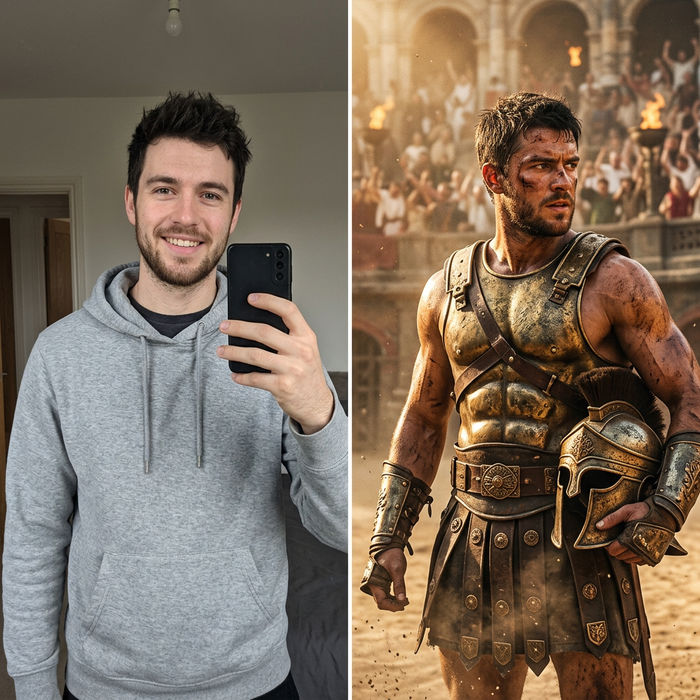
Character look book
Character photo plus costume descriptions. Multiple styled looks across angles and lighting.
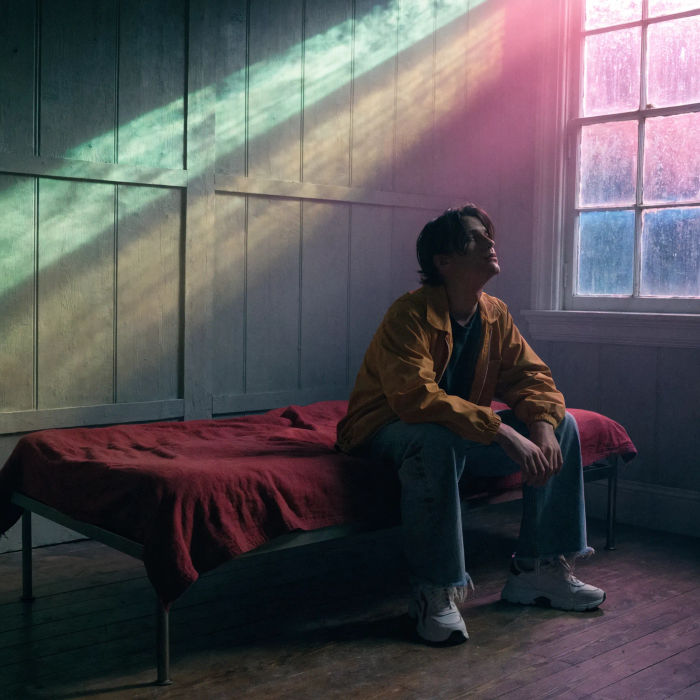
Movie poster
Cinematic poster compositions from your key art, in any genre tone.
All on Morphic
Your complete product mockup stackModels
Nano Banana 2, Flux 2 Pro, ChatGPT Images, Grok Imagine, Recraft, Seedream, and more. Swap models when a cover needs sharper title text or a cleaner wrap.
Box mockup generator
Wrap the same artwork around a box for a slipcase, a special edition, or matching packaging.
AI mockup generator
Put your design on any object beyond books, from apparel to signage, in the same workspace.
Image to image
Upload your cover and generate the book and scene around it, the method behind every shot here.
