Every image model
Brochures you can stage
Mock up a brochure in three steps
- 01
Open Morphic
Sign up and start creating on a free-flowing, infinite visual canvas.
- 02
Upload your pages
Add the panel artwork and say the fold, tri fold, bi fold, or a flat sheet.
- 03
Generate and export
Describe the state, the stock, and the scene, then export once the fold reads right.
Use cases
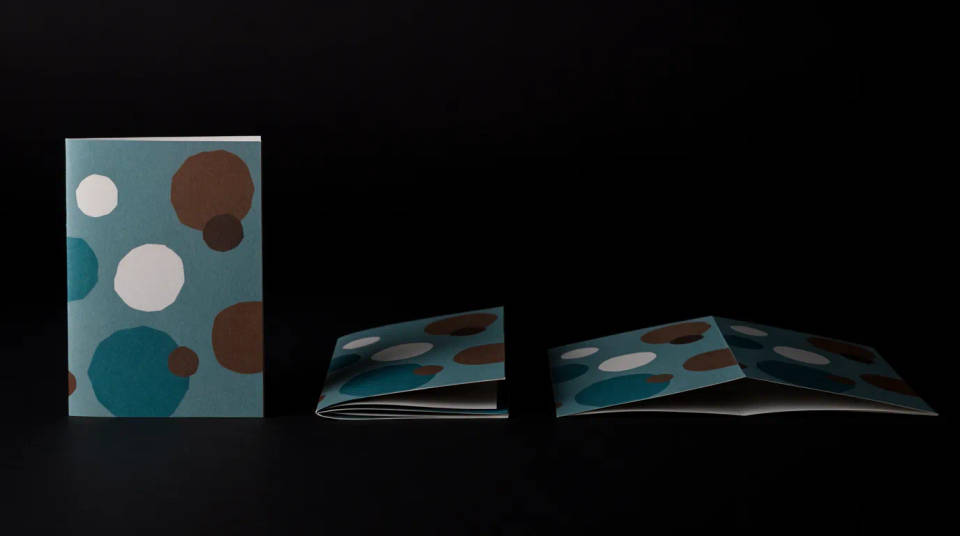
Show every state of one print piece
A brochure lives as a closed cover, a half fold, and an open spread, and a client wants to see all three. Generate the same design across each state so the piece is understood in a glance, no photographer and no printed sample. It is the fastest way to turn a page layout into something that feels physical.
Compare paper stocks before you print
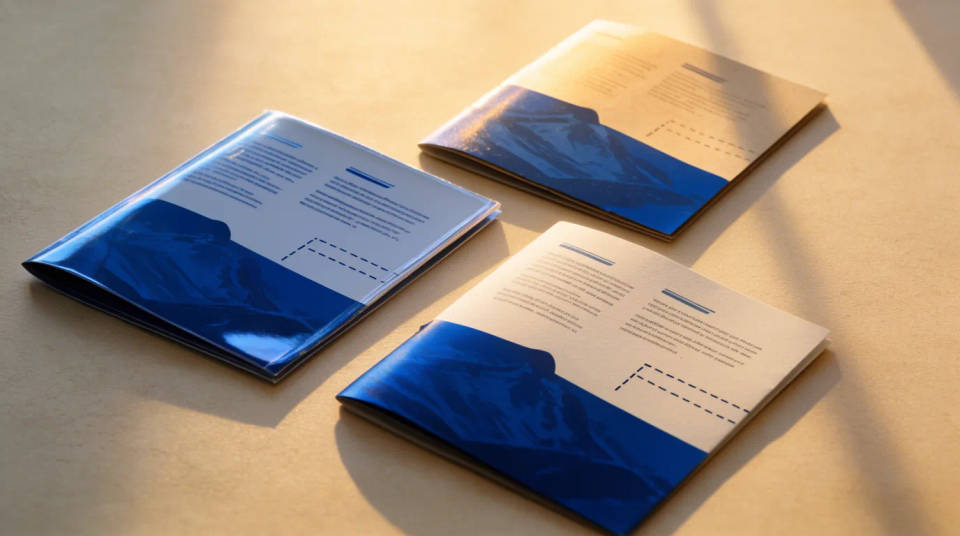
The same ink looks different on gloss, matte, and uncoated stock, and it changes how the piece feels in the hand. Stage your brochure on each finish and judge the sheen, the contrast, and the paper edge before you commit to a print run. Sampling on screen beats waiting on physical proofs.
Present a corporate or product brochure
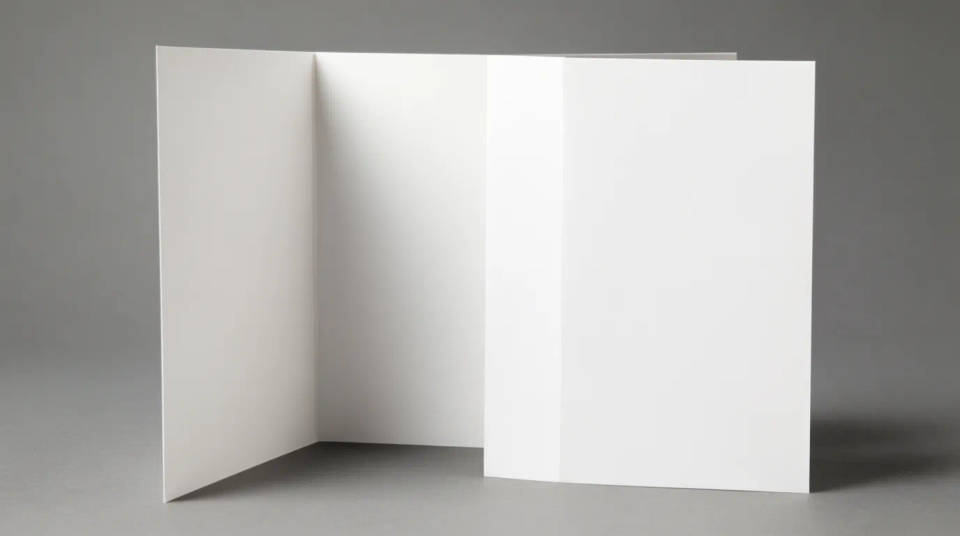
Company profiles, service menus, and product guides land better as a held piece in a deck than as a flat PDF page. Put the open spread in a hand or on a boardroom table, and the layout reads as a finished deliverable. Swapping cover art or a headline is a regenerate, not a reshoot.
Fill a print portfolio
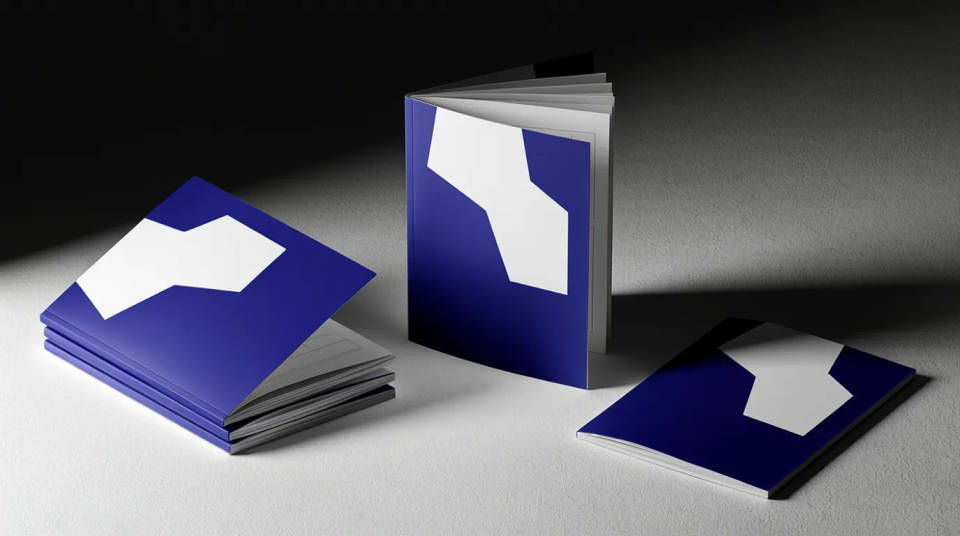
A design portfolio needs clean, consistent shots of finished work. Stage a brochure fanned in a stack, standing open, and resting on a counter, all lit the same way, so the set reads as one body of work. It gives a small studio the look of a shoot without the cost of one.
Prompt examples
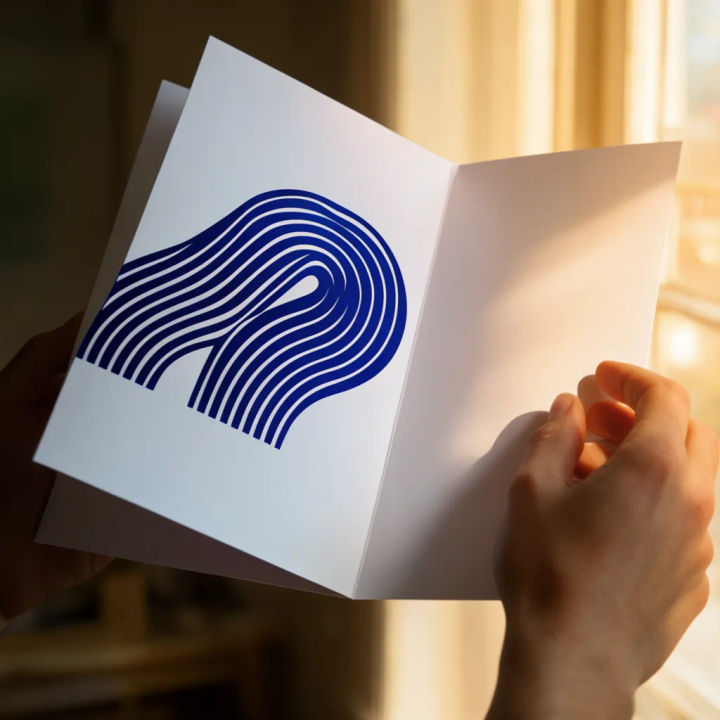
Held open
Show my uploaded tri fold held open in two hands, warm window light raking across the panels
Edit prompt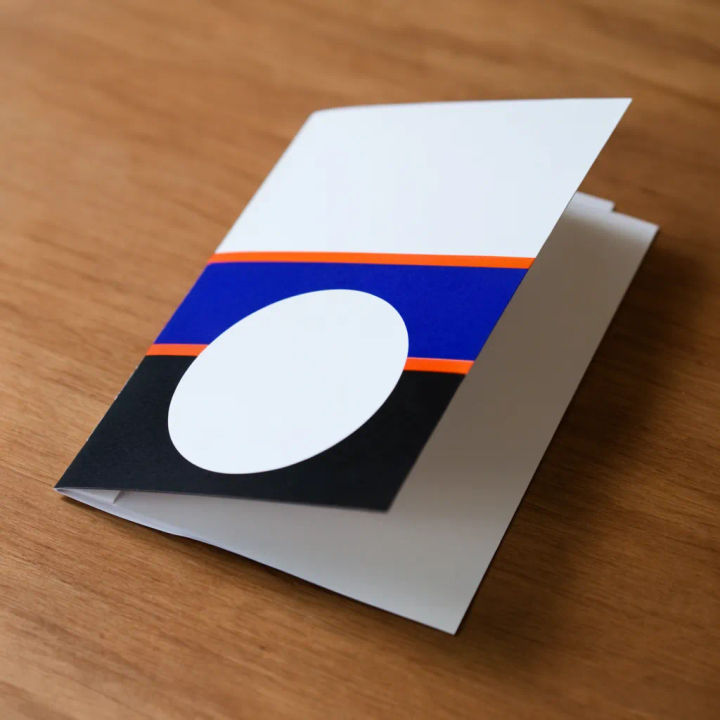
Mid fold on a desk
My brochure caught mid fold on a walnut desk, soft shadow in the crease, matte stock
Edit prompt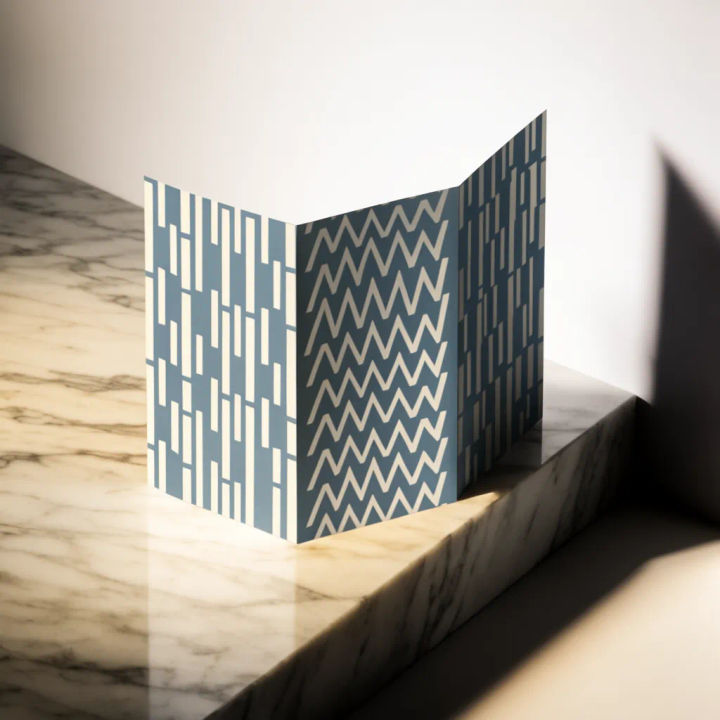
Standing tri fold
Stand my tri fold upright on a marble surface, three panels visible, clean studio light
Edit prompt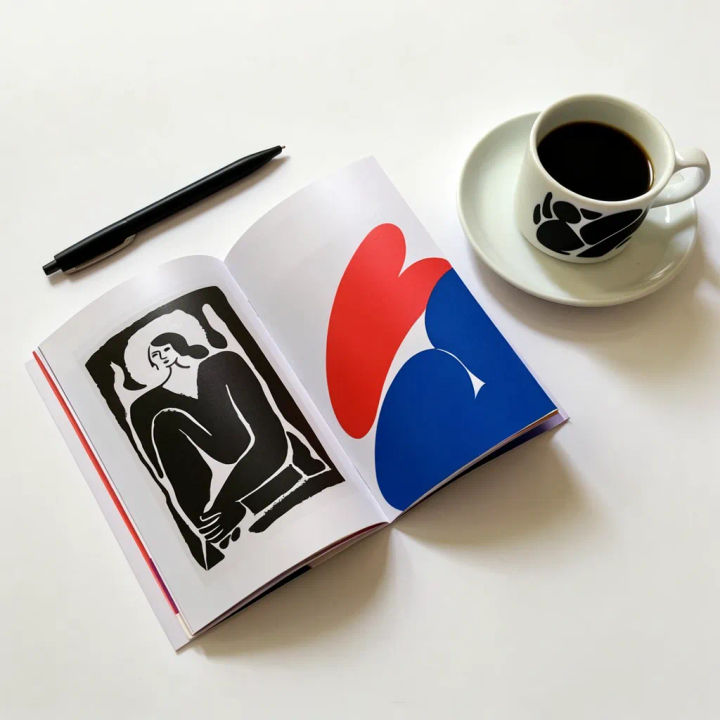
Open spread flat lay
Flat lay of my open brochure spread beside a pen and coffee cup, top down, daylight
Edit prompt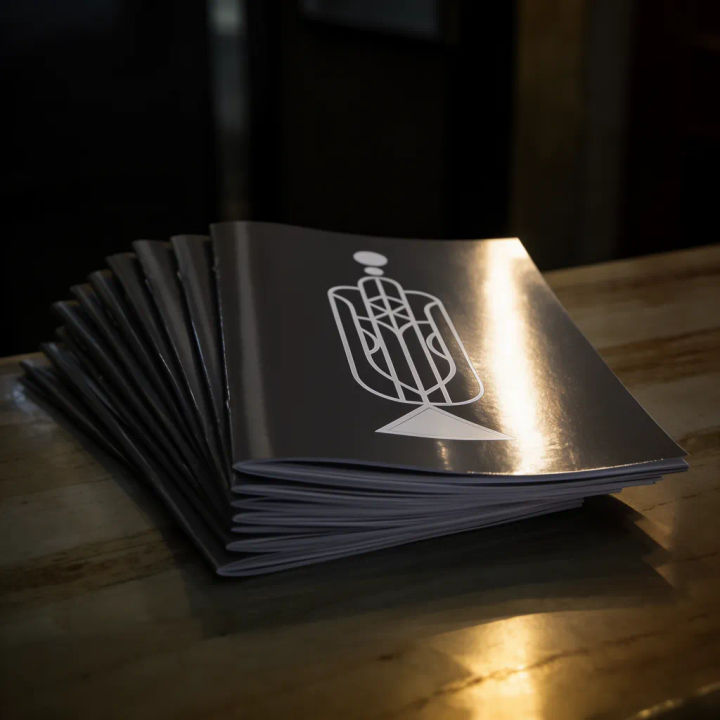
Fanned stack
A neat fanned stack of my brochure on a reception counter, gloss cover catching the light
Edit prompt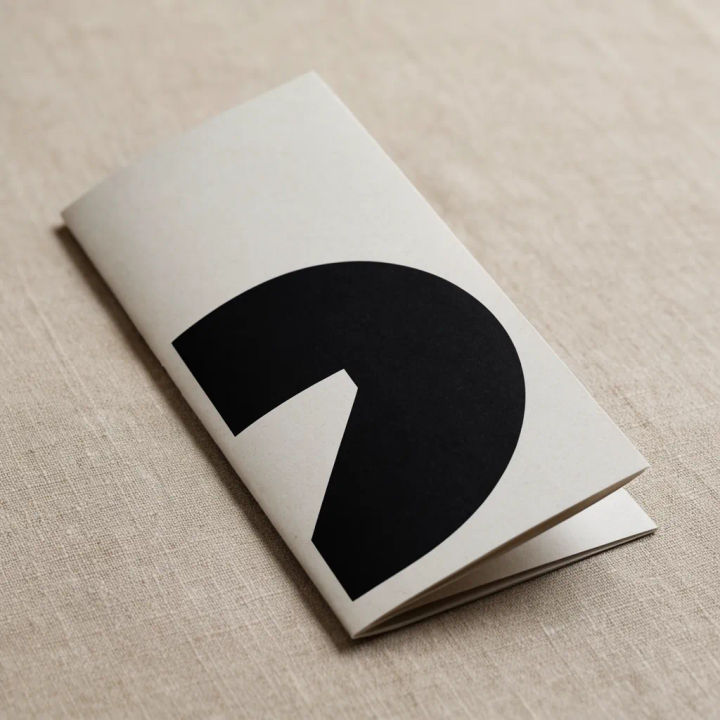
Closed cover
My brochure closed on an uncoated stock, resting on linen, gentle side light on the texture
Edit prompt
Cinematic storyboard
Share a scene description with character references. Get a full storyboard with shot angles and mood.

Messages to cinematic scene
Dramatize any text conversation into a cinematic multi-shot video.

Title sequence
Generate a professional film title card from scratch, with optional cinematic animation.

3x3 storyboard
Feed in a single image. Get 9 cinematic beats laid out as a 3x3 storyboard grid.

Chibi sprite animation
Turn any photo or description into an animated chibi sprite. Dance, jump, wave, attack, and more.

Expressions
Take any character image and generate 6 distinct facial expressions on a single reference sheet.
All on Morphic
Models
Nano Banana 2, Flux 2 Pro, ChatGPT Images, Grok Imagine, Recraft, Seedream, and more. Swap models when a fold or a paper stock needs a cleaner render.
AI mockup generator
Put any design on any product when you need more than a brochure, from apparel to signage.
Postcard mockup generator
The flatwork companion to a brochure. Show both sides of a card styled in a real scene.
Image to image
Place, restyle, and rebuild any photo from a reference, the same method that folds your pages into paper.
