Every image model
One workspaceBox shots you can build
Build a box mockup in three steps
- 01
Open Morphic
Sign up and start creating on a free-flowing, infinite visual canvas.
- 02
Upload your artwork
Drop in the panel art or a dieline and describe the box shape, the surface, and the light.
- 03
Generate and export
The design wraps around the box with real folds and a contact shadow. Try more shapes, then export.
Use cases
Packaging design presentations
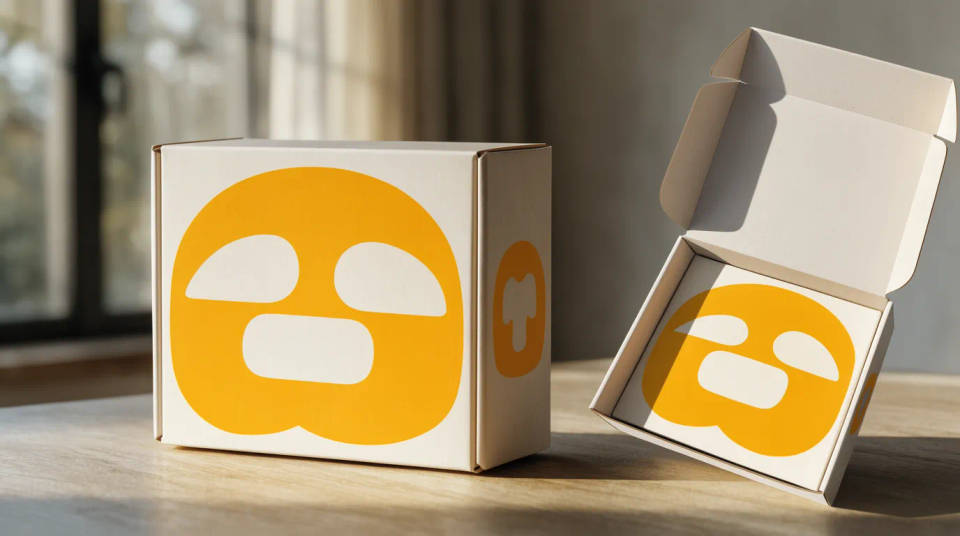
Turn a flat panel layout into a box a client can picture on a shelf. Show the front-and-side hero, then a top-down of the open lid to preview the inside print. Seeing the folds and proportions early catches a cramped panel before it goes to the printer.
Ecommerce and marketplace listings
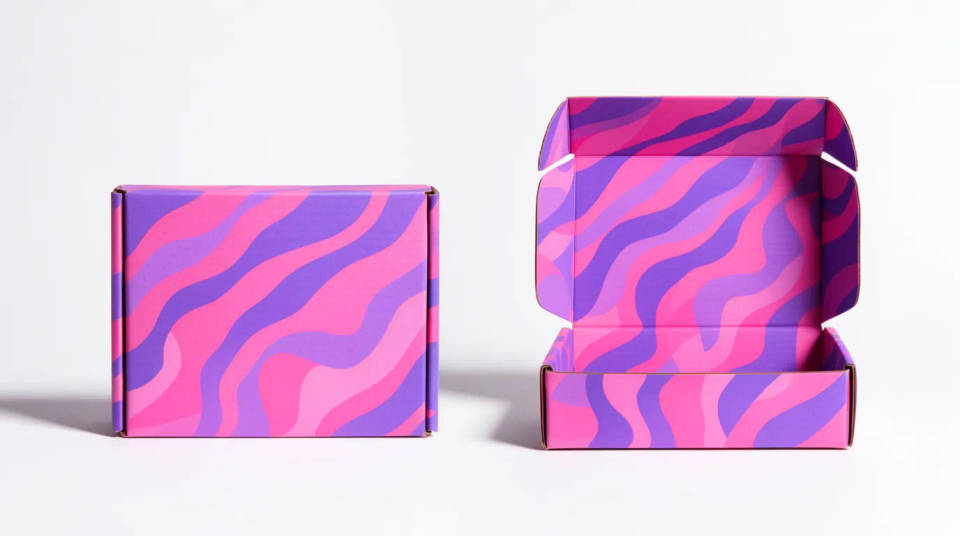
Give a product page a clean hero and a set of supporting angles. Generate the box on a plain sweep for the main image, then beside the product it contains to show what is inside. Consistent lighting keeps the gallery tidy without a photo studio.
Retail shelf and range shots
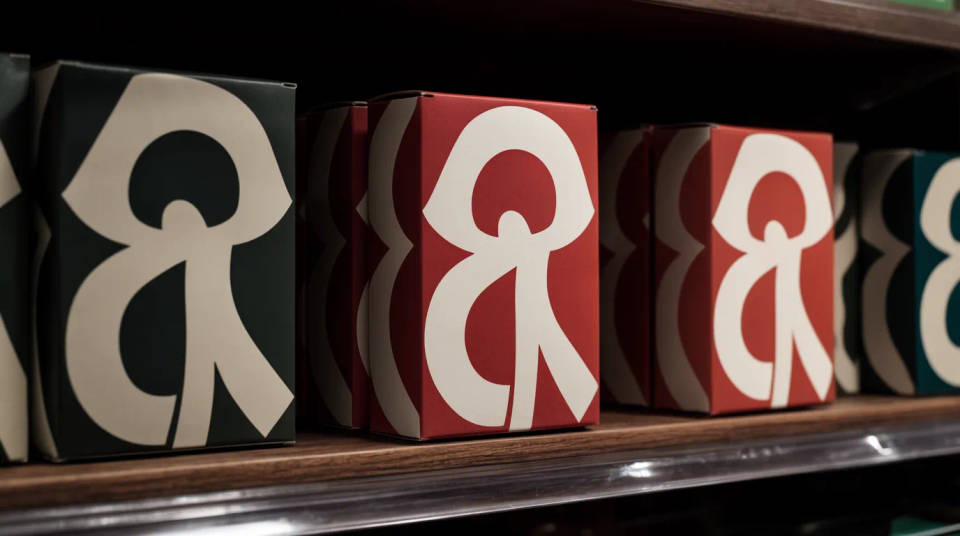
Show how a product looks in the aisle before it ships. Line up several boxes as a range, or place one on a shelf among neighbors to test how the design holds its own. Swap the artwork and rerun to compare two packaging directions side by side.
Subscription and mailer boxes
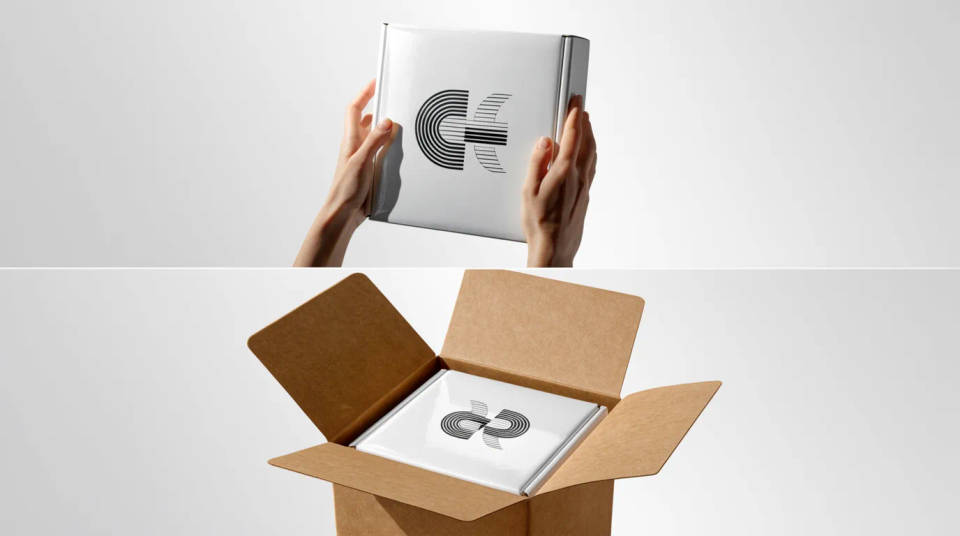
Sell the unboxing before the first order goes out. Generate a kraft mailer held in two hands, then an open top-down with the contents nested inside. It gives a subscription launch or a crowdfunding page real hero art without printing a sample box first.
Prompt examples
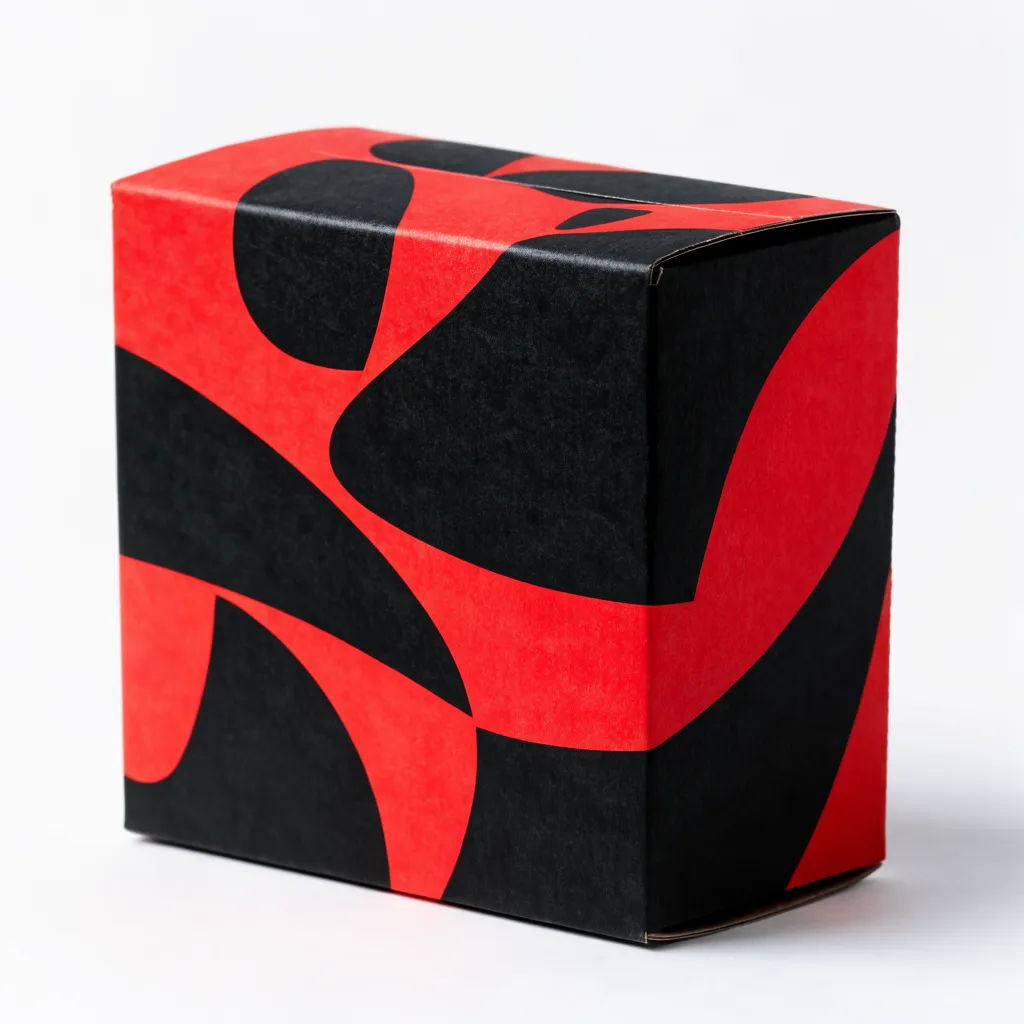
Rigid box hero
Wrap my artwork around a rigid gift box at a three-quarter angle on a soft studio surface, gentle shadow
Edit prompt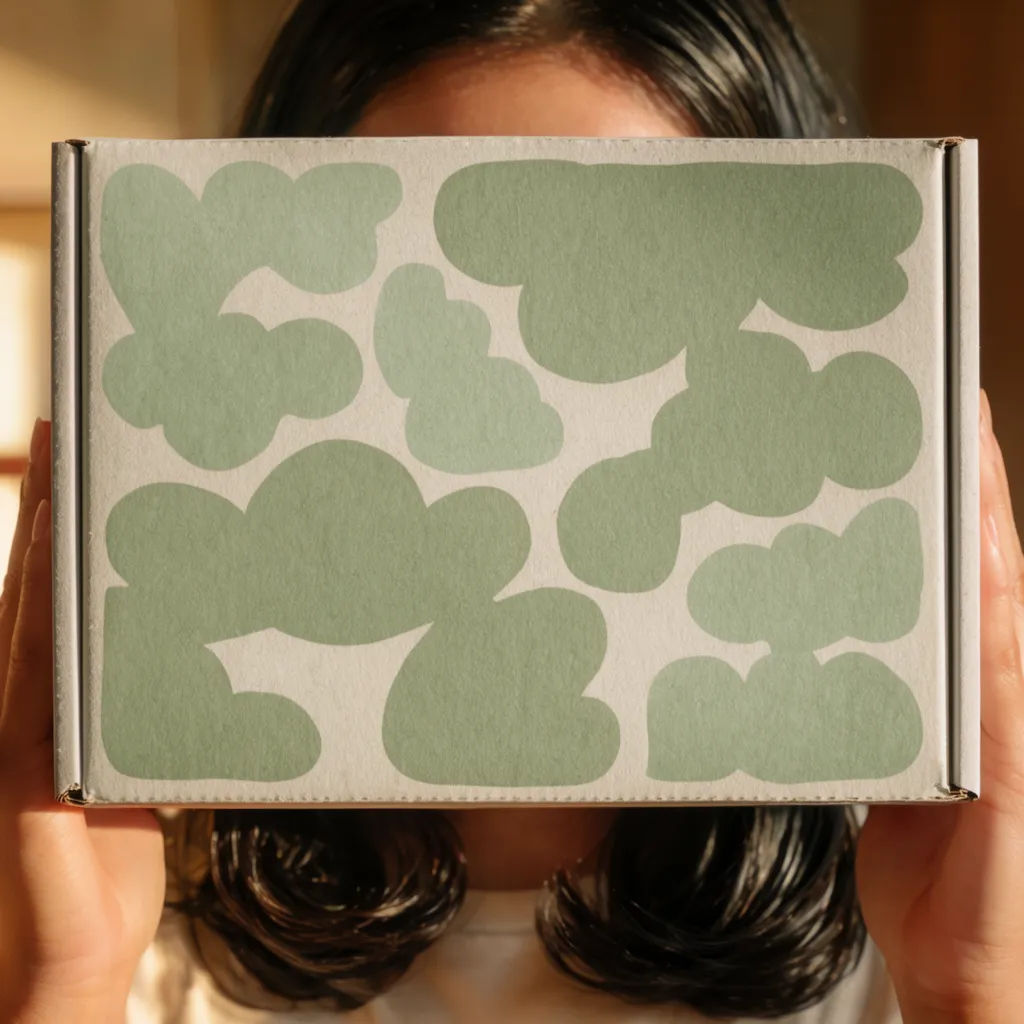
Kraft mailer in hands
Put my design on a kraft shipping mailer held in two hands, natural daylight, blurred room behind
Edit prompt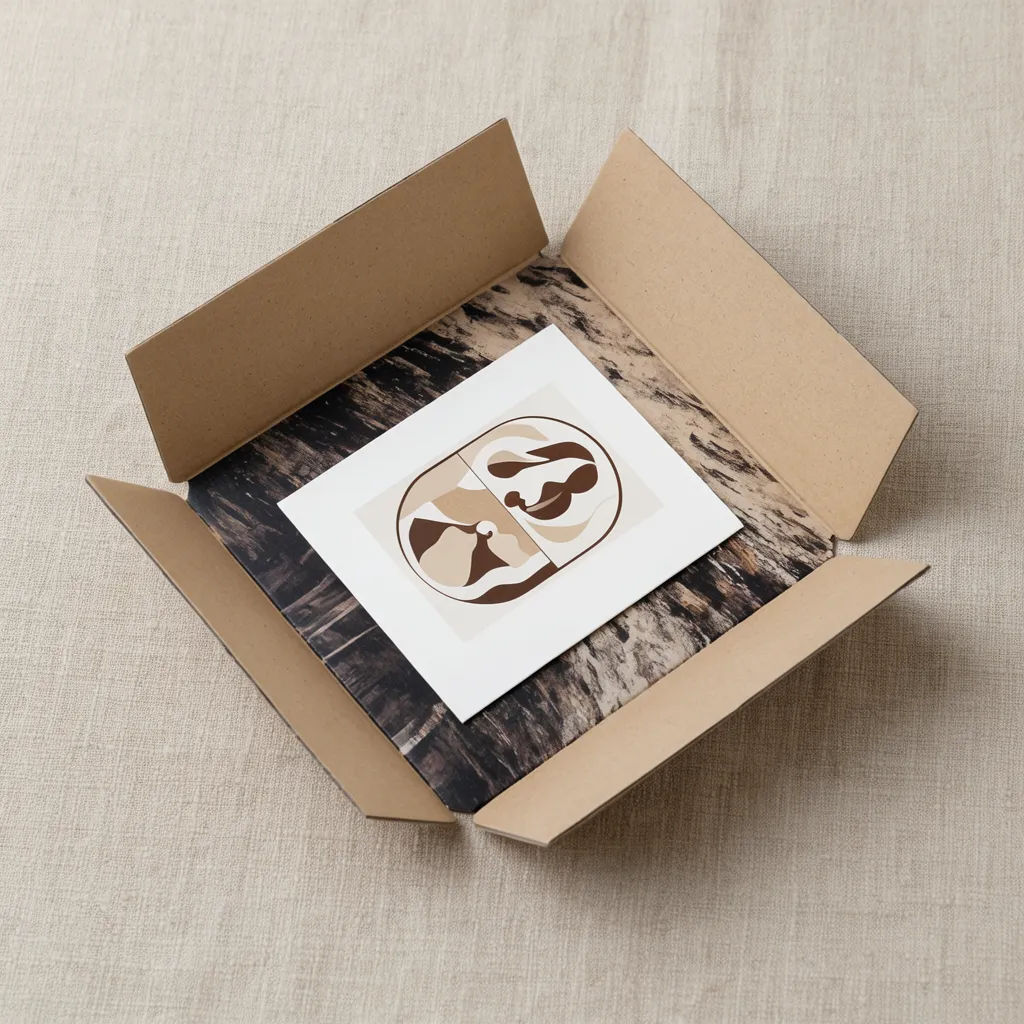
Open unboxing
Open the box top-down to show the inside print and nested product, even overhead light on linen
Edit prompt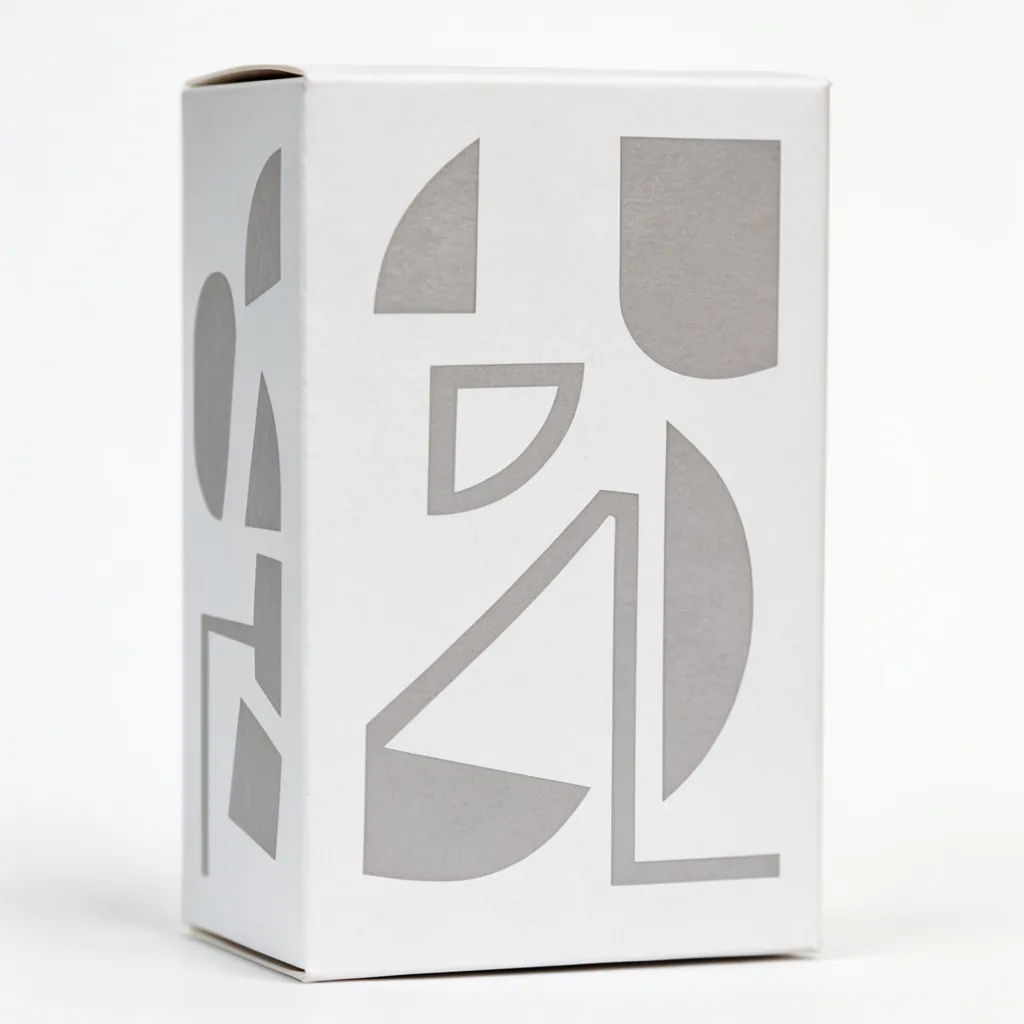
Range lineup
Line up three of my boxes in different sizes on a pale surface, even studio light, clean backdrop
Edit prompt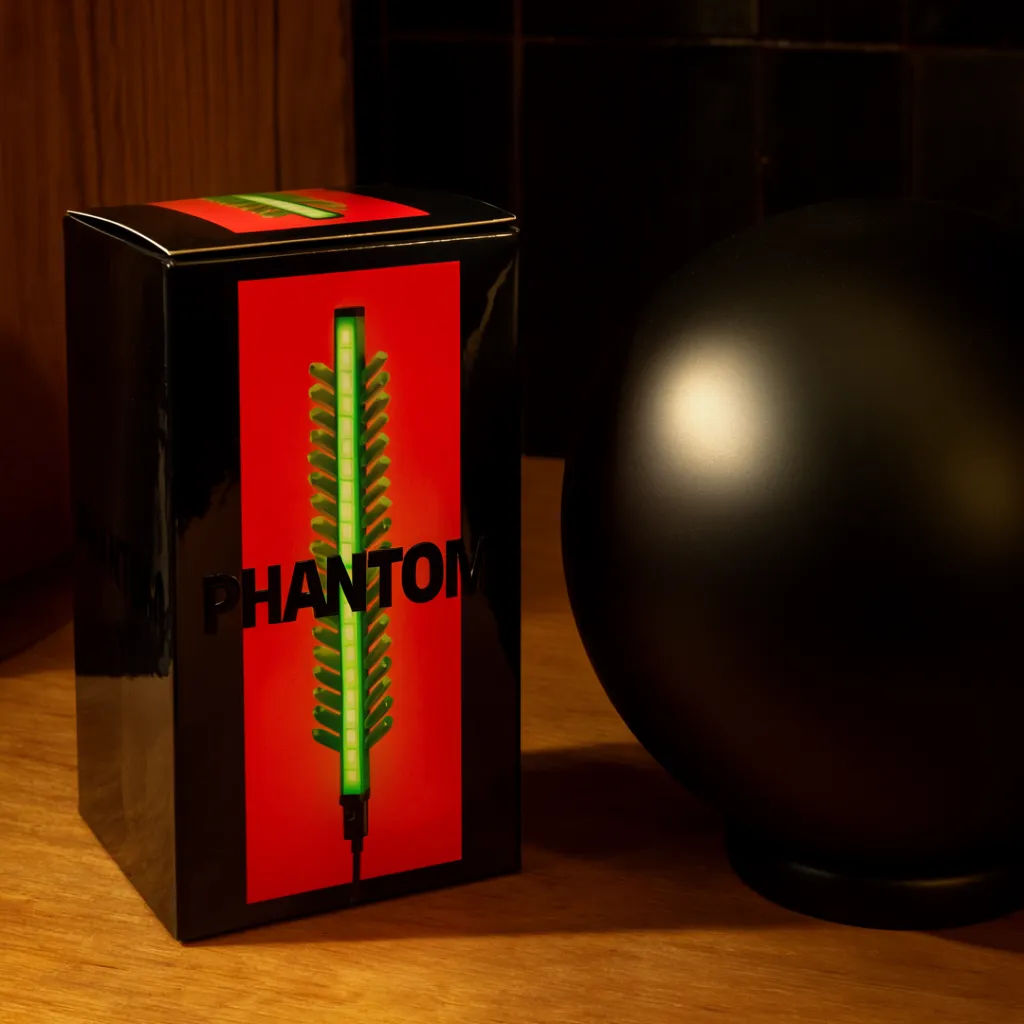
Box with product
Place my box beside the product it holds on a wood surface, warm side light, soft shadow
Edit prompt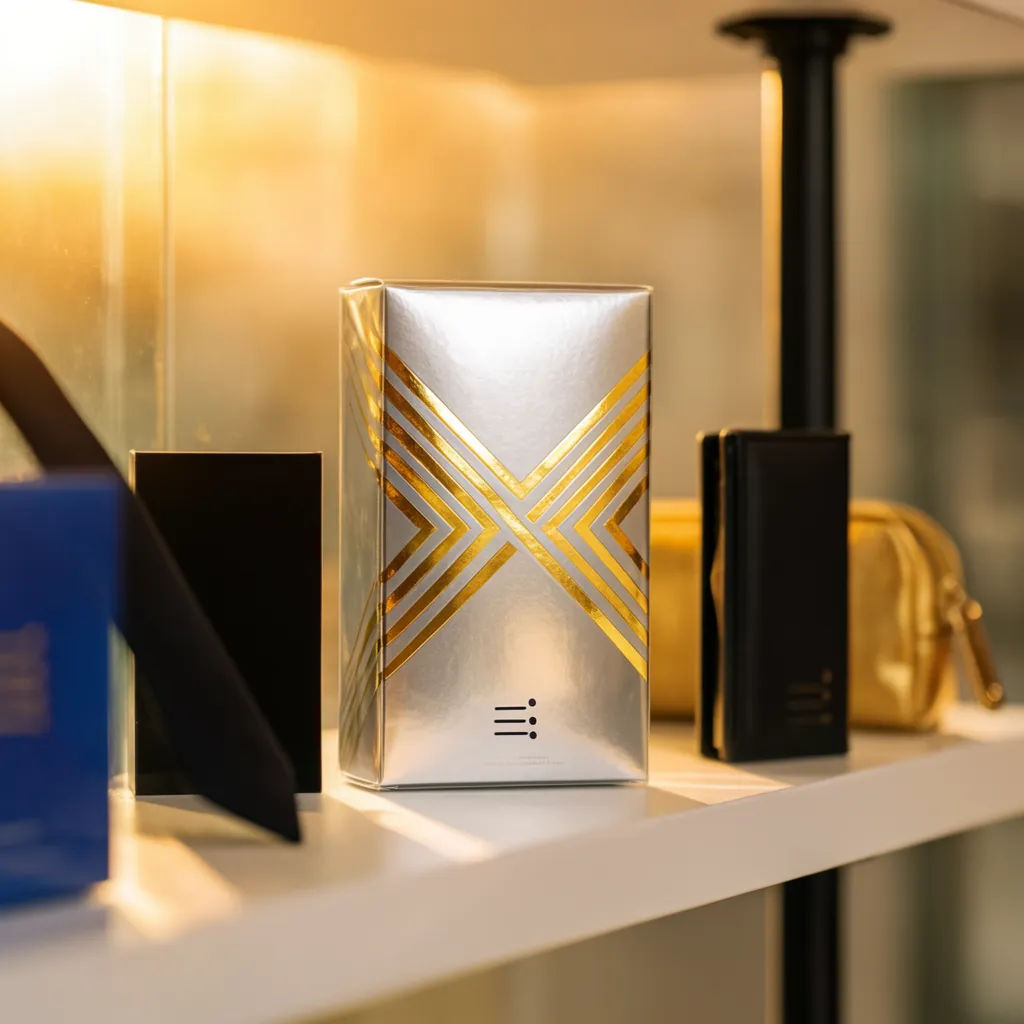
On a retail shelf
Show my box standing on a retail shelf between other products, front panel facing out, store lighting
Edit prompt
Cinematic storyboard
Share a scene description with character references. Get a full storyboard with shot angles and mood.

Messages to cinematic scene
Dramatize any text conversation into a cinematic multi-shot video.

Title sequence
Generate a professional film title card from scratch, with optional cinematic animation.

Product explosion ad
Dramatic 5-second product reveal video with audio.

Product mockup generator
Upload a product photo and get studio-quality shots on any surface with configurable lighting, angles, and aspect ratios.

3x3 storyboard
Feed in a single image. Get 9 cinematic beats laid out as a 3x3 storyboard grid.
All on Morphic
Your complete packaging mockup stackModels
Nano Banana 2, Flux 2 Pro, ChatGPT Images, Grok Imagine, Recraft, Seedream, and more. Swap models when a panel wrap or a fold needs to render cleaner.
AI product photo generator
Shoot the product itself in clean studio light, then pair it with the box in the same scene.
Book mockup generator
Wrap a cover onto a book for a slipcase, a special edition, or matching printed collateral.
Image to image
Upload your artwork and generate the box and scene around it, the method behind every shot here.
