Every image model
Card shots you can build
Build a business card mockup in three steps
- 01
Open Morphic
Sign up and start creating on a free-flowing, infinite visual canvas.
- 02
Upload your design
Drop in the front, the back, or both, and describe the hand, surface, and light you want.
- 03
Generate and export
Your design maps onto a real card with an edge and shadow. Try more angles, then export.
Use cases
Brand identity presentations
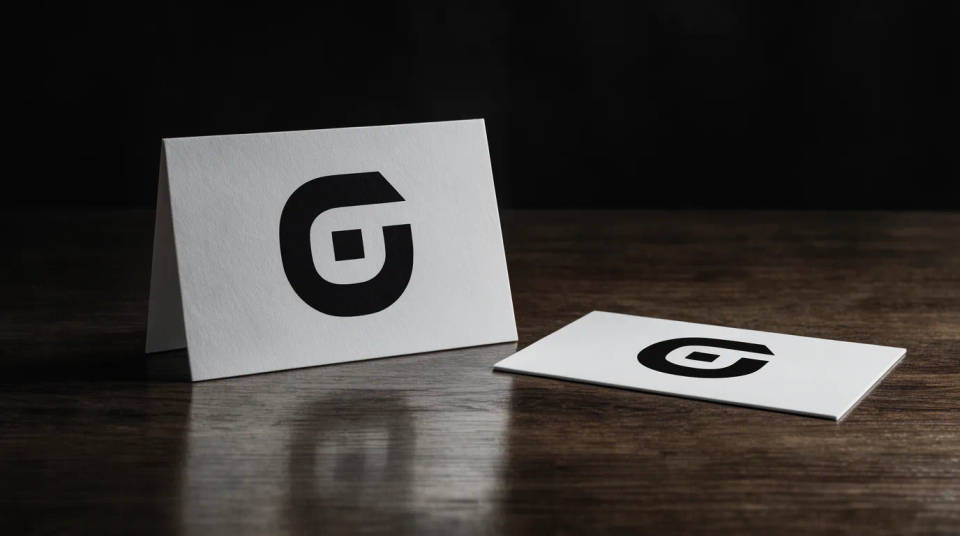
Close a logo project with the card shown as a real object rather than a flat file. Pair the front standing with the back flat, add matching props, and the identity feels printed and considered. It is the slide that makes a client sign off on the direction.
Print proofs before you order
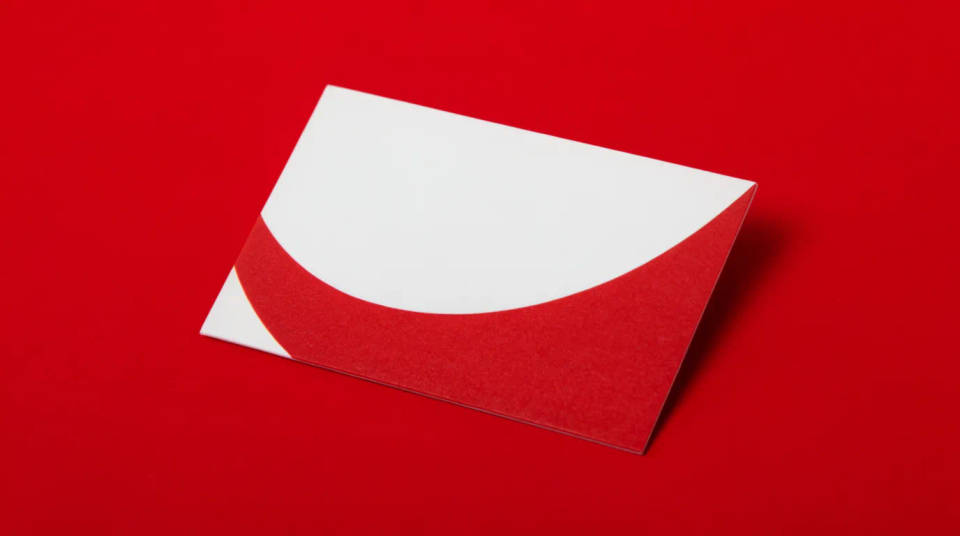
Check how a design reads at real size before committing to a print run. See the type, the spacing, and the color on a card held in a hand, so a phone number that looks fine on screen does not turn out cramped in the pocket. Rerun tweaks in seconds instead of ordering a sample.
Portfolio and case studies
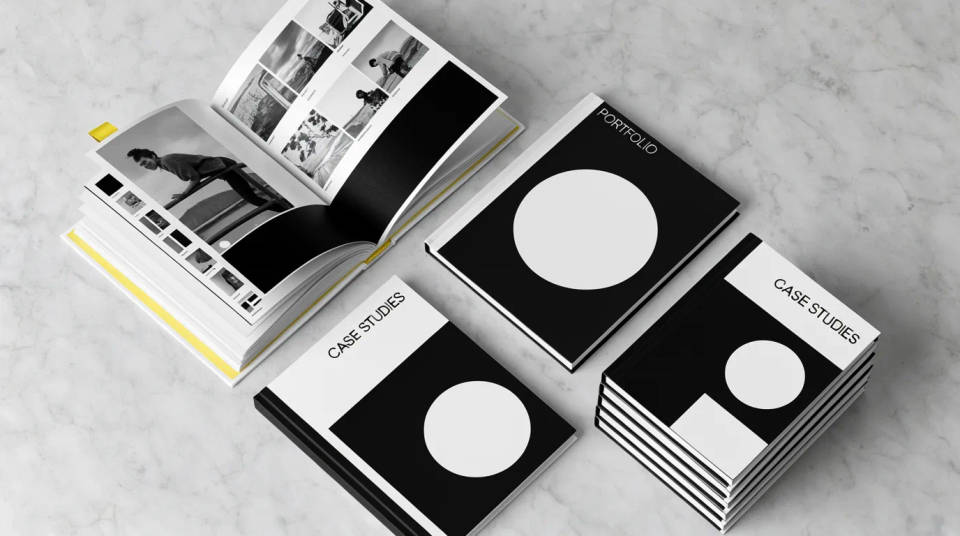
Fill out a design portfolio with hero shots that look photographed. Generate a stack, a fanned spread, and a single hero on marble from one design, so a case study has variety without a studio day. The consistent card keeps the work reading as one project.
Client pitches and proposals
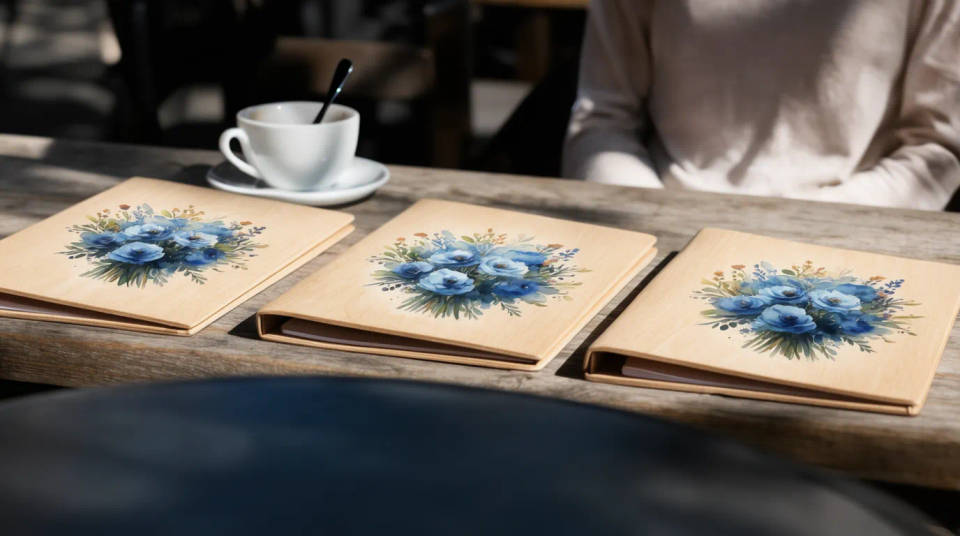
Show two or three directions side by side in a proposal. Put each option on the same clean desk in the same light, and the client compares design rather than photography. When they pick one, generate the full angle set from the winner in minutes.
Prompt examples
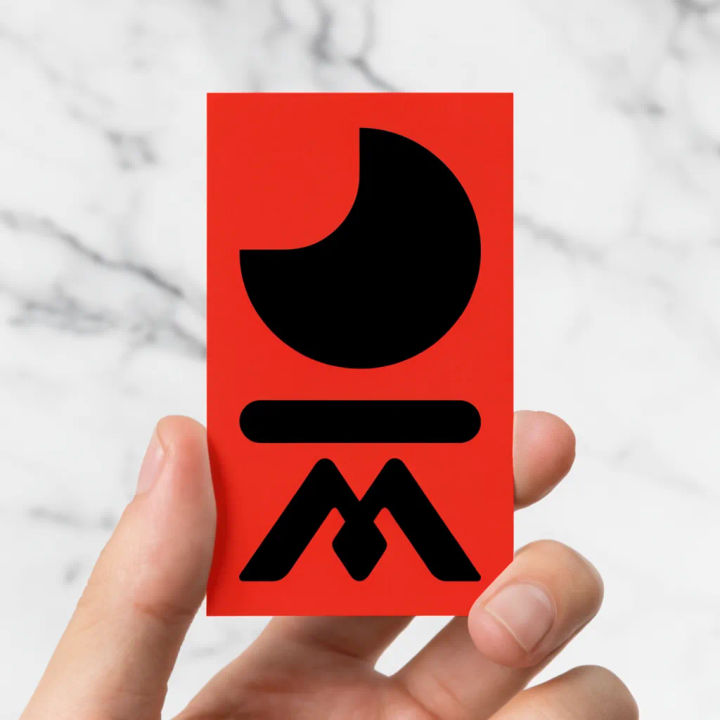
Held between fingers
Show my card held between two fingers over a marble desk, soft daylight, shallow depth of field
Edit prompt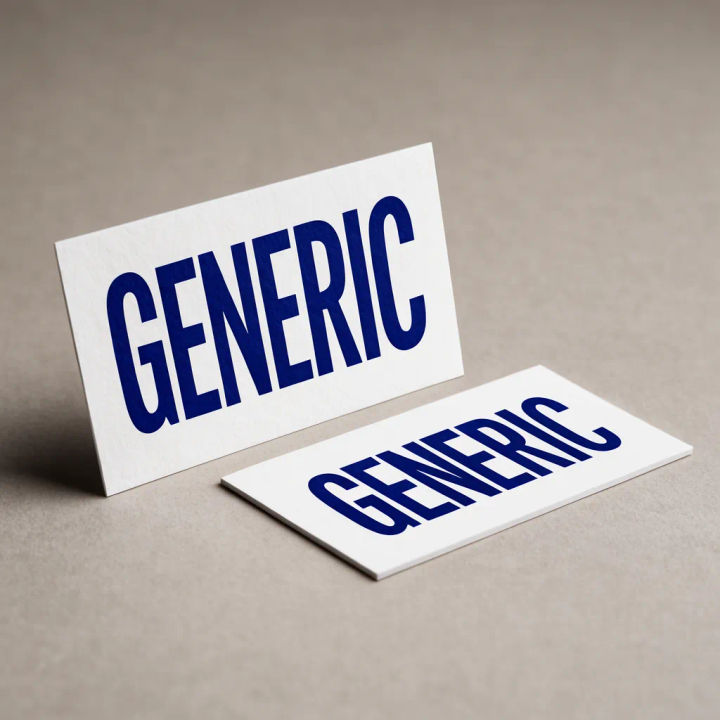
Front and back pair
Place my card front standing upright with the back lying flat beside it on a matte studio sweep
Edit prompt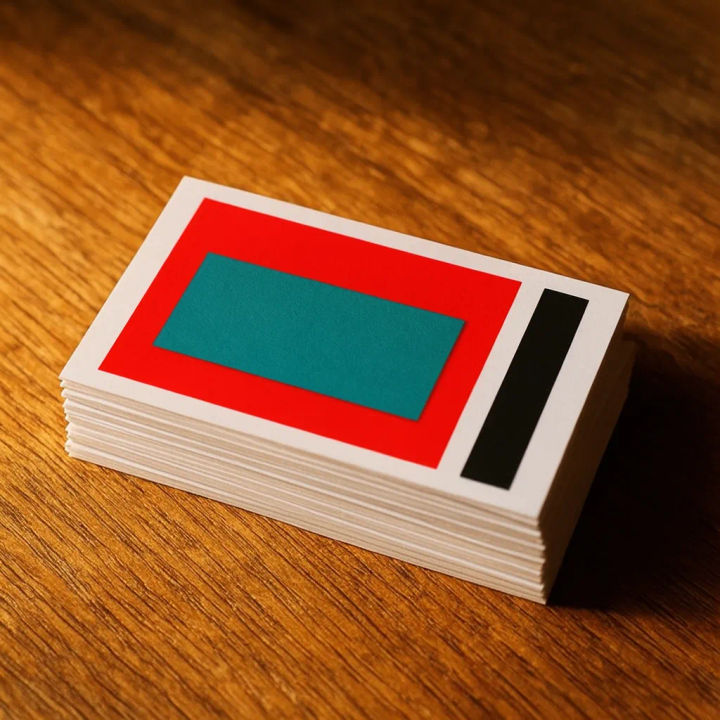
Neat stack
Stack about ten of my cards in a tidy pile on raw wood, top card facing up, warm side light
Edit prompt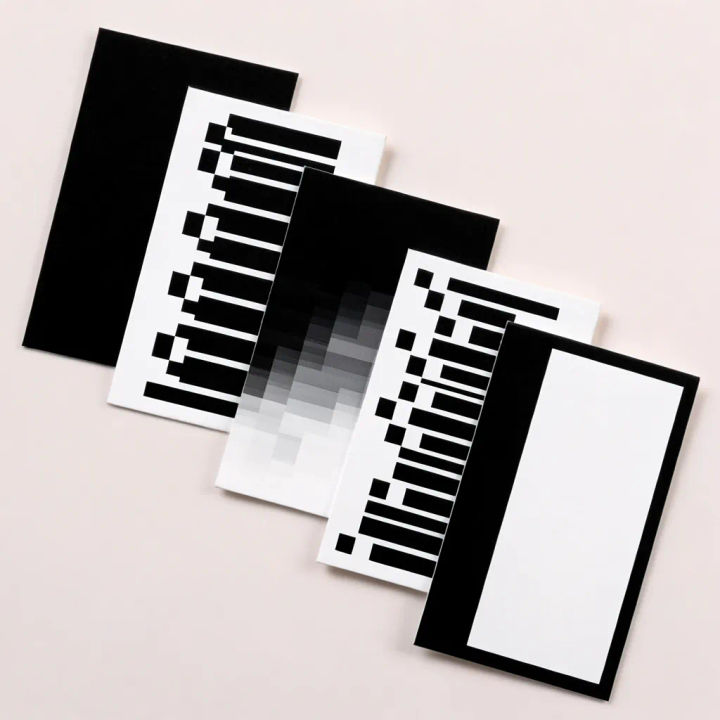
Fanned spread
Fan five of my cards across a pale surface to show front and back, even overhead studio light
Edit prompt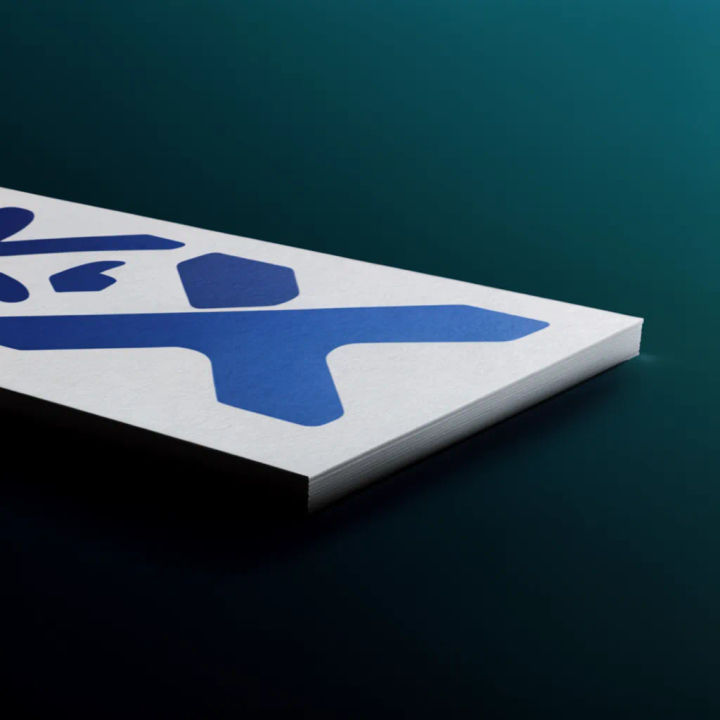
Edge and texture
Close-up of my card at a low angle to show the printed edge and paper texture, soft shadow
Edit prompt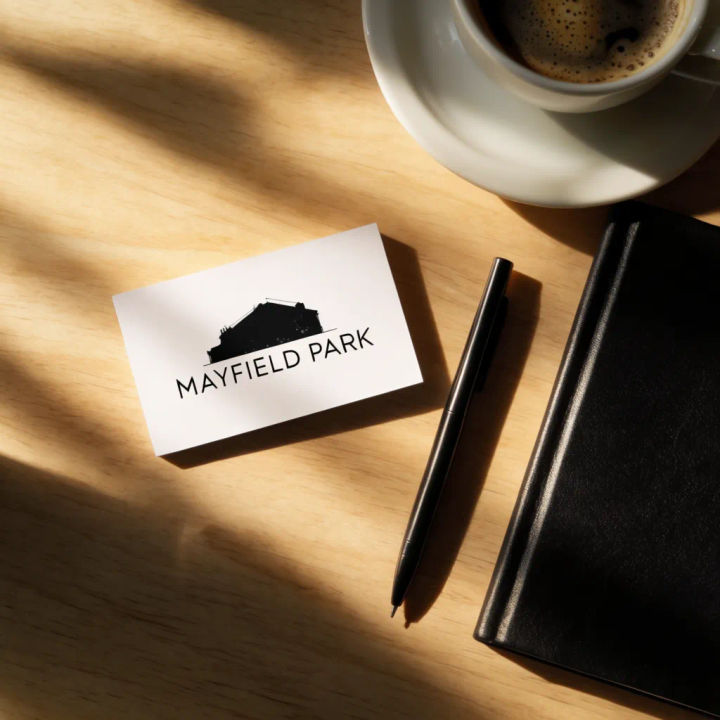
With brand props
Lay my card on a desk beside a pen, a notebook, and a coffee, top-down, natural morning light
Edit prompt
Sketch to render
Turn any sketch or drawing into a finished render.
Brand launch kit
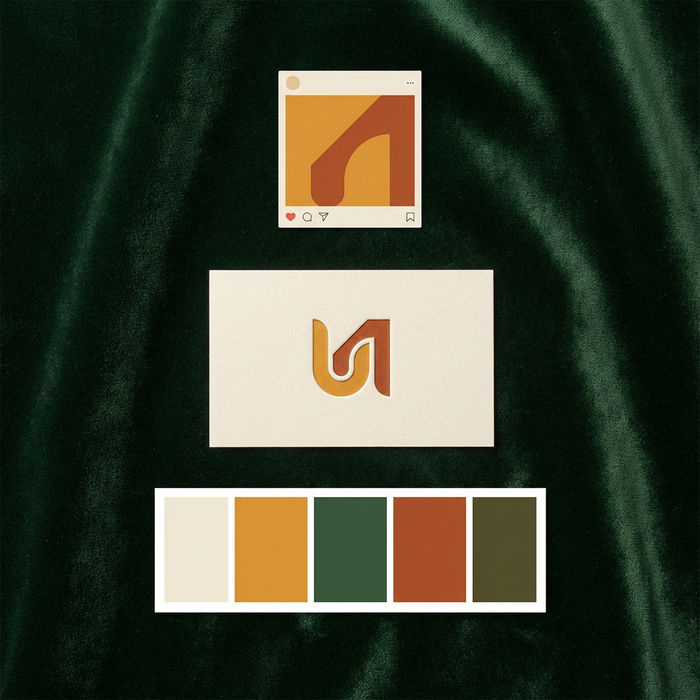
Get logo concepts, social media templates, color palettes, and marketing collateral in one go.

Expressions
Take any character image and generate 6 distinct facial expressions on a single reference sheet.

Anime style transfer
Pick any anime illustration as your style guide. Apply its look to any image.

Image reverse engineer
Get a detailed prompt extracted from a reference image, and then a fresh recreation.
Fabric texture
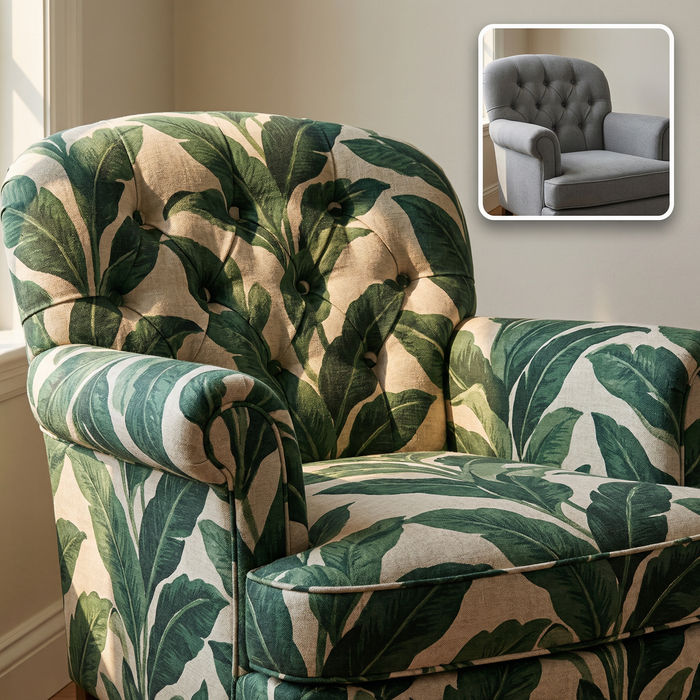
Swap the fabric on any furniture, cushion, or curtain. New texture, same shape and lighting.
All on Morphic
Models
Nano Banana 2, Flux 2 Pro, ChatGPT Images, Grok Imagine, Recraft, Seedream, and more. Swap models when small type or a logo needs to render cleaner.
AI business card generator
Design the card itself from a brief, then bring it here to see it printed and in hand.
AI product photo generator
Shoot the rest of a brand kit, from stationery to packaging, in the same clean studio light.
Image to image
Upload your card and generate the scene around it, the method behind every angle here.
