Every image model
Angles you can reach
Change the angle in three steps
- 01
Open Morphic
Sign up and start creating on a free-flowing, infinite visual canvas.
- 02
Upload and describe the angle
Drop in your photo and say where the camera should move, such as low and to the left.
- 03
Generate and export
The subject and set stay the same while the viewpoint shifts. Compare a few angles side by side, then export.
Use cases
Add depth to flat product shots
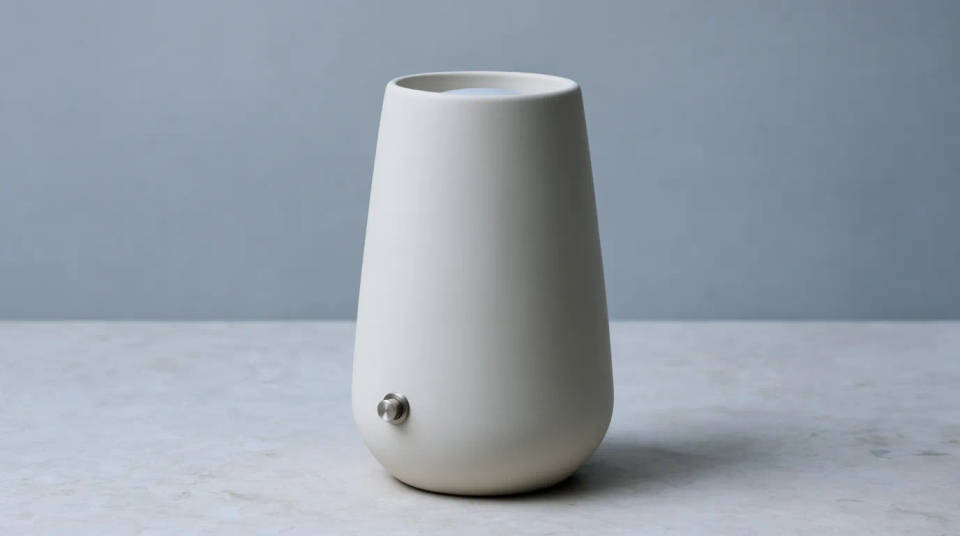
A straight-on product photo often looks flat and lifeless. Reframe it to a three-quarter angle and the item gains depth and shape, showing its side and top in one view. The product itself stays identical, so it still matches your catalogue, just seen from a better position.
Get a hero angle for people
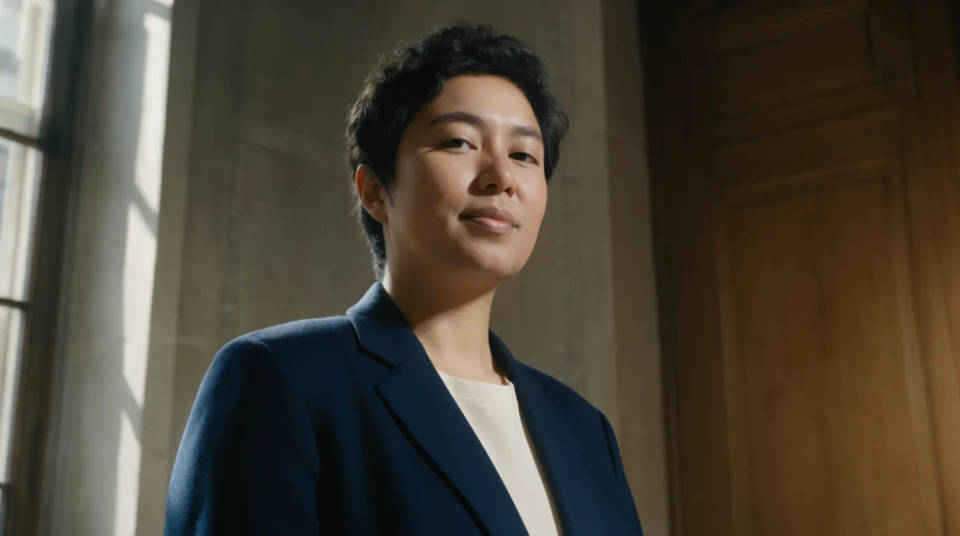
Drop the camera and look slightly up for a more confident, heroic portrait, or raise it for a friendlier, softer feel. You keep the same person, outfit, and background, and only the viewpoint changes, so you can test which angle flatters the subject most before you commit.
Reframe interiors and real estate
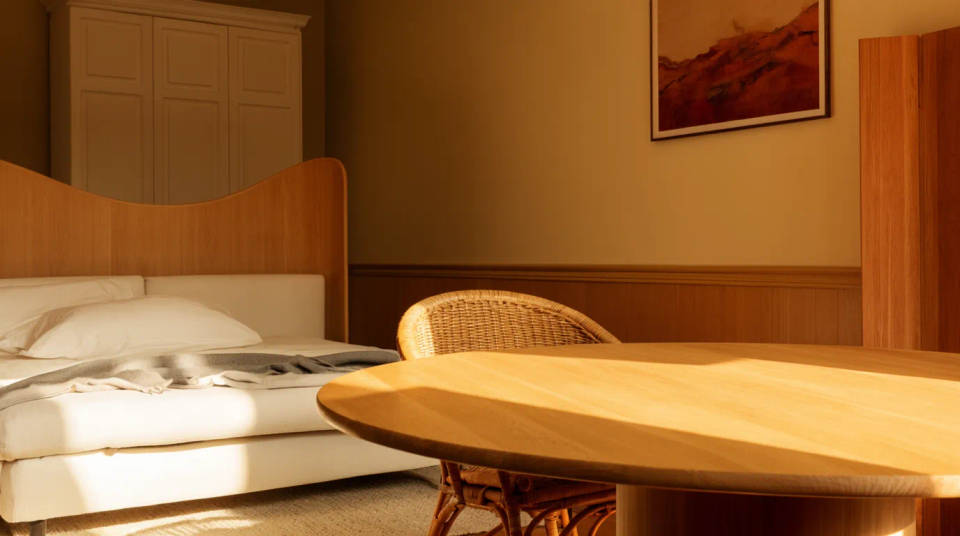
Turn a wall-facing room shot into a corner view that shows two walls and more of the floor, so a space reads as larger and better composed. The furniture, finish, and light stay the same while the room is captured from a more flattering position.
Build a set of angles from one shot
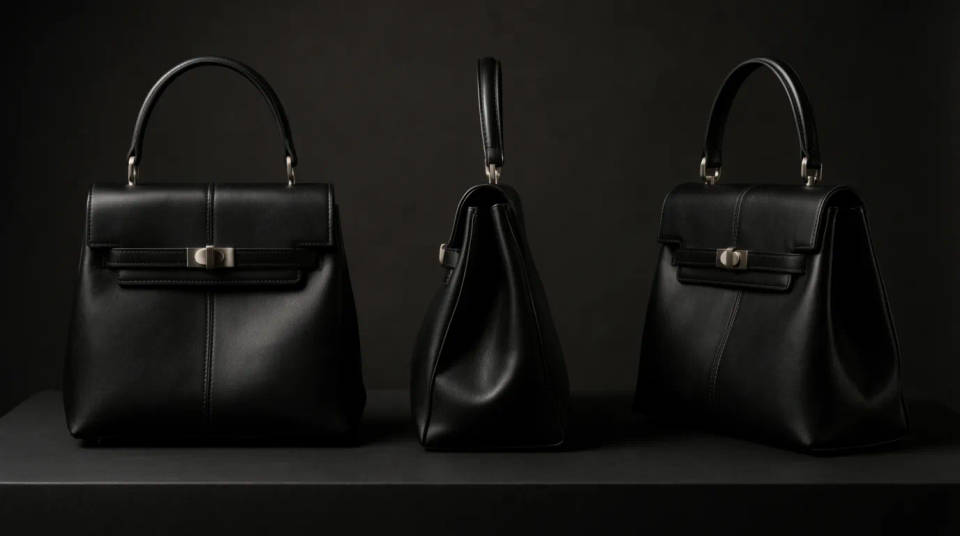
From a single photo, generate a front, a profile, and a three-quarter view to fill out a product page or a lookbook. Instead of a multi-angle shoot, you reframe the one shot you have into a consistent set that all reads as the same subject.
Prompt examples
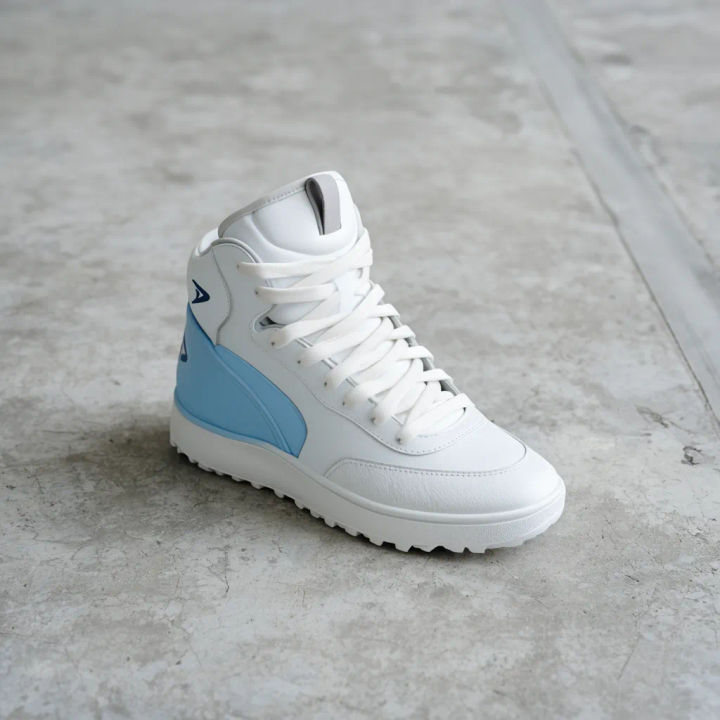
Low hero angle
Reframe this sneaker on concrete from a low hero angle looking slightly up, same shoe, same floor and light
Edit prompt
Three-quarter product turn
Reframe this front-on perfume bottle to a three-quarter angle showing the side and cap, keep the same bottle and backdrop
Edit prompt
High overhead
Reframe this plate of food from a high overhead angle looking straight down, same dish, same table and props
Edit prompt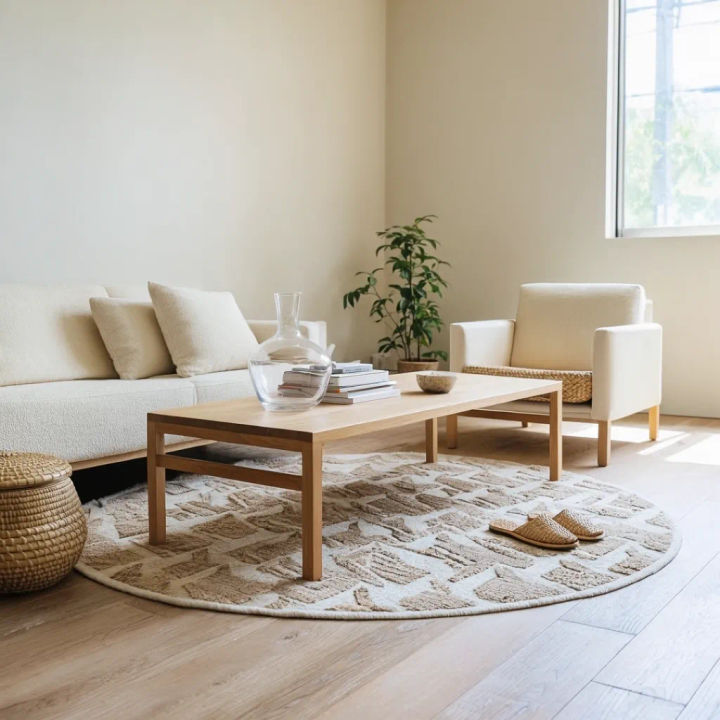
Corner interior view
Reframe this living room shot to a corner view showing two walls and more floor, same furniture and daylight
Edit prompt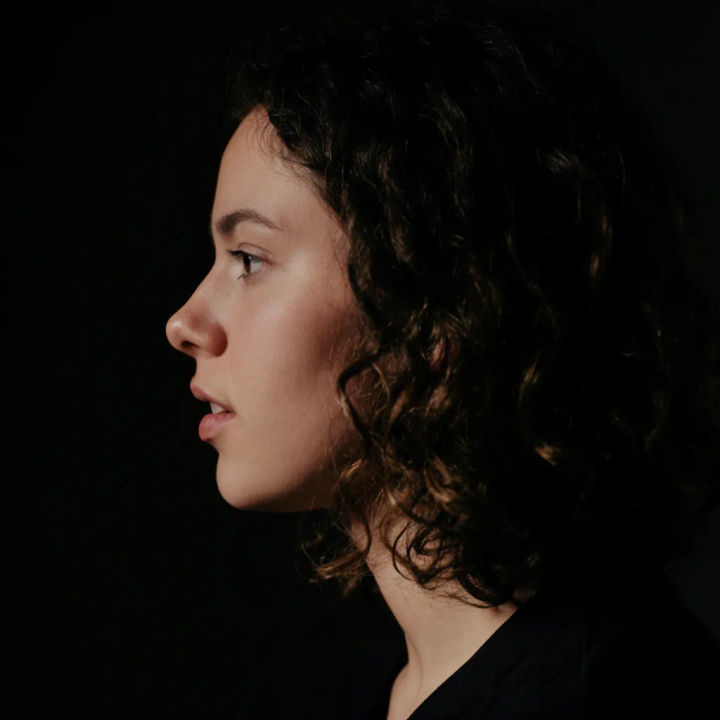
Side profile of a person
Reframe this front-facing portrait to a clean side profile, same person, same outfit, same studio background
Edit prompt
Slight orbit right
Reframe this car from the front to a front three-quarter angle orbiting right, same car, same driveway and sky
Edit prompt
Cinematic storyboard
Share a scene description with character references. Get a full storyboard with shot angles and mood.

Chibi sprite animation
Turn any photo or description into an animated chibi sprite. Dance, jump, wave, attack, and more.

Messages to cinematic scene
Dramatize any text conversation into a cinematic multi-shot video.

Title sequence
Generate a professional film title card from scratch, with optional cinematic animation.
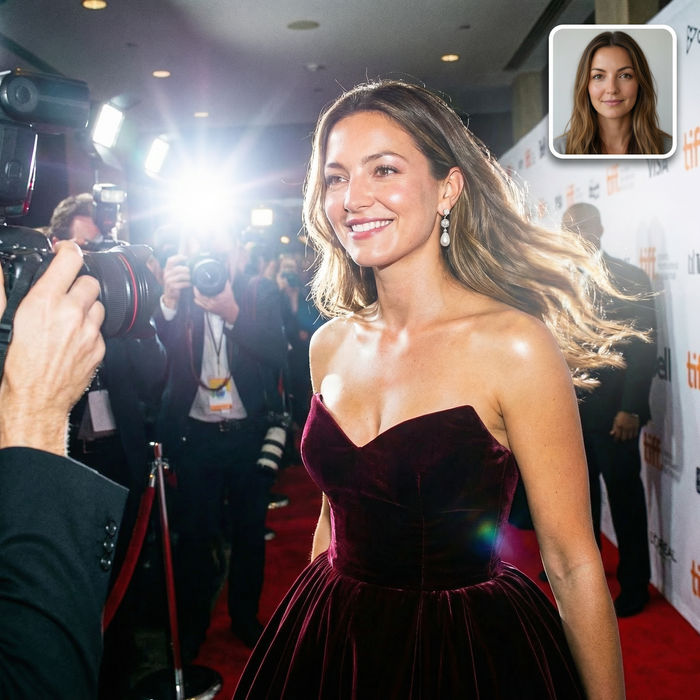
Paparazzi scene
Put anyone on a red carpet with paparazzi flashes, animated into a celebrity entrance video.

3x3 storyboard
Feed in a single image. Get 9 cinematic beats laid out as a 3x3 storyboard grid.
All on Morphic
Models
Nano Banana 2, Flux 2 Pro, ChatGPT Images, Grok Imagine, Recraft, Seedream, and more. Swap models when an angle needs a cleaner rebuild.
AI image editor
Change wardrobe, background, or props on the same photo by describing the edit in plain words.
Generative fill
Extend the frame past its edges after reframing, so a new angle still has room around the subject.
Image to image
Upload a photo and rebuild it from a new viewpoint, the method behind a clean angle change.
