Every image model
Circuit diagrams you can draw
Draw a circuit diagram in three steps
- 01
Open Morphic
Sign up and start creating on a free-flowing, infinite visual canvas.
- 02
Describe the circuit
List the components and how they connect, and name the style and any short labels.
- 03
Generate and export
Compare layouts, check the labels read clearly, then download the diagram as an image.
Use cases
Clear diagrams for teaching
A readable circuit picture beats a wall of text in a lesson. Describe the components and the connections and Morphic draws a clean schematic-style image with the symbols placed for you. Ask for a consistent look across a set so a whole unit of material feels of a piece, and regenerate any diagram where the routing gets tangled.
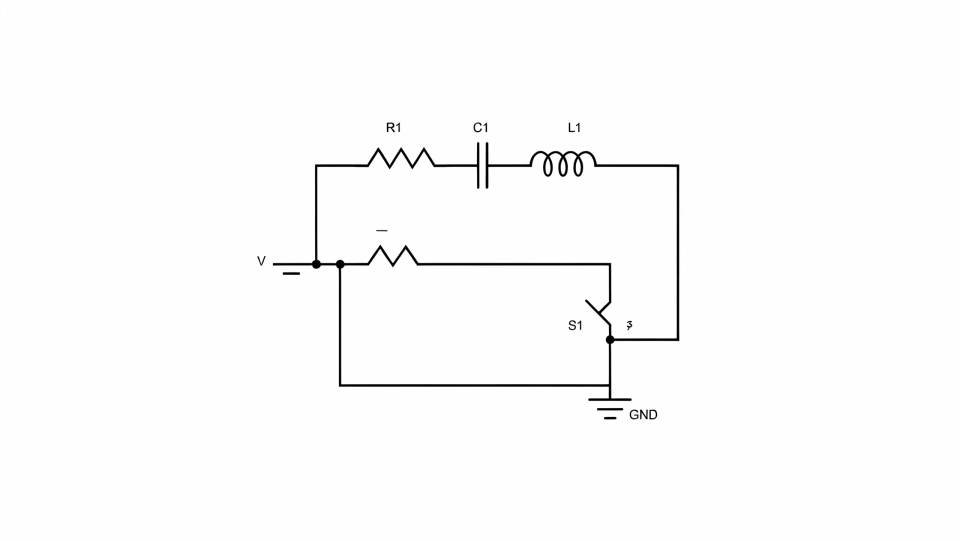
Illustrations for docs and slides
When a document or deck needs a picture of a circuit, you want clarity, not a working design file. Describe the block and the model draws it as a tidy illustration that sits well beside your text. Because a rerun costs nothing, try a couple of layouts and keep the one that reads clearest at a glance.
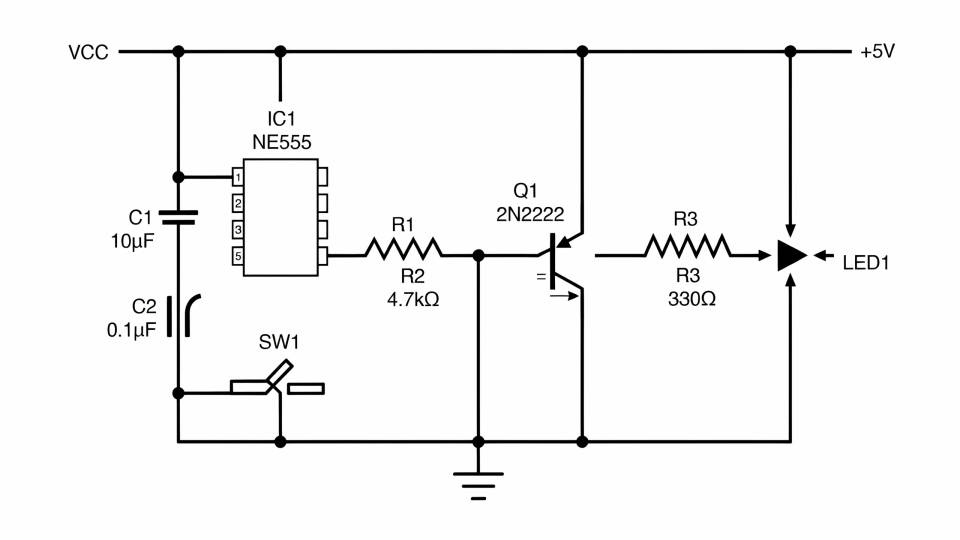
Sketch an idea to explain it
Talking through a concept is easier with a drawing in front of you. Describe the rough circuit and get a clean visual to point at in a call or a post, without opening a schematic tool. It captures the intent as a picture so the conversation moves, and you can refine the description and regenerate as the idea firms up.
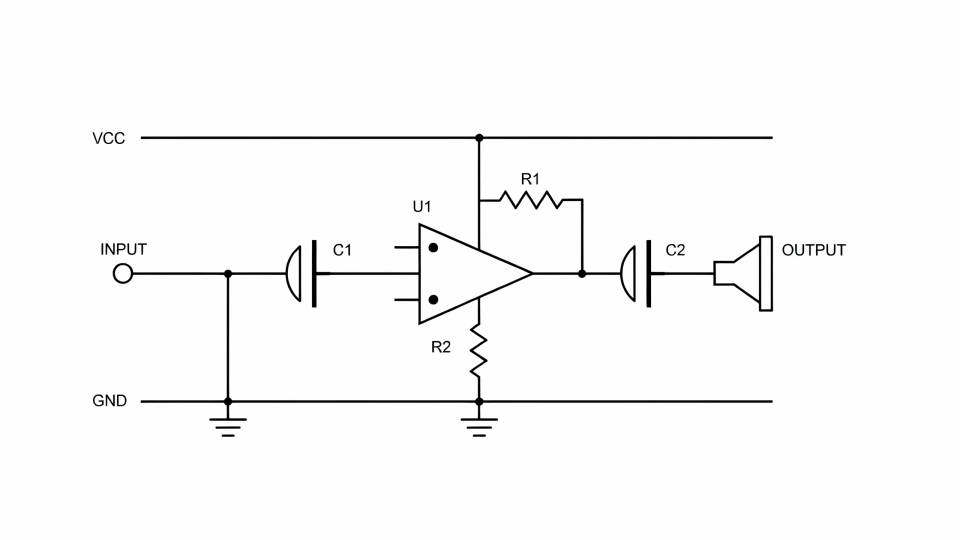
Styled diagrams for a brand look
A diagram can match the rest of your material instead of looking like a default export. Ask for a blueprint, chalkboard, or minimal line treatment in your colors and reuse it across every figure. Lay them side by side on the Canvas to compare, so a report or a course keeps one consistent visual language.
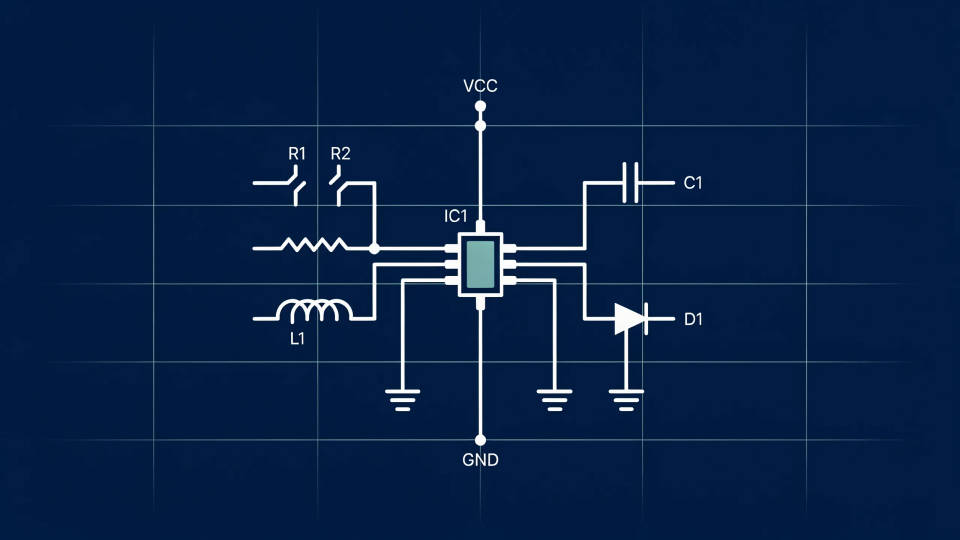
Prompt examples
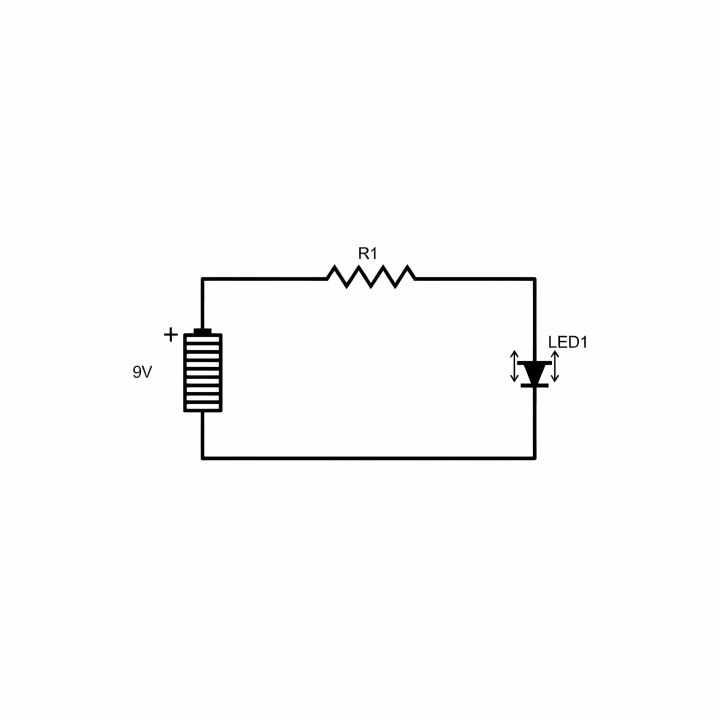
Series LED
A clean circuit diagram of a 9V battery, one resistor, and an LED in series, black schematic symbols on white, labeled
Edit prompt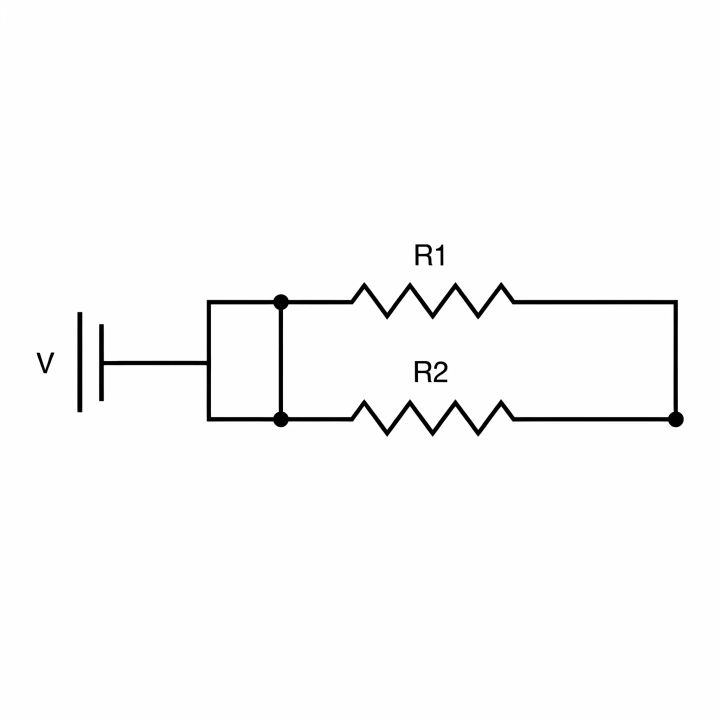
Parallel resistors
A schematic diagram of two resistors in parallel across a battery, clean black line symbols, labels R1 and R2, white background
Edit prompt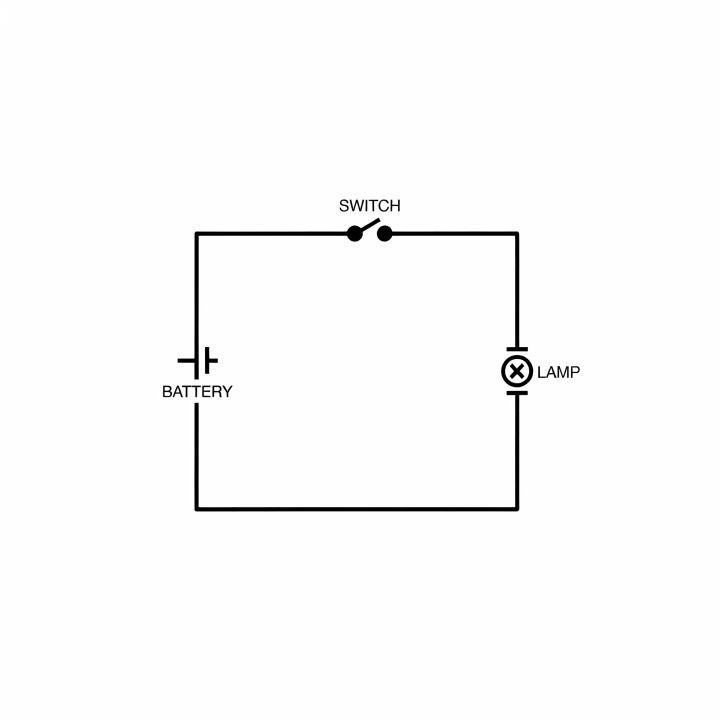
Switch and lamp
A simple circuit diagram with a battery, a switch, and a lamp in a loop, clear symbols, readable routing, white ground
Edit prompt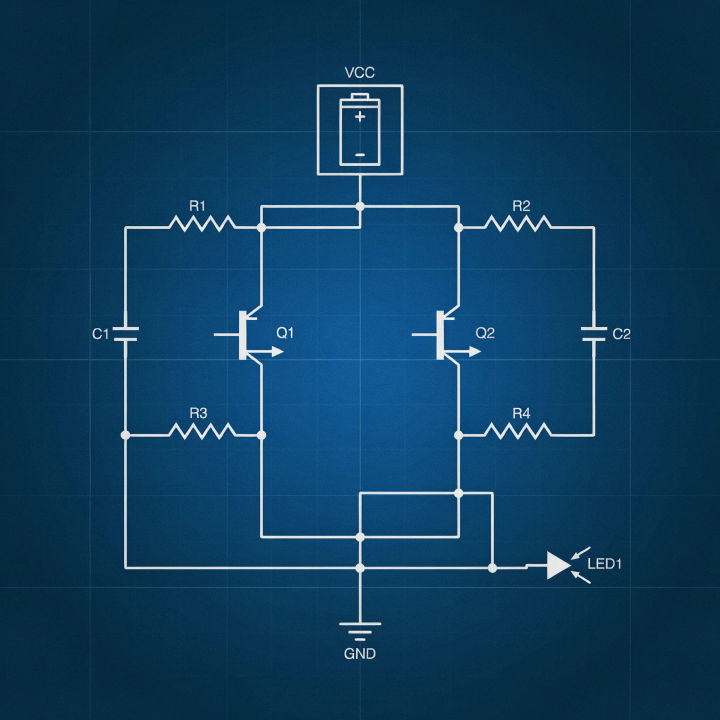
Blueprint style
A circuit schematic in blueprint style, white line symbols on a deep blue background, neat orthogonal routing, technical look
Edit prompt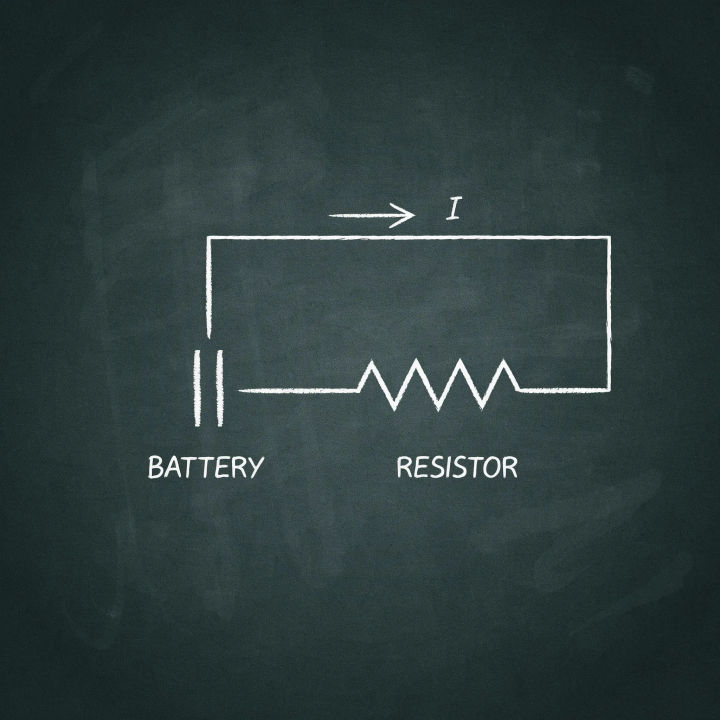
Chalkboard schematic
A circuit diagram drawn in white chalk on a dark chalkboard, hand-drawn symbols for battery and resistor, teaching style
Edit prompt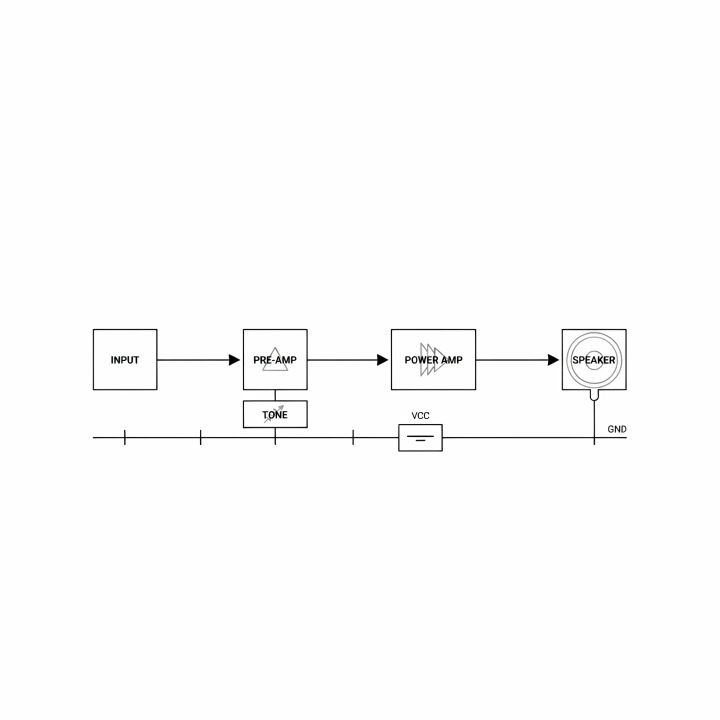
Block diagram
A clean block diagram of an audio amplifier signal chain, labeled rectangular blocks and arrows, minimal, white background
Edit prompt
Cinematic storyboard
Share a scene description with character references. Get a full storyboard with shot angles and mood.

Expressions
Take any character image and generate 6 distinct facial expressions on a single reference sheet.

Messages to cinematic scene
Dramatize any text conversation into a cinematic multi-shot video.

Title sequence
Generate a professional film title card from scratch, with optional cinematic animation.

3x3 storyboard
Feed in a single image. Get 9 cinematic beats laid out as a 3x3 storyboard grid.

Chibi sprite animation
Turn any photo or description into an animated chibi sprite. Dance, jump, wave, attack, and more.
All on Morphic
Models
Nano Banana 2, Flux 2 Pro, ChatGPT Images, Grok Imagine, Recraft, Seedream, and more. Swap models when a diagram needs cleaner lines or crisper labels.
Vector generator
Turn a diagram look into clean vector-style artwork for icons and technical marks.
Design generator
Build the surrounding layout when a diagram sits inside a poster, slide, or one-pager.
Text to image
Generate any schematic-style illustration from a written description and compare layouts side by side.
