Every image model
Invitations you can design
Make an email invitation in three steps
- 01
Open Morphic
Sign up and start creating on a free-flowing, infinite visual canvas.
- 02
Describe the invite
Name the occasion, the mood, and the short details. Give a palette to match your theme.
- 03
Generate and export
The model designs it for an inbox. Proofread the details, then export the image to send.
Use cases
Party and birthday invites
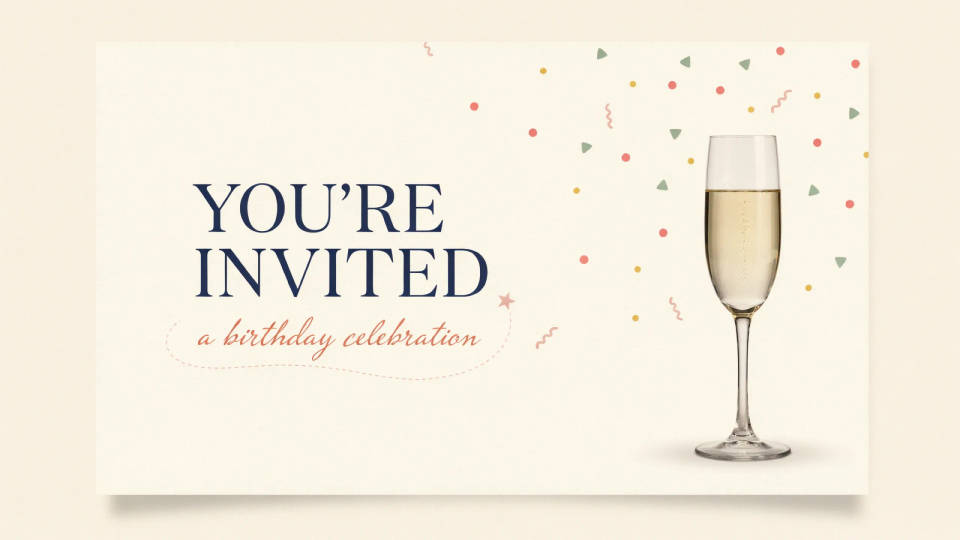
Skip the stack of paper cards and design a birthday or party invitation that lands straight in an inbox. Describe the theme and the model sets the short details into artwork sized for on-screen viewing. Proofread the date and time, then attach it to an email or drop it into the group chat.
Event and launch announcements
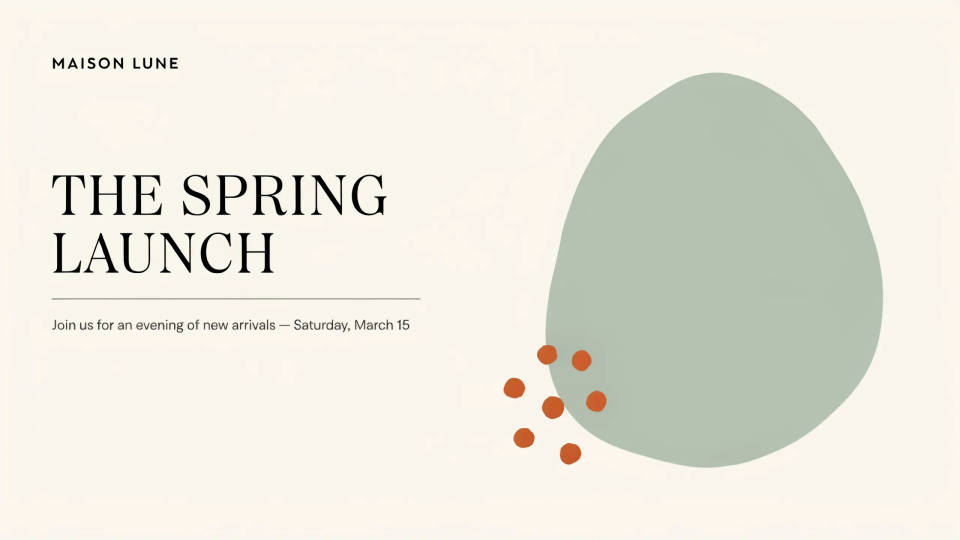
A product launch, an open house, or a community event needs an invite that reads well in a newsletter. Generate a header-shaped design with the headline details in the artwork, keep the RSVP link in the email body, and you have a polished announcement without a designer in the loop.
Weddings and formal occasions
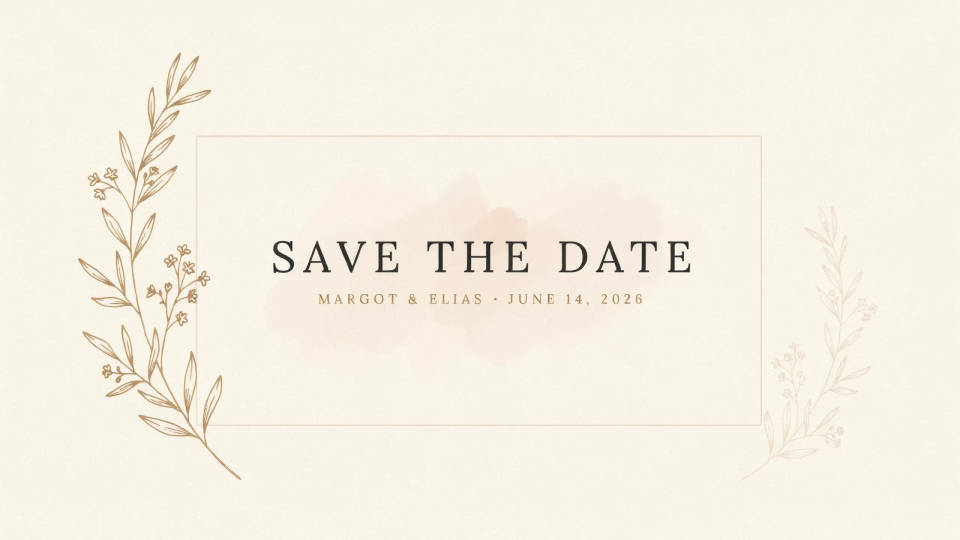
For a wedding, an engagement, or a milestone celebration, describe an elegant look and palette and generate a refined save-the-date. Because reruns cost nothing, try a classic serif direction against a modern minimal one and compare them side by side before you settle on the design you send.
Webinars and virtual meetups
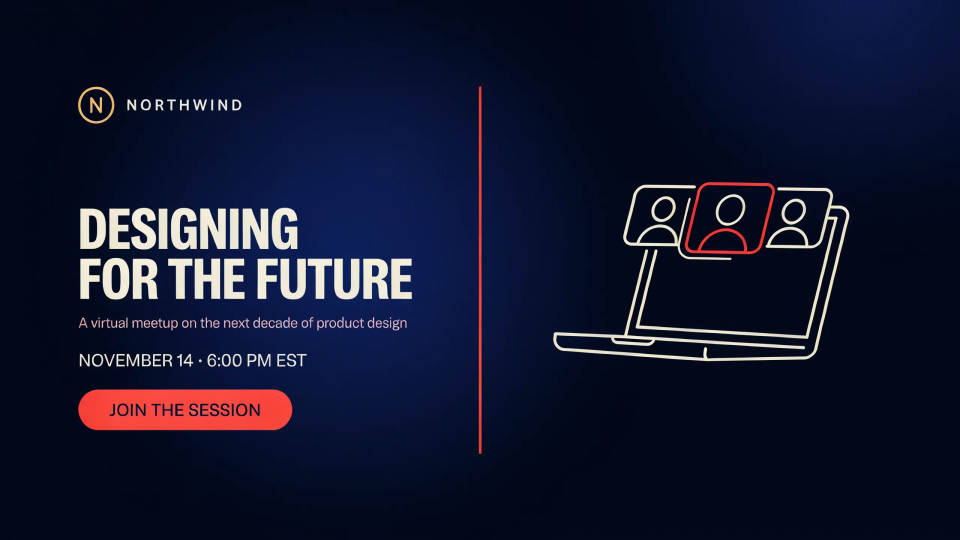
Online events still deserve a real invitation. Design a webinar or virtual meetup card sized for email, with the topic, date, and time set into the image and the join link in the body. It gives a remote event the same polish as an in-person one, in a couple of minutes.
Prompt examples
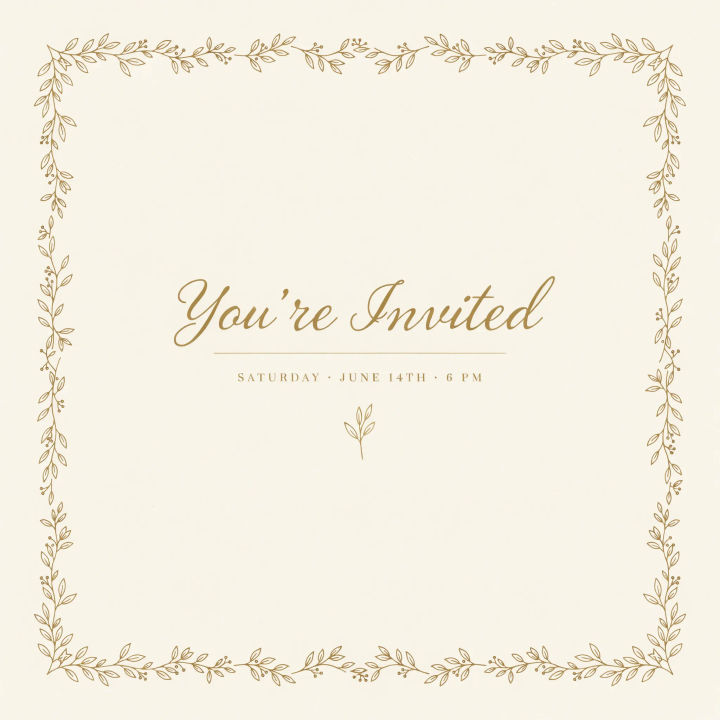
Elegant birthday
An elegant email birthday invitation, soft gold script headline, cream background, thin botanical border, short date and time centered
Edit prompt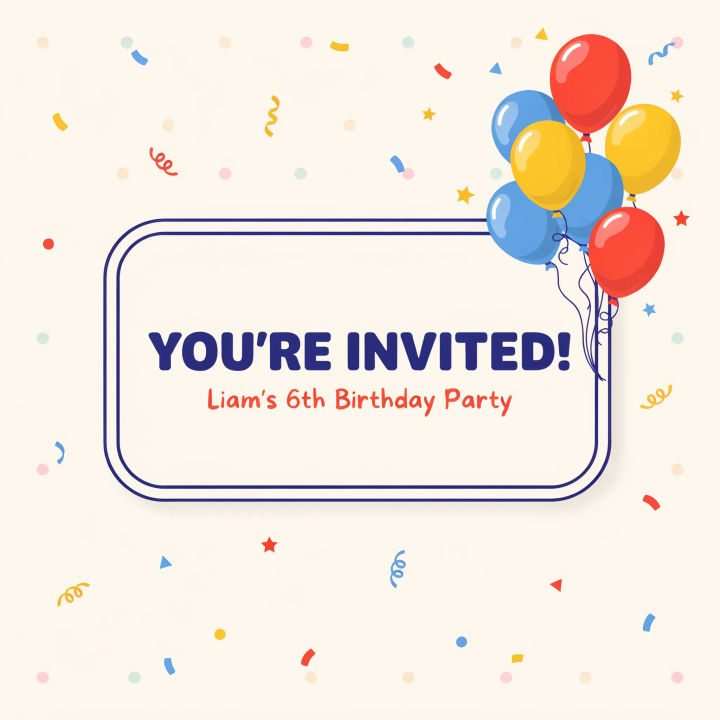
Playful kids party
A playful kids birthday email invitation, bright confetti and balloons, bold rounded type, short details centered, cheerful primary colors
Edit prompt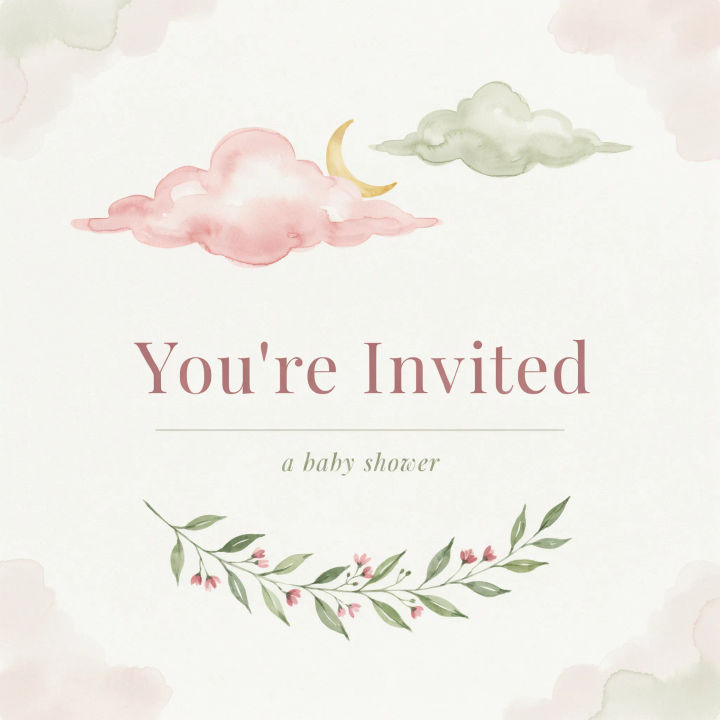
Baby shower
A soft baby shower email invitation, pastel watercolor clouds, gentle blush and sage palette, delicate serif details, calm and minimal
Edit prompt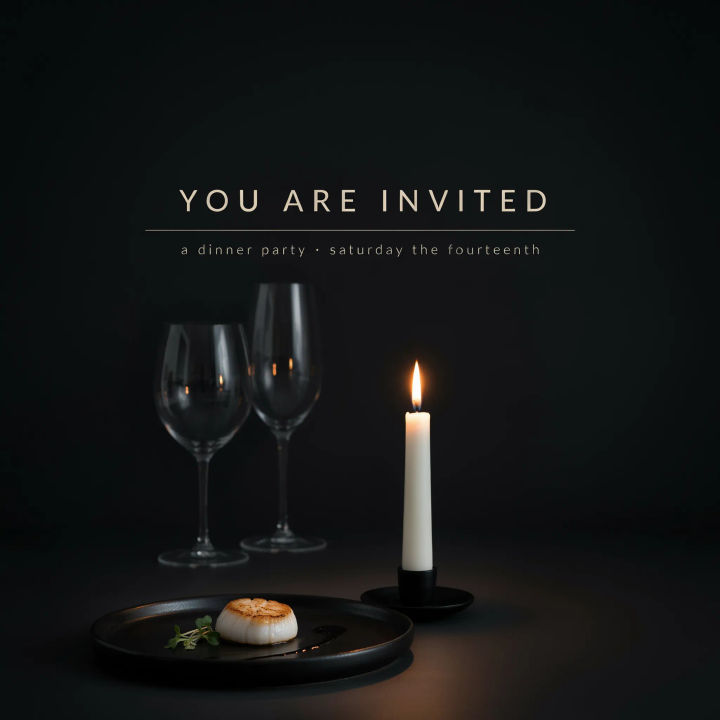
Dinner party
A modern dinner party email invitation, moody dark background, warm candlelight tones, elegant sans-serif details, minimal plated food motif
Edit prompt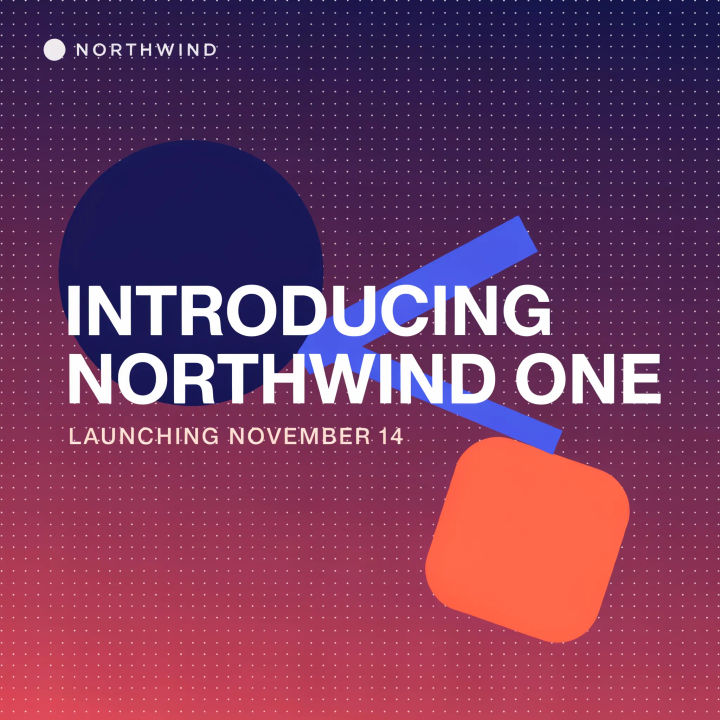
Launch party
A sleek product launch email banner, bold geometric shapes, vibrant gradient, short headline and date, confident corporate look
Edit prompt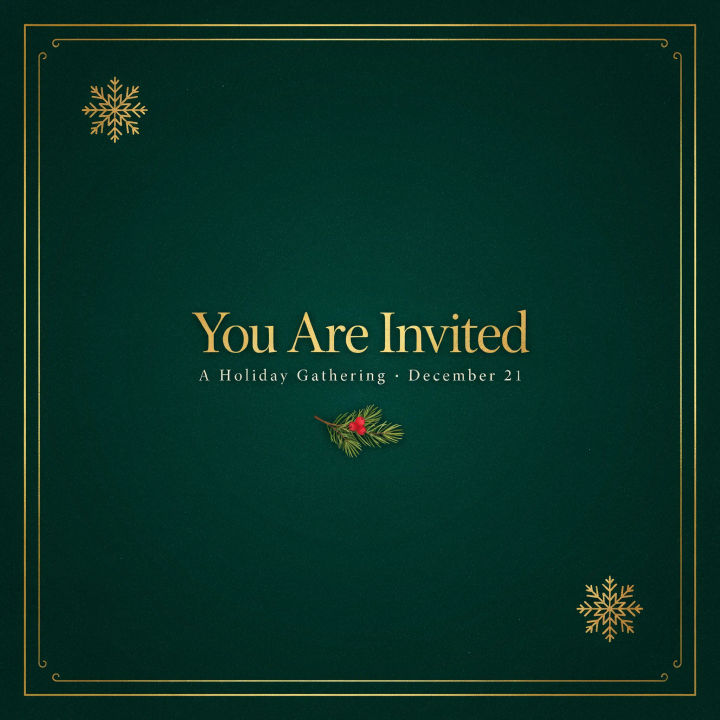
Holiday gathering
A cozy holiday gathering email invitation, warm evergreen and gold, subtle snow texture, festive serif headline, short details centered
Edit prompt
Cinematic storyboard
Share a scene description with character references. Get a full storyboard with shot angles and mood.

Messages to cinematic scene
Dramatize any text conversation into a cinematic multi-shot video.

Title sequence
Generate a professional film title card from scratch, with optional cinematic animation.

Expressions
Take any character image and generate 6 distinct facial expressions on a single reference sheet.

3x3 storyboard
Feed in a single image. Get 9 cinematic beats laid out as a 3x3 storyboard grid.

Chibi sprite animation
Turn any photo or description into an animated chibi sprite. Dance, jump, wave, attack, and more.
All on Morphic
Models
Nano Banana 2, Flux 2 Pro, ChatGPT Images, Grok Imagine, Recraft, Seedream, and more. Swap models when the type needs to render cleaner or the mood needs a different touch.
Ecard maker
Design a matching digital card for the same occasion — a thank-you or a follow-up to your invite.
Postcard maker
Turn the same theme into a shareable photo postcard when you want a mailed or printed keepsake.
Text to image
Generate any invitation design from a written description and compare directions side by side before you send.
