Every image model
Postcards you can design
Make a postcard in three steps
- 01
Open Morphic
Sign up and start creating on a free-flowing, infinite visual canvas.
- 02
Upload a photo and describe the postcard
Drop in the shot for the front and say the theme, the greeting, and whether you want the message side laid out too.
- 03
Generate and export
Morphic designs both faces to postcard proportions with any text set into the artwork. Rerun for another theme, then export ready to print.
Use cases
A holiday postcard from your own trip
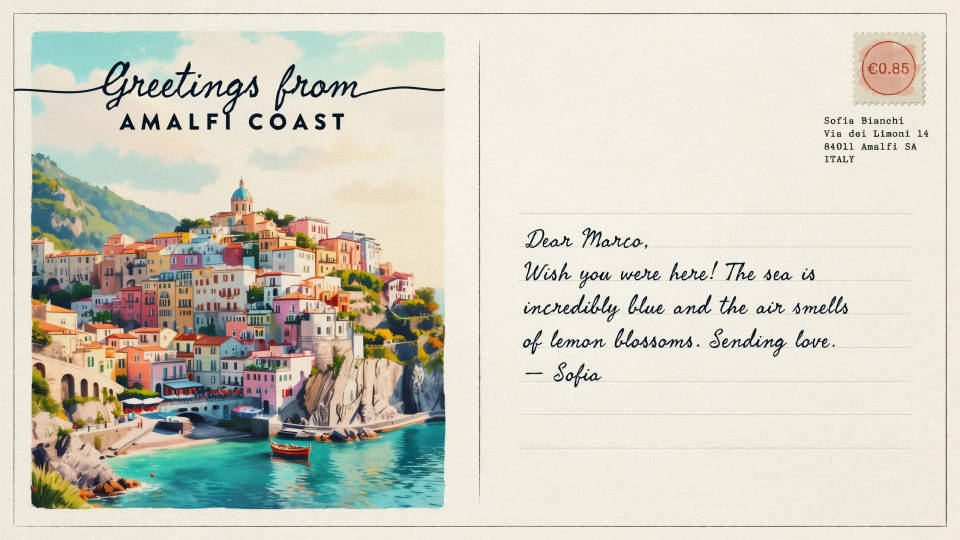
Turn a photo from a beach, a city, or the mountains into a proper postcard with a Greetings from title set into the front. The message side is laid out with a writing area and a stamp box, so you can print it, write a note, and post it like a shop-bought card made from your own moment.
A seasonal greeting card
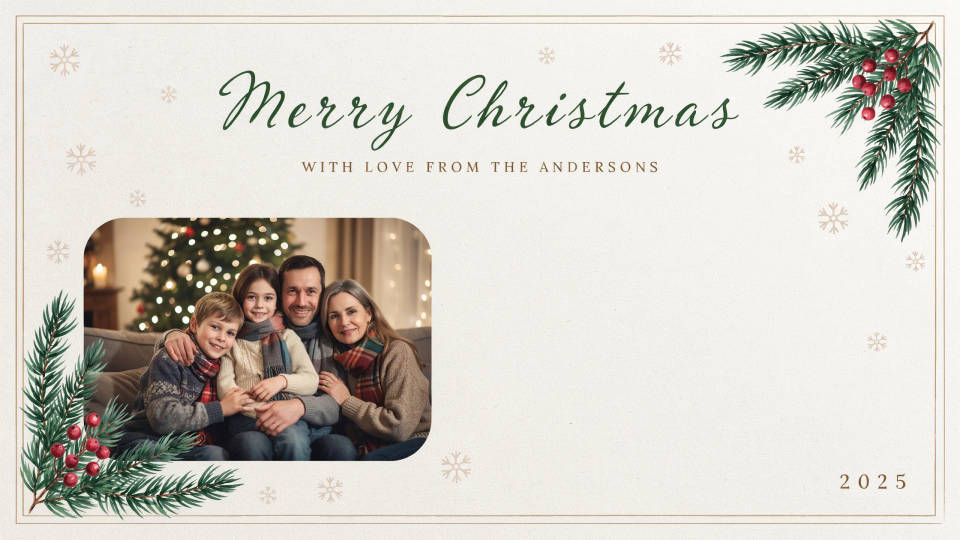
Design a festive or seasonal postcard from a family photo, styled to the occasion with a short greeting rendered into the artwork. Export the pair, print a batch, and send them out. Because a rerun costs nothing, you can try a few themes before committing to the one you print.
A save-the-date or announcement
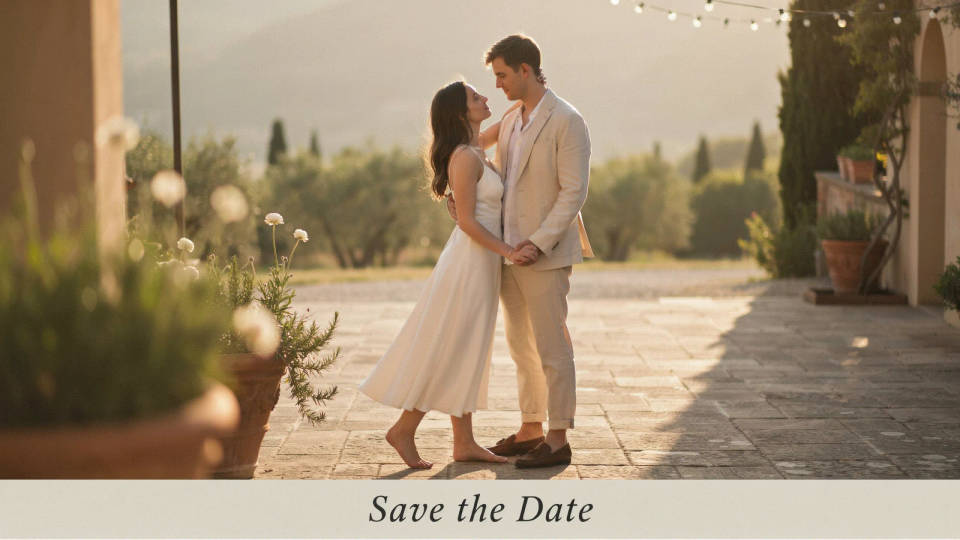
Use a favourite photo on the front and a laid-out back to announce a move, a wedding date, or an event. The design keeps postcard proportions so it prints cleanly, and any date or short line is set into the image, ready to send to a home printer or a print shop.
A promo card for a small business
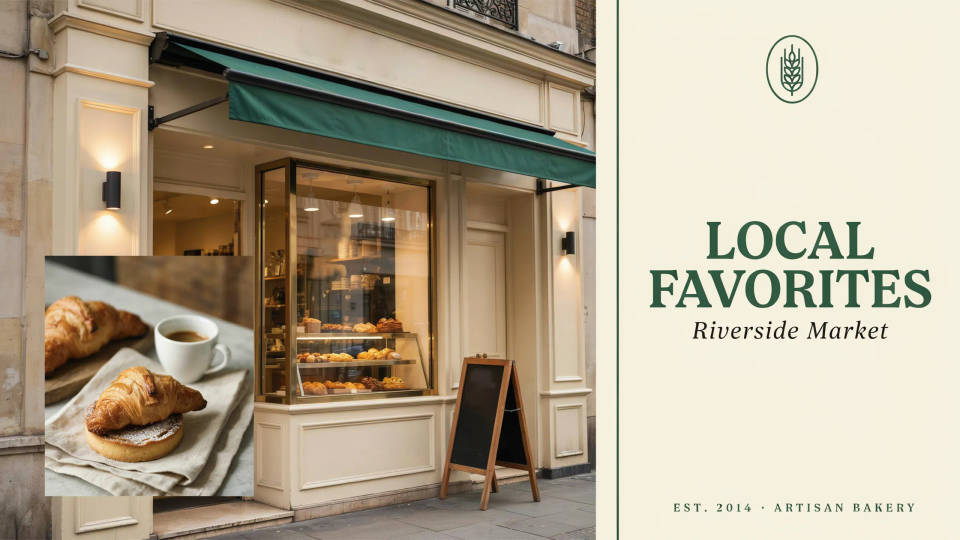
Turn a product or location photo into a branded postcard for a local mailer or a handout. Add a short headline and a place name to the front, and lay out the back with room for an offer. It comes out as a sized image ready to print rather than a stock template.
Prompt examples
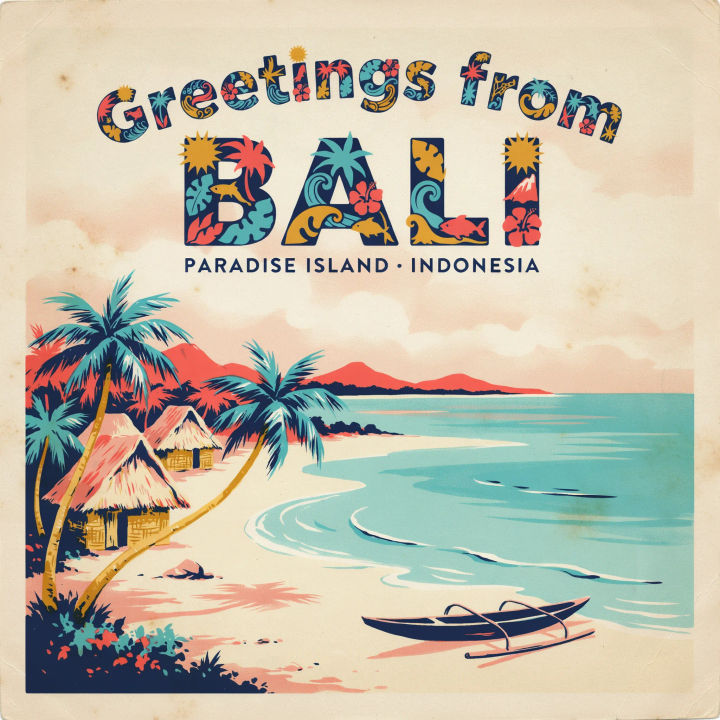
Vintage travel front
Design a vintage travel postcard from this beach photo with a retro Greetings from Bali title in bold letters across the top
Edit prompt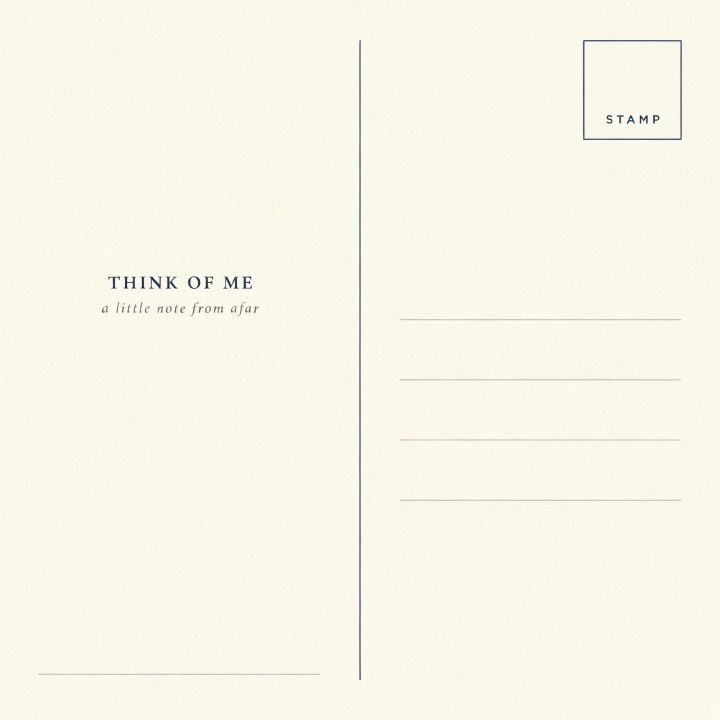
Message side layout
Design the back of a postcard: a writing area on the left, a stamp box and address lines on the right, a divider down the middle
Edit prompt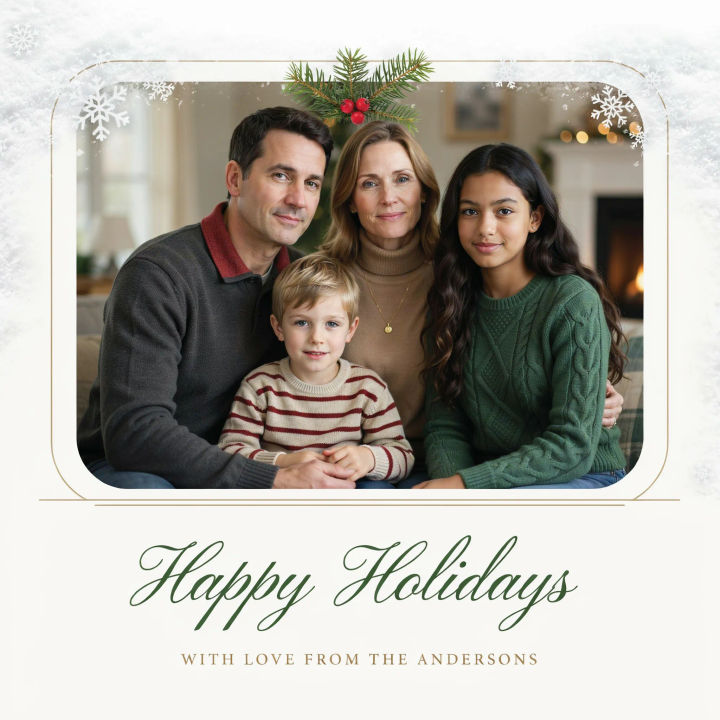
Festive holiday card
Design a festive holiday postcard from this family photo with a warm Happy Holidays greeting and a snowy border
Edit prompt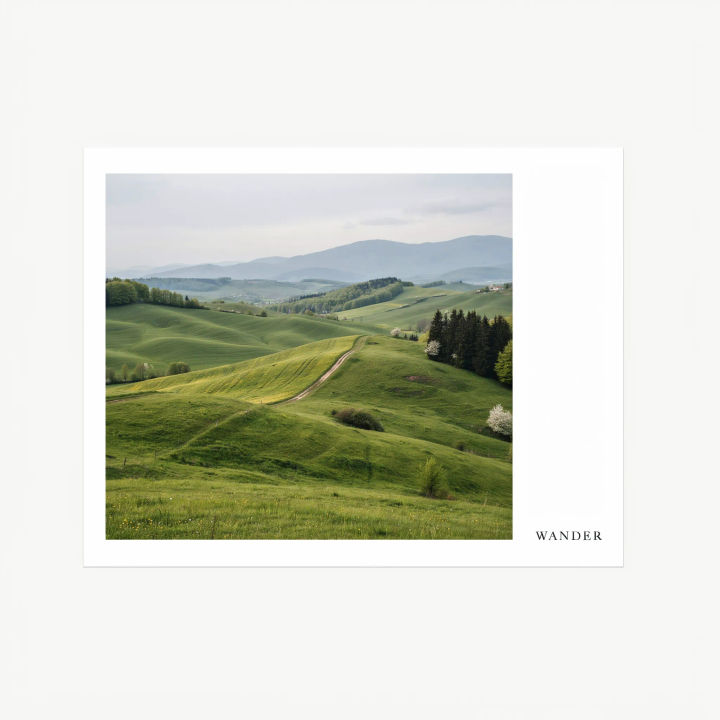
Clean minimal design
Design a clean minimal postcard from this landscape photo, a thin white border, a small place name in the lower corner
Edit prompt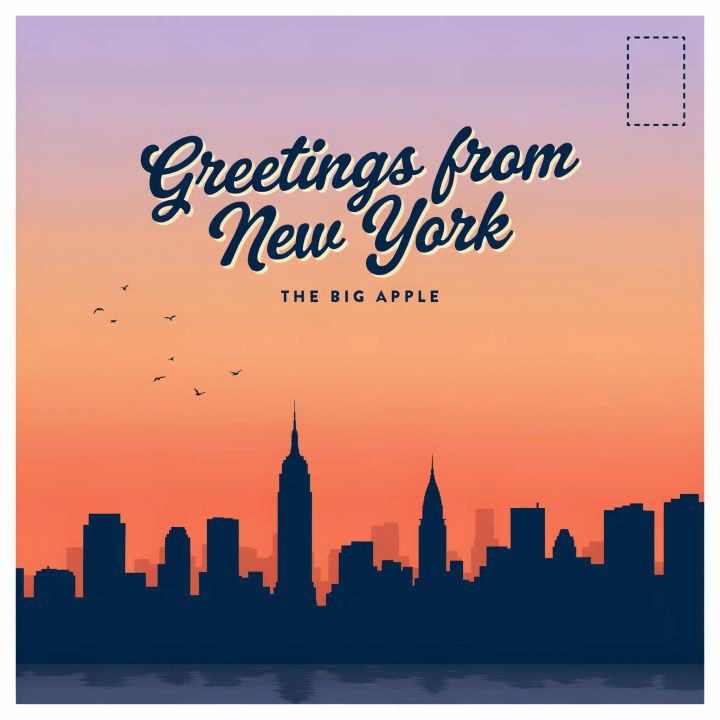
City skyline greeting
Design a postcard from this city skyline photo with a bright Greetings from New York headline and a subtle sunset gradient
Edit prompt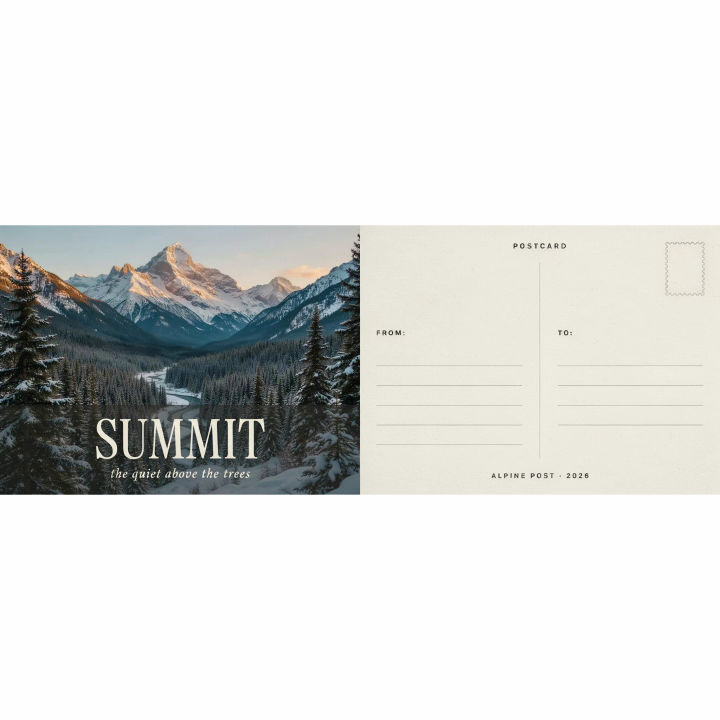
Front and back pair
Design a matching postcard front and back from this mountain photo, front with a short title, back with a laid-out message side
Edit prompt
Cinematic storyboard
Share a scene description with character references. Get a full storyboard with shot angles and mood.

Chibi sprite animation
Turn any photo or description into an animated chibi sprite. Dance, jump, wave, attack, and more.

Messages to cinematic scene
Dramatize any text conversation into a cinematic multi-shot video.

Title sequence
Generate a professional film title card from scratch, with optional cinematic animation.

Expressions
Take any character image and generate 6 distinct facial expressions on a single reference sheet.

3x3 storyboard
Feed in a single image. Get 9 cinematic beats laid out as a 3x3 storyboard grid.
All on Morphic
Models
Nano Banana 2, Flux 2 Pro, ChatGPT Images, Grok Imagine, Recraft, Seedream, and more. Swap models when a design needs cleaner text or a sharper photo.
AI image editor
Tweak a finished postcard by describing a change, from adjusting the greeting to swapping the border.
Generative fill
Extend the front photo past its edges so it fills the postcard proportions without an awkward crop.
Image to image
Upload your photo and design the postcard around it, the method behind both faces of the card.
