Every image model
Programs you can design
Design a program in three steps
- 01
Open Morphic
Sign up and start creating on a free-flowing, infinite visual canvas.
- 02
Describe the service
Add the portrait, list the order of service, and name the tone, fold, and finished size.
- 03
Generate and export
Compare a few gentle layouts, proofread the wording, then download a print-sized image.
Use cases
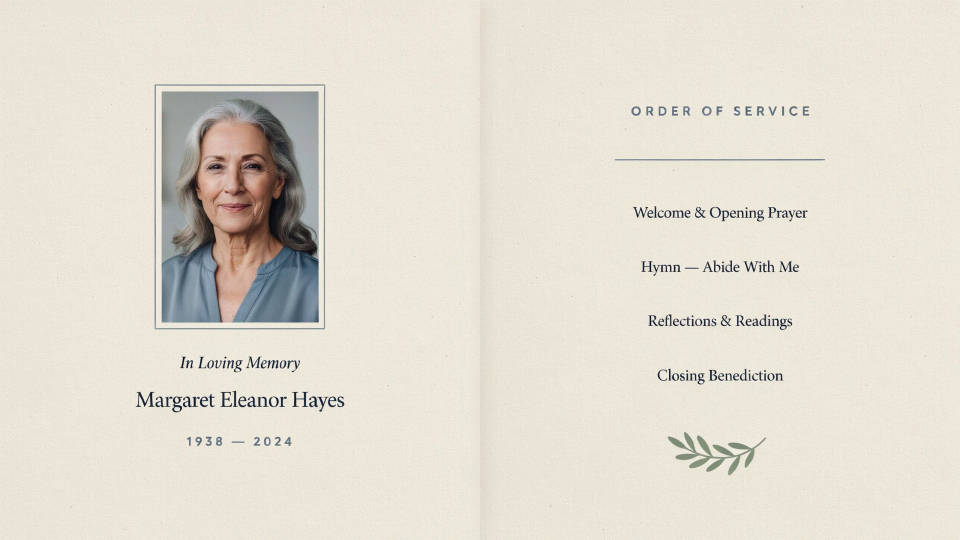
A dignified order of service
Lay out the running order of the service, the readings, and a portrait on one calm page. Describe the tone and the fold, and the design places each part in a restrained, easy-to-read layout. Because the wording is set into the image, keep names and hymns short and read the render before printing.
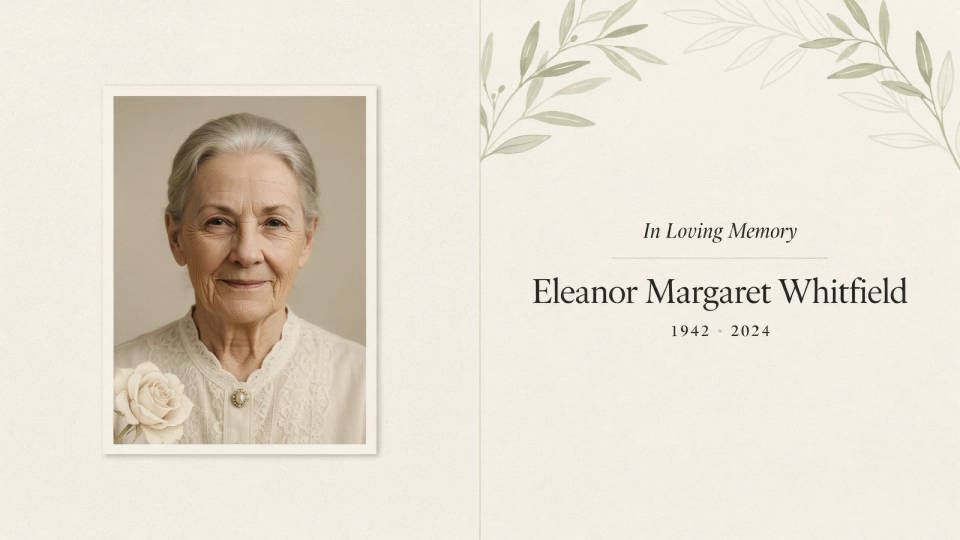
A photograph the family loves
Add a favorite portrait as a reference and the design builds the cover around it, with quiet type and a soft border. You can try a full-bleed photo or a framed one, then keep the version that honors the person best. It is a gentle way to make the cover feel personal without fussing over placement.
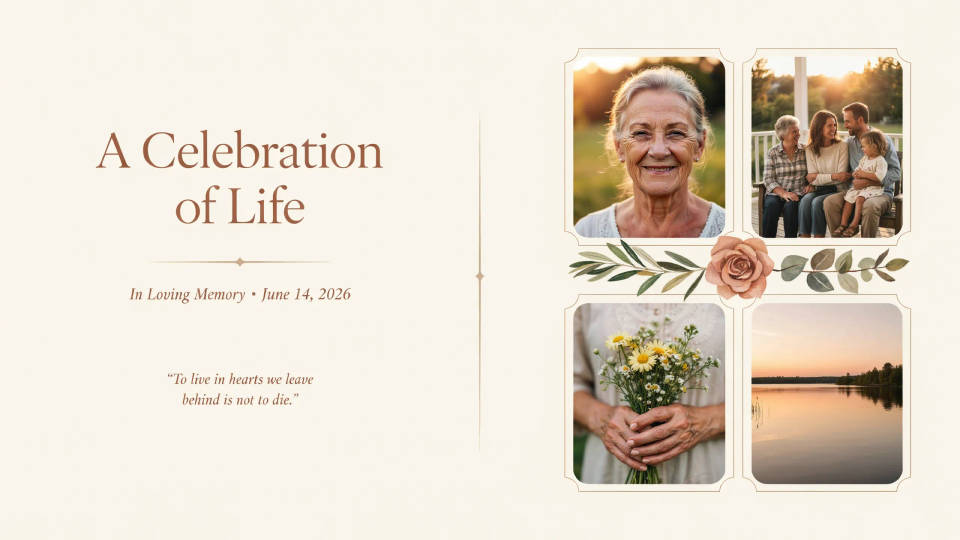
A celebration of life
For a lighter, hopeful tone, ask for warmer color, a photo collage, and a favorite verse or lyric. The design carries that spirit across the panels while keeping the order of the gathering clear. Generating a couple of palettes lets the family choose something that feels like the person they are remembering.
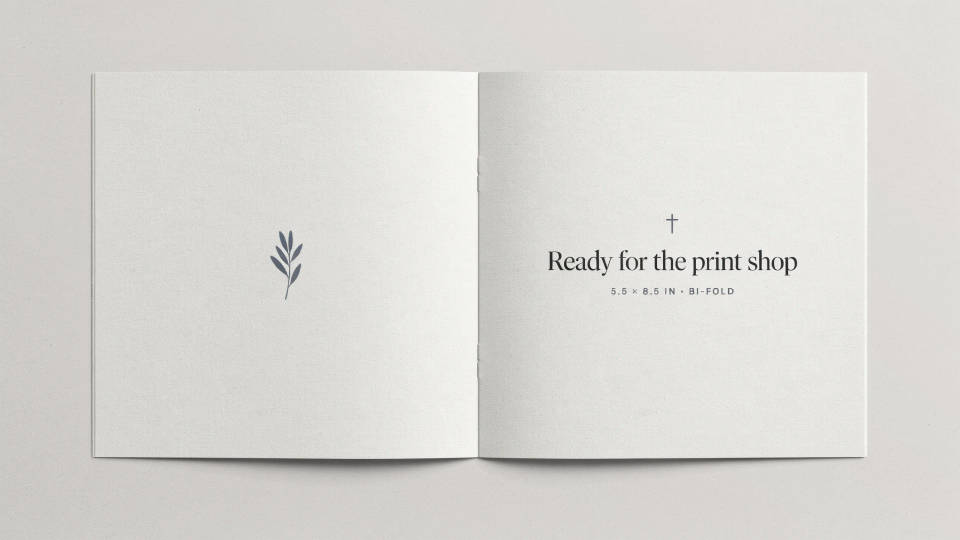
Ready for the print shop
Name the finished size and fold you need and the layout is composed to fit it, so the program is ready to hand off or print at home. Treat the download as a print-ready image rather than an editable file, and keep the wording brief so it stays crisp. A quick proofread pass is all it takes before the run.
Prompt examples
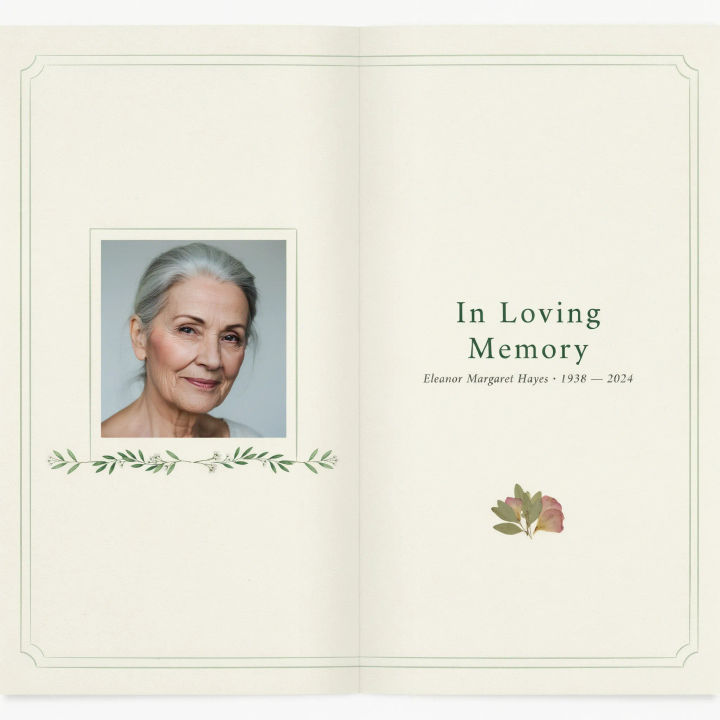
Bifold cover
A folded funeral program cover, soft sage and cream palette, a framed portrait photo, gentle serif title, a thin floral line, calm and dignified
Edit prompt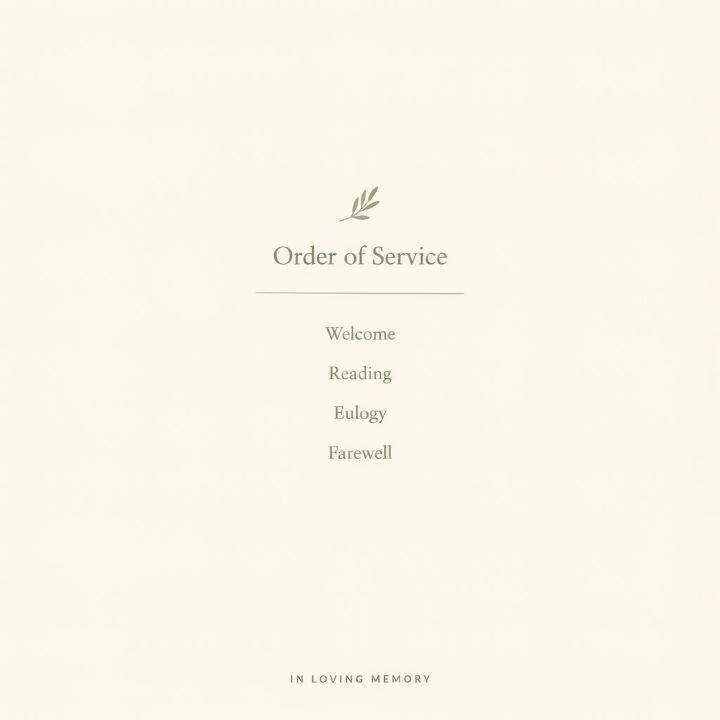
Order of service
An inside program page listing the order of service, gentle serif headings, plenty of white space, a thin divider between sections, muted neutral tones
Edit prompt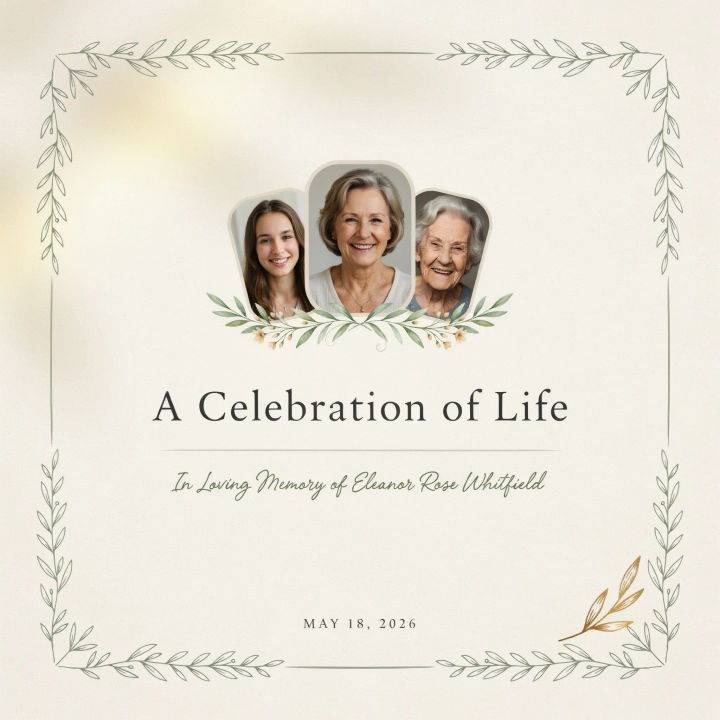
Celebration of life
A celebration of life program cover, warm golden light, a small photo collage, a hopeful verse, soft handwritten accent type, uplifting and gentle
Edit prompt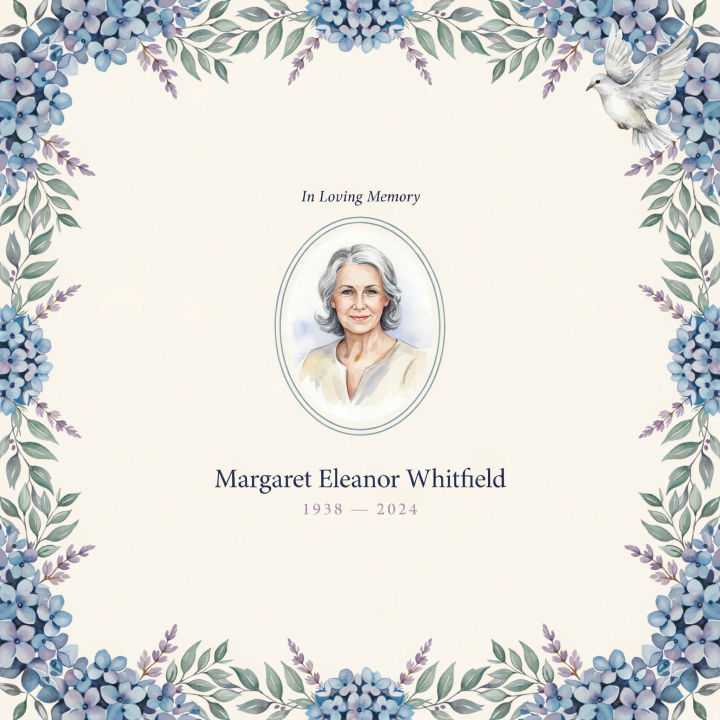
Watercolor border
A memorial program cover with a soft watercolor floral border, dusty blue and lavender, a centered portrait, quiet serif name and dates
Edit prompt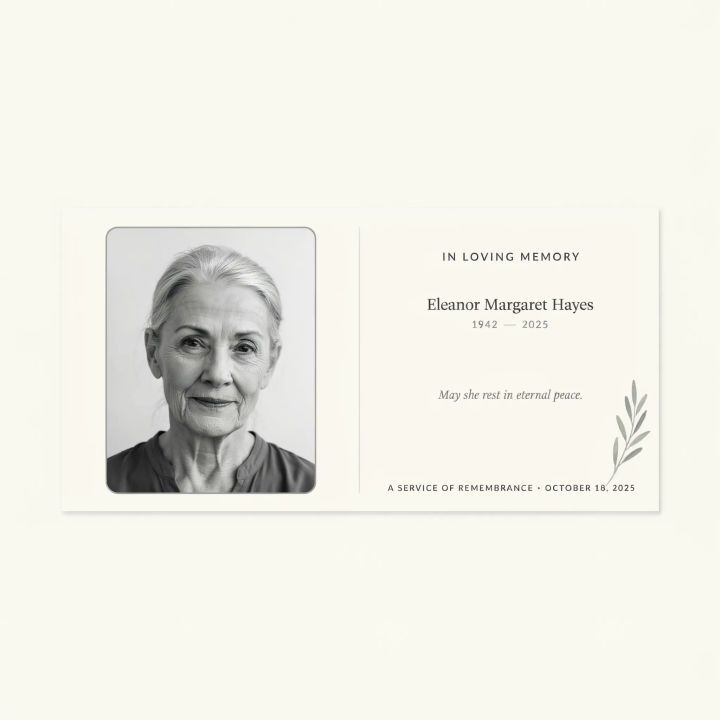
Flat card
A single flat memorial card, portrait on the left, a short prayer on the right, clean neutral layout, restrained gray and white palette
Edit prompt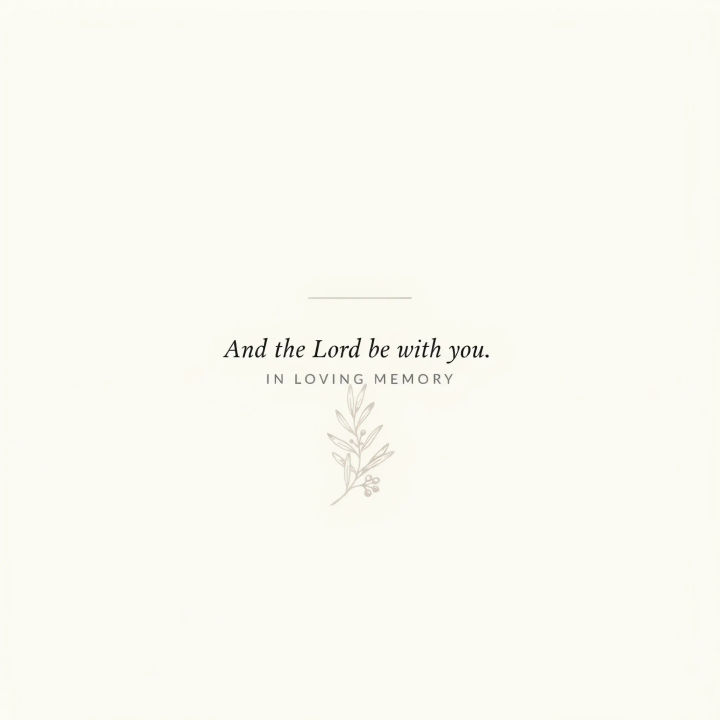
Back cover verse
A program back cover with a short verse centered, a faint botanical illustration, soft cream background, gentle serif type, calm and simple
Edit prompt
Cinematic storyboard
Share a scene description with character references. Get a full storyboard with shot angles and mood.

Messages to cinematic scene
Dramatize any text conversation into a cinematic multi-shot video.

Title sequence
Generate a professional film title card from scratch, with optional cinematic animation.

Expressions
Take any character image and generate 6 distinct facial expressions on a single reference sheet.

3x3 storyboard
Feed in a single image. Get 9 cinematic beats laid out as a 3x3 storyboard grid.

Chibi sprite animation
Turn any photo or description into an animated chibi sprite. Dance, jump, wave, attack, and more.
All on Morphic
Models
Nano Banana 2, Flux 2 Pro, ChatGPT Images, Grok Imagine, Recraft, Seedream, and more. Swap models when a layout needs cleaner type or a softer look.
Photo restoration
Gently repair and clean an old portrait first, so the photograph on the program looks its best.
Postcard maker
Design a matching memorial announcement or thank-you card in the same quiet palette.
Text to image
Compose any program layout from a written description and compare gentle palettes side by side.
