Every video model
Made with Gemini Omni Flash 1.1
Key features
Conversational editing
Say the change and it lands on the same take: a new sky, a rewritten sign. Everything you did not mention stays as shot.
Video extension
Grow a clip ten seconds at a time, up to a 40-second scene. The join comes from your final frames, so motion carries through.
Reference to video
Up to ten images and three short clips steer one generation, each tagged as a subject, style, or setting in the prompt.
Character consistency
Faces, wardrobe, and voices hold across cuts and across successive edits, without re-uploading the reference each turn.
Native audio and dialogue
Sound is generated with the picture: spoken lines, effects, ambience, and music timed to the action. Write audio in the prompt.
Up to 4K output
Draft at 360p, master at 720p, then deliver the same take at 1080p or 4K through the built-in upscale, all from one prompt.
What Gemini Omni Flash 1.1 generates
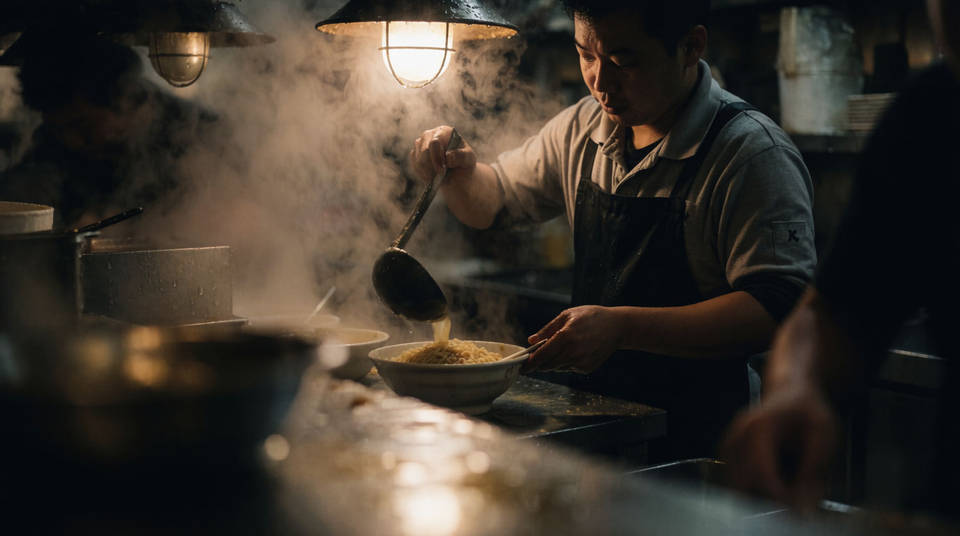
Sound-on scenes from a sentence
Write the shot and the audio together and both come back at once: the action, the room tone, the line the character speaks, lip-synced. The sound you name is the sound you get.
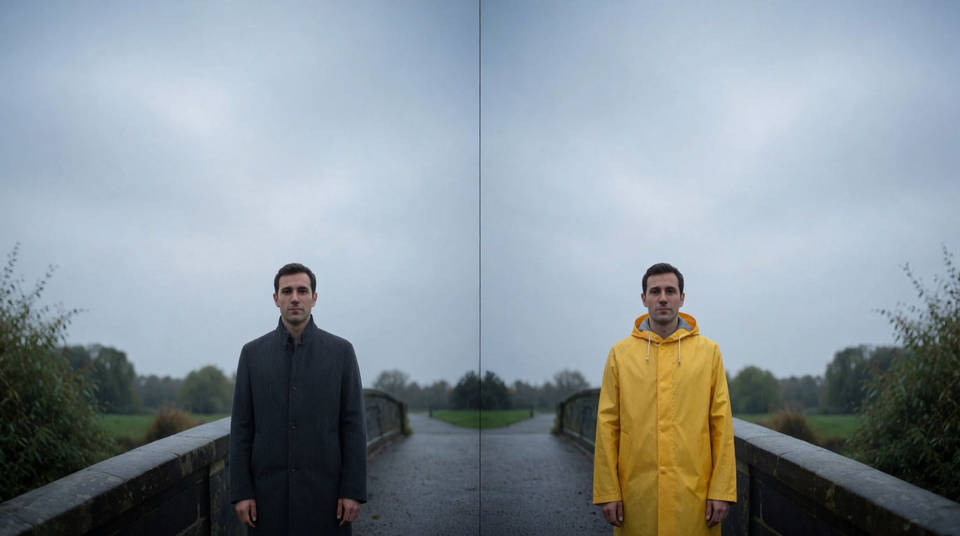
Edits you type
Generate, then direct: relight the scene, swap the wardrobe, rewrite the sign. Each instruction lands on the same take while everything you did not mention stays exactly as shot.
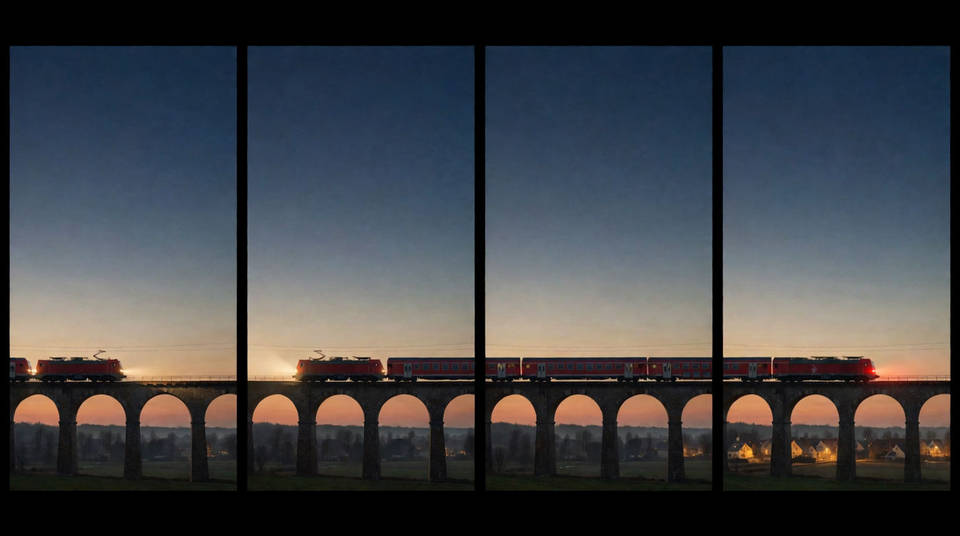
Scenes that grow to 40 seconds
Start with a ten-second beat and extend it in ten-second steps. The model reads your final frames and continues the motion, cast, and score, so the joins read as one take.
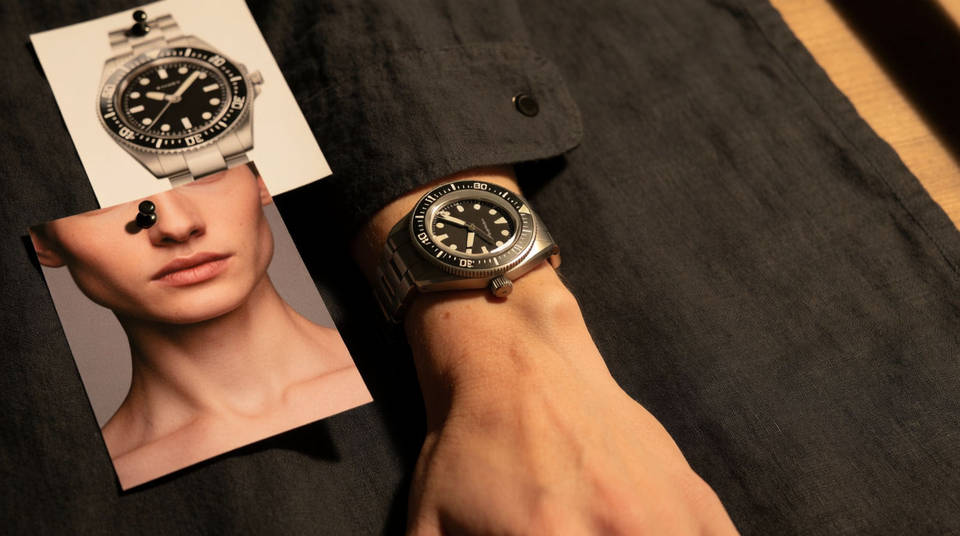
Reference-true characters and products
Up to ten images and three short clips pin who and what is in the shot. A character keeps their face, clothing, and voice from the first generation to the last edit.
Generate a video in three steps
- 01
Open Morphic
Sign up and start generating on a free-flowing, infinite visual canvas.
- 02
Write the shot with its sound
Subject, action, camera, light, and the audio. Say what happens when, and whether it plays as one continuous shot or cuts.
- 03
Generate, then direct
Refine the take in follow-ups: one change per turn, and extend it when the scene needs room.
Cinematic scene
One image to a 9-scene cinematic video.
Time-freeze effect
Cinematic time-freeze short film for any scene
Short film creator
Go from any idea to a finished short film with scenes, visuals, video, and music.
Video style transfer
Restyle any video in a completely new visual style. Every frame transforms, all motion stays intact.
Color grade cinema
Set the look with one reference image. Apply that exact grade to any scene or batch.
Renovation timelapse
Photo of any real-estate becomes a cinematic renovation timelapse video with construction SFX and music.
All on Morphic
Models
Gemini Omni, Veo 3.1, Seedance 2.5, Kling 3.0, and more. Pick the one that fits the shot and swap mid-project.
Frames to video
Set two or more keyframes, describe the motion, and Morphic fills the in-between. Time Control tunes how long each frame holds.
Lip sync
Match a performance to a recorded line, or give a character a different voice, without regenerating the shot around them.
Workflows
Turn a finished sequence into a one-click Workflow. Rerun it, share the link, or favorite it for fast reuse.
