Every video model
Shot the Gemini Omni Flash 1.2 way
Key features
Fifteen-second clips
A single generation runs 3 to 15 whole seconds, where 1.1 stopped at 10. Ten is the default, and extension carries a take to 30.
Conversational editing
Say the change and it lands on the same fifteen-second take: a new product, a different sky, a rewritten sign. The rest holds.
Reference to video
Up to six reference images steer one generation, three per character for up to two characters, plus motion clips of three seconds.
Consistency across cuts
Faces, garments, packaging type, and colour hold through a camera move, with fewer involuntary cuts inside it.
Native audio and dialogue
Sound comes with the picture, with tighter lip sync than 1.1 and room for more than one speaker. Write the audio into the prompt.
Thirty percent cheaper
A 720p second costs about $0.07 against 1.1 at roughly $0.10, and a 360p draft runs at about a third of that before you commit.
What Gemini Omni Flash 1.2 generates
A whole beat, sound included
Fifteen seconds is long enough for an approach, a turn, and an arrival, with the room tone, the effects, and the spoken line arriving in the same pass as the picture.

Edits you type
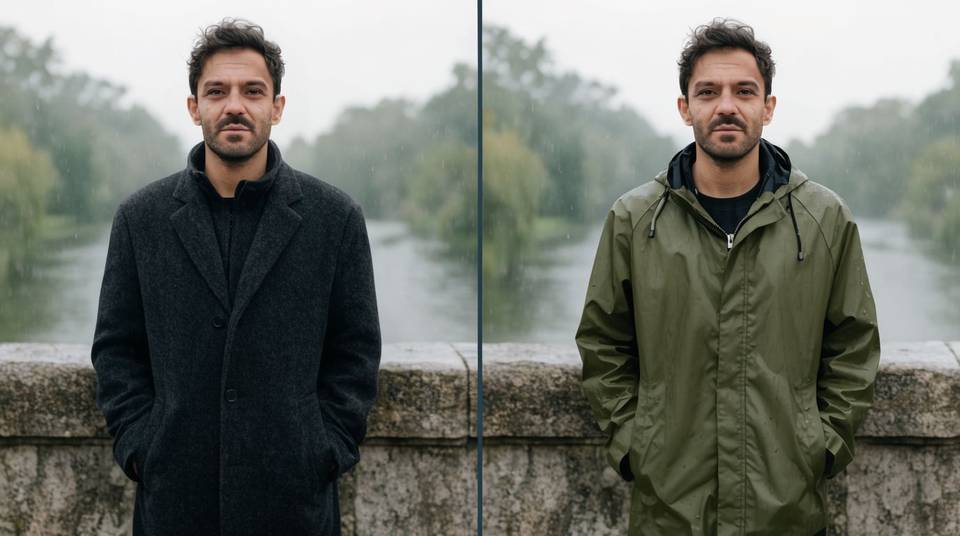
Generate, then direct: relight the scene, swap the wardrobe, rewrite the sign. Each instruction lands on the same take while everything unmentioned stays exactly as shot.
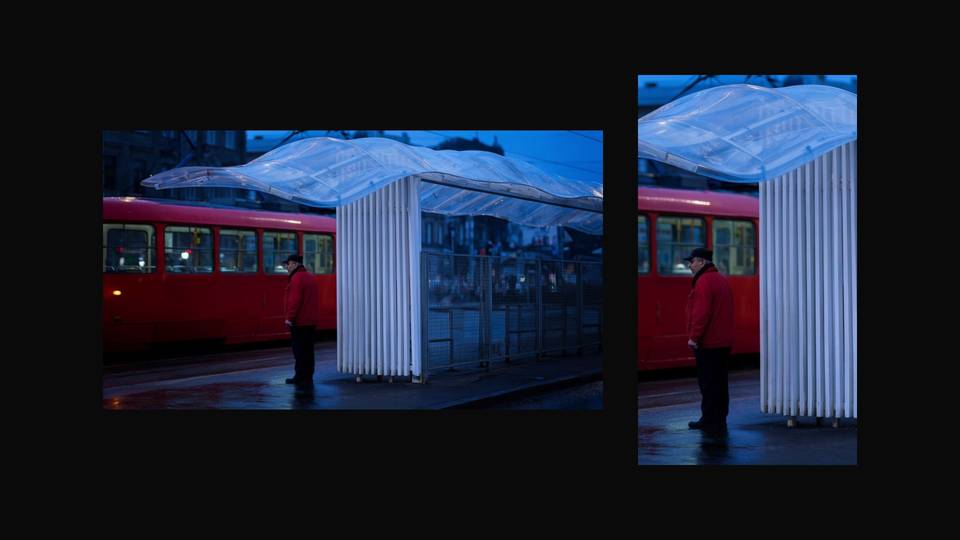
One master, both ratios
Approve the landscape cut and ask for the vertical one as a follow-up, so the social version is the same scene rather than a second roll of the dice.
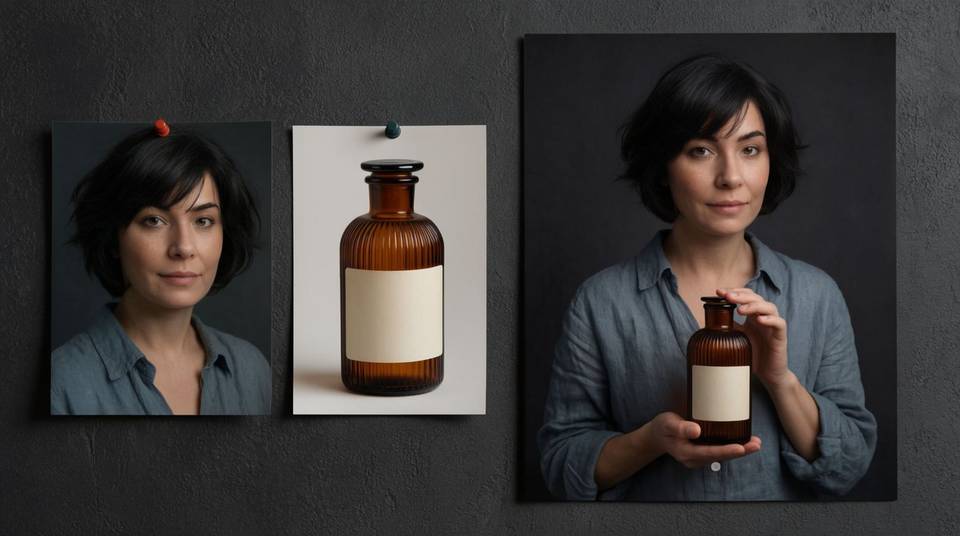
Reference-true people and products
Six images pin who and what is in the shot, three of them for each of two characters, so a face, an outfit, and a label survive from the first take to the last edit.
Generate a video in three steps
- 01
Open Morphic
Sign up and start generating on a free-flowing, infinite visual canvas.
- 02
Write the shot with its sound
Subject, action, camera, light, and the audio. Say what happens when, and whether it plays as one continuous shot or cuts.
- 03
Generate, then direct
Refine the take in follow-ups: one change per turn, and extend it when the scene needs room.
Cinematic scene
One image to a 9-scene cinematic video.

Cinematic storyboard
Share a scene description with character references. Get a full storyboard with shot angles and mood.
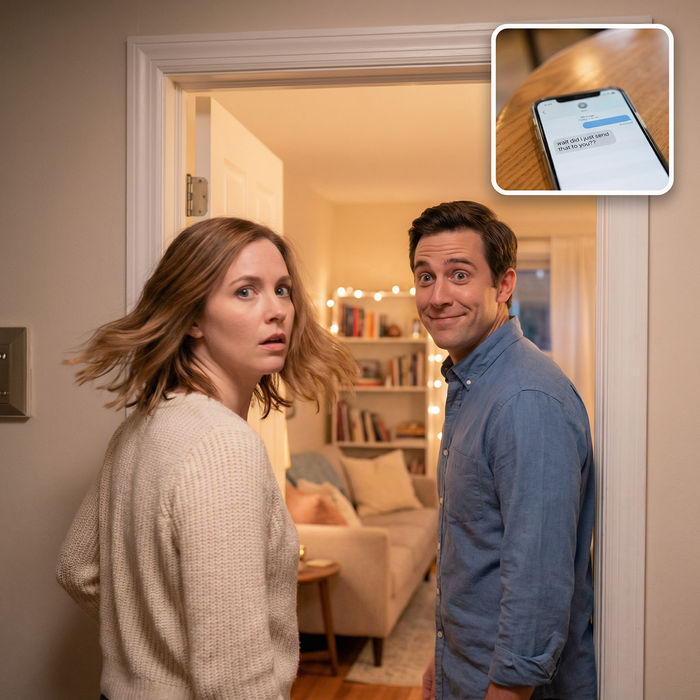
Messages to cinematic scene
Dramatize any text conversation into a cinematic multi-shot video.
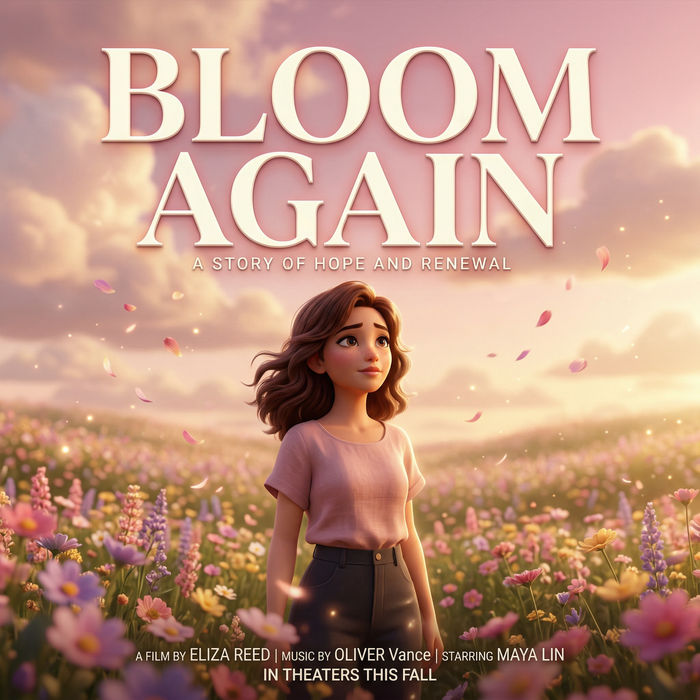
Title sequence
Generate a professional film title card from scratch, with optional cinematic animation.
Time-freeze effect
Cinematic time-freeze short film for any scene
Short film creator
Go from any idea to a finished short film with scenes, visuals, video, and music.
All on Morphic
Models
Gemini Omni, Veo 3.1, Seedance 2.5, Kling 4.0, and more. Pick the one that fits the shot and swap mid-project.
Frames to video
Set a first and a last frame and describe the motion between them. Morphic fills the in-between, and on some models extra frames ride along as keyframes.
Lip sync
Match a performance to a recorded line, or give a character a different voice, without regenerating the shot around them.
Workflows
Turn a finished sequence into a one-click Workflow. Rerun it, share the link, or favorite it for fast reuse.