Every image model
Heart layouts to build
Make a heart collage in three steps
- 01
Open Morphic
Sign up and start creating on a free-flowing, infinite visual canvas.
- 02
Upload your photos and describe the heart
Drop in the shots you want in the heart and say how dense or bold you want the fill.
- 03
Generate and export
Morphic fits the crops to the heart outline and balances the colour. Rerun for a different fill, then export.
Use cases
An anniversary or wedding keepsake
Gather photos from years together and arrange them into a heart to mark an anniversary or a wedding. Morphic fits the crops to the shape and balances the colour so shots from different times sit together. Add a name and a date, then export it to print as a card or a framed keepsake.
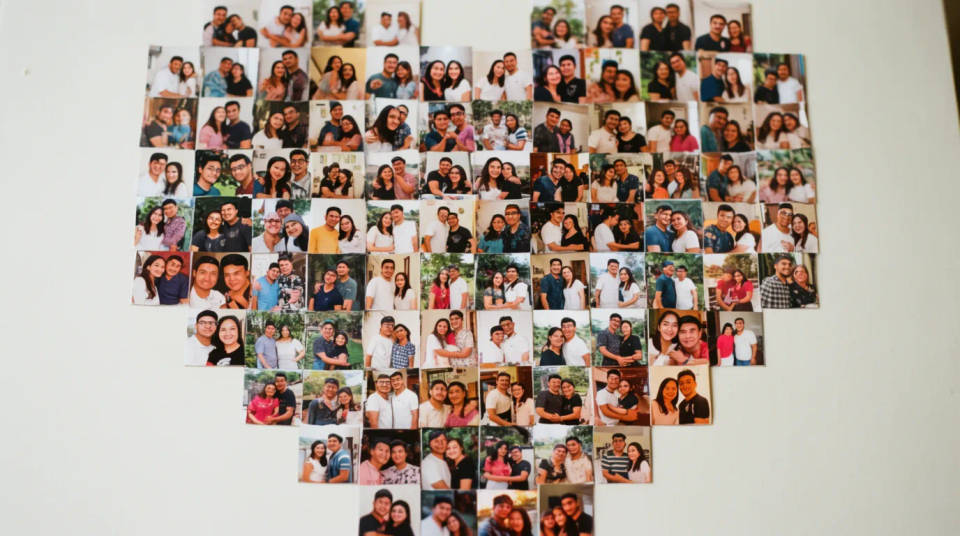
A family or friends photo gift
Turn a batch of family or friend photos into a heart as a birthday or holiday gift. A denser fill of smaller tiles reads as a mosaic, while a few large frames make a bolder statement. The colour balancing keeps the whole heart looking composed rather than a pile of snapshots crammed into a shape.
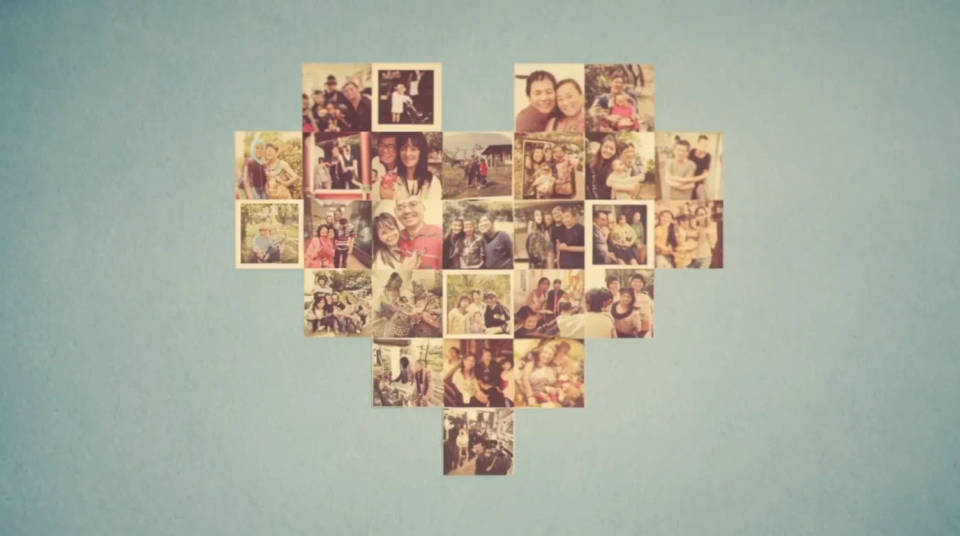
A Valentine's or love post
Combine couple photos into a heart for a Valentine's post or a message. Ask for soft pastel tones and a short title, and share the single framed image instead of a carousel of singles. Because it lays out your own photos, the post is made of your moments, not stock hearts.

A memorial or tribute piece
Arrange photos of someone into a heart as a quiet tribute or a memorial keepsake. The balanced tones and fitted crops give it a considered, gentle look, and a name and dates can be set into the design. Export it at print size to frame or to include in a service card.
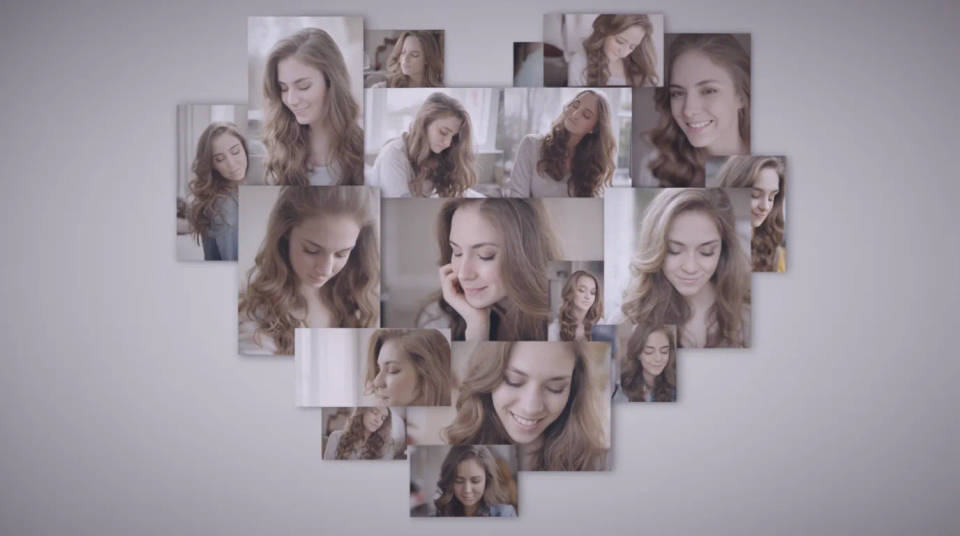
Prompt examples

Bold few-photo heart
Arrange these eight photos into a heart shaped collage, a few large frames fitted to the outline, even white gaps, balanced colour
Edit prompt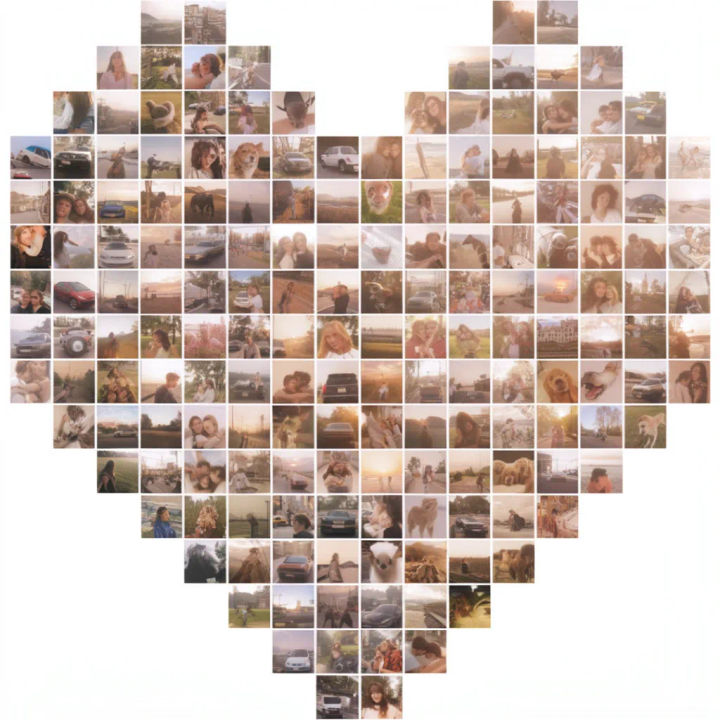
Dense photo mosaic
Arrange these photos into a dense heart mosaic of small tiles that fill the whole shape, matched colour grade across the tiles
Edit prompt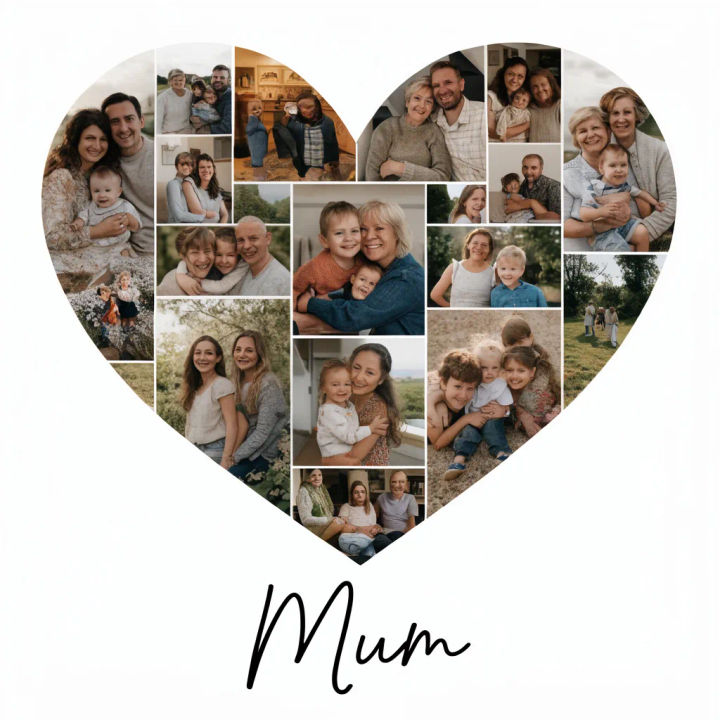
Heart with a name
Arrange these photos into a heart collage on a white background with the name Mum set in a clean script below the heart
Edit prompt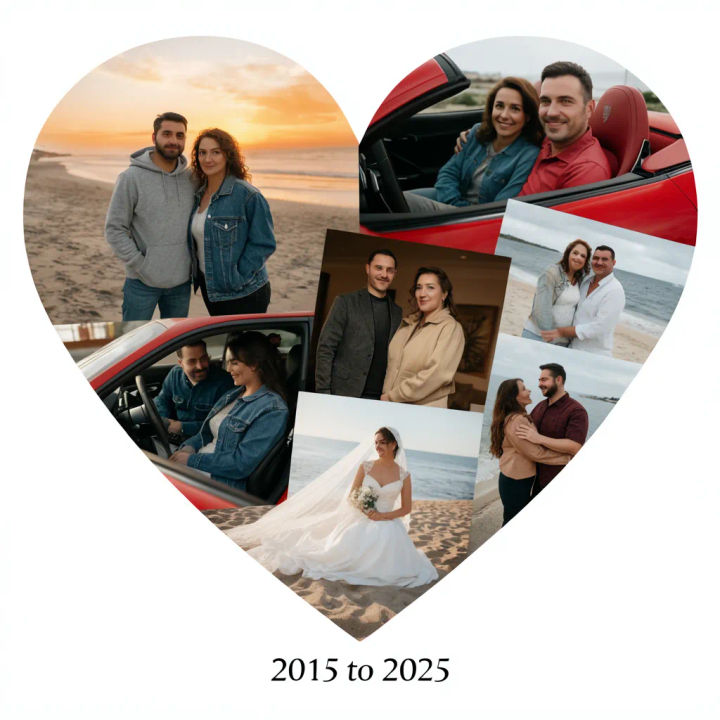
Anniversary heart with date
Arrange these couple photos into a heart collage with a warm balanced tone and the date 2015 to 2025 below the heart
Edit prompt
Soft pastel heart
Arrange these photos into a heart shaped collage with a soft pastel colour balance and thin white borders between frames
Edit prompt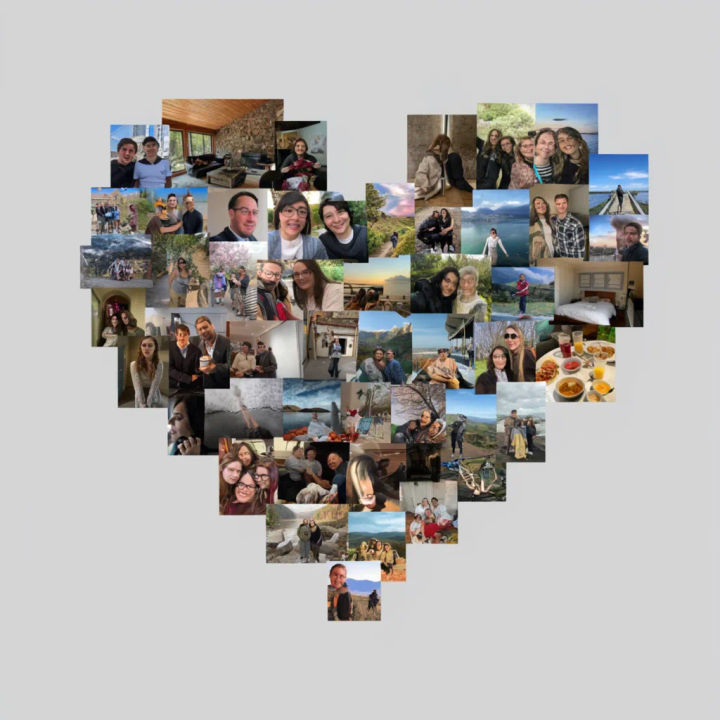
Heart outline of frames
Arrange these photos as a heart outline, frames tracing the edge of the shape with an open centre, balanced colour
Edit prompt
Sketch to render
Turn any sketch or drawing into a finished render.
Art style transfer
Pick a reference image, apply its visual style to your own photo or artwork.

Anime style transfer
Pick any anime illustration as your style guide. Apply its look to any image.

Chibi sprite animation
Turn any photo or description into an animated chibi sprite. Dance, jump, wave, attack, and more.

Expressions
Take any character image and generate 6 distinct facial expressions on a single reference sheet.

Image reverse engineer
Get a detailed prompt extracted from a reference image, and then a fresh recreation.
All on Morphic
Models
Nano Banana 2, Flux 2 Pro, ChatGPT Images, Grok Imagine, Recraft, Seedream, and more. Swap models when a layout needs a cleaner balance.
AI image editor
Tweak a finished heart by describing a change, from swapping a photo to adjusting the title.
Generative fill
Extend the heart past its edges or fill a thin corner of the shape with matching background.
Image to image
Upload your photos and lay them into a heart, the method behind a fitted, colour-balanced collage.
