Every image model
Hoodie shots you can build
Build a hoodie mockup in three steps
- 01
Open Morphic
Sign up and start creating on a free-flowing, infinite visual canvas.
- 02
Upload your print
Drop in the graphic and describe the hoodie color, the placement, and the model or flat-lay.
- 03
Generate and export
The print wraps to the fabric and folds with it. Try more colors and poses, then export.
Use cases
Merch drops and limited runs
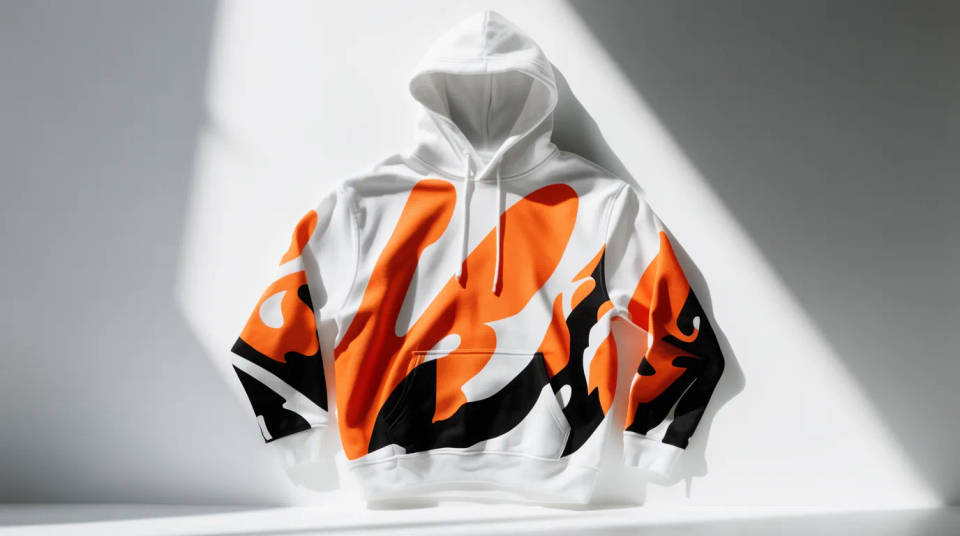
Build the hype shot for a drop before a single blank is printed. Put the graphic on a model against a studio wall for the announcement, then a street lookbook angle for social. Preview the run in three colors and pick the two that photograph best.
Print-on-demand listings
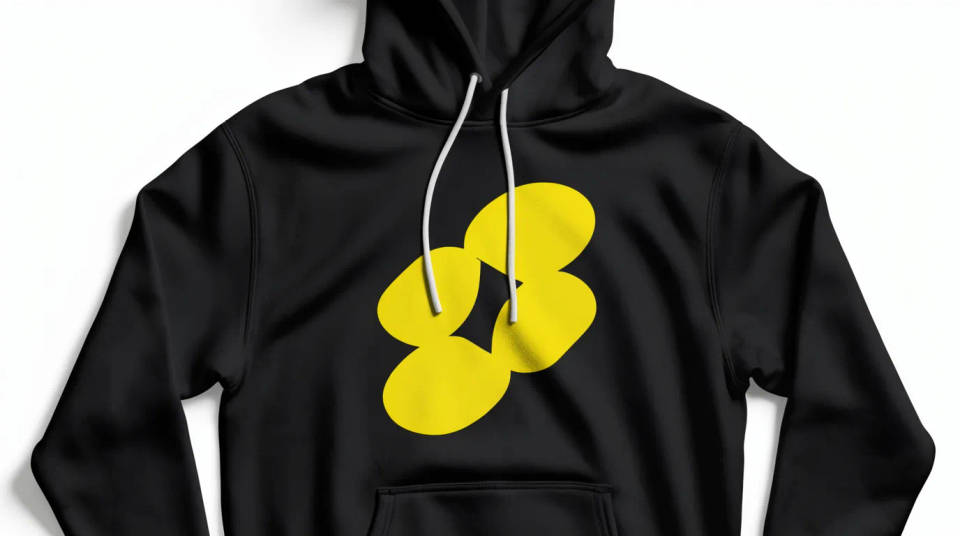
Fill a store page with the shots buyers expect: a clean worn front, a flat-lay, and a folded stack. Because the print follows the fabric, the listing looks photographed rather than pasted, which lifts trust on a marketplace where every seller uses the same blanks.
Streetwear lookbooks
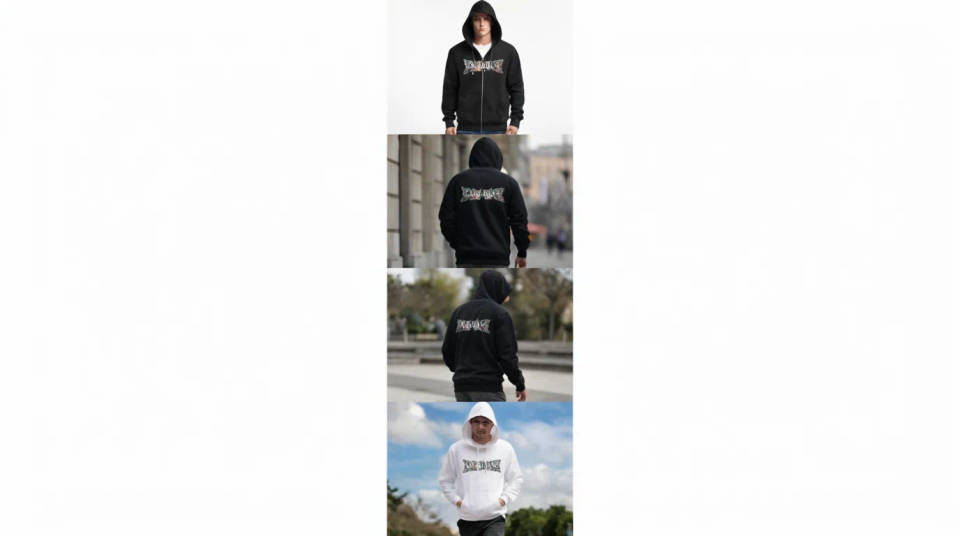
Shoot a small brand like a big one. Put the same hoodie on a model in a few settings, hood up, zip open, walking shot, and the folds and light shift naturally between them. It gives a lookbook variety without booking a photographer or a location.
Team and event apparel
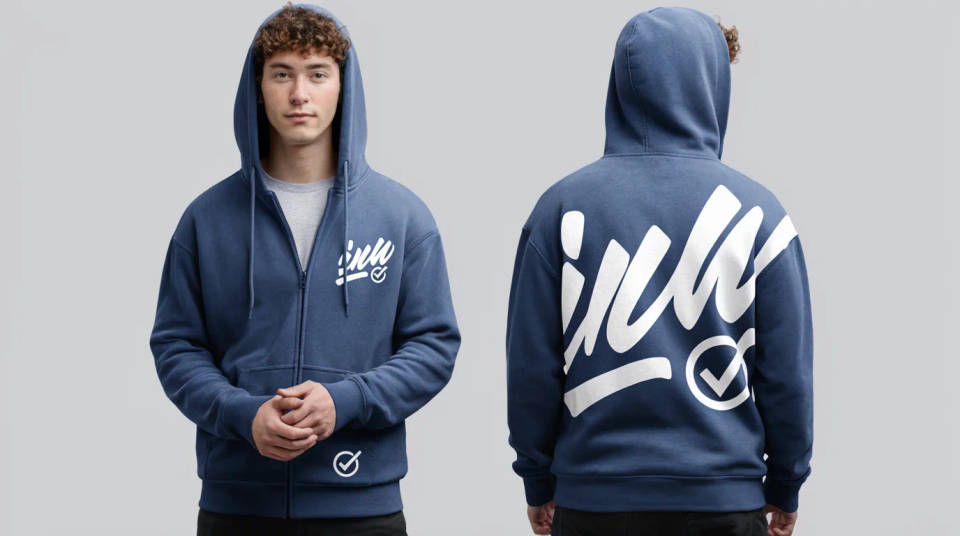
Show a company or event hoodie to the people signing off before ordering. Place a left-chest logo and a back print in one paired shot so stakeholders see both at once. Swap the logo and rerun when a sponsor or a date changes, no reshoot needed.
Prompt examples
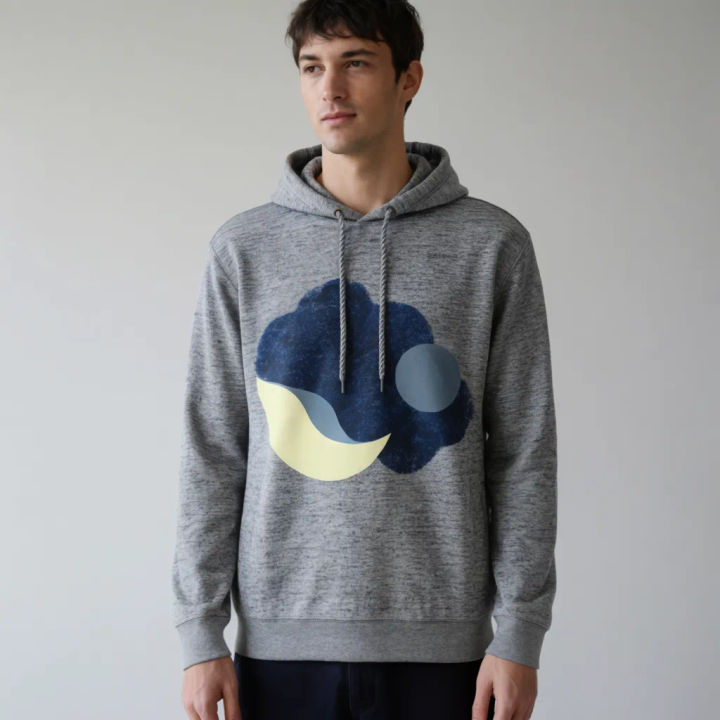
Worn on a model
Print my graphic on a heather grey pullover worn by a model against a plain studio wall, soft light
Edit prompt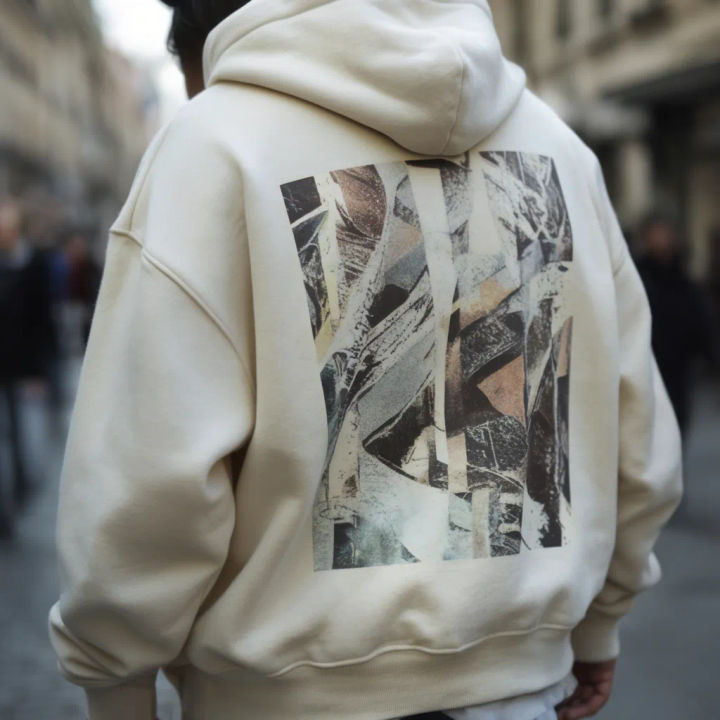
Back print, street
Put my back print on an oversized cream hoodie worn by a model on a city street, natural daylight
Edit prompt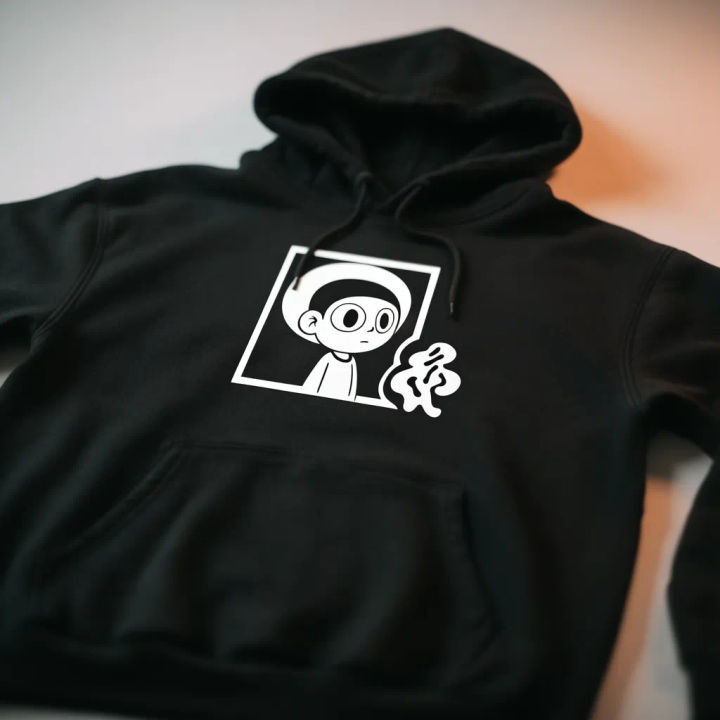
Flat-lay front
Lay a black hoodie flat with my front print centered on the chest, top-down, even studio light
Edit prompt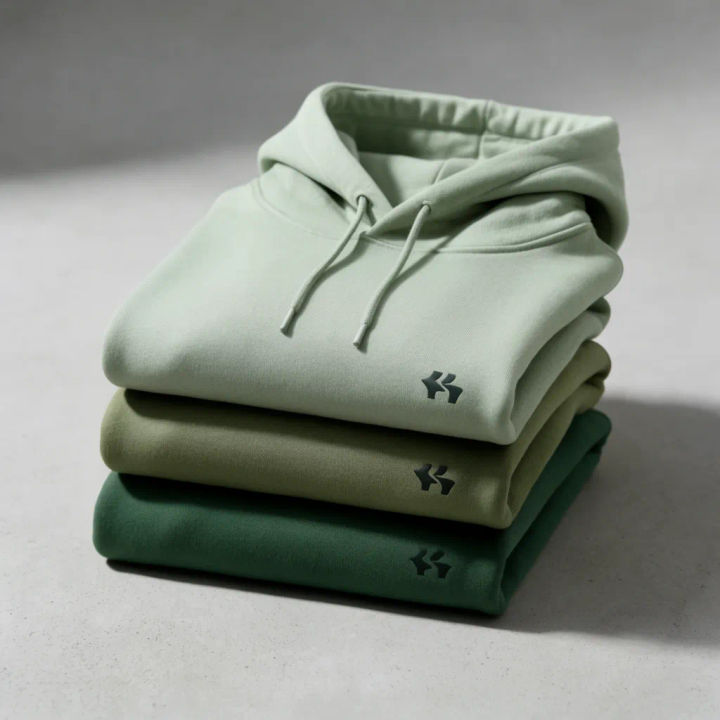
Folded stack
Stack three hoodies in different colors with my left-chest logo, neatly folded, warm side light
Edit prompt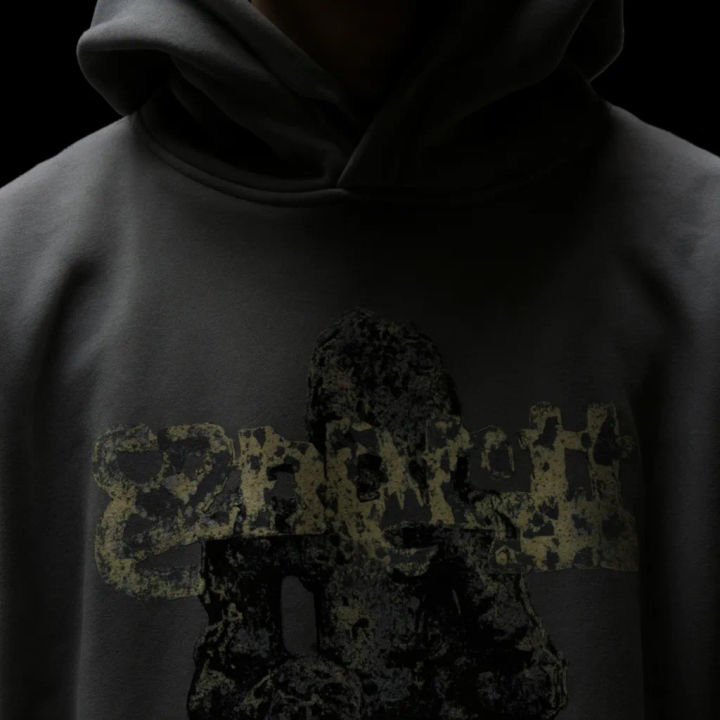
Hood up close
Show my print on a hoodie with the hood up, close crop on the chest, moody low-key lighting
Edit prompt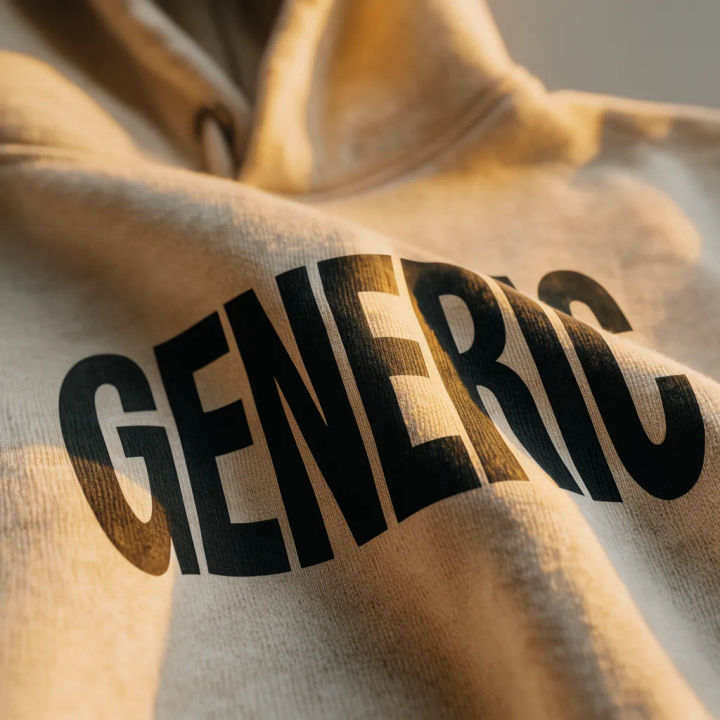
Fabric close-up
Close-up of my print on the fabric to show the weave and how the design folds into a crease
Edit prompt
Cinematic storyboard
Share a scene description with character references. Get a full storyboard with shot angles and mood.

Messages to cinematic scene
Dramatize any text conversation into a cinematic multi-shot video.

Title sequence
Generate a professional film title card from scratch, with optional cinematic animation.

Expressions
Take any character image and generate 6 distinct facial expressions on a single reference sheet.

3x3 storyboard
Feed in a single image. Get 9 cinematic beats laid out as a 3x3 storyboard grid.

Chibi sprite animation
Turn any photo or description into an animated chibi sprite. Dance, jump, wave, attack, and more.
All on Morphic
Models
Nano Banana 2, Flux 2 Pro, ChatGPT Images, Grok Imagine, Recraft, Seedream, and more. Swap models when a print needs to sit cleaner in the folds.
AI mockup generator
Put your design on any object beyond apparel, from packaging to signage, in the same workspace.
AI product photo generator
Shoot the folded garment and accessories in clean studio light for the rest of the store page.
Image to image
Upload your print and generate the hoodie and scene around it, the method behind every shot here.
