Every image model
ID cards you can design
Design an ID card in three steps
- 01
Open Morphic
Sign up and start creating on a free-flowing, infinite visual canvas.
- 02
Describe the card
Name the card type, the details to show, the colors, and any logo you want on the design.
- 03
Generate and export
Compare layouts, proofread every line, then export the card sized for print.
Use cases
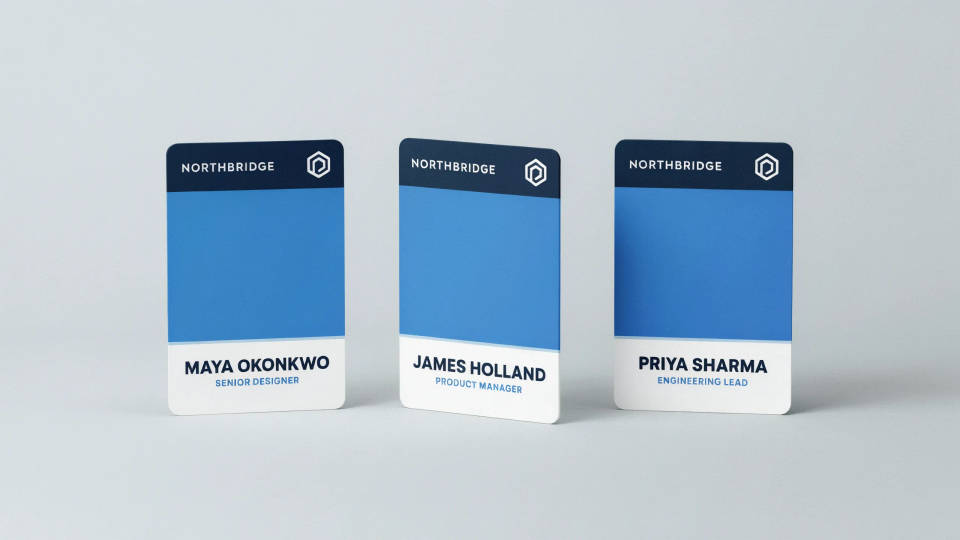
Employee badges for a team
Give a company a consistent badge design with a photo area, a name, a role, and the company logo. Describe the brand colors and the model lays out a clean corporate card. Once you like the template, reuse the same layout for every hire so the whole team looks uniform, then print through your own provider.
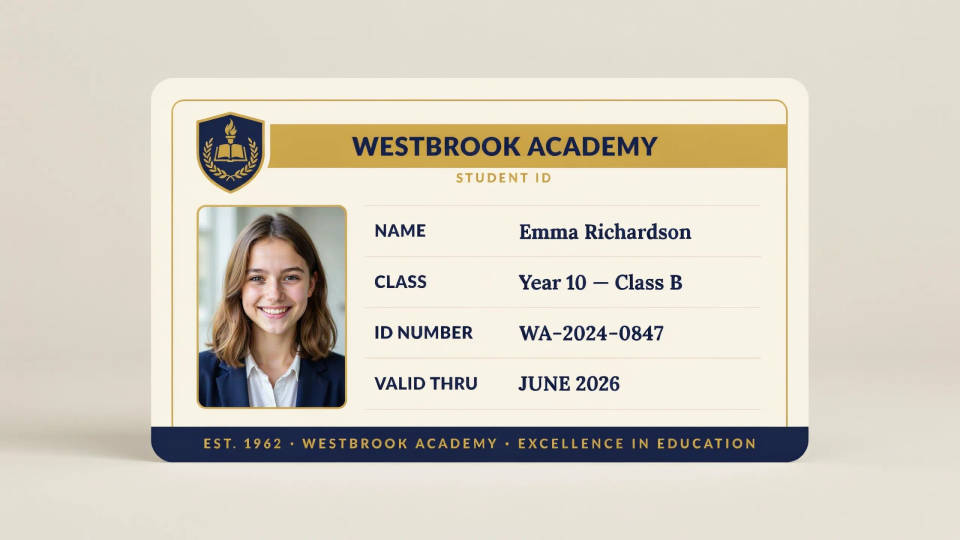
Student and school IDs
Design a friendly, legible student ID with space for a photo, a name, a class, and the school crest. Pick a color that matches the school and the model balances the fields on the card. It is a fast way to prototype a card style before a full print order for the year.
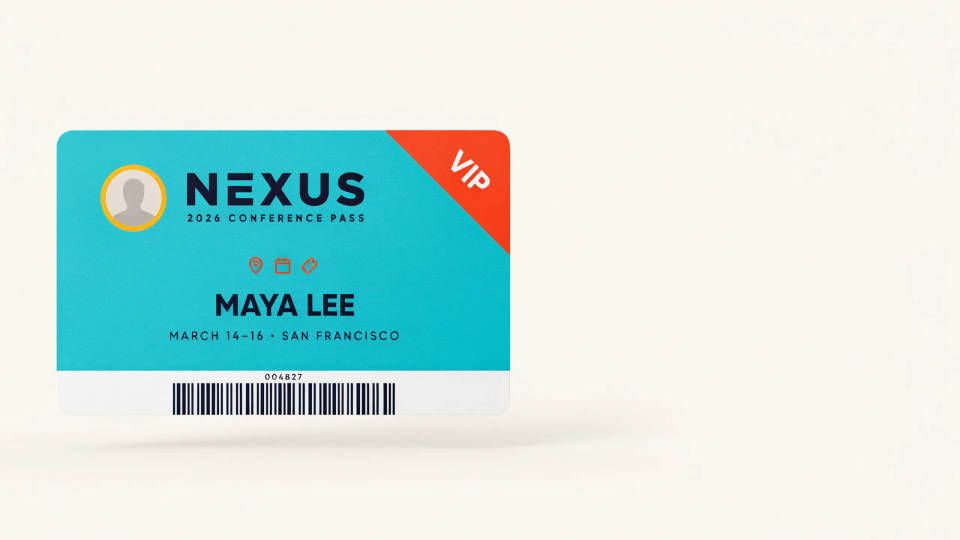
Event and conference passes
Create passes for a conference, a festival, or a workshop with a bold header, an attendee name, and a role or tier. Try a bright pass against a minimal one on the Canvas to see which reads best on a lanyard. Export sized so the print shop can run the batch cleanly.
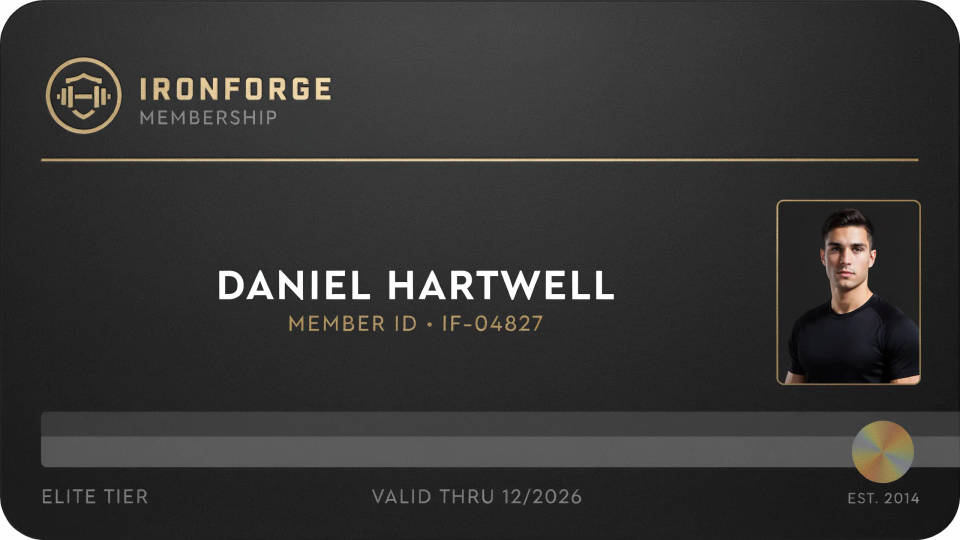
Membership and club cards
Design a gym, library, or club membership card with a member name, a number, and the club branding. Describe the finish you want, from a sleek dark card to a warm illustrated one, and keep the version that feels on brand. Made once, the layout scales to every member.
Prompt examples
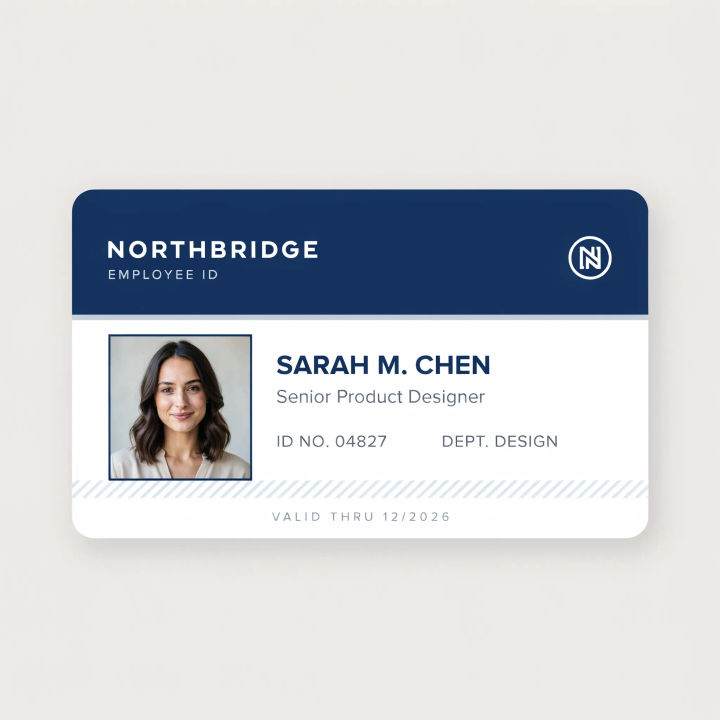
Corporate badge
A clean corporate employee ID card, portrait layout, photo area on the left, name and job title, company logo top right, blue and white
Edit prompt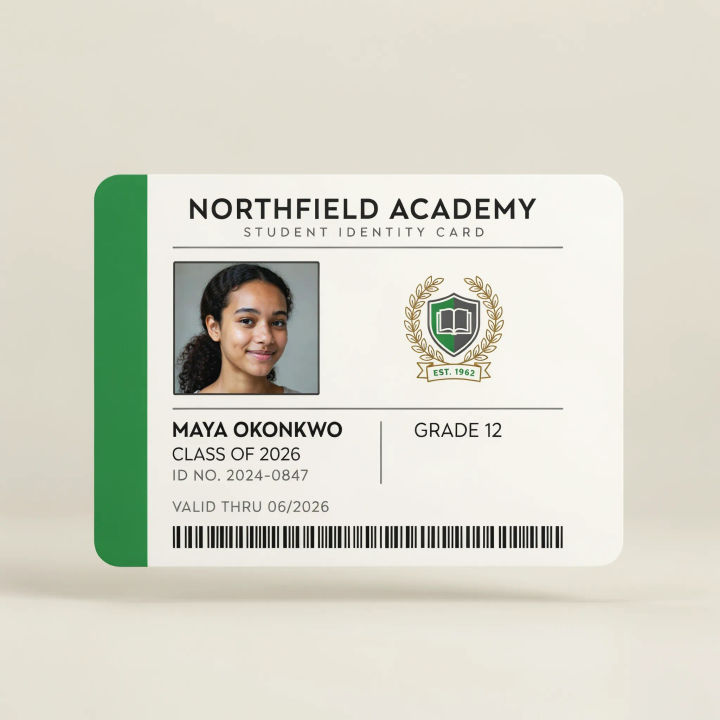
Student ID
A modern student ID card, photo area, student name, class of 2026, school crest, green accent bar, light background
Edit prompt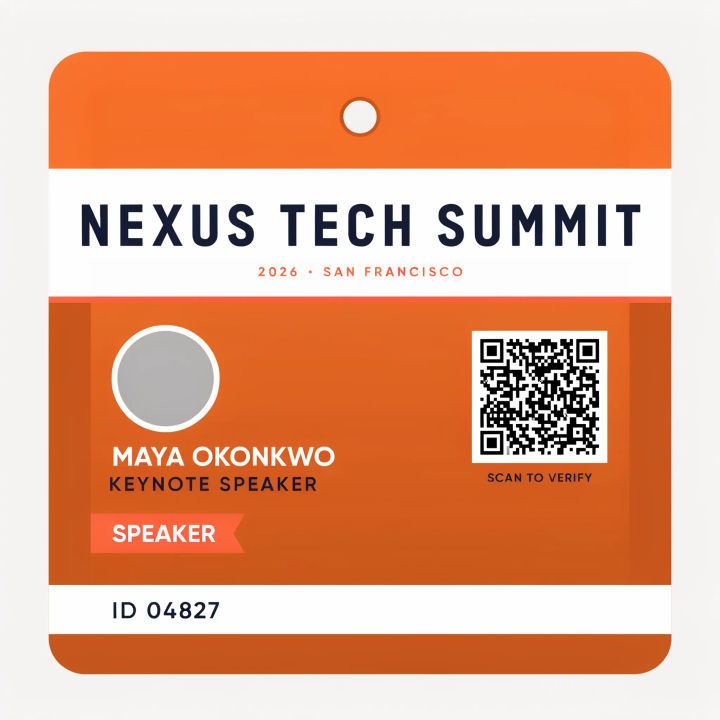
Conference pass
A conference lanyard pass, bold event header, attendee name, Speaker tier, QR code area, orange gradient, portrait format
Edit prompt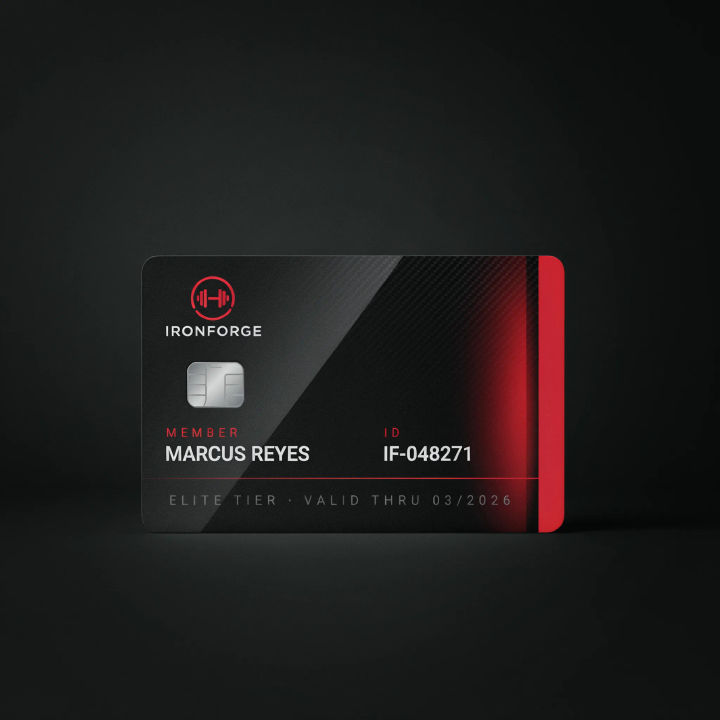
Gym member card
A sleek dark gym membership card, member name, membership number, gym logo, subtle red accent, glossy finish
Edit prompt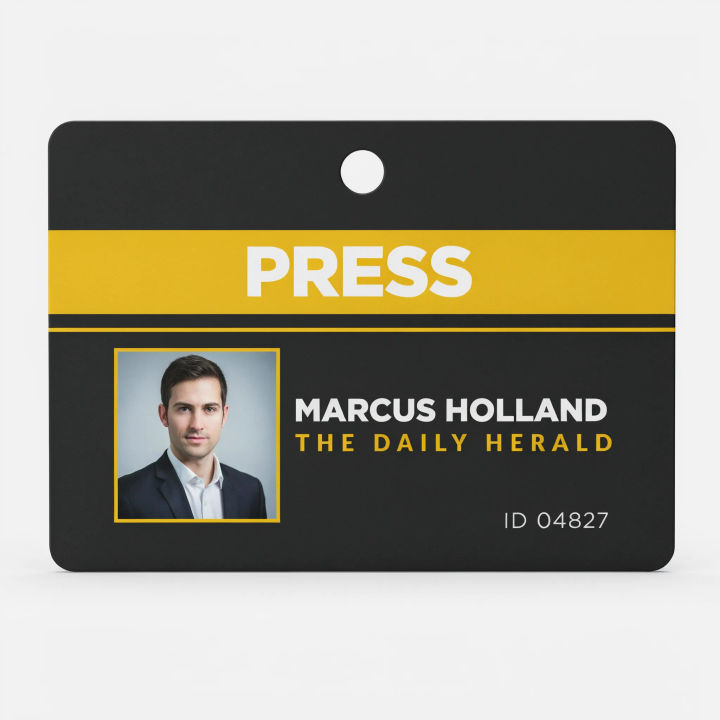
Press pass
A press media pass, photo area, reporter name, outlet name, PRESS label, dark badge with a yellow stripe, portrait
Edit prompt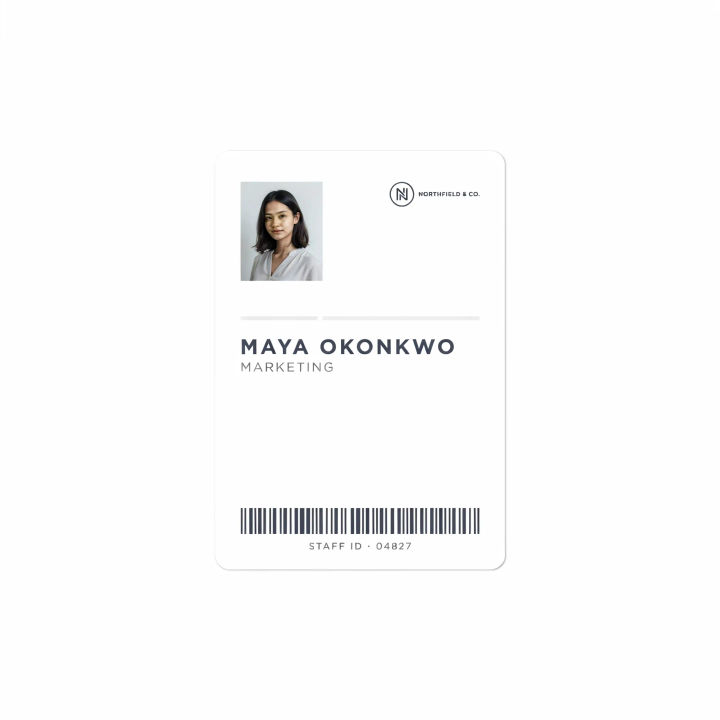
Minimal badge
A minimal white staff ID badge, small photo, name and department in thin type, tiny logo, lots of white space, portrait
Edit prompt
Title sequence
Generate a professional film title card from scratch, with optional cinematic animation.

Cinematic storyboard
Share a scene description with character references. Get a full storyboard with shot angles and mood.

Messages to cinematic scene
Dramatize any text conversation into a cinematic multi-shot video.

Expressions
Take any character image and generate 6 distinct facial expressions on a single reference sheet.

3x3 storyboard
Feed in a single image. Get 9 cinematic beats laid out as a 3x3 storyboard grid.

Chibi sprite animation
Turn any photo or description into an animated chibi sprite. Dance, jump, wave, attack, and more.
All on Morphic
Models
Nano Banana 2, Flux 2 Pro, ChatGPT Images, Grok Imagine, Recraft, Seedream, and more. Swap models when a card needs cleaner text or a sharper layout.
Business card generator
Carry the same brand look from an ID badge onto a matching business card design.
Logo generator
Design the logo that sits on the badge first, then bring it into your card layout.
Text to image
Generate any ID card, badge, or pass design from a written description and compare layouts side by side.
