Every image model
Posts you can create
Make a LinkedIn post in three steps
- 01
Open Morphic
Sign up and start creating on a free-flowing, infinite visual canvas.
- 02
Describe the post
Give the point you are making, the tone, and the format. Keep it clean and professional.
- 03
Generate and export
Compare options, keep the one that supports your message, then export it sized for the feed.
Use cases
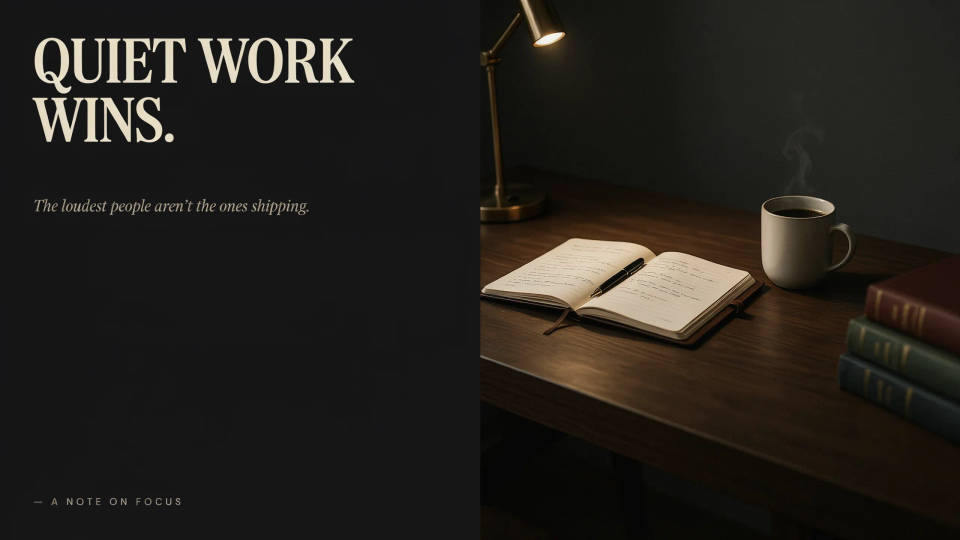
A visual that carries your point
A strong LinkedIn post is a point of view plus an image that supports it. Describe the argument you are making and Morphic produces a visual that reinforces it without turning the post into an ad. The default look stays clean and professional, so it belongs in a work feed. Generate a few and keep the one that adds to your message.
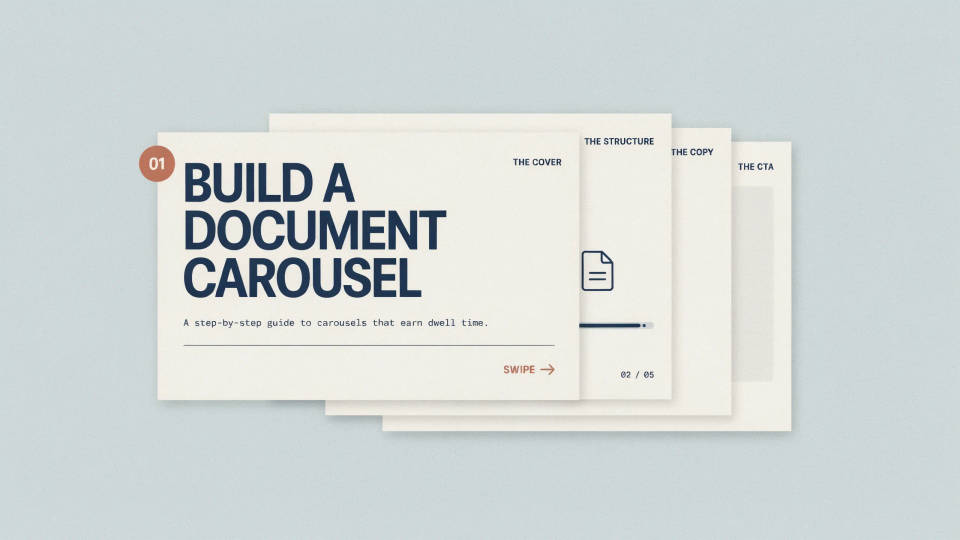
Build a document carousel
Carousels earn dwell time when each page is clean and consistent. Generate a bold cover, then matching pages in the same palette and layout, each carrying one idea and a short label. Because they share a workspace, the pages line up as a set, and you can reorder them before uploading the document to LinkedIn.
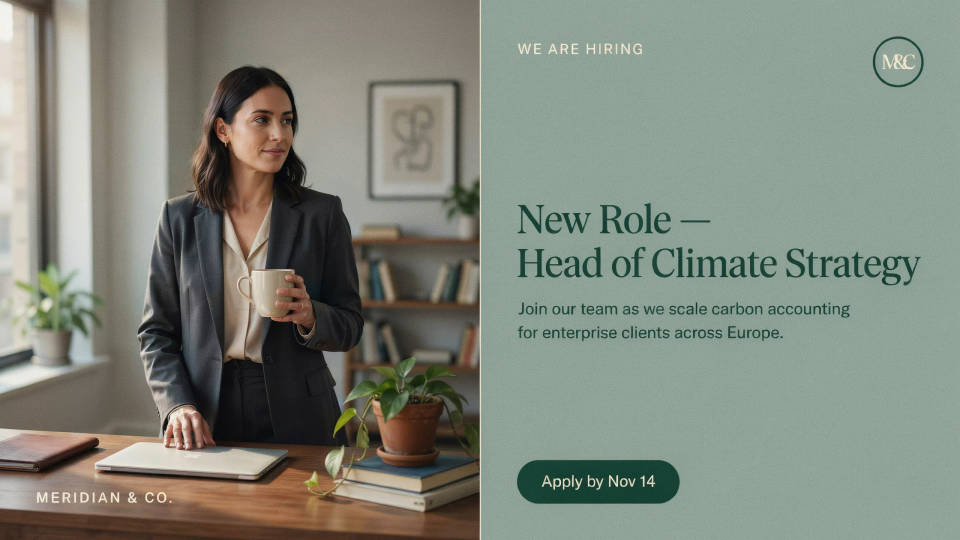
Announcements that look considered
A new role, a launch, a report, or a webinar all land better with a visual that looks intentional. Describe the announcement and the model frames a restrained, on-brand image sized for the feed. It gives company and personal updates a polished look without pulling in a designer for every post.
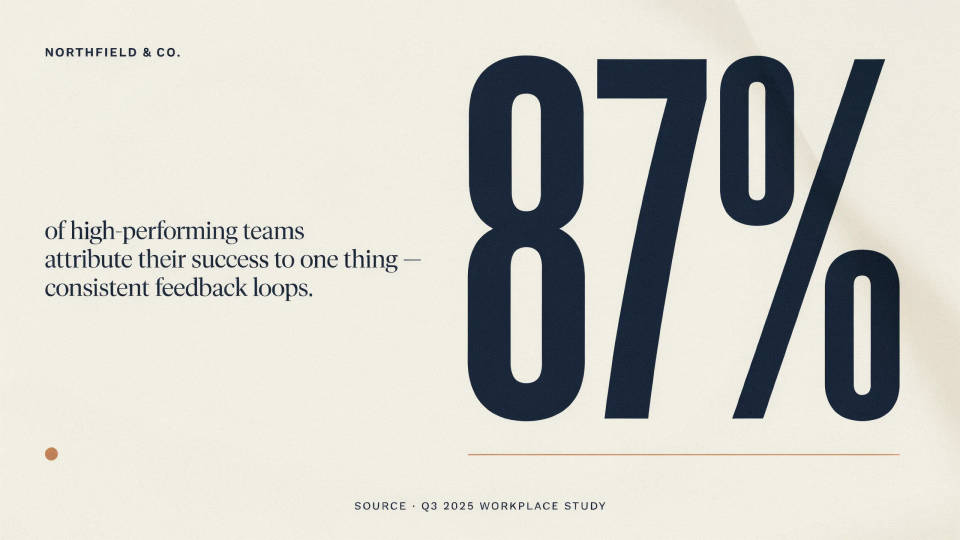
Highlight a stat or a takeaway
One clear number can be the whole post. Ask for a visual built around a single stat or a short takeaway, rendered as a bold graphic. Keep the wording short and verify it, since fine text is where generated images slip, then drop the exact figure in the caption. It is a quick way to make data feel shareable.
Prompt examples
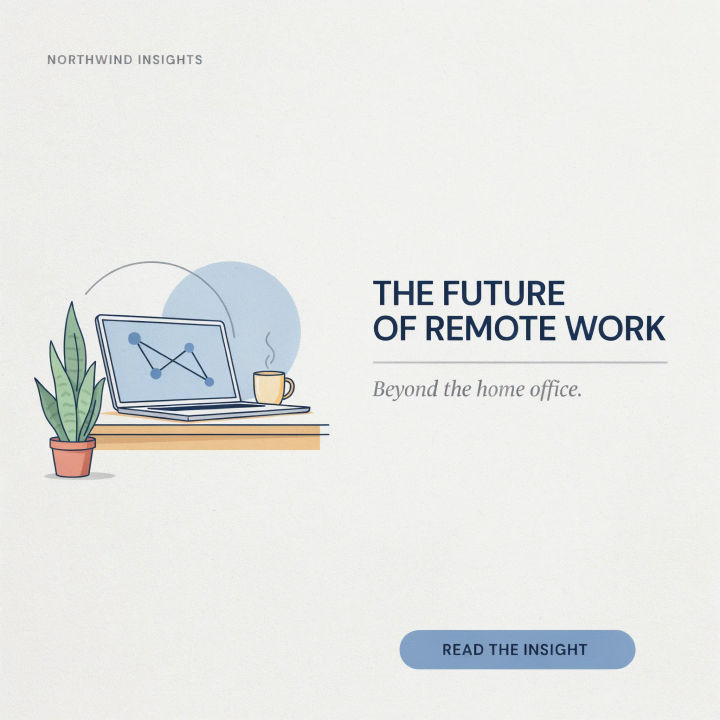
Thought leadership
A clean landscape LinkedIn post visual on the future of remote work, restrained blue and gray palette, modern minimal composition
Edit prompt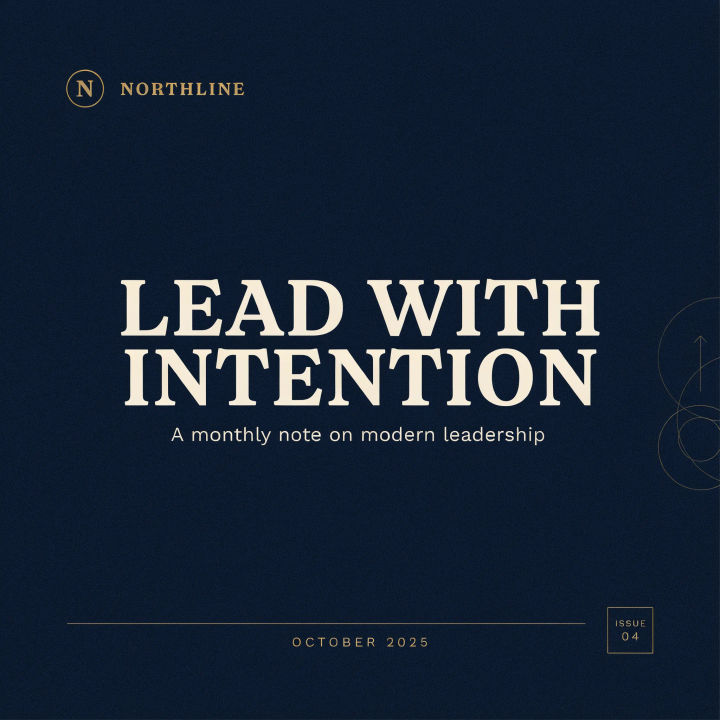
Carousel cover
A portrait LinkedIn carousel cover, one short bold headline, calm corporate colors, clear hierarchy, professional layout
Edit prompt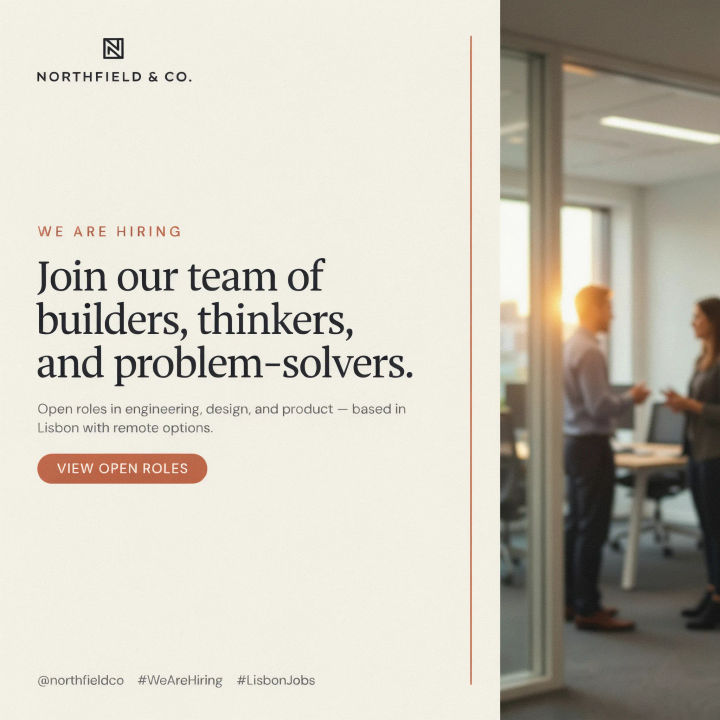
Hiring announcement
A square LinkedIn hiring post, welcoming professional tone, subtle brand accent color, clean modern layout, room for a short headline
Edit prompt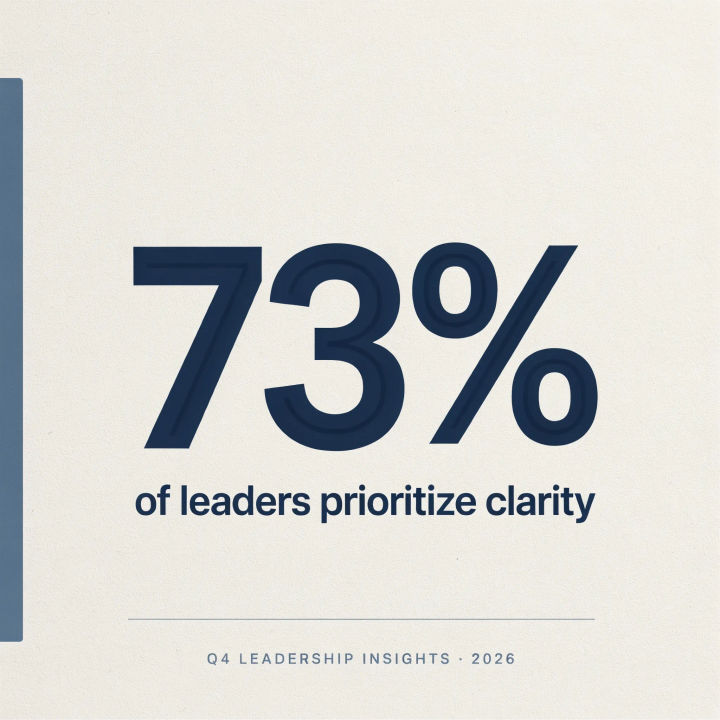
Stat highlight
A LinkedIn post visual built around one large bold statistic, minimal background, strong contrast, clean sans-serif style
Edit prompt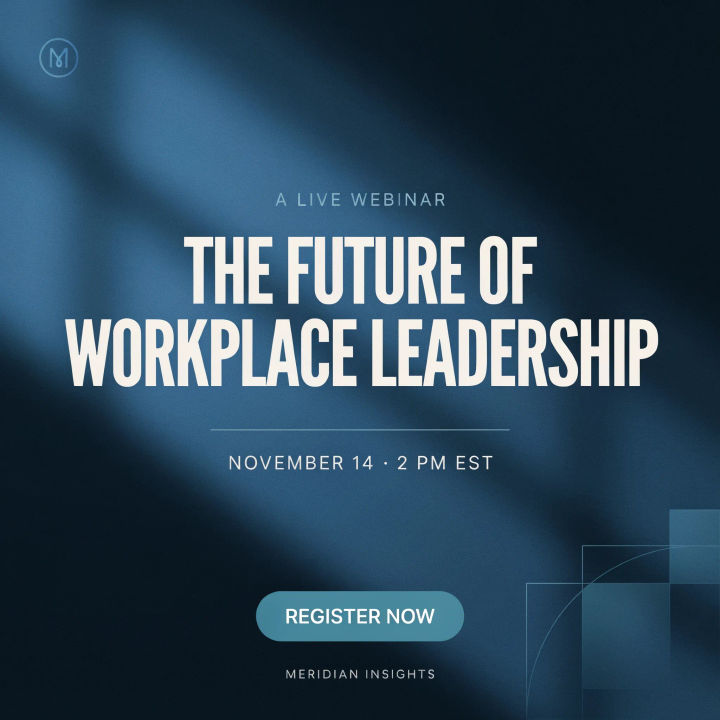
Event promo
A landscape LinkedIn webinar promo, professional and inviting, cool palette, clear focal area for a title and date
Edit prompt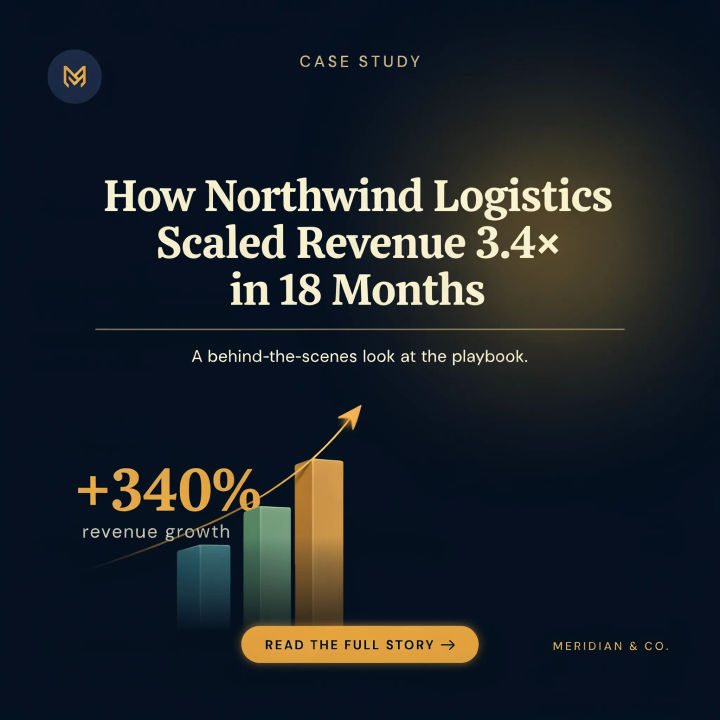
Case study teaser
A square LinkedIn case study teaser, subtle upward chart motif, confident corporate palette, clean editorial layout
Edit prompt
Title sequence
Generate a professional film title card from scratch, with optional cinematic animation.

Cinematic storyboard
Share a scene description with character references. Get a full storyboard with shot angles and mood.

Messages to cinematic scene
Dramatize any text conversation into a cinematic multi-shot video.

3x3 storyboard
Feed in a single image. Get 9 cinematic beats laid out as a 3x3 storyboard grid.

Expressions
Take any character image and generate 6 distinct facial expressions on a single reference sheet.

Chibi sprite animation
Turn any photo or description into an animated chibi sprite. Dance, jump, wave, attack, and more.
All on Morphic
Models
Nano Banana 2, Flux 2 Pro, ChatGPT Images, Grok Imagine, Recraft, Seedream, and more. Swap models when a post needs a cleaner, more corporate look.
Social media post generator
Make posts for any platform in one place, then adapt the winner to LinkedIn's feed formats.
Banner generator
Pair a post with a header or profile banner so your feed and page share one professional look.
Text to image
Generate any post, cover, or carousel page from a written description and compare directions side by side.
