Every image model
Laptop scenes you can build
Build a laptop mockup in three steps
- 01
Open Morphic
Sign up and start creating on a free-flowing, infinite visual canvas.
- 02
Upload your screenshot
Drop in a capture of your site or app and describe the laptop, the desk, and the light.
- 03
Generate and export
The scene builds around your screen with a soft reflection. Try more angles, then export.
Use cases
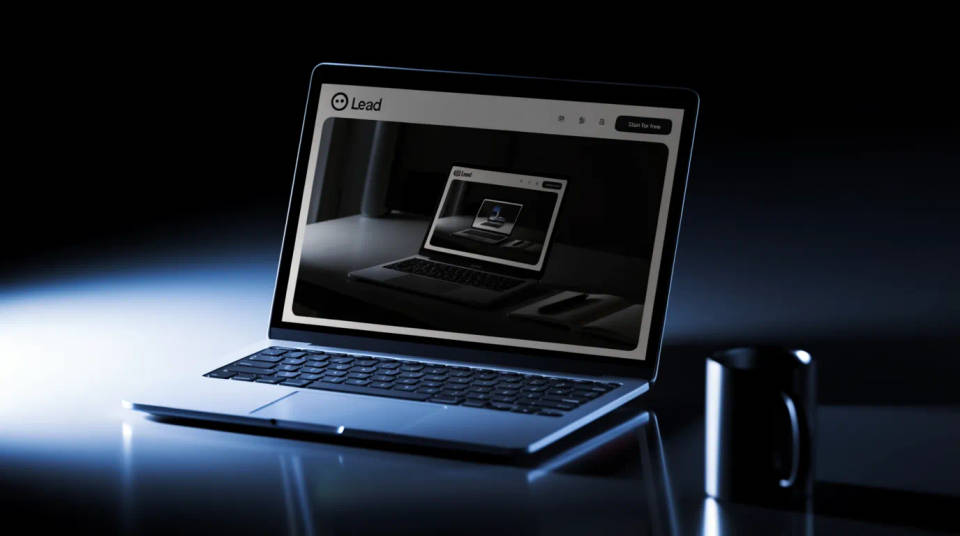
SaaS landing page heroes
Lead a product page with the app shown on a real machine instead of a floating browser window. Put the dashboard on a clean studio desk for the headline, then a café setup lower down to add warmth. Swap the screenshot and rerun the moment a release changes the UI.
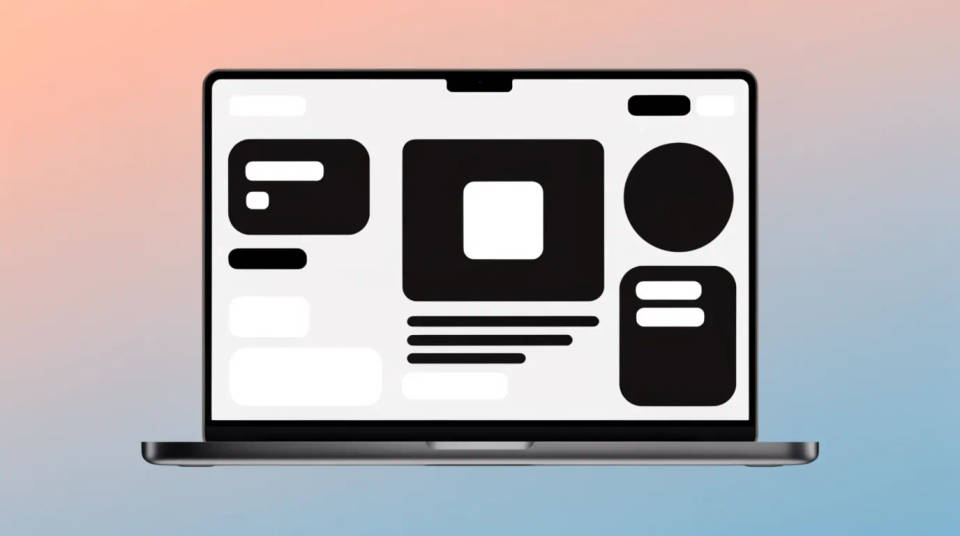
Web design portfolios
Present client sites as photographed work rather than flat screenshots. Generate a head-on studio shot for the case study cover and a hands-on-keyboard angle for the process section. The consistent device across projects makes a portfolio read as one considered body of work.
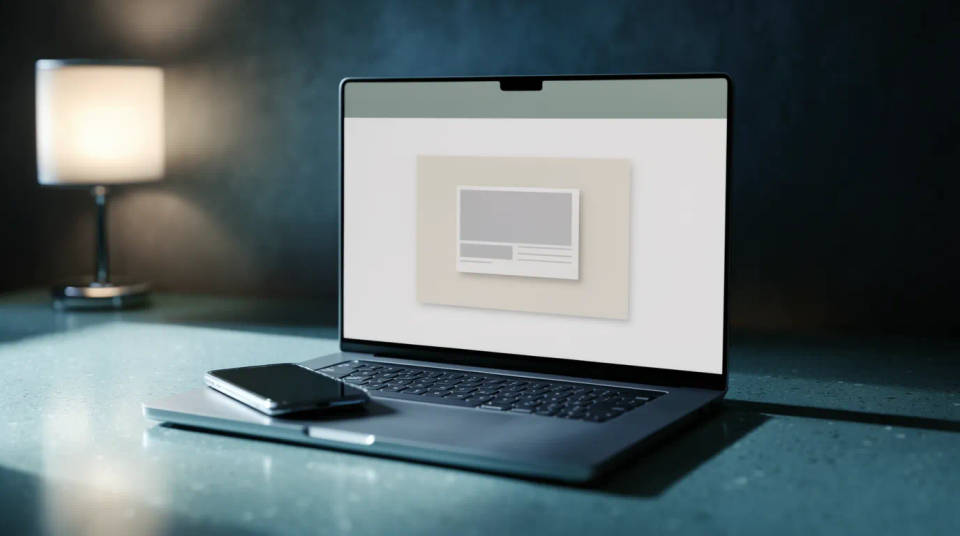
Pitch decks and sales collateral
Drop the product into a slide as a scene, not a rectangle. A laptop on a tidy desk beside a phone signals a real workflow, which helps a sales deck or an investor update land. Pair the laptop shot with a matching phone view for a cross-device story on one slide.
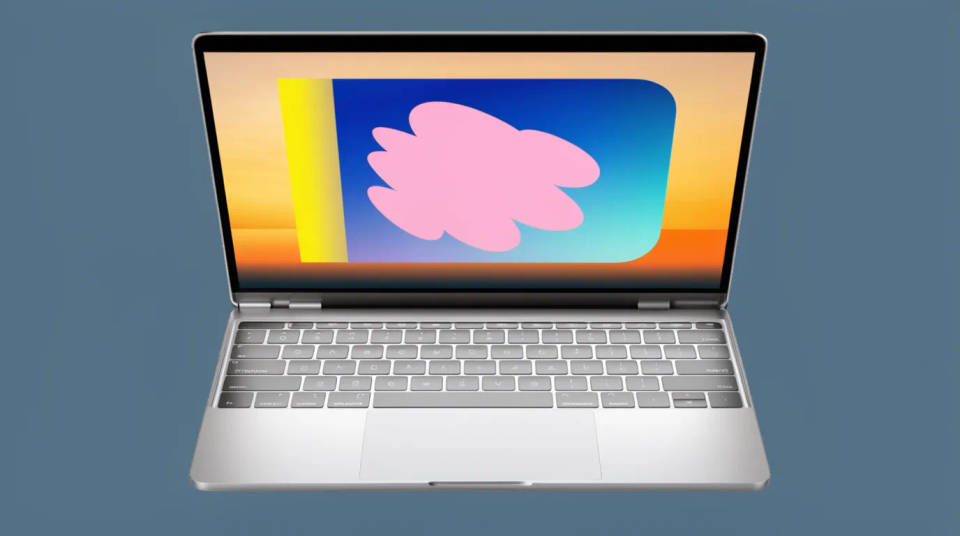
Responsive and desktop previews
Show a site at desktop width the way visitors actually see it. A wide screen inside a laptop reveals layout and hierarchy that a phone crop hides. Generate a bright workspace for a marketing shot and a moody low-key desk for a premium, focused feel from the same capture.
Prompt examples
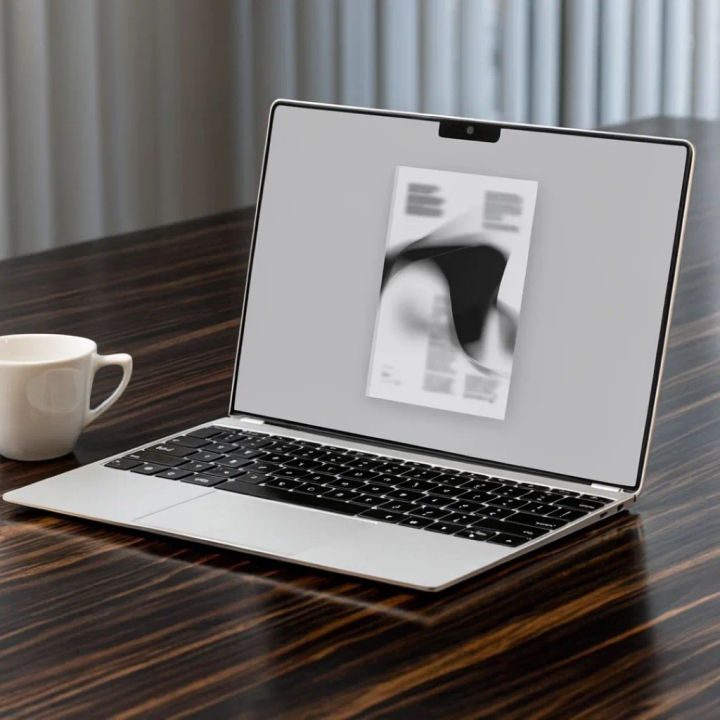
Tidy desk with coffee
Put my screenshot in a slim silver laptop on a tidy wood desk with a coffee, soft window light
Edit prompt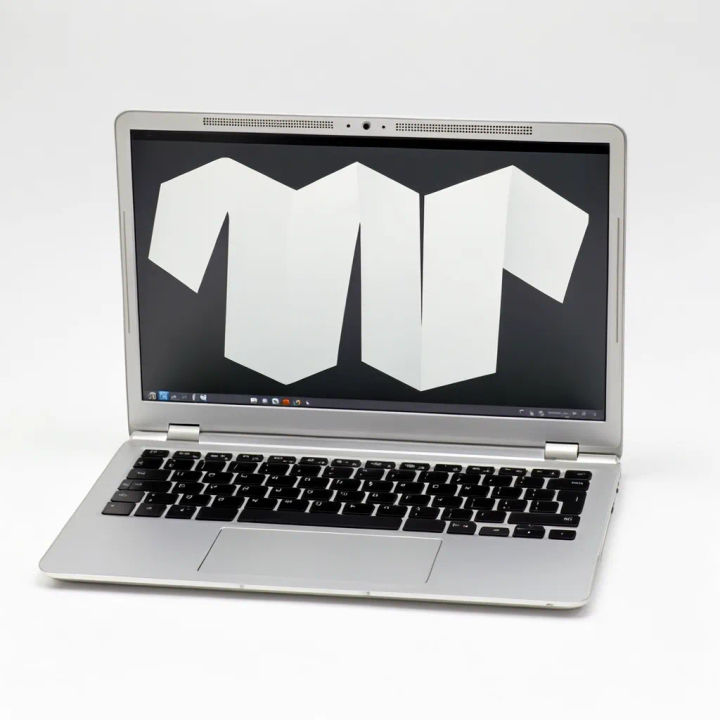
Head-on studio hero
Show my screen in a laptop head-on on a clean studio sweep, soft even light, subtle screen glow
Edit prompt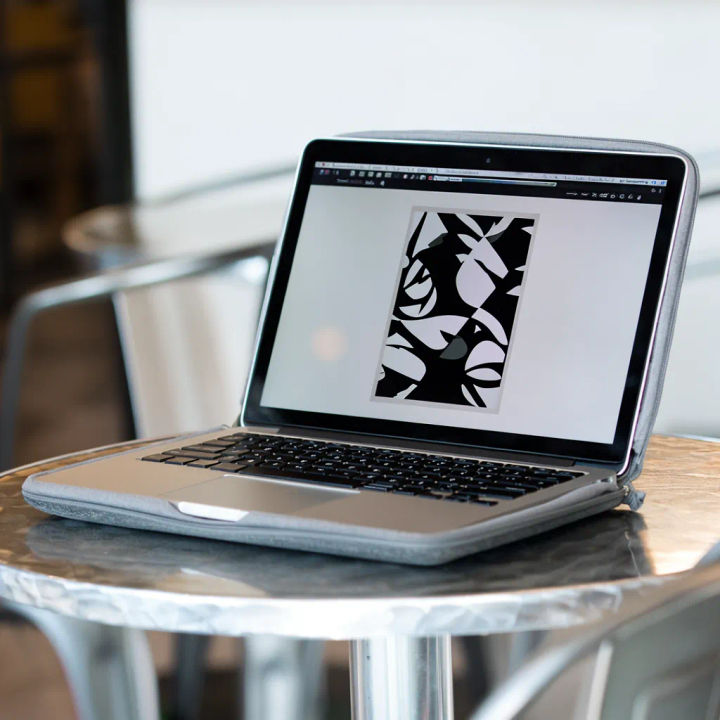
Café table angle
Place my screenshot in a laptop on a café table, three-quarter angle, warm afternoon light, shallow depth
Edit prompt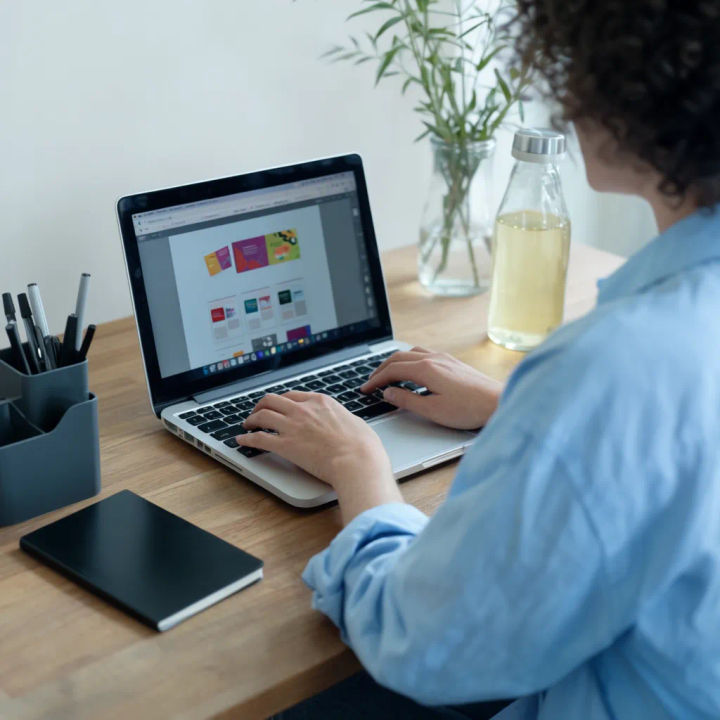
Hands on keyboard
Show hands typing on a laptop with my screen visible, over-the-shoulder view, bright workspace
Edit prompt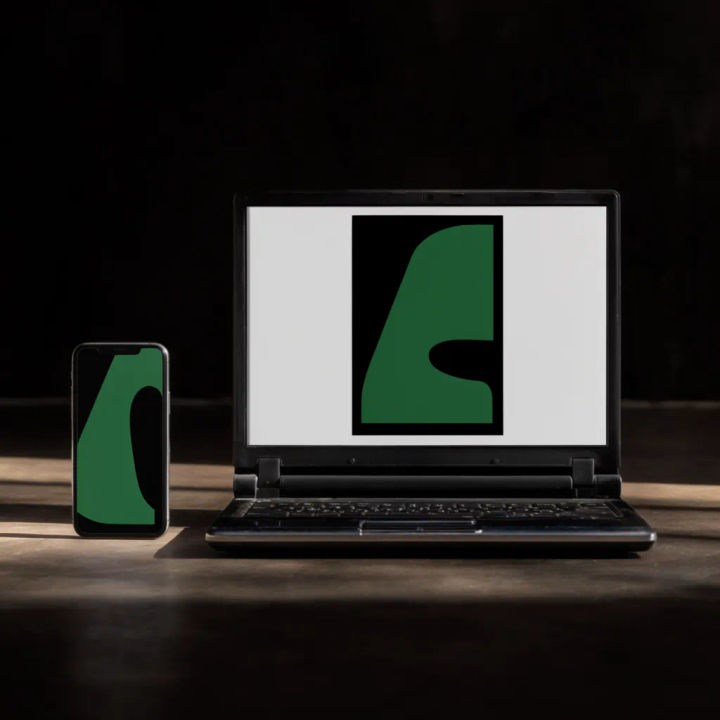
Laptop and phone pair
Place my laptop screen beside a phone with a matching screen on a desk, tidy setup, soft daylight
Edit prompt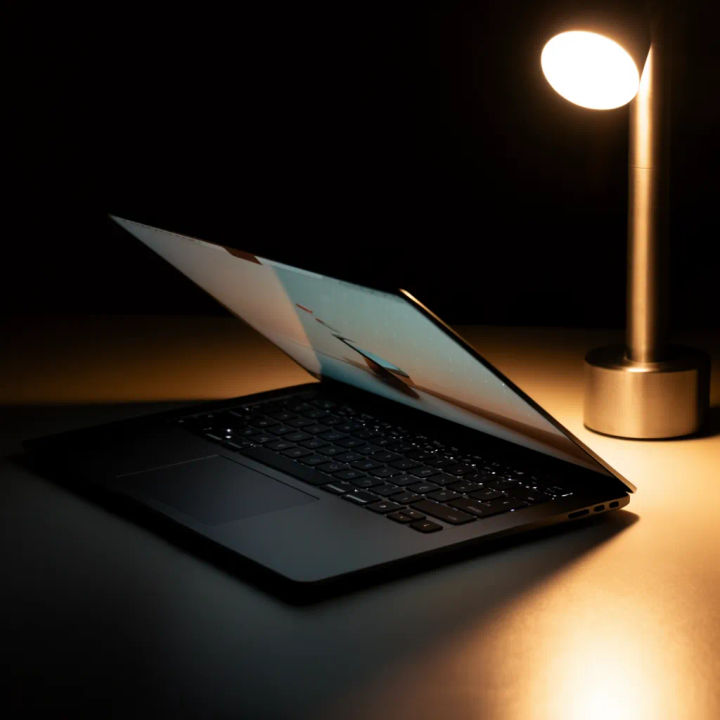
Moody low-key desk
Put my screen in a dark laptop on a low-key desk, single warm lamp, deep shadows, focused mood
Edit prompt
Cinematic storyboard
Share a scene description with character references. Get a full storyboard with shot angles and mood.

Messages to cinematic scene
Dramatize any text conversation into a cinematic multi-shot video.

Title sequence
Generate a professional film title card from scratch, with optional cinematic animation.

3x3 storyboard
Feed in a single image. Get 9 cinematic beats laid out as a 3x3 storyboard grid.

Chibi sprite animation
Turn any photo or description into an animated chibi sprite. Dance, jump, wave, attack, and more.

Expressions
Take any character image and generate 6 distinct facial expressions on a single reference sheet.
All on Morphic
Models
Nano Banana 2, Flux 2 Pro, ChatGPT Images, Grok Imagine, Recraft, Seedream, and more. Swap models when screen text or a reflection needs to render cleaner.
Website mockup generator
Show the same site across desktop, tablet, and phone in one device set for a responsive story.
Phone mockup generator
Pair the laptop shot with a handset view to present a product across screens.
Image to image
Upload your screenshot and generate the laptop and scene around it, the method behind every shot here.
