Every image model
Banners you can design
Make a banner in three steps
- 01
Open Morphic
Sign up and start creating on a free-flowing, infinite visual canvas.
- 02
Describe your banner
Name your field, colors, and any short tagline, and keep the key content off the lower left.
- 03
Generate and export
Compare a few directions, check it against the avatar crop, then download at full size.
Use cases
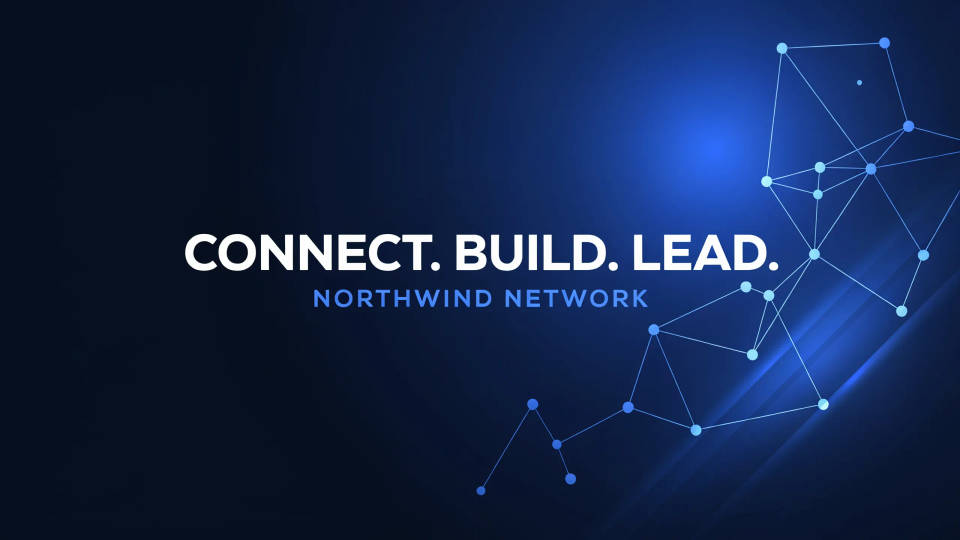
A banner built for the crop
LinkedIn overlays your round avatar on the lower-left of the cover and dims the bottom edge behind the profile card. Describe your look and the design keeps your name, tagline, and logo clear of that zone. The result reads as made for the platform rather than a wide image squeezed to fit.
Match your industry
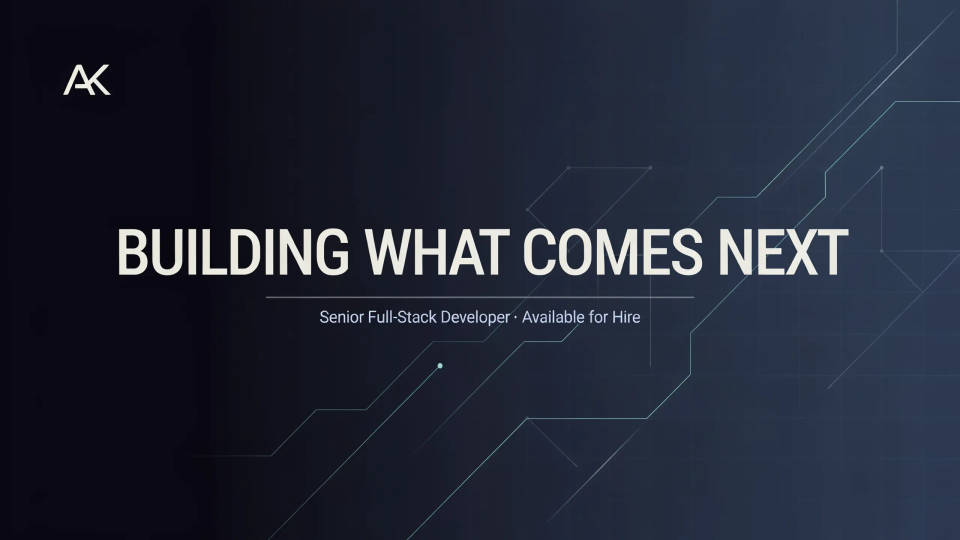
A developer, a consultant, and a photographer each need a different feel. Name your field and the banner leans into it, whether that is a calm gradient, a subtle code motif, or a clean studio backdrop. Generating a couple of directions makes it easy to pick a look that signals what you do at a glance.
A short, confident tagline
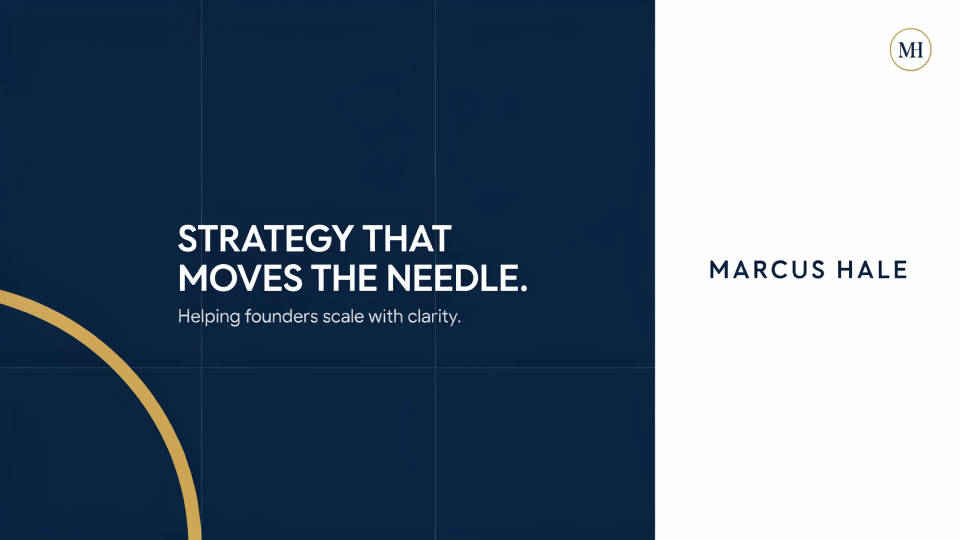
Add a brief line, such as your role or what you help people do, and the design sets it in the clear part of the banner. Keep the wording short so the type stays crisp, then proofread the render before you upload. It turns a plain backdrop into a banner that actually says something.
A consistent personal brand
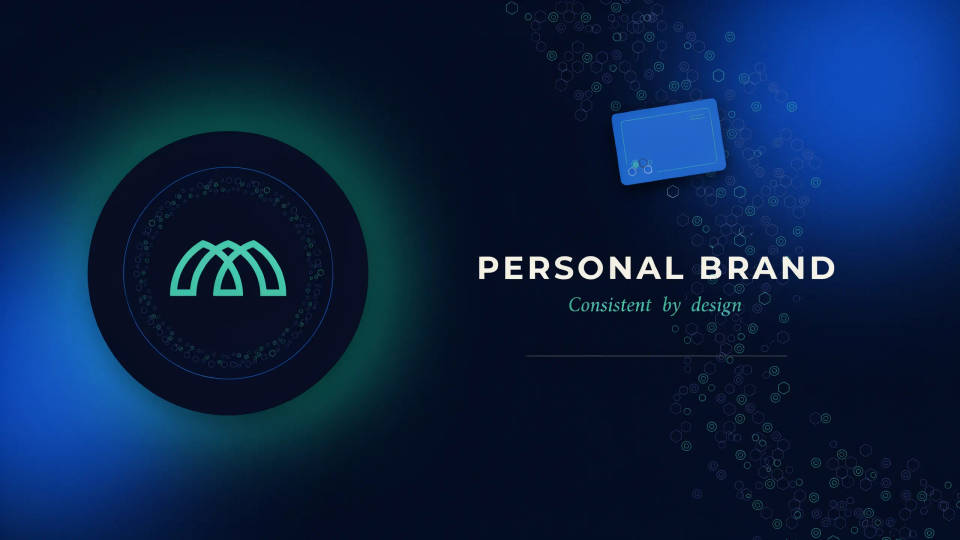
Reuse the same palette and pattern across your banner, your posts, and a matching profile picture so your profile feels intentional. Because everything lives in one workspace, it is quick to spin a family of visuals that share a look. Refresh the set whenever your role or focus changes.
Prompt examples
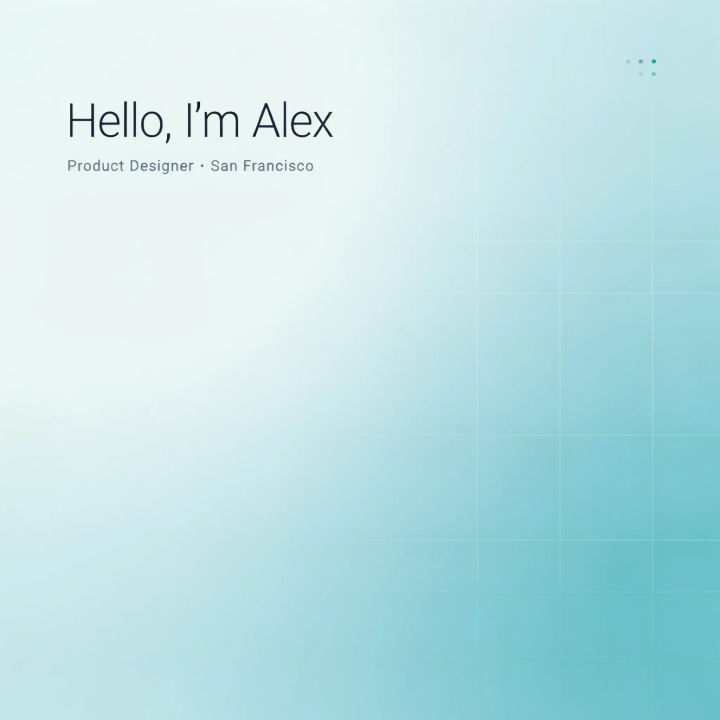
Soft gradient
A clean LinkedIn banner, soft blue-to-teal gradient, faint geometric grid on the right, plenty of empty space in the lower-left avatar zone, minimal and professional
Edit prompt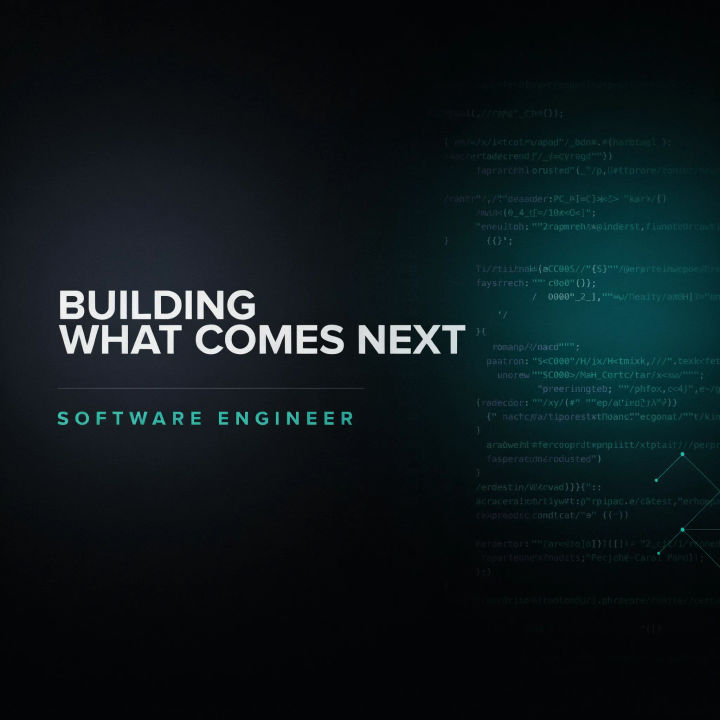
Developer motif
A LinkedIn banner for a software engineer, dark background, subtle code and terminal texture on the right, teal accent glow, left side kept clear
Edit prompt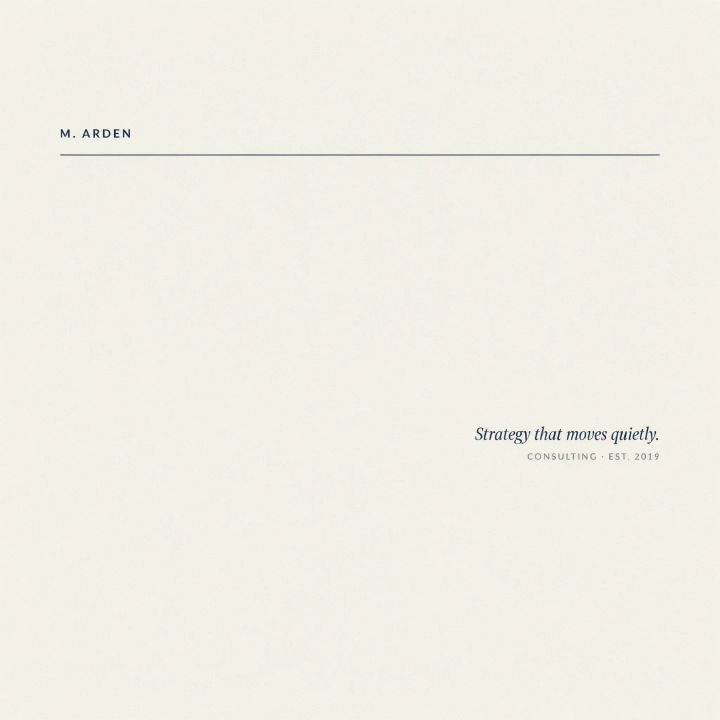
Consulting minimal
A minimal LinkedIn banner for a consultant, warm off-white background, a thin navy accent line, a short tagline on the right, calm and premium
Edit prompt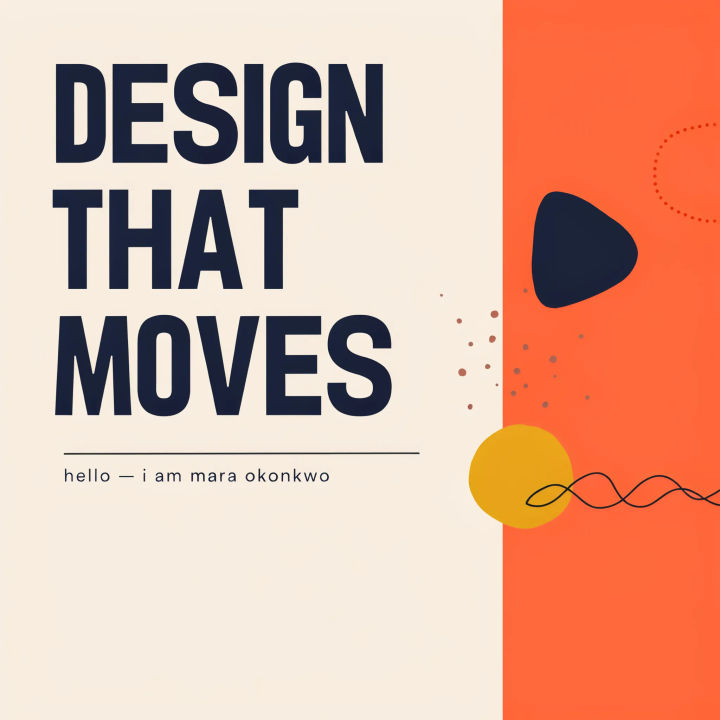
Creative studio
A LinkedIn banner for a designer, bold coral and cream color blocks, playful abstract shapes on the right, generous empty space lower-left
Edit prompt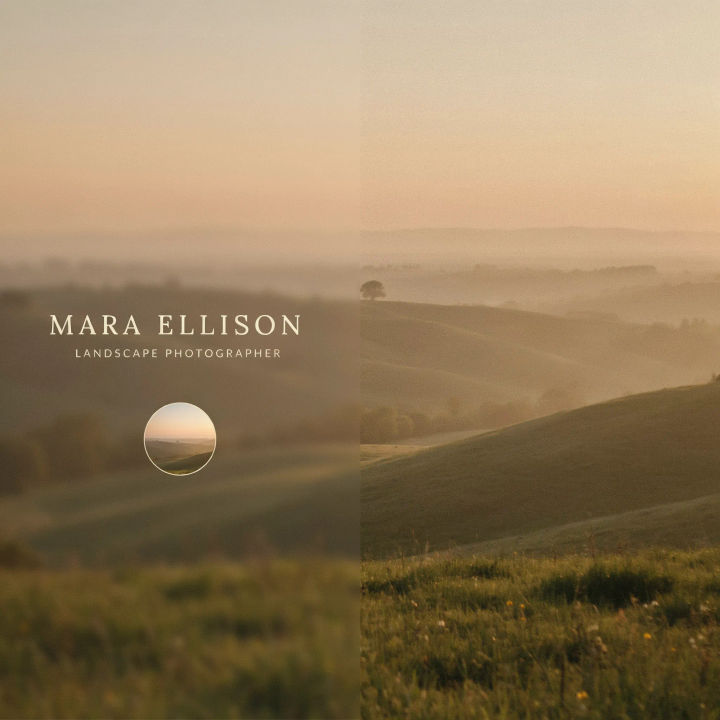
Photographer backdrop
A LinkedIn banner for a photographer, softly blurred golden-hour landscape on the right, muted tones, room for the avatar on the lower-left
Edit prompt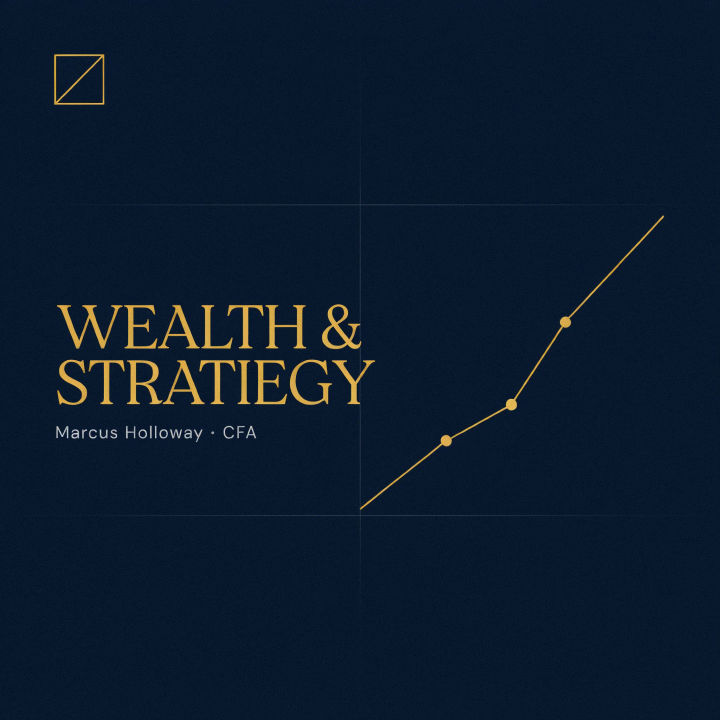
Finance clean
A LinkedIn banner for finance, deep navy background, subtle rising line-graph motif on the right, gold accent, professional and restrained
Edit prompt
Title sequence
Generate a professional film title card from scratch, with optional cinematic animation.

Cinematic storyboard
Share a scene description with character references. Get a full storyboard with shot angles and mood.

Messages to cinematic scene
Dramatize any text conversation into a cinematic multi-shot video.

3x3 storyboard
Feed in a single image. Get 9 cinematic beats laid out as a 3x3 storyboard grid.

Chibi sprite animation
Turn any photo or description into an animated chibi sprite. Dance, jump, wave, attack, and more.

Expressions
Take any character image and generate 6 distinct facial expressions on a single reference sheet.
All on Morphic
Models
Nano Banana 2, Flux 2 Pro, ChatGPT Images, Grok Imagine, Recraft, Seedream, and more. Swap models when a banner needs cleaner type or a crisper backdrop.
Profile picture maker
Pair the banner with a sharp, professional headshot in the same palette for a consistent profile.
Banner generator
Design banners for other channels and ads in the same workspace, all sized to their crops.
Text to image
Compose any banner from a written description and compare palettes and layouts side by side.
