Every image model
Profile-ready in minutes
Your profile photo in three steps
- 01
Open Morphic
Sign up and start creating on a free-flowing, infinite visual canvas.
- 02
Upload your photo
Drop in a clear, front-facing photo of yourself, a phone selfie is fine.
- 03
Generate and export
The model fixes the light and background while keeping your likeness. Pick a version, then export it sized for a profile.
Use cases
Turn a phone selfie into a professional headshot
Most people do not have a studio photo ready when they update a profile. Upload a decent selfie and the model improves the lighting, cleans the background, and crops it to a head-and-shoulders frame. You end up with a professional-looking picture built from a photo you already had.
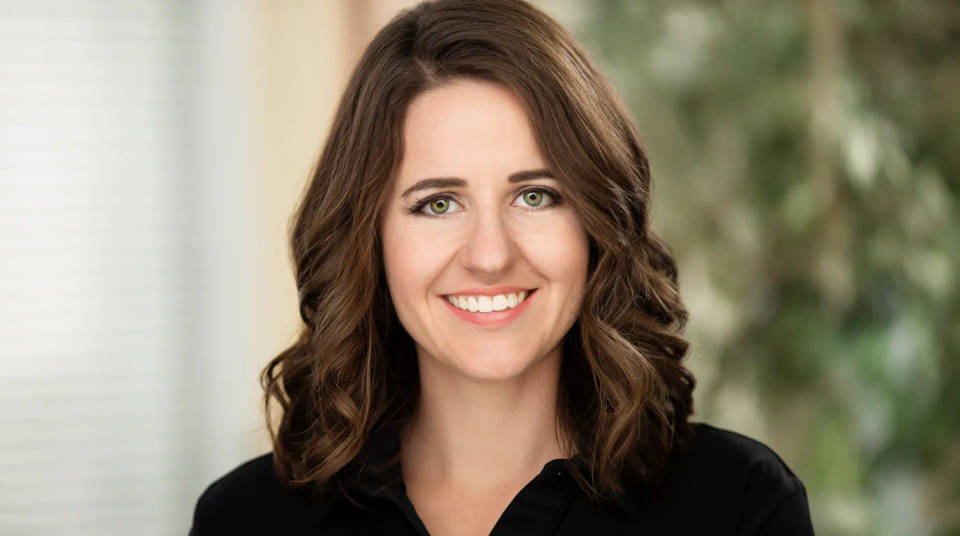
Swap a busy background for something neutral
A holiday snap or a photo taken at home rarely suits a work profile because of what is behind you. The tool replaces the clutter with a neutral grey, a plain colour, or a soft office blur while keeping your face untouched. The focus lands on you instead of the room.
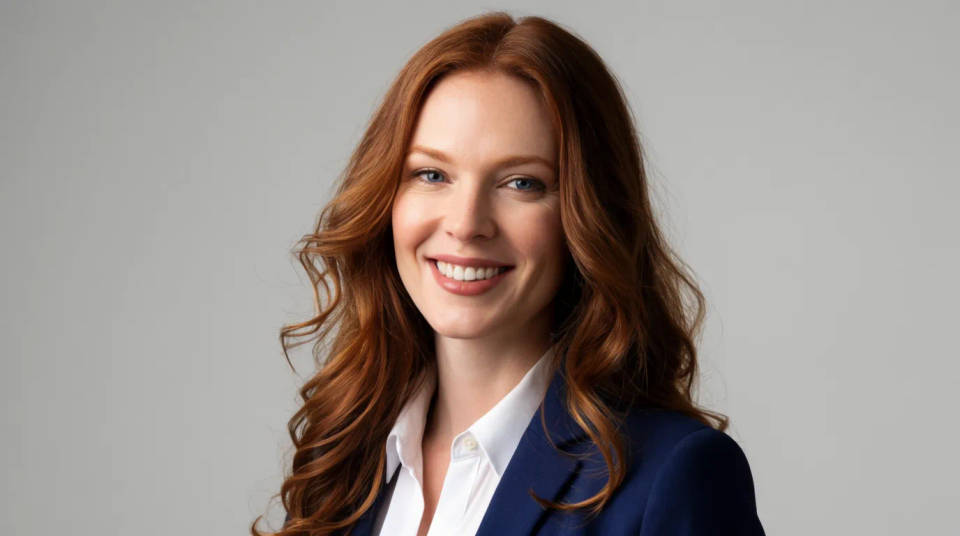
Give a whole team a consistent look
When a team wants matching profile pictures, you can edit each person's own photo onto the same background and lighting. Everyone keeps their likeness while the set reads as one consistent style. It is a fast way to unify a company page without booking a photographer for the whole group.
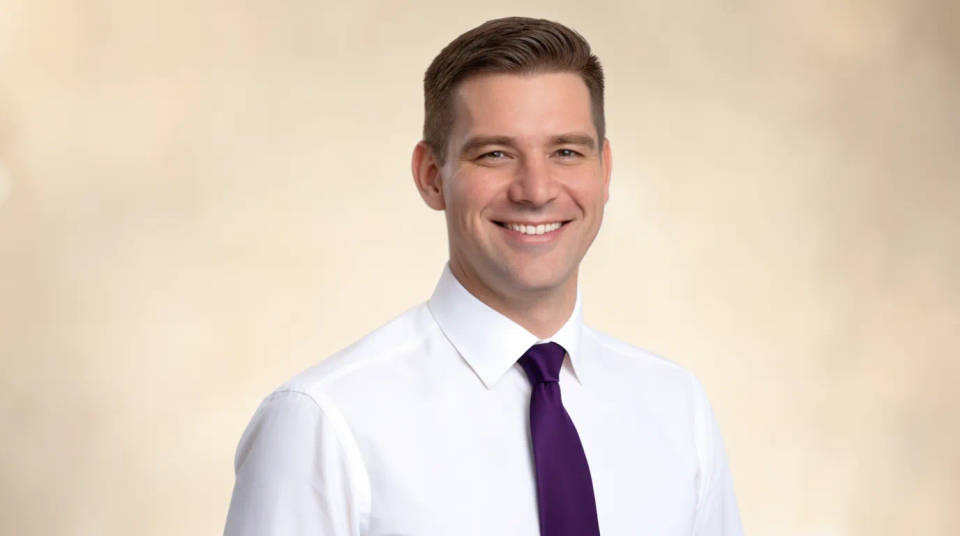
Refresh an outdated profile picture
If your current photo is old or too casual, you can bring a recent snapshot up to a professional standard without a new shoot. Improve the light, tidy the background, and crop it cleanly, and the profile feels current again. A quick update when you are job hunting or changing roles.
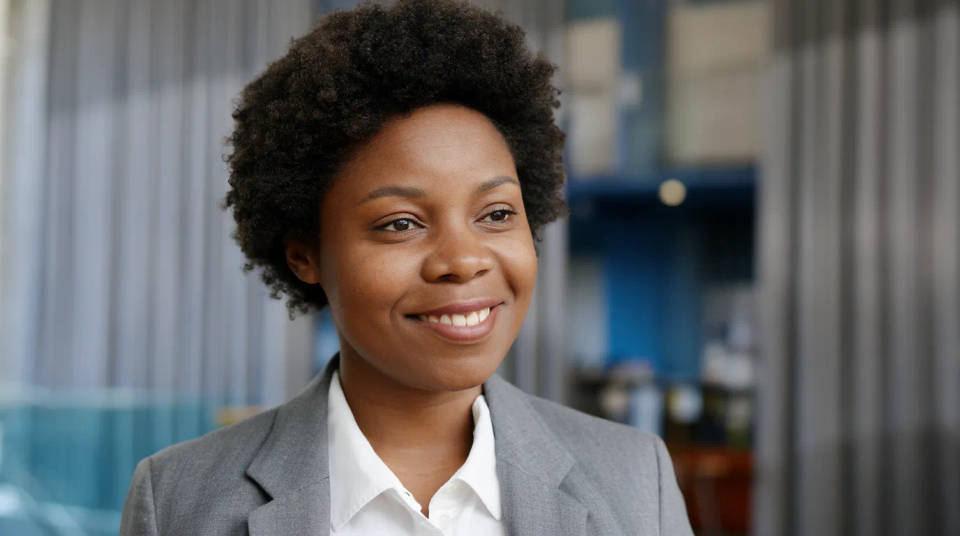
Prompt examples
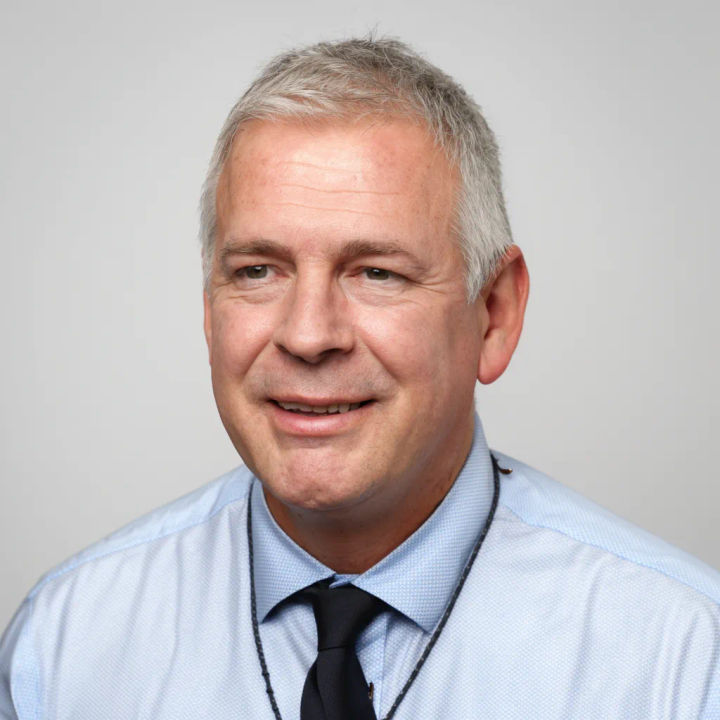
Neutral grey studio
Turn this selfie into a professional profile photo on a neutral grey studio background with soft even lighting
Edit prompt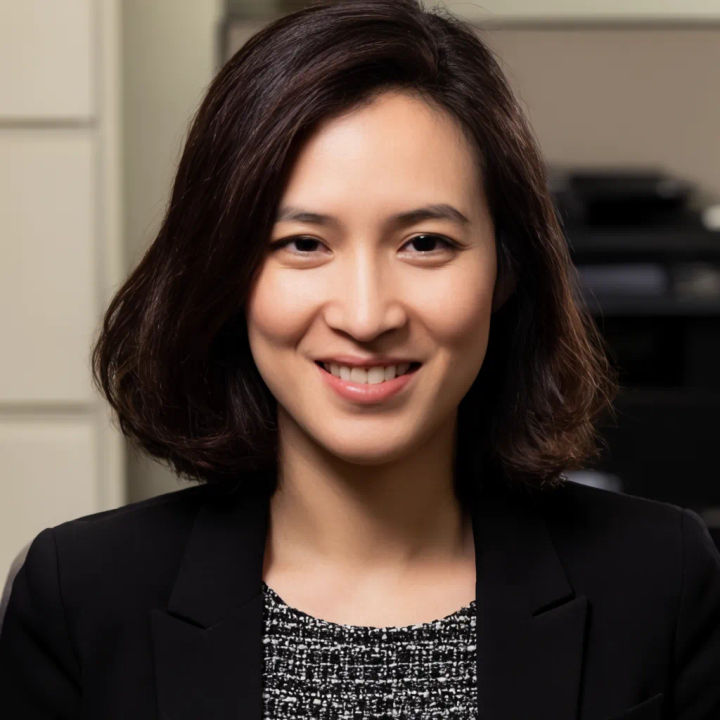
Soft office background
Place me on a softly blurred modern office background and keep my face exactly as it is
Edit prompt
Plain white backdrop
Clean up the background to plain white and even out the lighting on my face
Edit prompt
Fix harsh light
Remove the harsh shadow across my face and light it evenly for a professional look
Edit prompt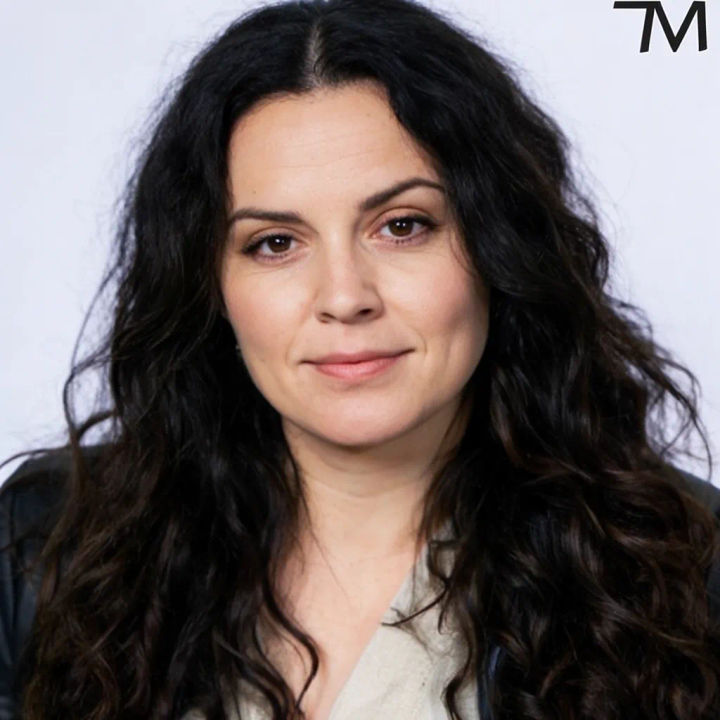
Head-and-shoulders crop
Crop this to a square head-and-shoulders profile picture and centre my face
Edit prompt
AI headshot studio
One selfie becomes a set of professional headshots. Studio-quality, multiple styles.
Skin enhancer
Fix plastic-looking AI skin. Adds natural texture, pores, and imperfections for realism.

Image reverse engineer
Get a detailed prompt extracted from a reference image, and then a fresh recreation.

Character age progression
Upload a photo of a person or character and get a single grid image showing them at different life stages, from baby to elderly.

Female AI influencer
Generate a female AI influencer. Vertical output, ready for socials.

Anime style transfer
Pick any anime illustration as your style guide. Apply its look to any image.
All on Morphic
Models
Nano Banana 2, Flux 2 Pro, ChatGPT Images, Grok Imagine, Recraft, Seedream, and more. Switch models when one keeps your likeness better than another.
Headshot generator
Build a full set of professional headshots from your photos when you need more than one look.
Background generator
Swap in a neutral, office, or branded backdrop behind your portrait in a click.
Image to image
Edit and restage any photo through the same engine that powers the profile picture maker.
