Every image model
One workspaceMerch you can design
Design a merch drop in three steps
- 01
Open Morphic
Sign up and start creating on a free-flowing, infinite visual canvas.
- 02
Describe the artwork
Name the graphic, the type, and the colorway. Drop in a logo to keep the whole drop consistent.
- 03
Generate and export
The model places one artwork across every product. Review each mockup, then export the range.
Use cases
See a drop on every product
A graphic that looks great on a tee might crowd a mug or float on a tote. Generate the artwork once and Morphic places it across the range so you judge the fit for real. Seeing the whole drop together, in one colorway, is the fastest way to catch what needs resizing before a print run.
Band and creator merch
Musicians, streamers, and creators need a cohesive line without a design studio. Describe the vibe and your logo, and the model builds a matching set of tees, hoodies, and accessories. Because a rerun costs nothing, you can test a bold graphic and a subtle one against the same products before your fans see them.
Print-on-demand listings
POD stores live and die on the mockup. Generate clean product visuals from one design and use them as listing images and social teasers. Keep any slogan short and proofread each item, then hand the final artwork to your POD platform for the production file.
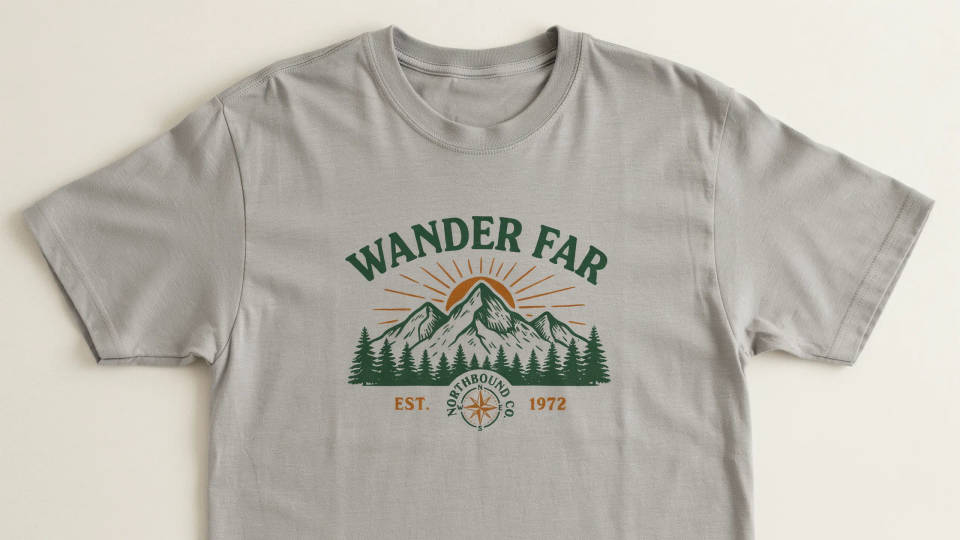
Event and team swag
Conferences, launches, and team offsites need swag that matches the brand. Describe the event artwork and colors and generate the full kit — shirts, totes, stickers, and mugs — as one consistent set. Pitch it as a visual proof, get sign-off, then send the approved artwork to your supplier.
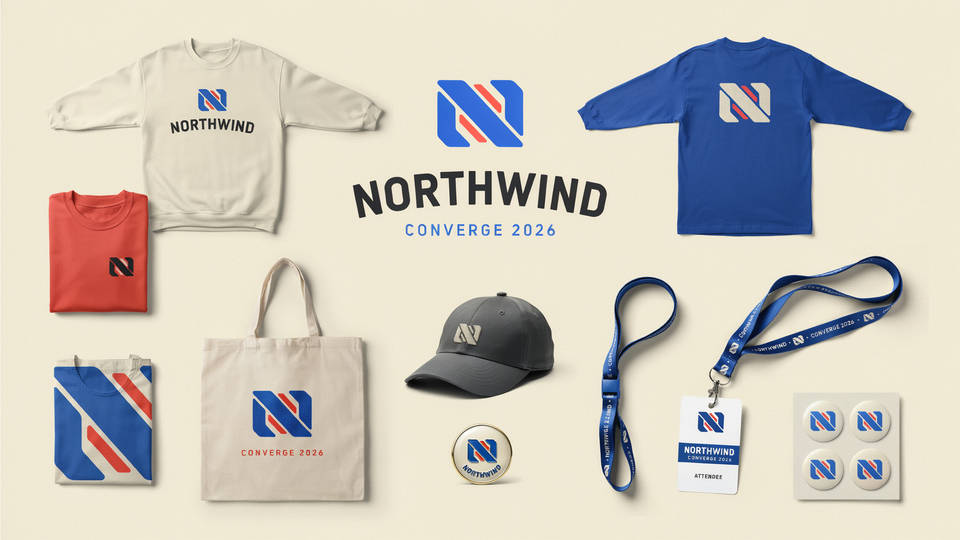
Prompt examples
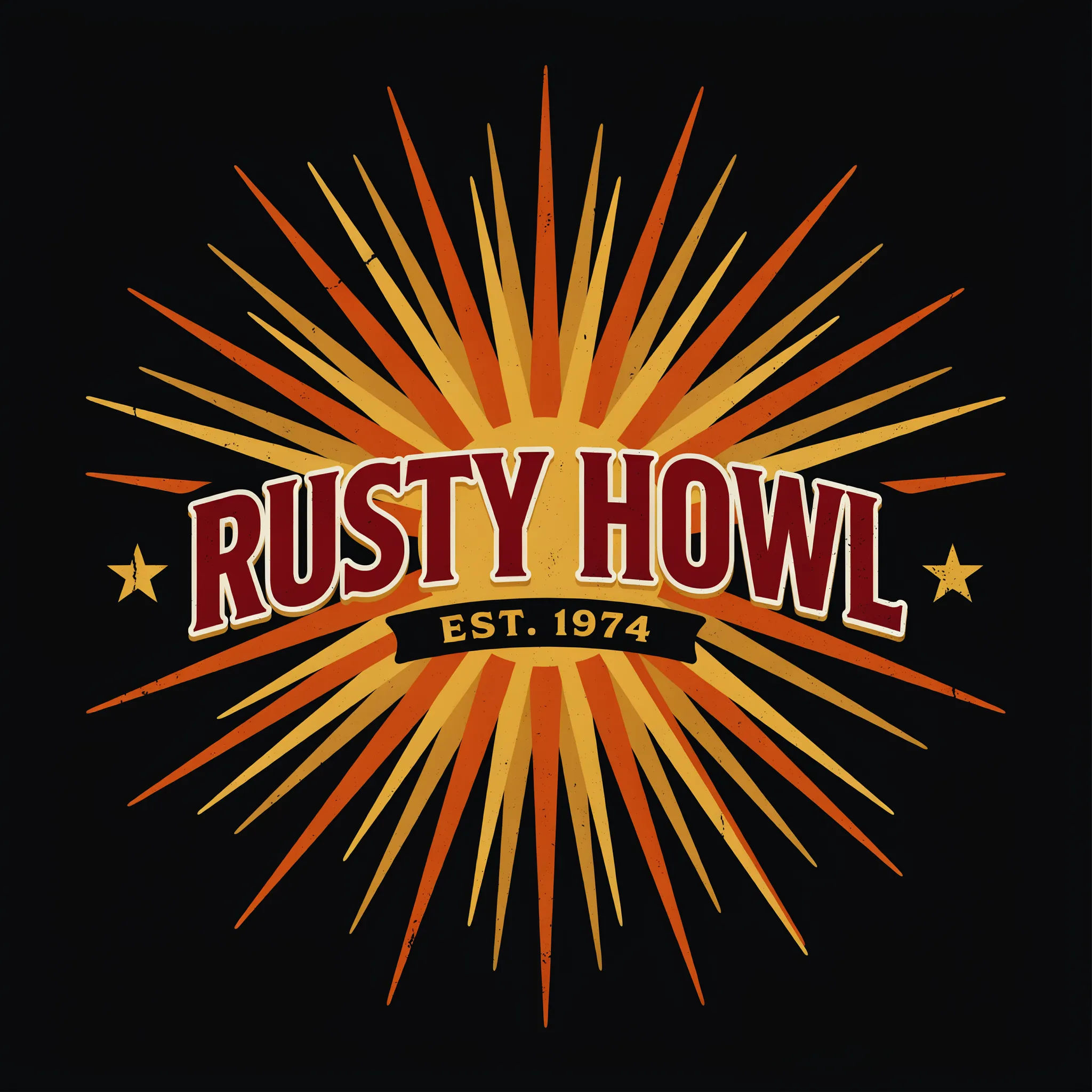
Retro band tee
A vintage rock band graphic on a black t-shirt, distressed sunburst design, bold slogan, warm retro colors, front-center placement
Edit prompt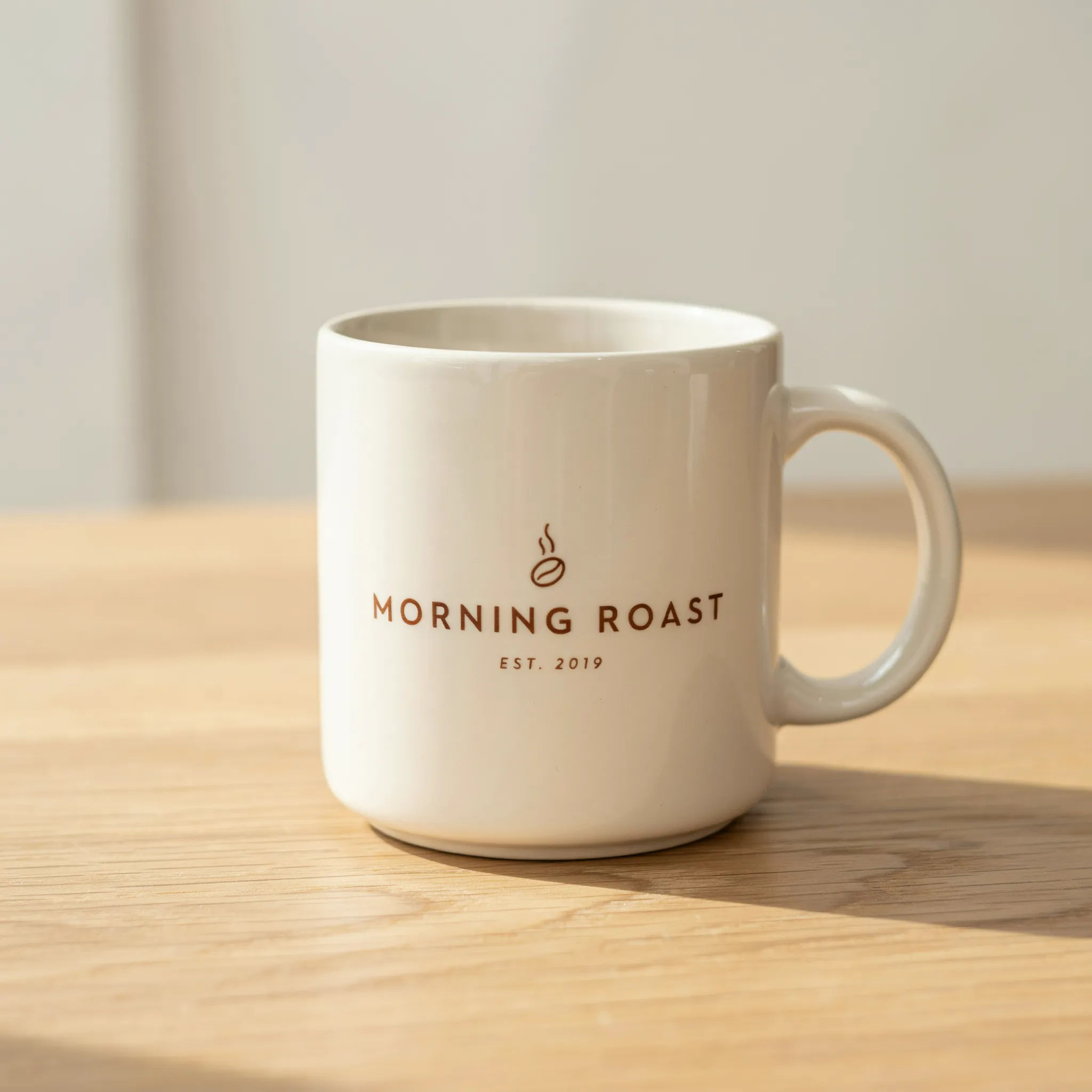
Coffee shop mug
A minimalist coffee shop logo on a cream ceramic mug, single-line wordmark, warm brown palette, clean product photo on a wooden table
Edit prompt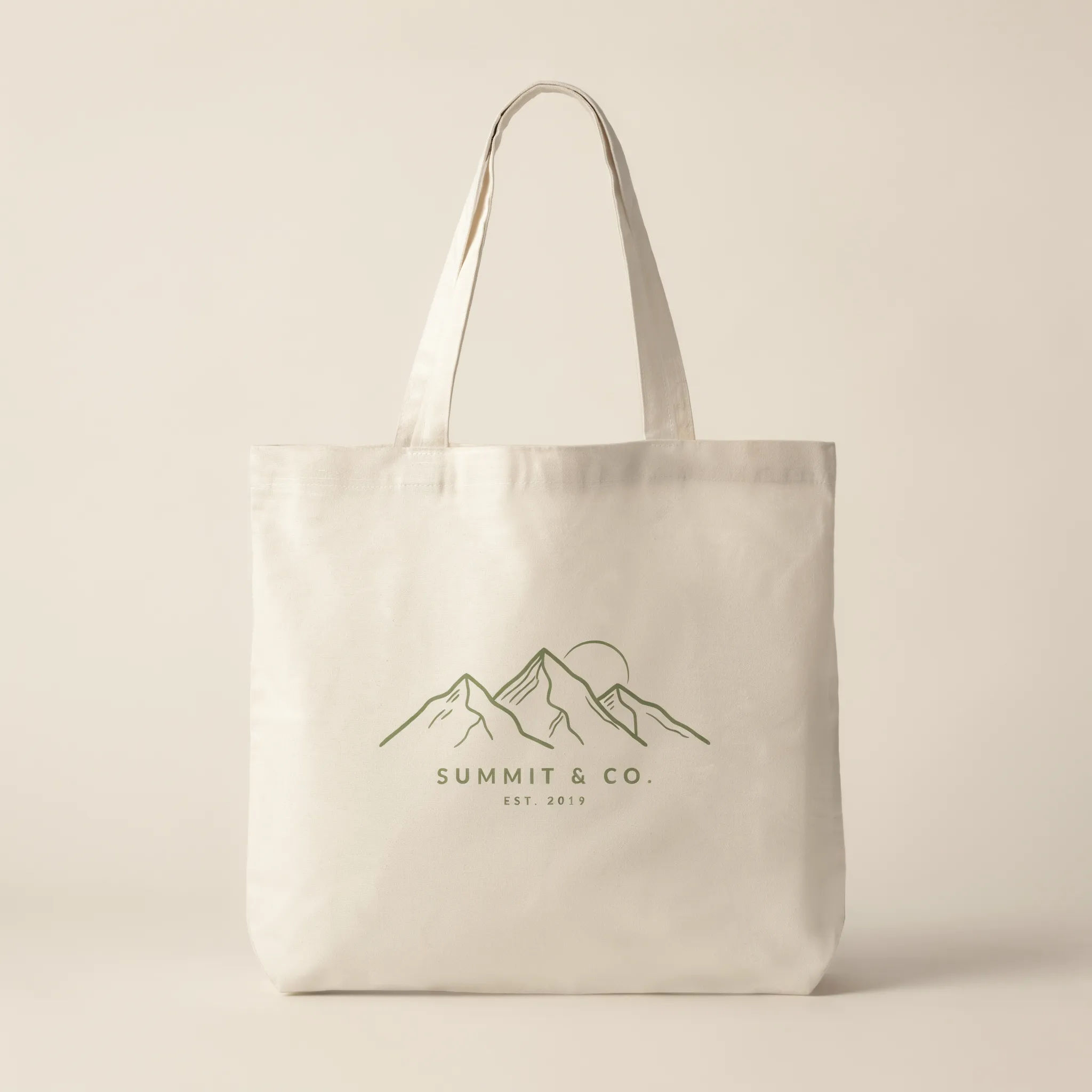
Outdoor brand tote
A natural canvas tote bag with a line-art mountain range graphic, earthy green ink, small wordmark below, studio product shot
Edit prompt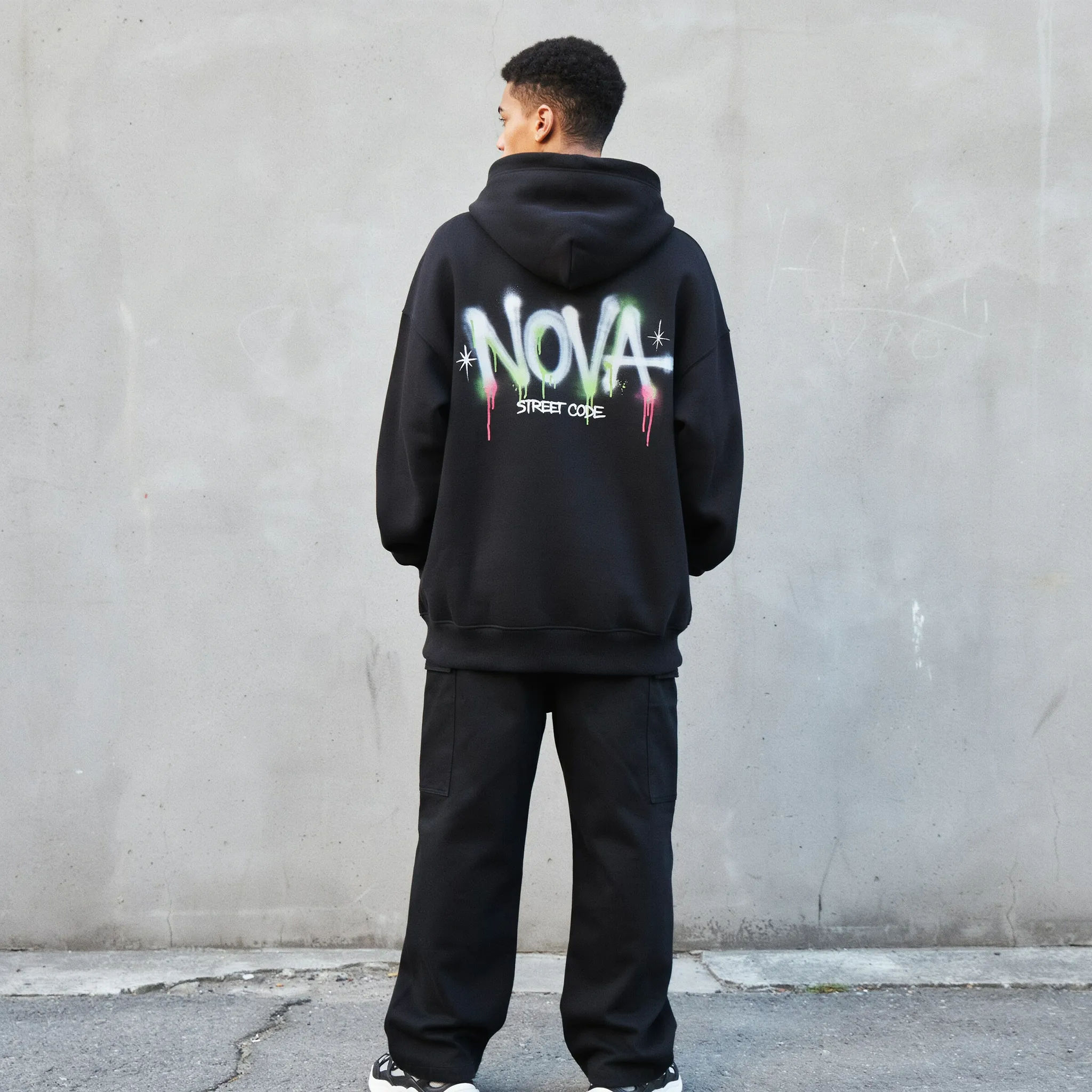
Streetwear hoodie
A black oversized hoodie with a bold graffiti-style back print, neon accents, urban streetwear look, model wearing it against concrete
Edit prompt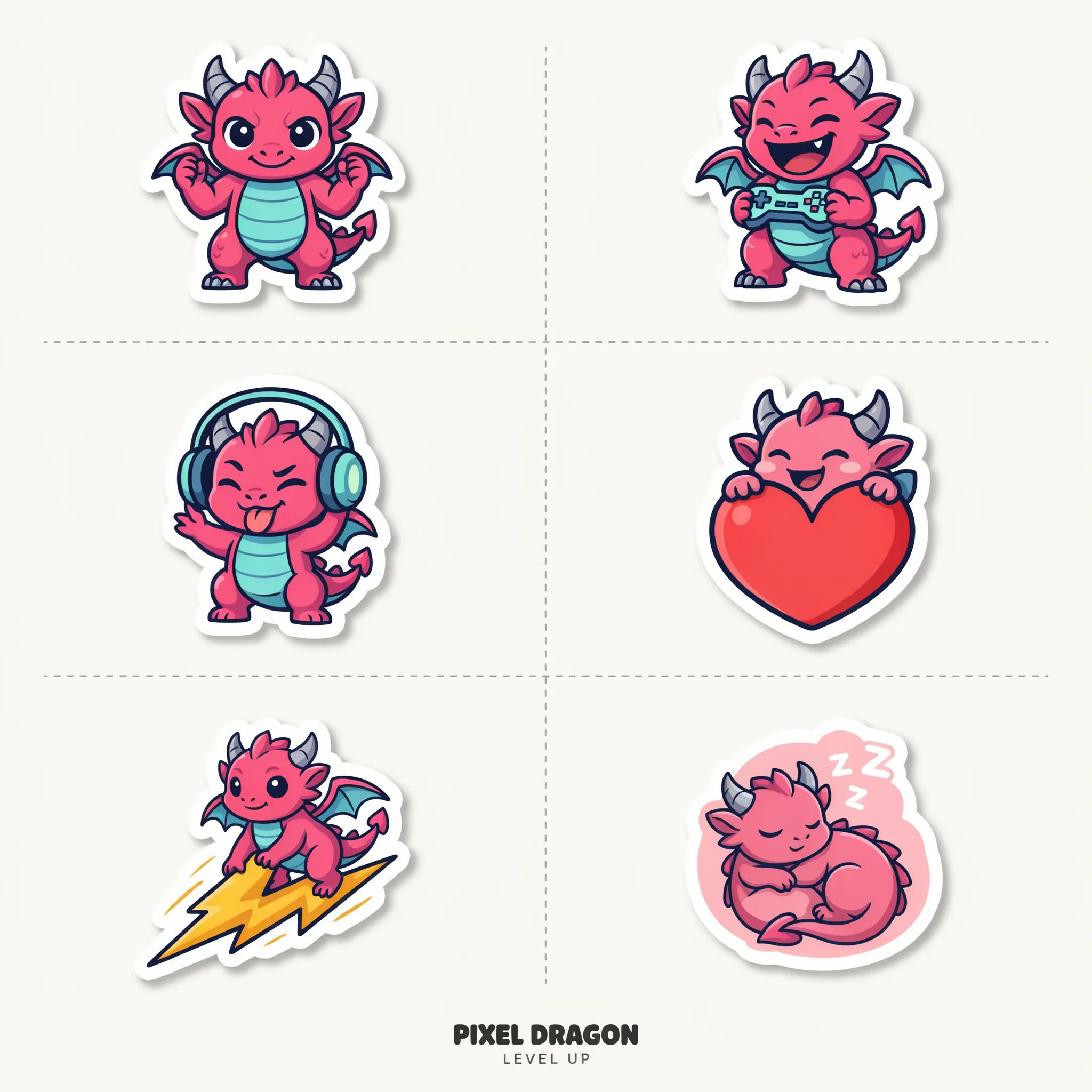
Sticker pack
A sheet of die-cut vinyl stickers for a gaming brand, playful mascot in several poses, bright saturated colors, white borders
Edit prompt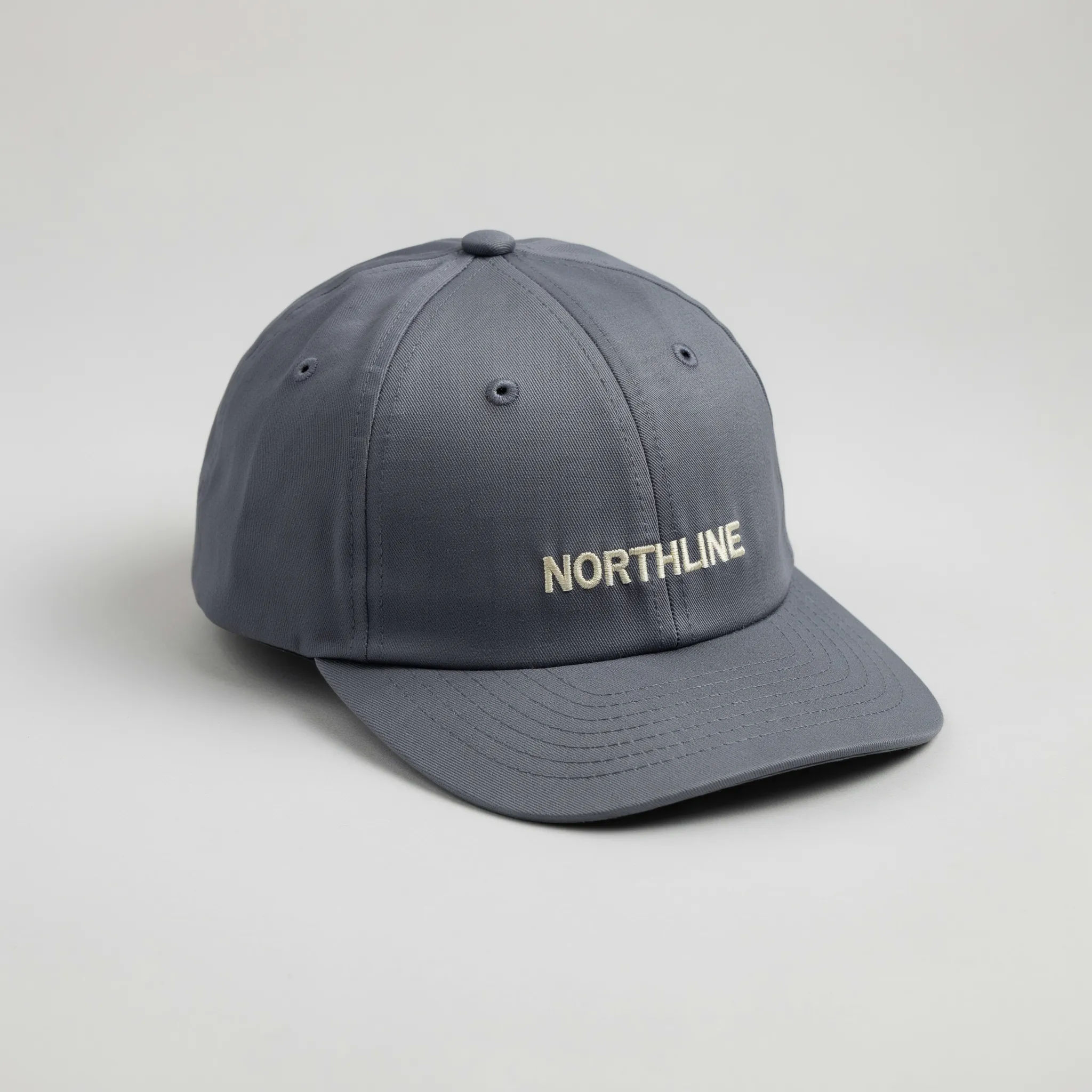
Snapback cap
A structured snapback cap with a small embroidered wordmark on the front, muted navy fabric, clean product photo on a neutral background
Edit prompt
Cinematic storyboard
Share a scene description with character references. Get a full storyboard with shot angles and mood.

Anime sticker pack
Turn any image into anime-style stickers in PNG. Ready for messaging apps or social media.

Expressions
Take any character image and generate 6 distinct facial expressions on a single reference sheet.

Messages to cinematic scene
Dramatize any text conversation into a cinematic multi-shot video.
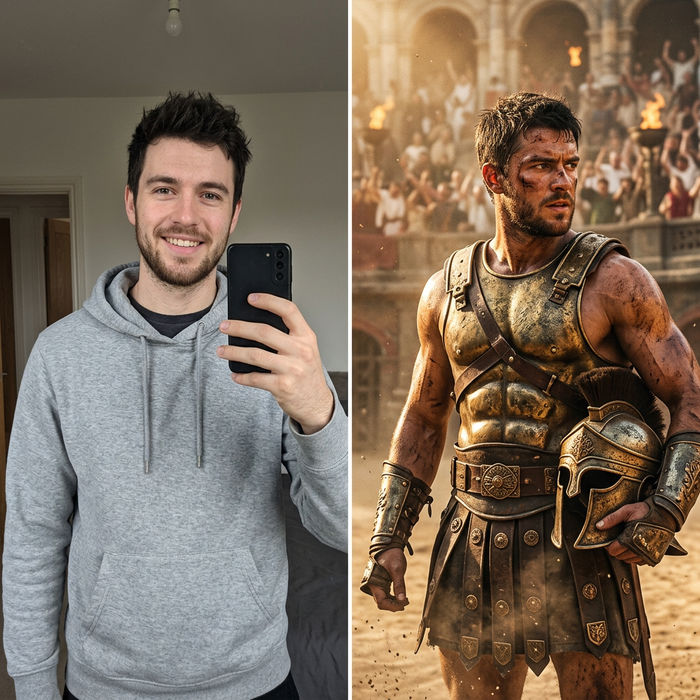
Character look book
Character photo plus costume descriptions. Multiple styled looks across angles and lighting.

Title sequence
Generate a professional film title card from scratch, with optional cinematic animation.
All on Morphic
Your complete merch design kitModels
Nano Banana 2, Flux 2 Pro, ChatGPT Images, Grok Imagine, Recraft, Seedream, and more. Swap models when a graphic needs cleaner type or sharper print detail.
T-shirt design generator
Focus on the apparel graphic first, then carry that design across the rest of the drop.
Mockup generator
Place any artwork on realistic product mockups for listings, pitches, and social teasers.
Text to image
Generate any merch graphic from a written description and compare directions side by side before you print.
