Every video model
Video on Morphic
Key features
Sub-3-second clips
fal targets a finished five-second 768p clip in under three seconds, where video usually takes 30 seconds or more.
Post-trained by fal
fal retrained H3's open weights on their own data, for stronger prompt adherence and better aesthetics than the base.
Text to video
Describe the scene in words and get moving frames back, with the subject, camera, and light set by what you wrote.
Image to video
Hand it a still image and it animates it, or supply a first and last frame so the motion runs between the two frames.
Native stereo audio
Picture and sound are predicted together, not scored afterwards, so effects, room tone, and lines arrive together.
Prompt expansion control
Choose how much the brief is elaborated before it reaches the model, from none through to the slower, richer pass.
What MiniMax H3 Max generates
Text to video with sound
Write the scene and get moving frames with the audio already in them. Because picture and sound are predicted together, naming the effects you want and the moment a cue lands changes what comes back.
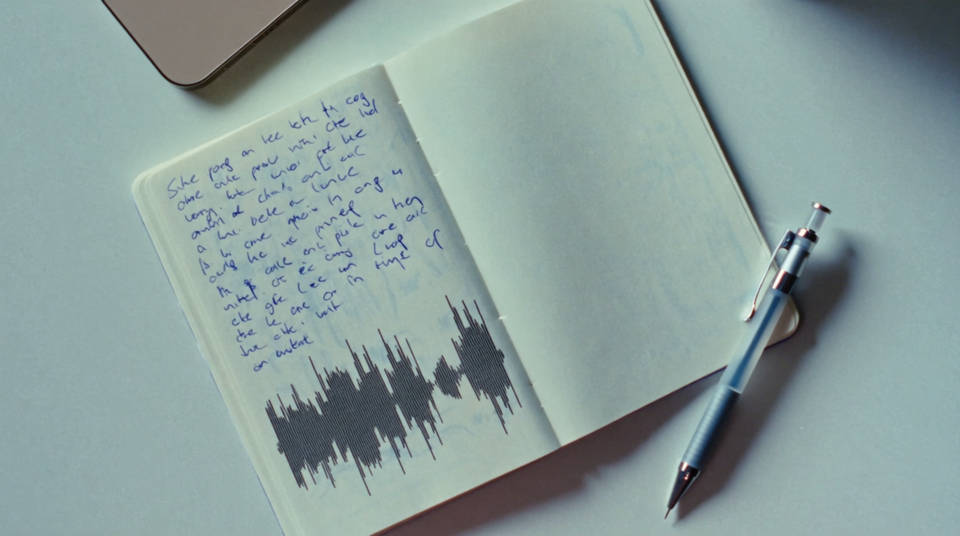
Image to video
Hand it a still and it animates it, or supply a first and last frame so the motion runs between two images you picked. The shape of the output follows the image you supplied.
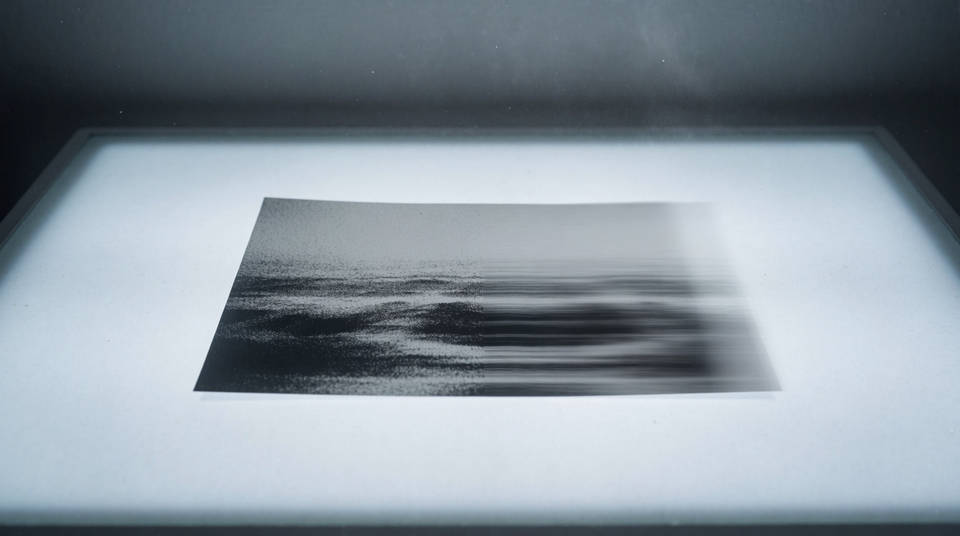
Motion design and titles
Type, grids and kinetic lettering hold their shape, in Latin and in Japanese. Quote the exact words in the brief and they come back spelled correctly rather than approximated.
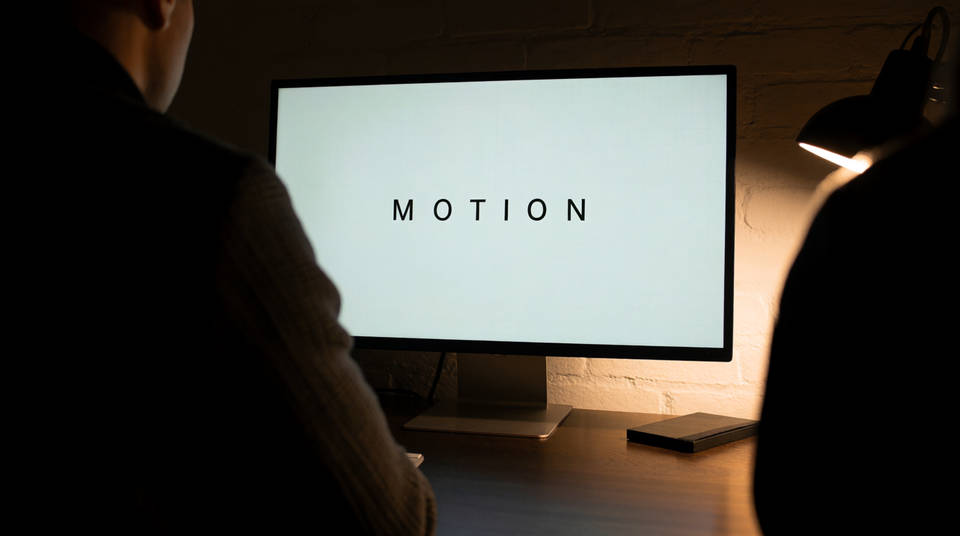
Fast iteration
Short clips come back quickly enough to judge as finished motion rather than as a storyboard, so twenty directions get tried in the time one long render would take.
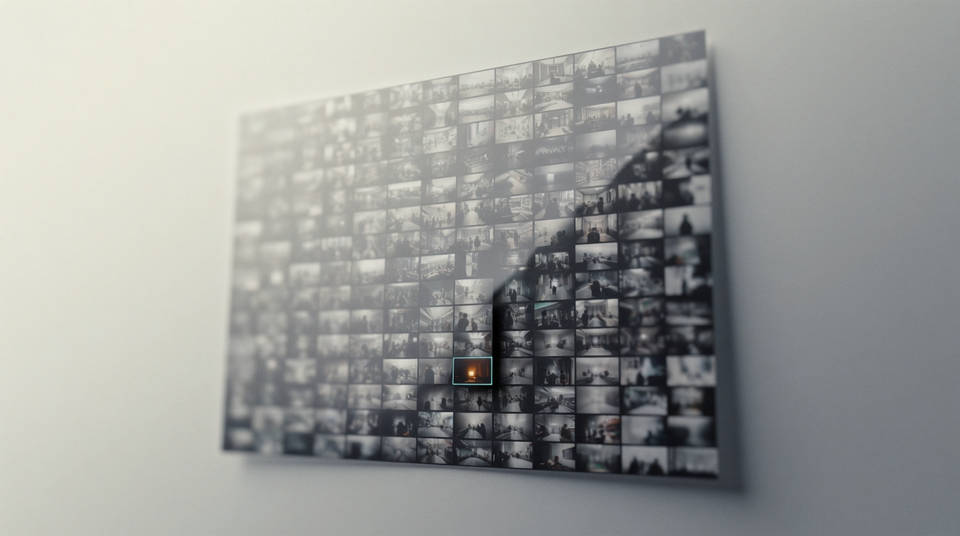
Generate a video in three steps
- 01
Open Morphic
Sign up and start generating on a free-flowing, infinite visual canvas.
- 02
Write the shot as an arc
Subject, action, camera, light, and the sound you want. Say how the frame changes across the take, not just what sits in it.
- 03
Generate and refine
Render in minutes. Swap models and compare takes side by side on the Canvas.
Cinematic scene
One image to a 9-scene cinematic video.
Time-freeze effect
Cinematic time-freeze short film for any scene
Runway walk
Get a runway walk video clip with virtual try-on built in from a garment photo and a model photo.
Fashion reel
Upload a garment, and get a 27-second fashion reel with 9 styled shots.
Short film creator
Go from any idea to a finished short film with scenes, visuals, video, and music.
Motion transfer
Pair a character image with a reference video. Your character picks up that exact motion.
All on Morphic
Models
MiniMax H3, Seedance 2.5, Kling 3.0, Veo 3.1, and more. Pick the one that fits the shot and swap mid-project.
Frames to video
Set two or more keyframes, describe the motion, and Morphic fills the in-between. Time Control tunes how long each frame holds.
Lip sync
Match a performance to a recorded line, or give a character a different voice, without regenerating the shot around them.
Workflows
Turn a finished sequence into a one-click Workflow. Rerun it, share the link, or favorite it for fast reuse.
