Every image model
Sketches from a single photo
Convert a photo to a sketch in three steps
- 01
Open Morphic
Sign up and start creating on a free-flowing, infinite visual canvas.
- 02
Upload your photo
Drop in the picture you want drawn and name the medium, pencil, charcoal, or clean line art.
- 03
Generate and export
Morphic redraws it while keeping the likeness. Adjust the line weight, rerun, then export.
Use cases
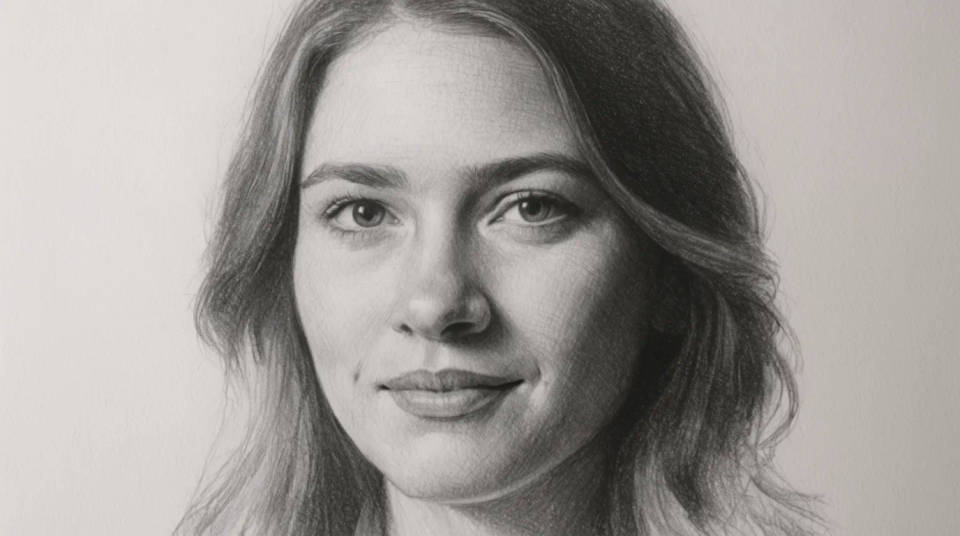
Pencil portraits from a photo
Turn a headshot or family photo into a graphite portrait that still looks like the person. The converter keeps the features and expression from your upload and changes only the rendering. It is a quick way to get a hand-drawn feel from an ordinary picture, ready to frame or gift.
Line drawings for print and merch
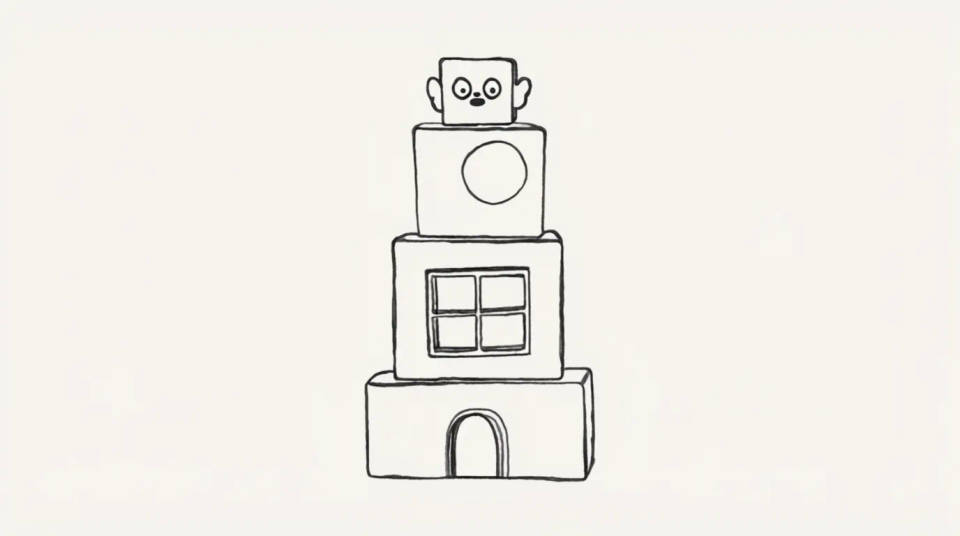
A clean single-weight outline reproduces well on shirts, tote bags, stickers, and stationery. Convert a product or mascot photo into crisp line art, then scale it up without the muddiness a photo would show at large sizes. The flat, high-contrast look also prints cheaply in one or two colours.
Architectural and real estate sketches
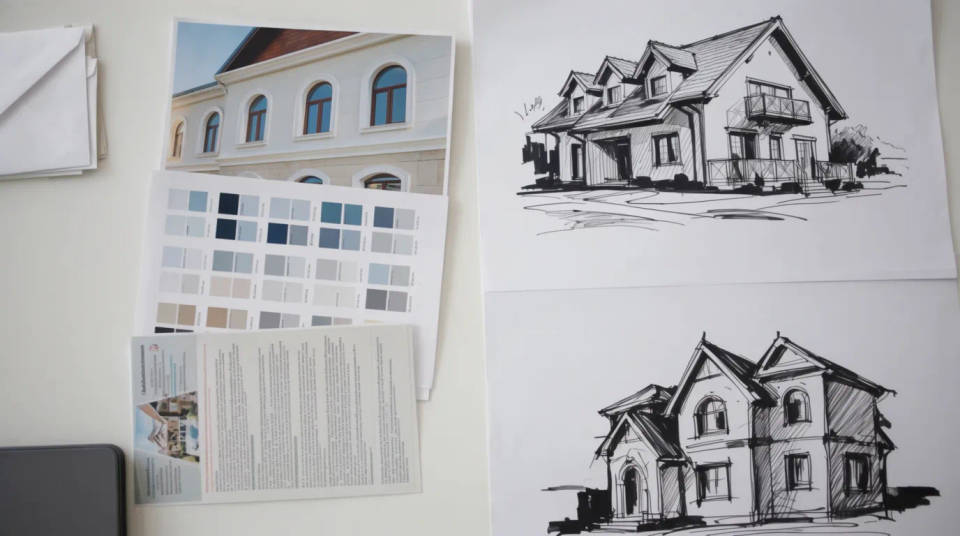
House exteriors and interiors suit a measured line drawing that plays up the structure and plays down the noise of a real photo. Estate agents and architects use the sketch look for brochures and concept boards. The building keeps its true proportions because the drawing is traced from your shot, not imagined.
Pet portraits in graphite
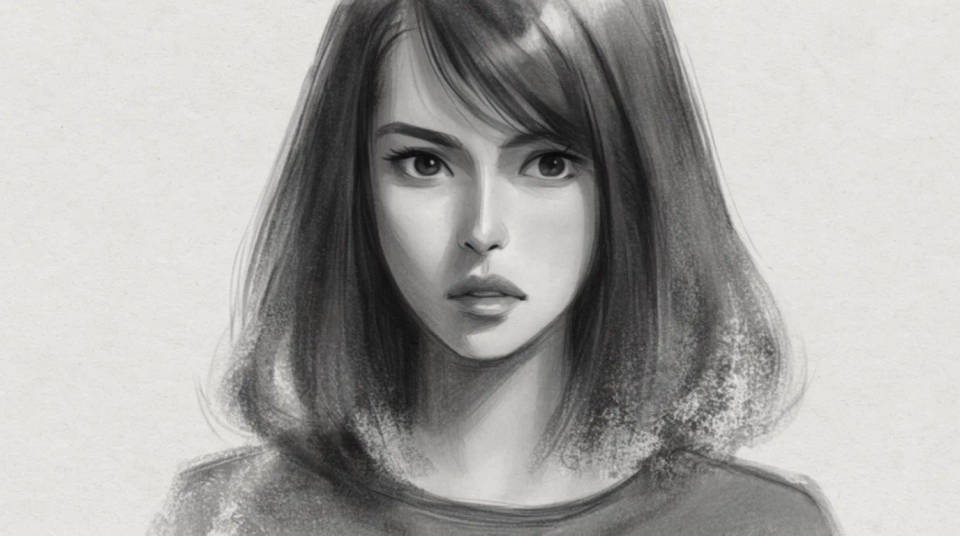
A pet photo becomes a soft graphite study that keeps the fur texture and the tilt of the head. Because the sketch is built from the original image, the markings and the eyes stay recognisable rather than turning generic. It makes a personal keepsake or a print for a pet owner.
Prompt examples
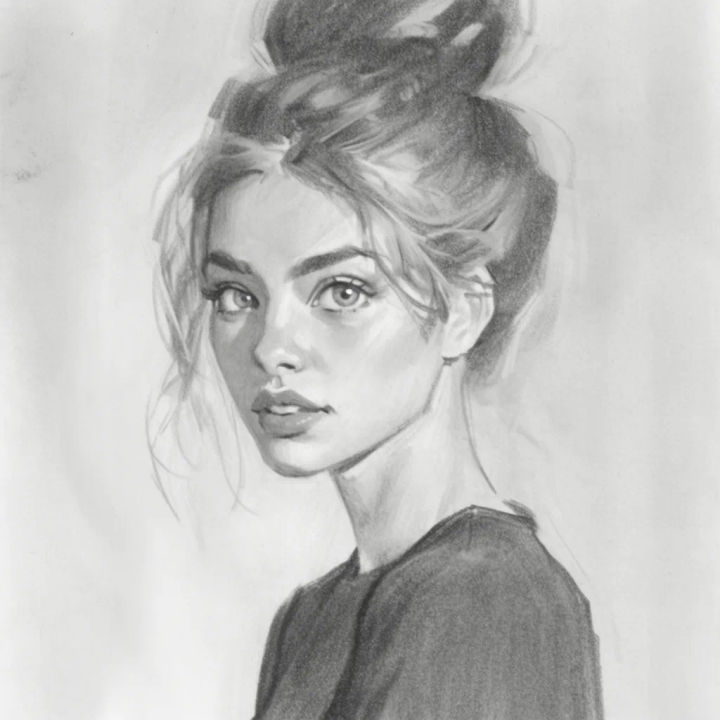
Soft pencil portrait
Redraw this portrait as a soft graphite pencil sketch with gentle shading, keep the likeness
Edit prompt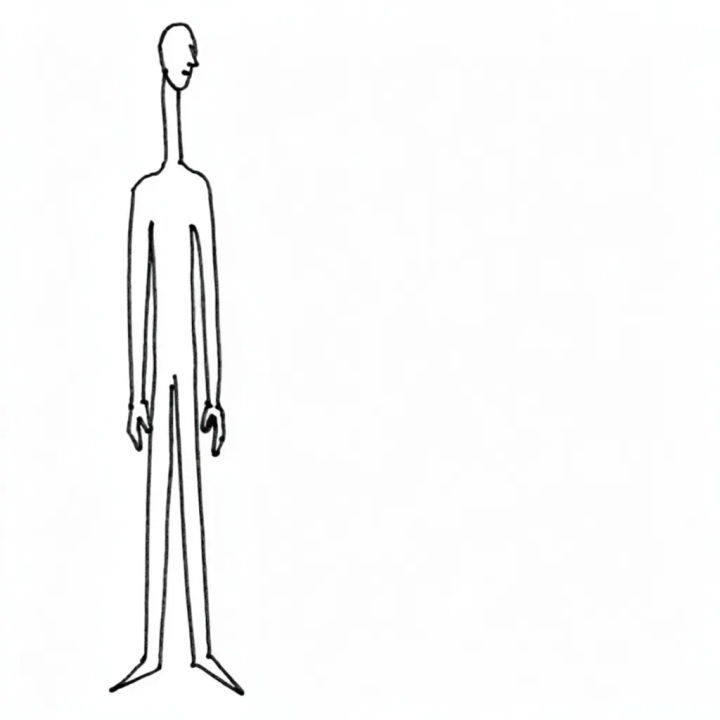
Clean line art
Convert this photo into clean single-weight black line art on a white background
Edit prompt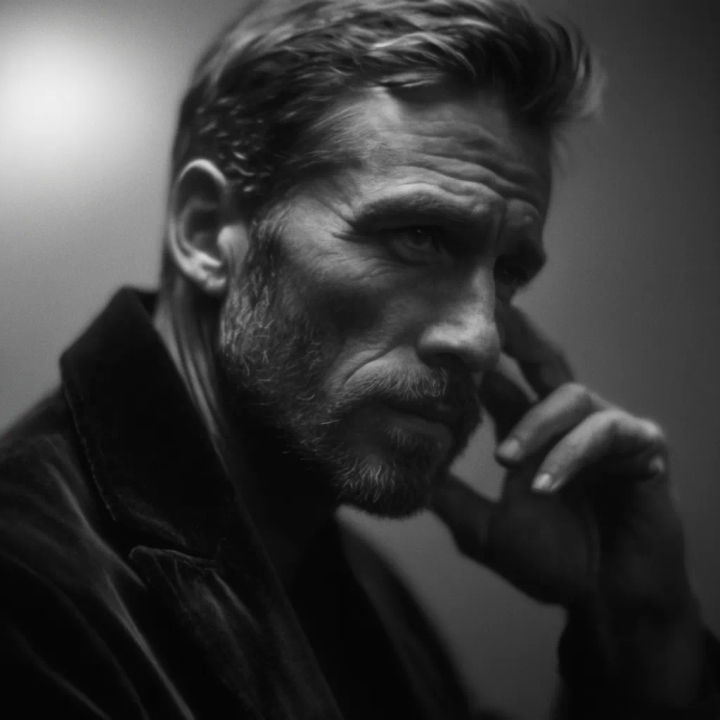
Charcoal drawing
Render this as a dramatic charcoal drawing with deep shadows and smudged texture
Edit prompt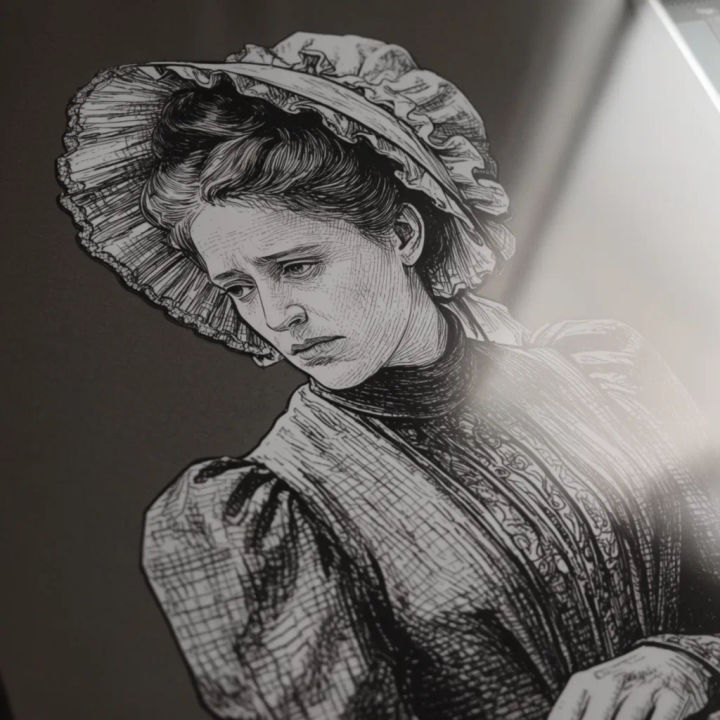
Cross-hatched ink
Turn this into a cross-hatched pen and ink illustration in a vintage engraving style
Edit prompt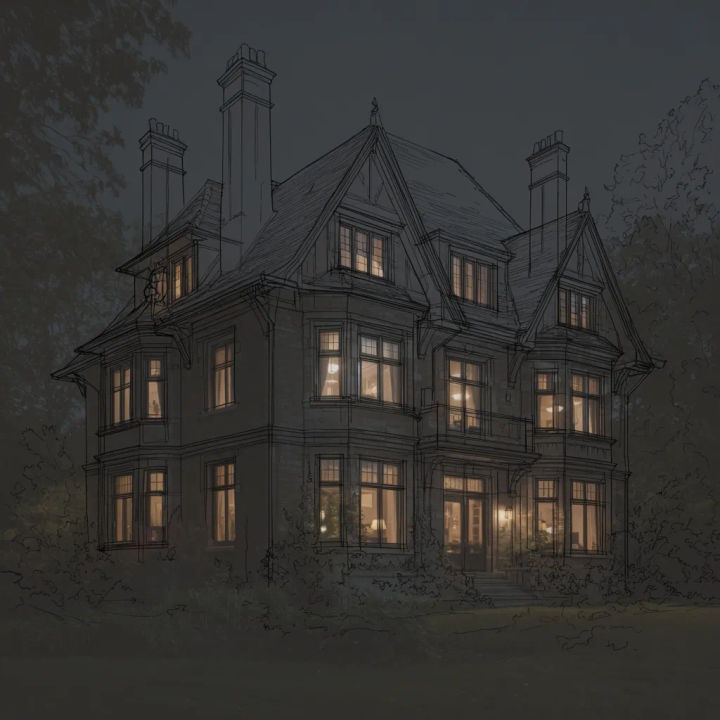
Architectural sketch
Draw this house as a precise architectural line sketch, keep the proportions accurate
Edit prompt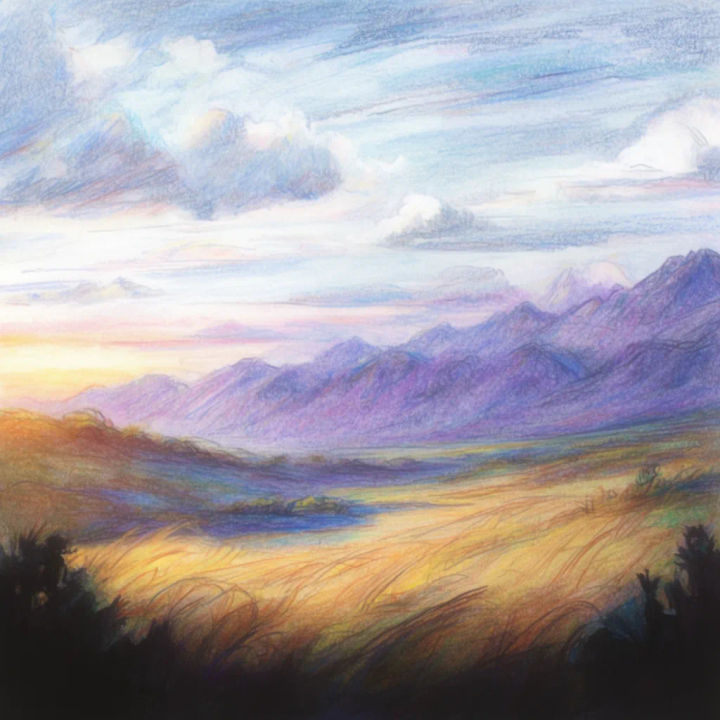
Colored pencil
Sketch this landscape in coloured pencil with light, loose strokes and visible paper texture
Edit prompt
Sketch to render
Turn any sketch or drawing into a finished render.

Chibi sprite animation
Turn any photo or description into an animated chibi sprite. Dance, jump, wave, attack, and more.
Art style transfer
Pick a reference image, apply its visual style to your own photo or artwork.

Anime style transfer
Pick any anime illustration as your style guide. Apply its look to any image.

Expressions
Take any character image and generate 6 distinct facial expressions on a single reference sheet.

Character lineup
All your characters on a single lineup image, side by side with height comparison.
All on Morphic
Models
Nano Banana 2, Flux 2 Pro, ChatGPT Images, Grok Imagine, Recraft, Seedream, and more. Swap models when a sketch style needs cleaner lines or richer shading.
Photo to cartoon
Take the same photo the other way, into a bold, coloured cartoon rather than a pencil or ink drawing.
AI style transfer
Push a photo into any artistic style, from a painter's brushwork to a comic panel, beyond the sketch look.
Image to image
Restyle and redraw any photo from your original, the same method that keeps the likeness in every sketch.
