Every image model
Transparent logos you can export
Make a transparent logo in three steps
- 01
Open Morphic
Sign up and start creating on a free-flowing, infinite visual canvas.
- 02
Design the mark
Describe a bold, simple logo and render a few directions to choose from.
- 03
Separate and export as PNG
Lift the mark onto transparency, check the edges, and export a clean PNG.
Use cases
A logo for your website header
A transparent PNG drops straight onto a dark or colored header without a white box giving it away. Design the mark, cut it cleanly off its background, and export it ready to place. The same file works in the footer, the favicon area, and anywhere else the logo needs to sit on color.
Watermarks and overlays
Place a subtle logo over photos, videos, or documents to mark them as yours. Because the background is empty, only the mark shows, so it layers cleanly at any opacity. Export once and reuse the same transparent file across every image you want to stamp.
Merch and print
A clean cut-out mark drops onto a t-shirt, a mug, a sticker, or a tote without a visible box around it. Keep the logo bold and simple so it holds up small and in one color, then export a high-resolution PNG your print supplier can place directly onto the product.
Social profiles and app icons
Profile pictures and app tiles look sharper when the mark sits on your chosen color rather than a mismatched square. Export the logo on transparency, drop it onto the exact background you want, and it reads cleanly across every platform, at large and tiny sizes alike.
Prompt examples
Icon mark
Bold minimal fox head logo mark, single warm orange color, thick clean lines, centered, plain background for easy cut-out
Edit prompt
Monogram
Simple monogram logo from the letters S and V, geometric, single navy color, high contrast, plain background
Edit prompt
Leaf mark
Minimal leaf logo mark for a wellness brand, single sage green color, smooth clean edges, centered on a plain background
Edit prompt
Emblem badge
Circular emblem logo for a coffee roaster, bold single-color line art, compact and simple, plain background for clean separation
Edit prompt
On a dark header
The fox head mark in white, placed on a dark charcoal website header, clean edges, no box around it
Edit prompt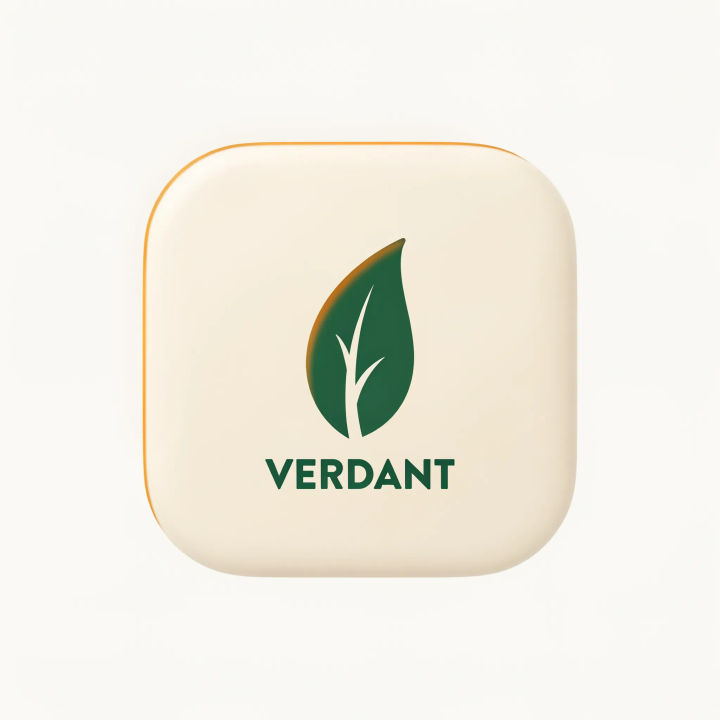
App icon
The leaf mark centered on a rounded app icon tile in soft cream, clean edges, crisp at small sizes
Edit prompt
Sketch to render
Turn any sketch or drawing into a finished render.

Anime sticker pack
Turn any image into anime-style stickers in PNG. Ready for messaging apps or social media.

Cinematic storyboard
Share a scene description with character references. Get a full storyboard with shot angles and mood.
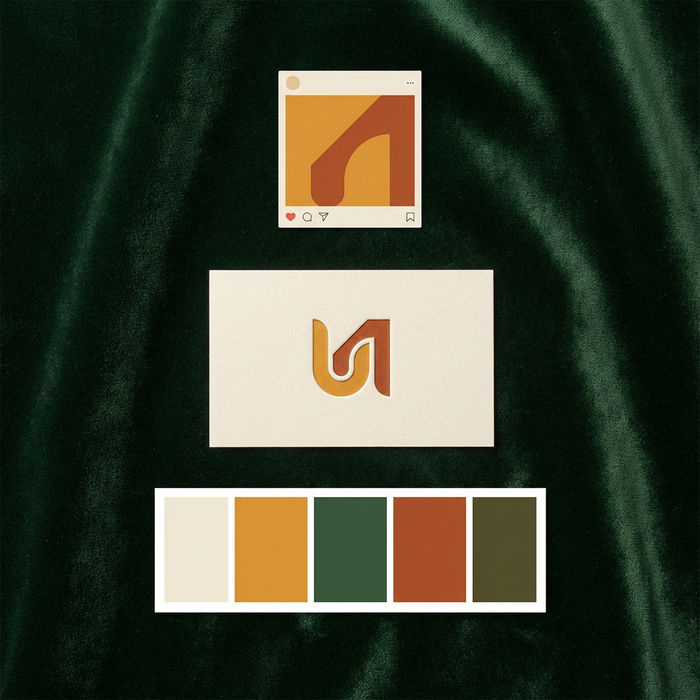
Brand launch kit
Get logo concepts, social media templates, color palettes, and marketing collateral in one go.

Expressions
Take any character image and generate 6 distinct facial expressions on a single reference sheet.

Character lineup
All your characters on a single lineup image, side by side with height comparison.
All on Morphic
Models
Nano Banana 2, Flux 2 Pro, ChatGPT Images, Grok Imagine, Recraft, Seedream, and more. Swap models when one renders a cleaner, simpler mark to cut out.
Logo generator
Design and explore the mark itself, with a wider range of layouts and directions, before you export the transparent file.
Icon generator
Turn your logo into a matching set of transparent icons for a site, app, and social profiles.
Text to image
Describe any mark or graphic and render it from a prompt, the same tool behind your logo and its clean export.
