Every image model
One workspacePop art styles you can create
Make pop art in three steps
- 01
Open Morphic
Sign up and start creating on a free-flowing, infinite visual canvas.
- 02
Add a photo or prompt
Upload a photo to convert, or describe the subject. Name the pop art style.
- 03
Generate and refine
Render the print, then compare palettes and layouts side by side on the Canvas.
Use cases
Gifts from a photo
Turn a portrait or a pet photo into a bold pop art print worth framing.
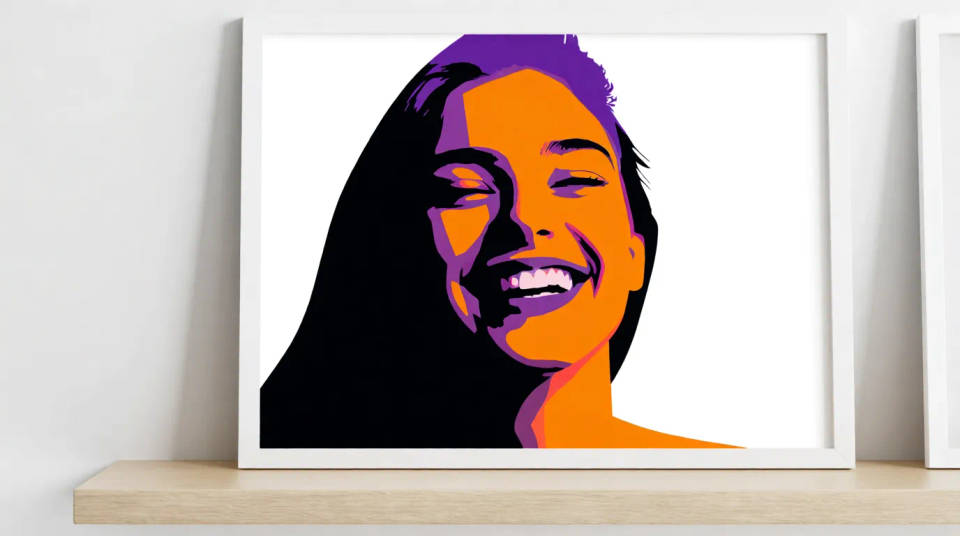
Wall art and prints
High-contrast pieces sized for posters and gallery walls, ready to print.
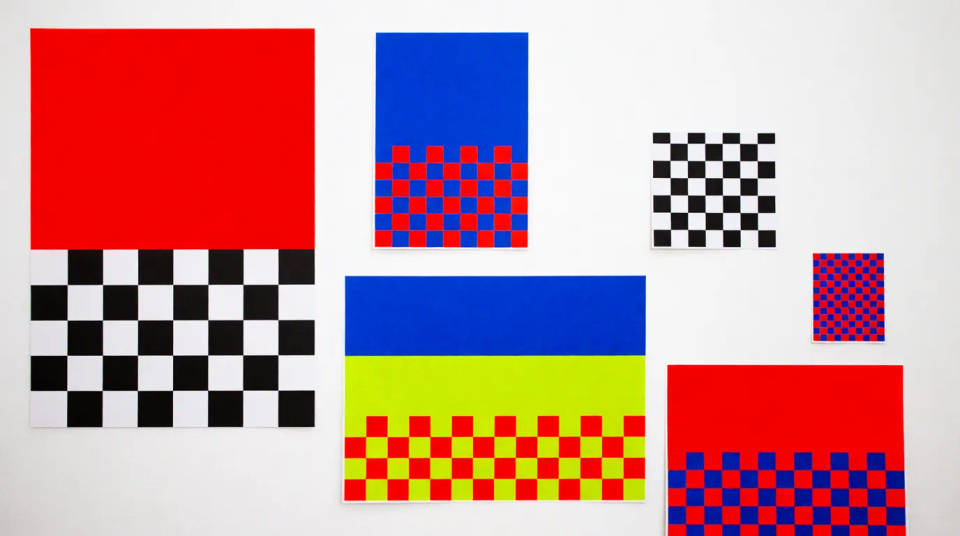
Social avatars
A striking pop art profile picture that stands out in a feed.
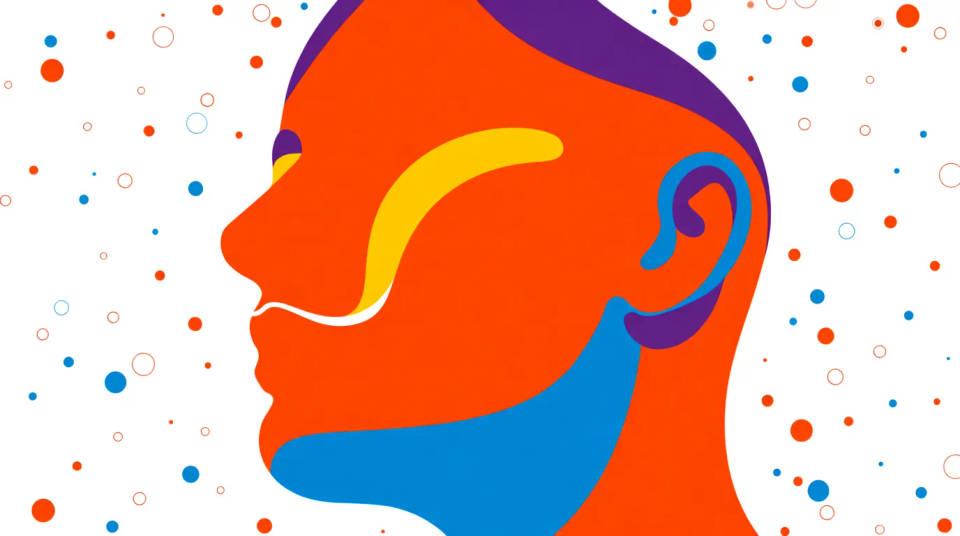
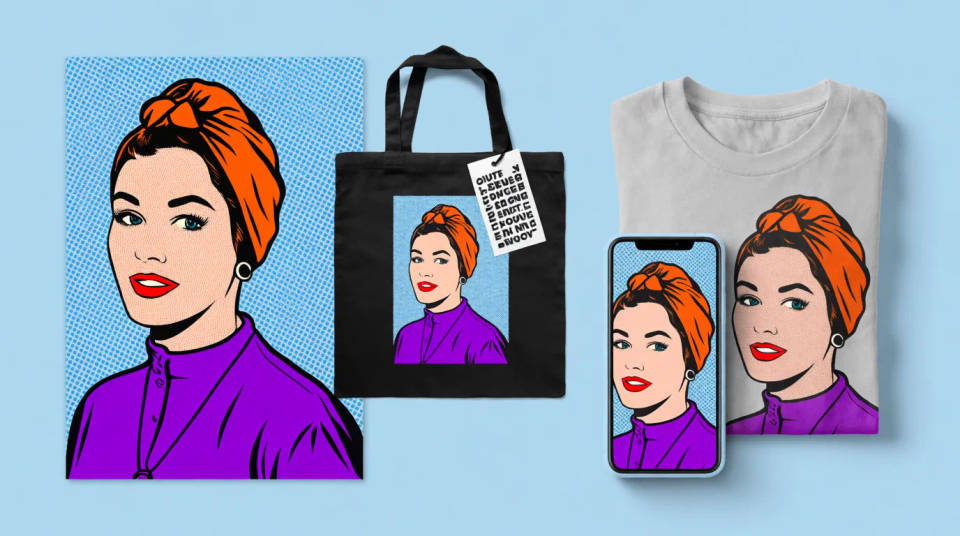
Merch and posters
Screenprint-style art that translates cleanly to shirts, totes, and posters.
Prompt examples
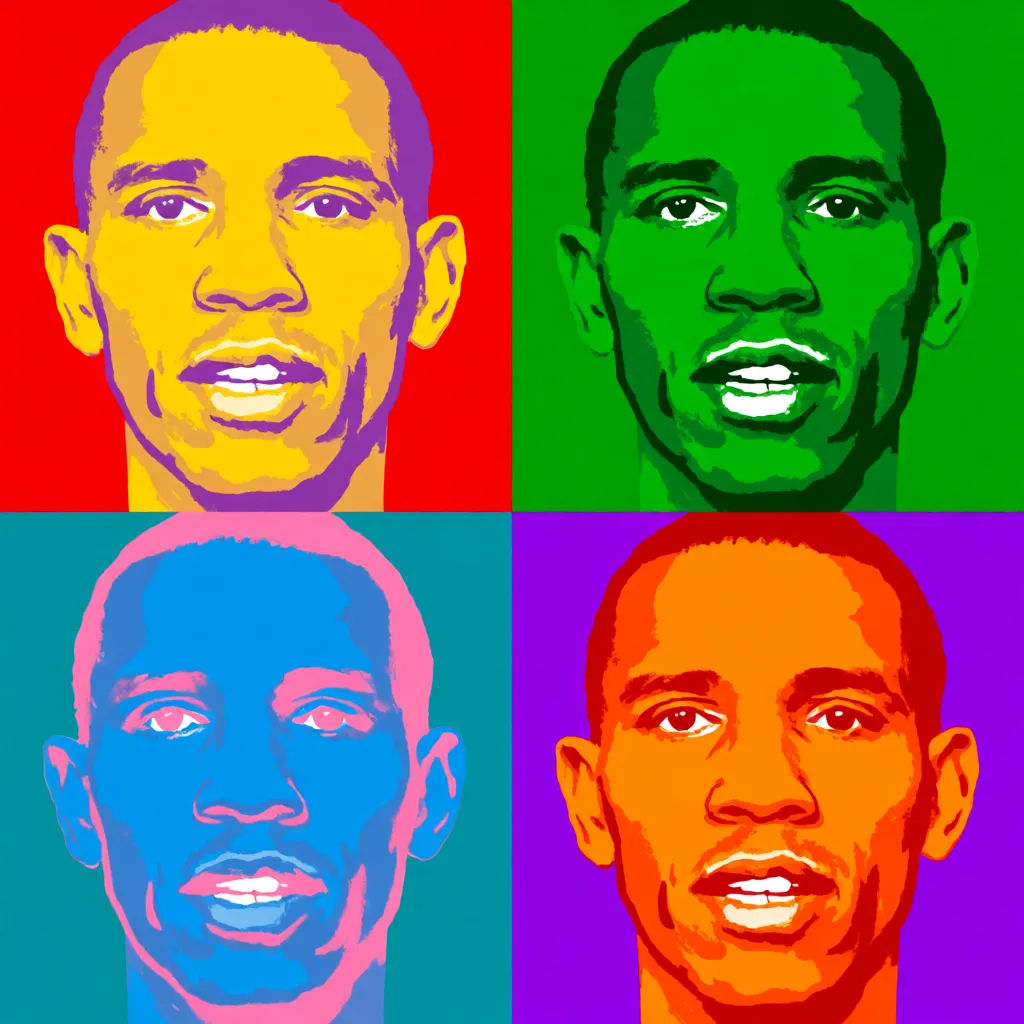
Warhol grid
Warhol-style four-panel portrait grid from a photo, high-contrast flat colors, bold screenprint look, each panel a different palette
Edit prompt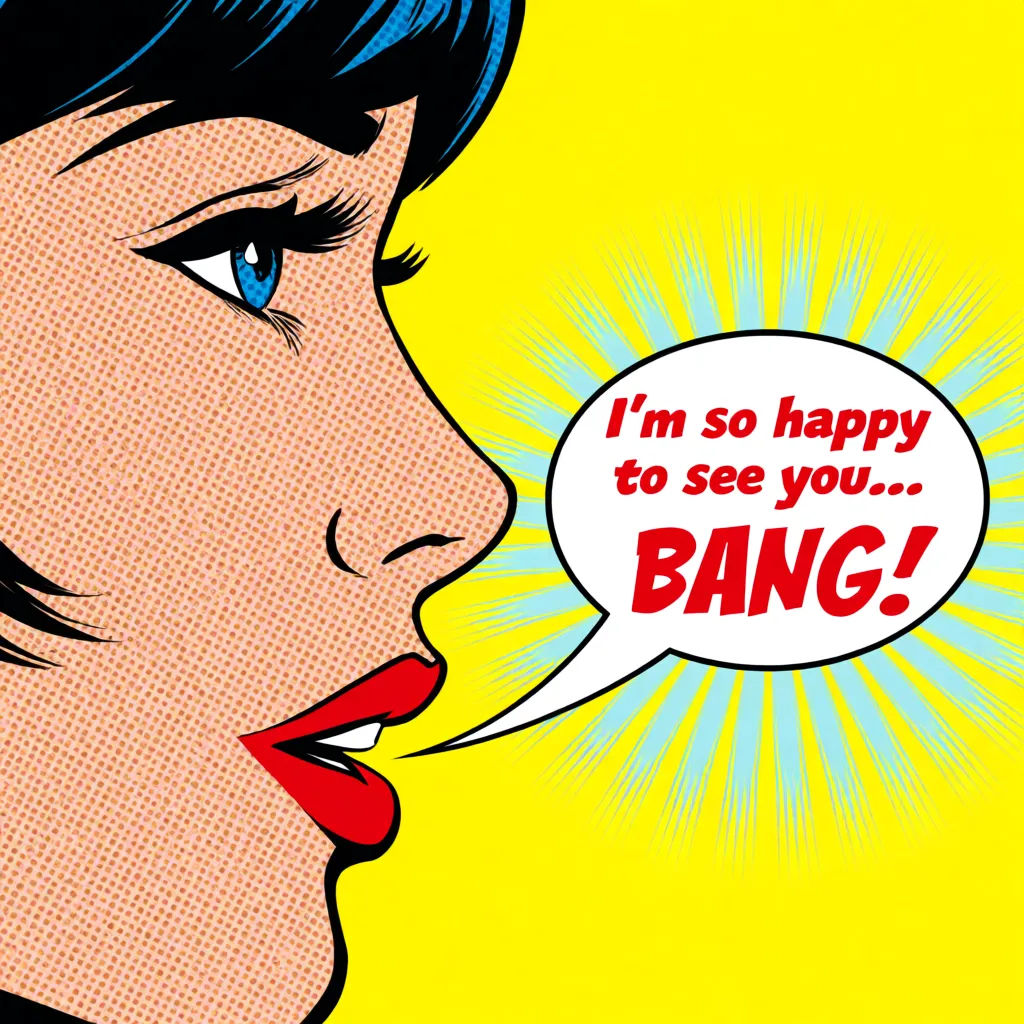
Halftone comic
Comic pop art portrait, thick black outline, halftone dot shading, primary colors, speech bubble, Lichtenstein style
Edit prompt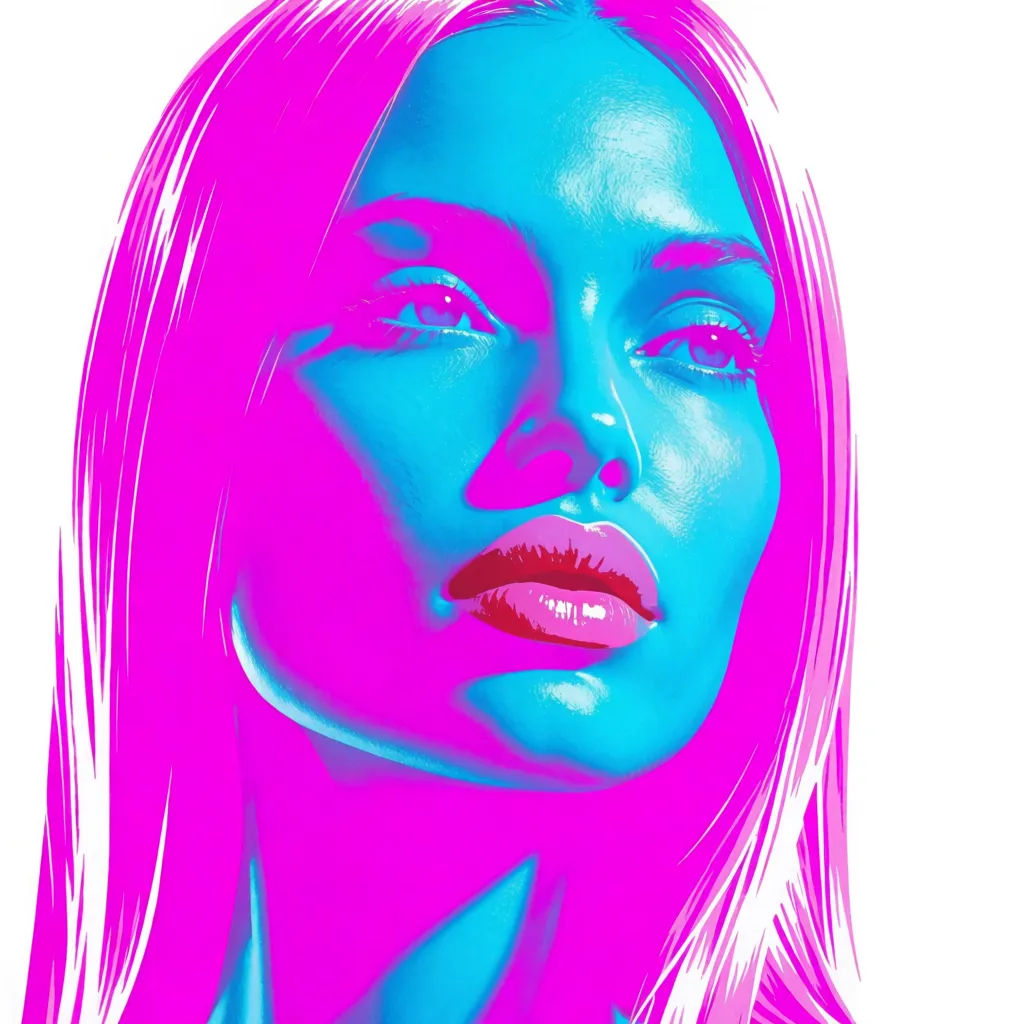
Neon pop
Neon pop art portrait, electric magenta and cyan flats, bold contour lines, glossy modern print look
Edit prompt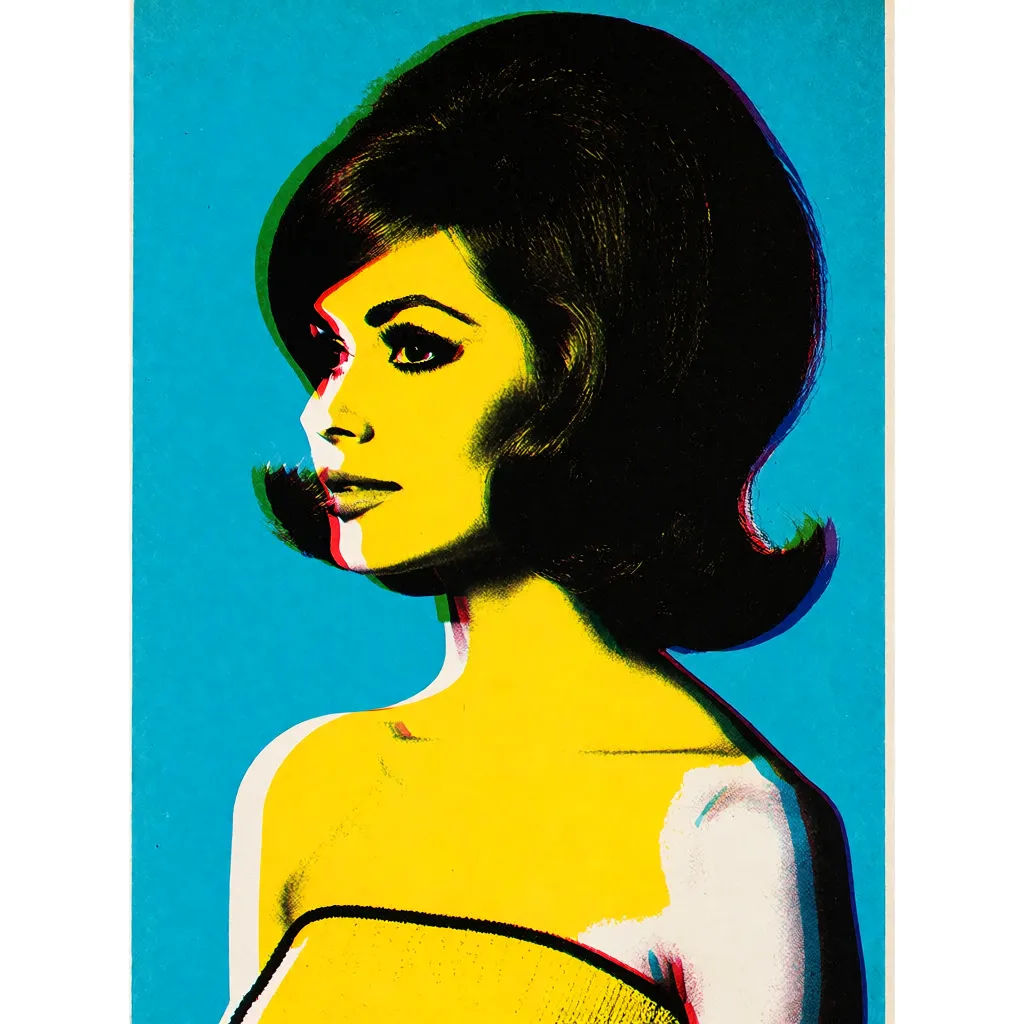
Retro screenprint
Retro screenprint pop art, three-color palette, slight registration offset, textured paper, vintage poster feel
Edit prompt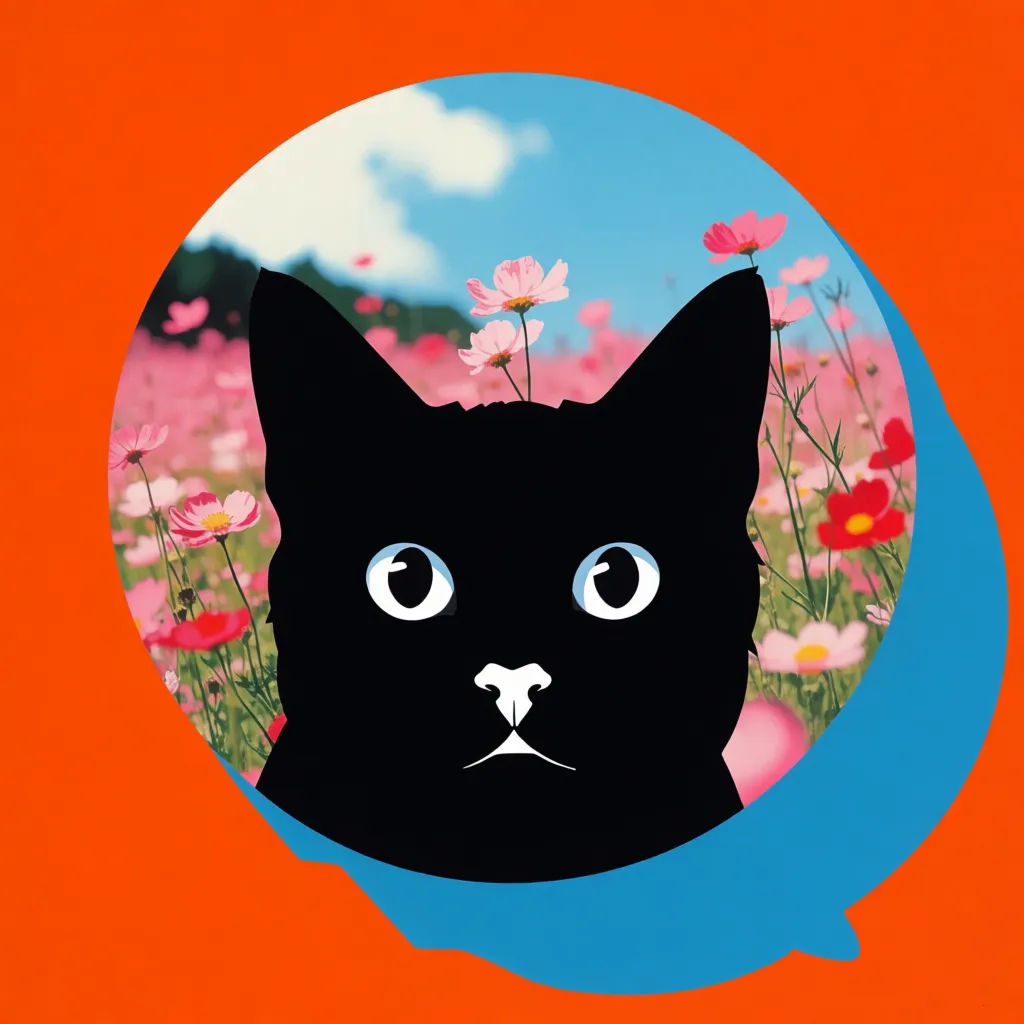
Pop pet portrait
Pop art pet portrait from a photo, bold flat colors, clean outline, playful background blocks, framed print style
Edit prompt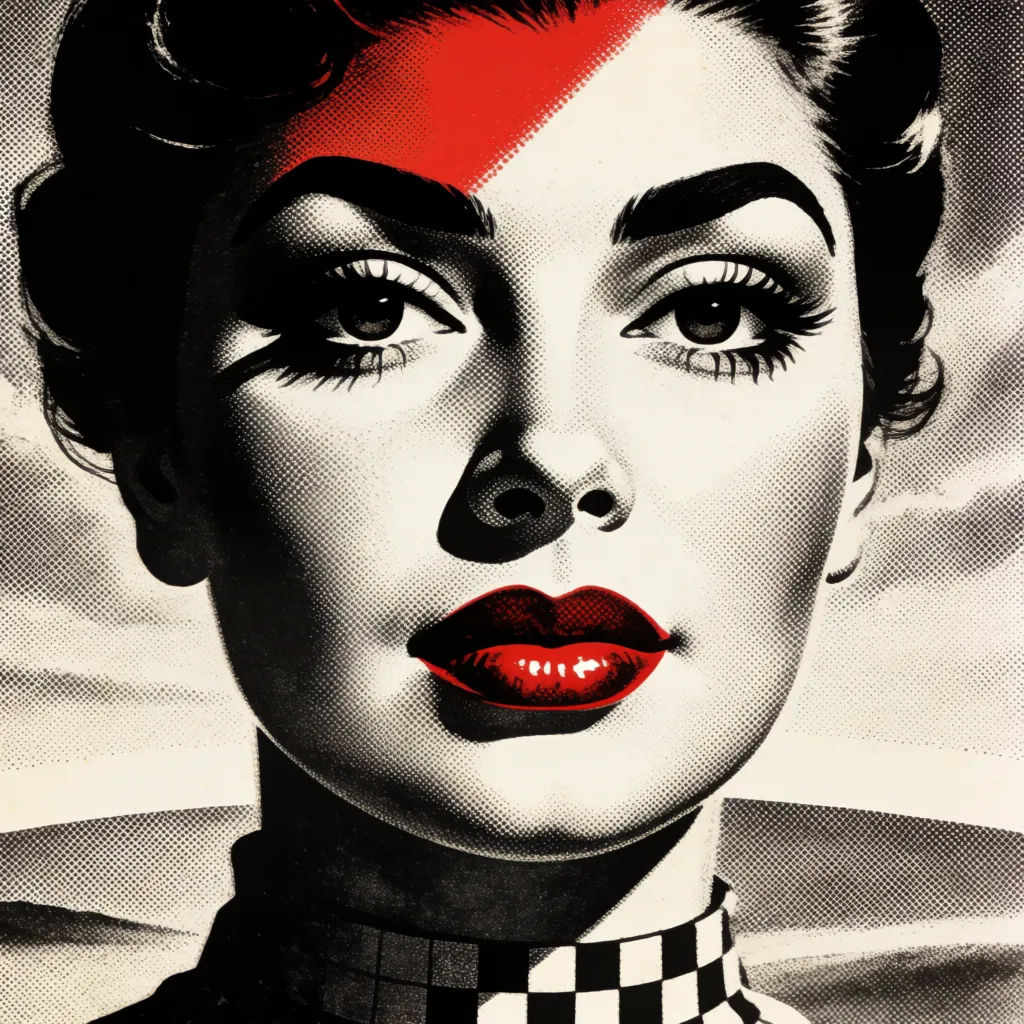
Monochrome pop
Monochrome pop art portrait, single bold accent color on black and white, high-contrast graphic print
Edit prompt
Anime style transfer
Pick any anime illustration as your style guide. Apply its look to any image.

Sketch to render
Turn any sketch or drawing into a finished render.
Art style transfer
Pick a reference image, apply its visual style to your own photo or artwork.

Expressions
Take any character image and generate 6 distinct facial expressions on a single reference sheet.
Aspect ratio
Convert any image to a new aspect ratio. Smart crop or extend the edges to fit.

Character lineup
All your characters on a single lineup image, side by side with height comparison.
All on Morphic
Your complete pop art stackModels
Nano Banana 2, Flux 2 Pro, ChatGPT Images, Grok Imagine, Recraft, and Seedream. Pick the model that nails your print and switch mid-project.
Photo to pop art
Upload any photo and use image-to-image to turn it into a bold pop art print, keeping the subject recognizable.
Change the palette
Re-skin one print with image-to-image. Warhol grid to neon to monochrome, same subject each time.
Workflows
Save your print steps as a one-click Workflow. Rerun it for the next brief or share it with your team.
