Every image model
Postcards you can stage
Mock up a postcard in three steps
- 01
Open Morphic
Sign up and start creating on a free-flowing, infinite visual canvas.
- 02
Upload your artwork
Add the front and, if you have it, the back layout of the card.
- 03
Generate and export
Describe the stock, the surface, and the scene, then export once the edge and shadow read right.
Use cases
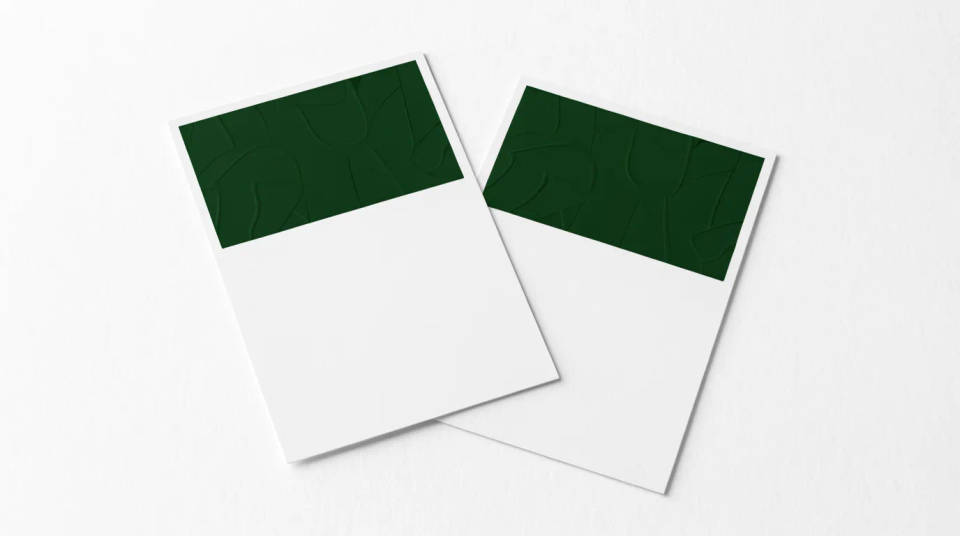
Show both sides of a mailer
A direct mail postcard lives on both faces, the image out front and the offer and address on the back. Generate the pair together so a client sees the whole piece, not just the pretty side. It catches a cramped address block or a weak call to action while the design is still on screen.
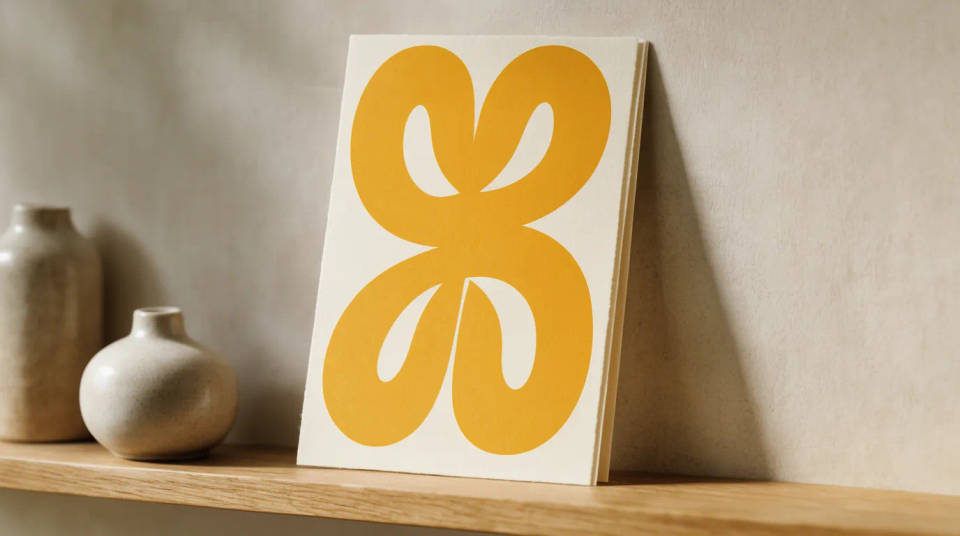
Sell greeting cards and art prints
A greeting card or an art postcard sells on how it feels in a real setting. Stand it on a shelf, lean it against a wall, or pair it with its envelope, so a shopper can picture it received. Swapping the artwork onto the same staged card takes seconds, which fills a whole range from one setup.
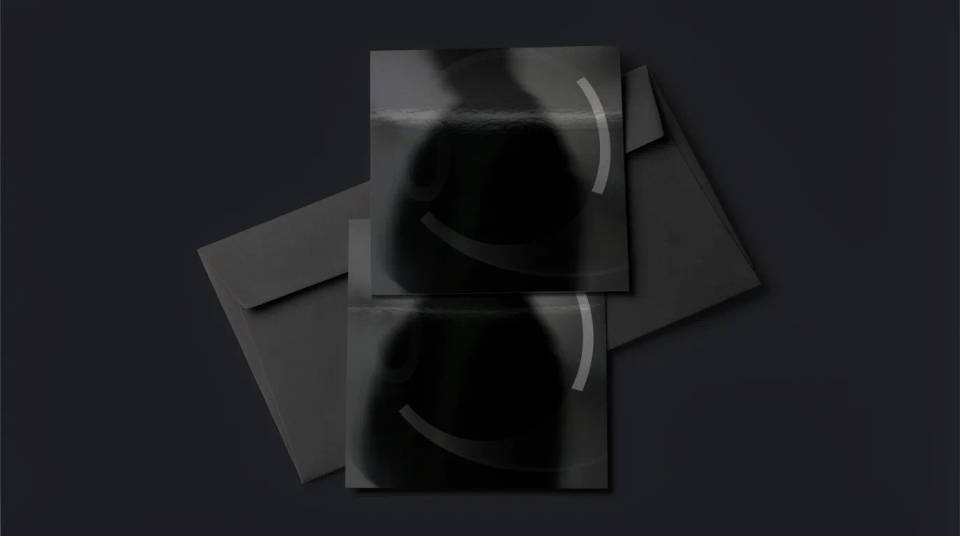
Present event and save the date cards
A save the date or an event invite postcard is easier to approve as a held, photographed card than as a flat file. Show it in a hand or flat lay it with a few props that match the occasion, so the client feels the tone. A date or color change is a regenerate, not a reprint.
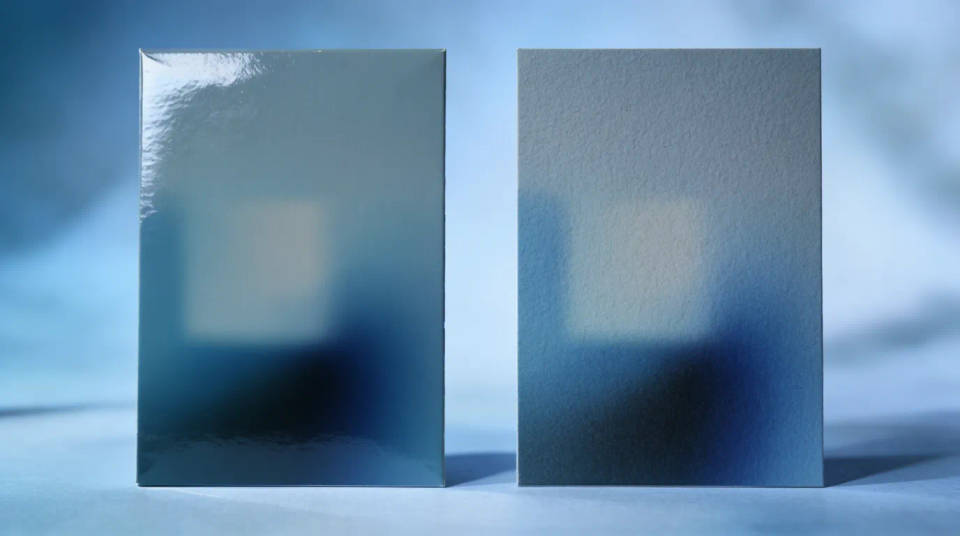
Compare stocks and finishes
A postcard reads differently on a glossy coated card and a thick uncoated stock, and the edge and corner change the feel. Stage your design across a couple of finishes, matte, gloss, rounded corners, and judge the sheen and the weight before you order, rather than waiting on a physical proof.
Prompt examples
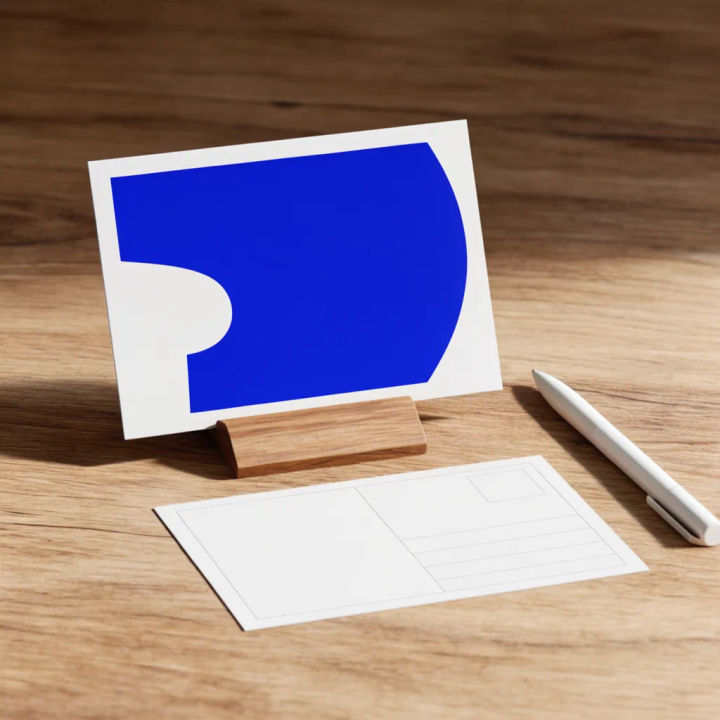
Front and back on a desk
Show my uploaded front and back postcard on a wooden desk beside a pen, soft daylight, thick stock
Edit prompt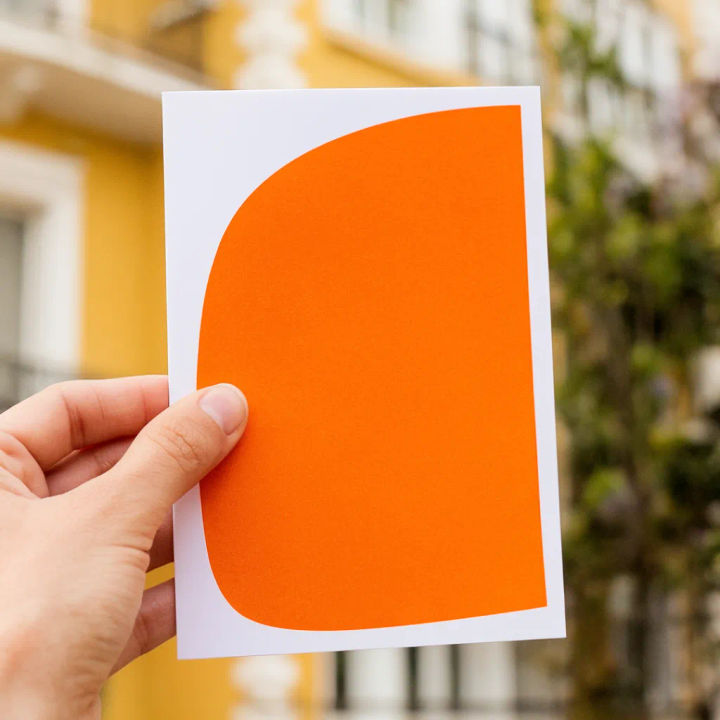
Held to camera
A hand holding up my postcard front against a softly blurred travel backdrop, warm light
Edit prompt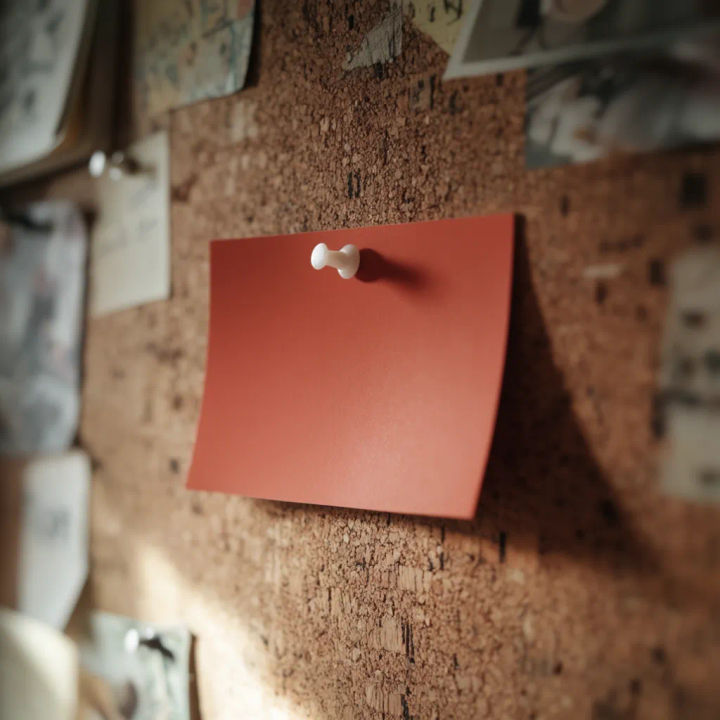
Pinned to a board
My postcard pinned to a cork board among notes, gentle side light casting a soft shadow
Edit prompt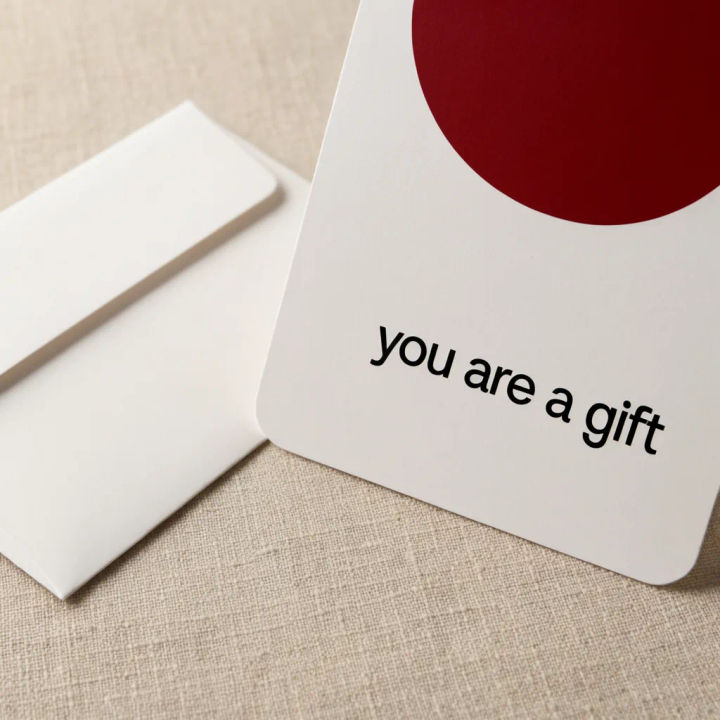
With envelope
My greeting card leaning on an envelope on a linen surface, rounded corners, cozy warm light
Edit prompt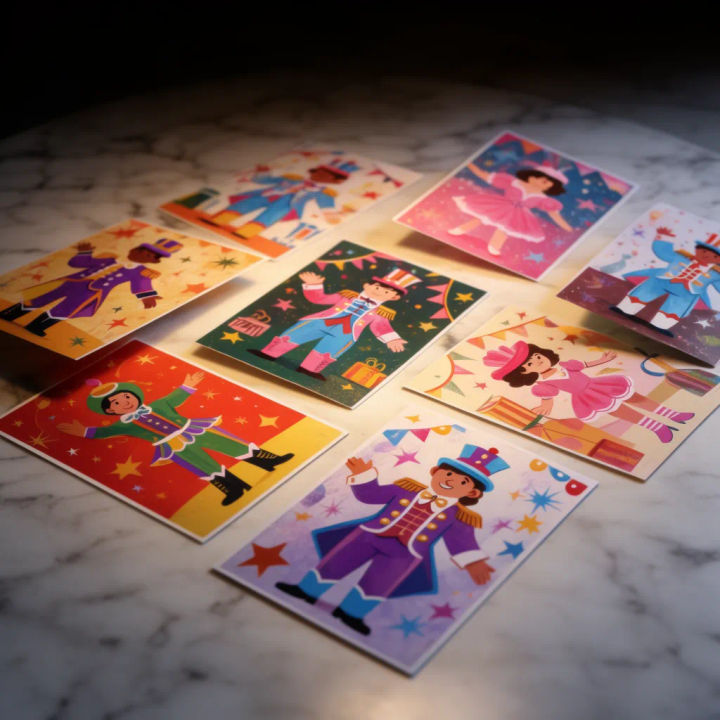
Scattered set
Several of my postcards scattered on a marble table at slight angles, clean daylight from above
Edit prompt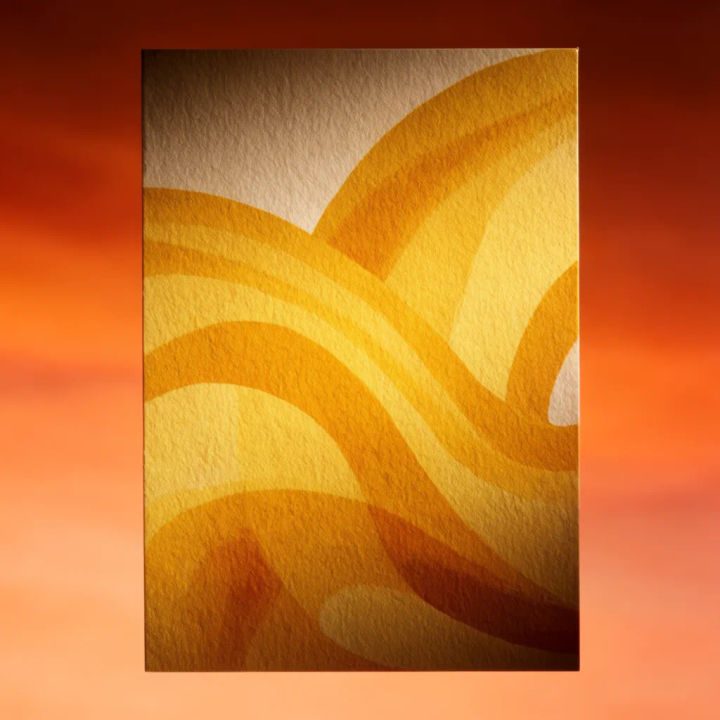
Message side detail
Close up of my postcard back with the message and stamp area, uncoated stock, soft raking light
Edit prompt
Title sequence
Generate a professional film title card from scratch, with optional cinematic animation.

Cinematic storyboard
Share a scene description with character references. Get a full storyboard with shot angles and mood.

Messages to cinematic scene
Dramatize any text conversation into a cinematic multi-shot video.

3x3 storyboard
Feed in a single image. Get 9 cinematic beats laid out as a 3x3 storyboard grid.

Chibi sprite animation
Turn any photo or description into an animated chibi sprite. Dance, jump, wave, attack, and more.

Expressions
Take any character image and generate 6 distinct facial expressions on a single reference sheet.
All on Morphic
Models
Nano Banana 2, Flux 2 Pro, ChatGPT Images, Grok Imagine, Recraft, Seedream, and more. Swap models when a paper edge or a finish needs a cleaner render.
Invitation mockup generator
The event stationery companion. Style an invitation with its envelope and table setting.
Brochure mockup generator
Step up from a single card to a folded piece, shown open, folded, and in hand.
Image to image
Place, restyle, and rebuild any photo from a reference, the same method that sets your card in the scene.
